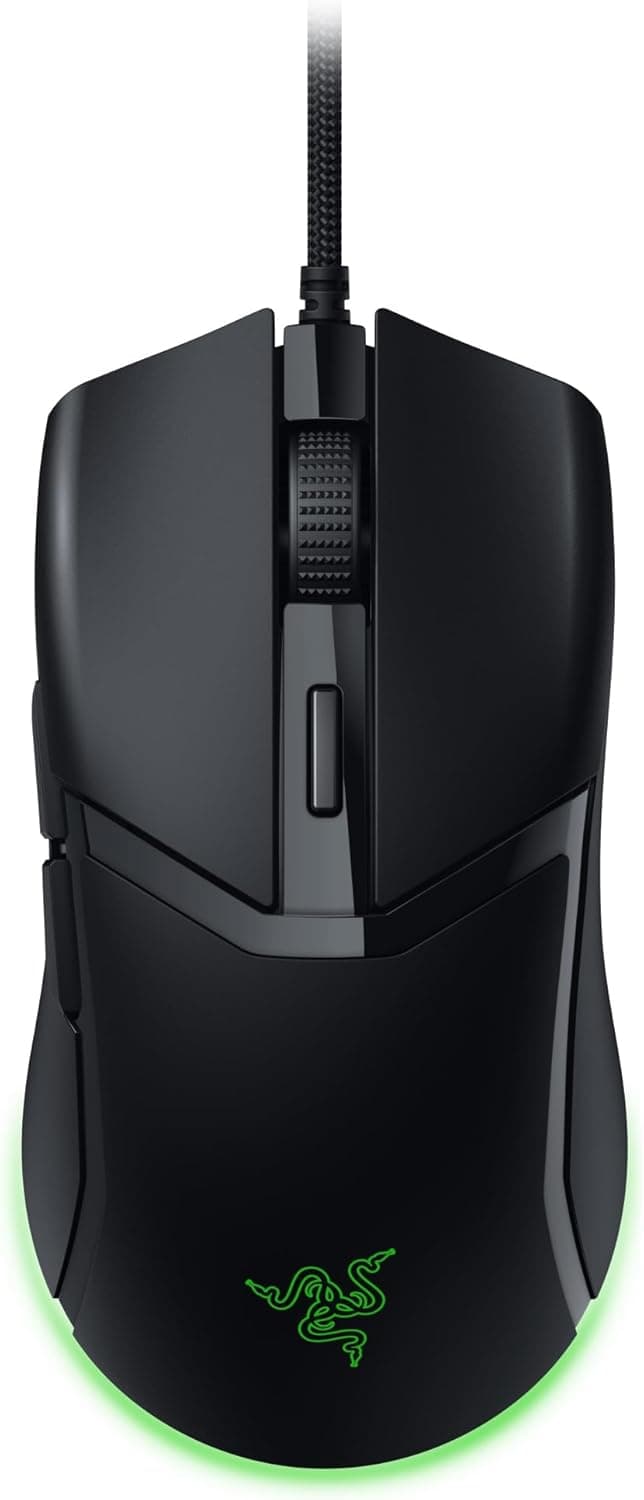
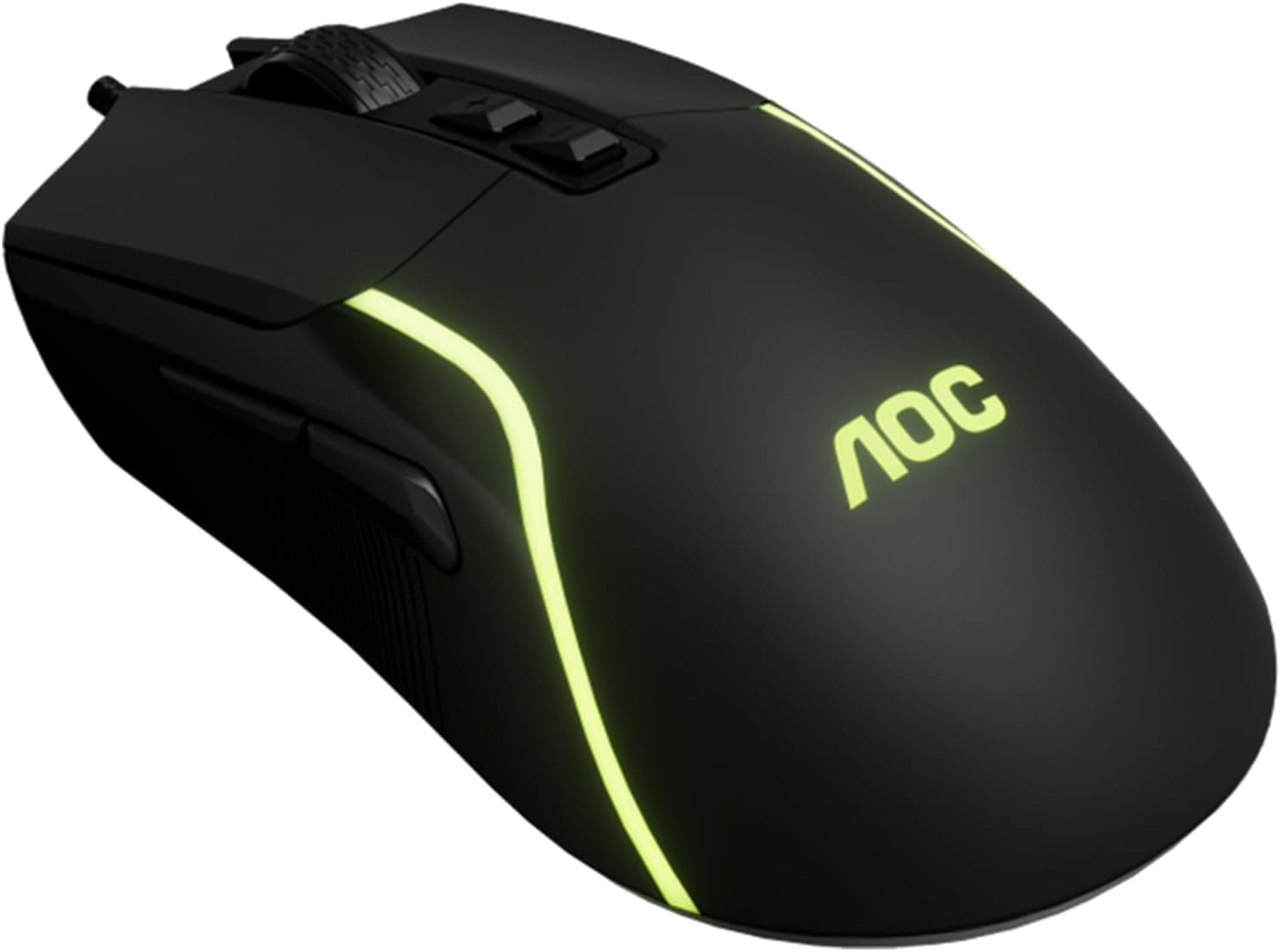
The product covered here — Razer Orochi V2 Mobile Wireless ゲーミングマウスマウス用交換用ケーストップケースマウスシェルマウスハウジング (ブラックトップシェル) — is not a mouse. It is a standalone replacement top cover for one specific mouse, sold for people whose Orochi V2 still works but whose shell has gone shiny, sticky, or cracked.
Overview
This is a third-party top shell from HUYUN that replaces the entire upper housing of the Razer Orochi V2, including the left/right click surfaces and the scroll wheel cutout. It comes in black only, is listed as ABS plastic (estimated), and weighs roughly 10g (estimated).
The Orochi V2 is a compact wireless mouse powered by a single AA or AAA cell and is often carried in a bag, which is exactly the usage pattern that wears down a coated plastic shell.
The honest verdict up front: this part is not for everyone. It was ¥4,535 as captured on 2026-07-25 and ¥4,404 on Amazon.co.jp as captured on 2026-09-10 — both captured-at-that-moment figures that move with stock and sales.
That is a meaningful fraction of what a whole Orochi V2 costs, so the purchase only makes sense when the shell is genuinely the only broken part.
The score is high, but five ratings is far too small a sample to tell you anything about molding consistency. Treat it as weak evidence, not a guarantee.
Compatibility Guide
The only supported device is the Razer Orochi V2 Mobile Wireless Gaming Mouse. The compatibility notes state this explicitly: designed exclusively for the Orochi V2, not compatible with any other mouse.
Similar-looking small mice — including other Razer models — will not accept it, because clip positions and button-plate geometry differ between designs.
| Check | What to look at | Failure mode |
|---|---|---|
| Model ID | Bottom label says Orochi V2 | Clips won't seat; shell sits proud |
| Feet | Screws hidden under mouse feet | Peeled feet lose adhesion |
| Clip order | Pry front to back, slowly | Snapped clips, permanent rattle |
| Battery bay | Terminal wiring near upper shell | Torn battery leads — the common accident |
| Click contact | Shell nubs over the switches | Heavy or non-returning clicks |
The swap is purely mechanical: no soldering, no drivers, no re-pairing required in principle, and your Synapse profiles carry over. Still, do not take "tool-free" literally — a thin plastic pry tool, a pick for the feet, and possibly a precision driver make the job far safer.
Remove the battery first and avoid touching the PCB or battery terminals.
On wireless performance: the Orochi V2's HyperSpeed and Bluetooth radios live on the main board, so a shell change alone should not affect range or latency. Damage done during disassembly can.
Re-pair and test after reassembly.
Product Info
Published specs: product type is a mouse top shell replacement; compatible model is the Razer Orochi V2 Mobile Wireless Gaming Mouse; color is black; material is ABS (estimated); weight is about 10g (estimated). Note that both material and weight are marked as estimates — there is no promise that stiffness or mass matches the OEM shell exactly, which matters if you count grams.
Check the retailer's page for the latest price.co.jp as of 2026-09-10 (ASIN B0D5865WCT).
That is a drift of about 130 yen over roughly six weeks — no wild swings, but low-volume repair parts can spike when stock runs out, so check the live listing before buying. The eBay entry resolves only to a search page with no captured price, so no overseas street price is claimed here.
What's in the box: one top shell. No screws, no tools, no manual.
As a third-party part it carries no clear manufacturer warranty; for defects you are relying on the retailer's return policy. Positionally, it sits between an official repair and buying a new mouse.
Best Use Cases
- Shell-only wear — sensor, switches and wireless all fine, but the surface has gone tacky or glossy. This is the ideal case.
- A cracked top cover after a drop — a cracked shell shifts the click pivot and causes misclicks; replacing it genuinely fixes that.
- People comfortable opening devices — if swapping keyboard switches doesn't scare you, this is a 10–20 minute job.
- Keeping a backup mouse alive — extending a travel or secondary Orochi V2 without buying another one.
Before You Buy
1. The price is heavy relative to the mouse. At ¥4,404–¥4,535 as captured, this is not a cheap accessory.
If the mouse also chatters, double-clicks, tracks oddly, or eats batteries, a new shell fixes none of that — replace the mouse instead. Confirm the housing is your only complaint.
2. Disassembly risk is yours. Once you open it, assume any remaining warranty is gone.
Because the Orochi V2 runs on a single cell, battery terminal wiring sits close to the upper shell and is the most commonly torn item during a rushed pry. Work front to back.
If you must peel the feet, buy replacement feet at the same time — peeled feet rarely re-stick well.
3. It is not identical to OEM. With material listed as estimated ABS, surface texture, matte level, and black tone may differ subtly from the original.
Click feel can also shift slightly if the shell nubs sit differently over the switches. If reproducing the exact stock feel is critical to you, this is the wrong part.
4. A 4.7 average from five ratings cannot tell you about unit-to-unit variance.
Inspect clip fit and click feel the moment it arrives, while a return is still possible.
5. Don't trust listing metadata blindly. This is a HUYUN aftermarket part, not an official Razer component, and listings for parts like this sometimes carry wrong manufacturer, seller, or fitment fields.
Verify with the product photos and title that the shape matches your own Orochi V2, and check whether you're getting the top shell only — per this data, one top shell is all that's included.
Alternatives Worth Weighing
There are really three responses to a worn Orochi V2. Grip tape costs far less and needs no disassembly, but it cannot fix cracks and changes the look.
This replacement shell fixes physical damage but costs real money and requires opening the mouse. Buying a new mouse is the right answer once switches or sensor behavior are also suspect.
Rule of thumb: cracked or chipped → replacement shell; merely slick or sticky → grip tape first; clicks or tracking misbehaving → replace the mouse, and shop the current lightweight wireless field.
What the Job Actually Looks Like
Budget 10–20 minutes. Remove the battery, check the feet and screws, lift the clips front to back, raise the upper shell without straining any wiring, then align the new shell and press it home starting at the front.
Afterwards, test left click, right click, wheel click, wheel scroll, and both side buttons before declaring victory. Any sponginess usually means a clip that never seated.
FAQ
Q. Are tools really unnecessary? A.
Officially yes, practically no. A thin plastic pry tool prevents the edge scarring a metal driver guarantees.
Q. Will it fit other mice?
A. No. It is specified for the Razer Orochi V2 Mobile Wireless Gaming Mouse only.
Q. Does it make the mouse lighter? A.
Don't count on it. It's a like-for-like replacement at roughly 10g (estimated), not a lightweight honeycomb shell.
Q. Is there a warranty? A.
No clear manufacturer warranty; defects fall under the retailer's return policy, and self-disassembly undermines any coverage on the mouse itself.
Q. Any effect on wireless or battery life? A.
Not from the shell itself. Only from damage inflicted during the swap — so re-pair and check battery contact afterwards.
Q. Are other colors available?
A. Black only. Painting or grip tape are the alternatives if you want a different look.
Product Disclosure (Amazon)
- Manufacturer: HUYUN
- Seller: Amazon US
- Fulfilled by: Amazon US
- ASIN: B0D5865WCT
- Note: This article covers a manufacturer-made product based on Amazon listing details.