Overview
The Philips SPK6528 is a wireless keyboard and mouse bundle built around quiet operation. The model identifier appears as SPK6528 in the product data, while the listing name also uses SPT6528W. Both the key presses and the mouse clicks are designed to stay subdued, which makes the set a reasonable fit for shared rooms and open offices.
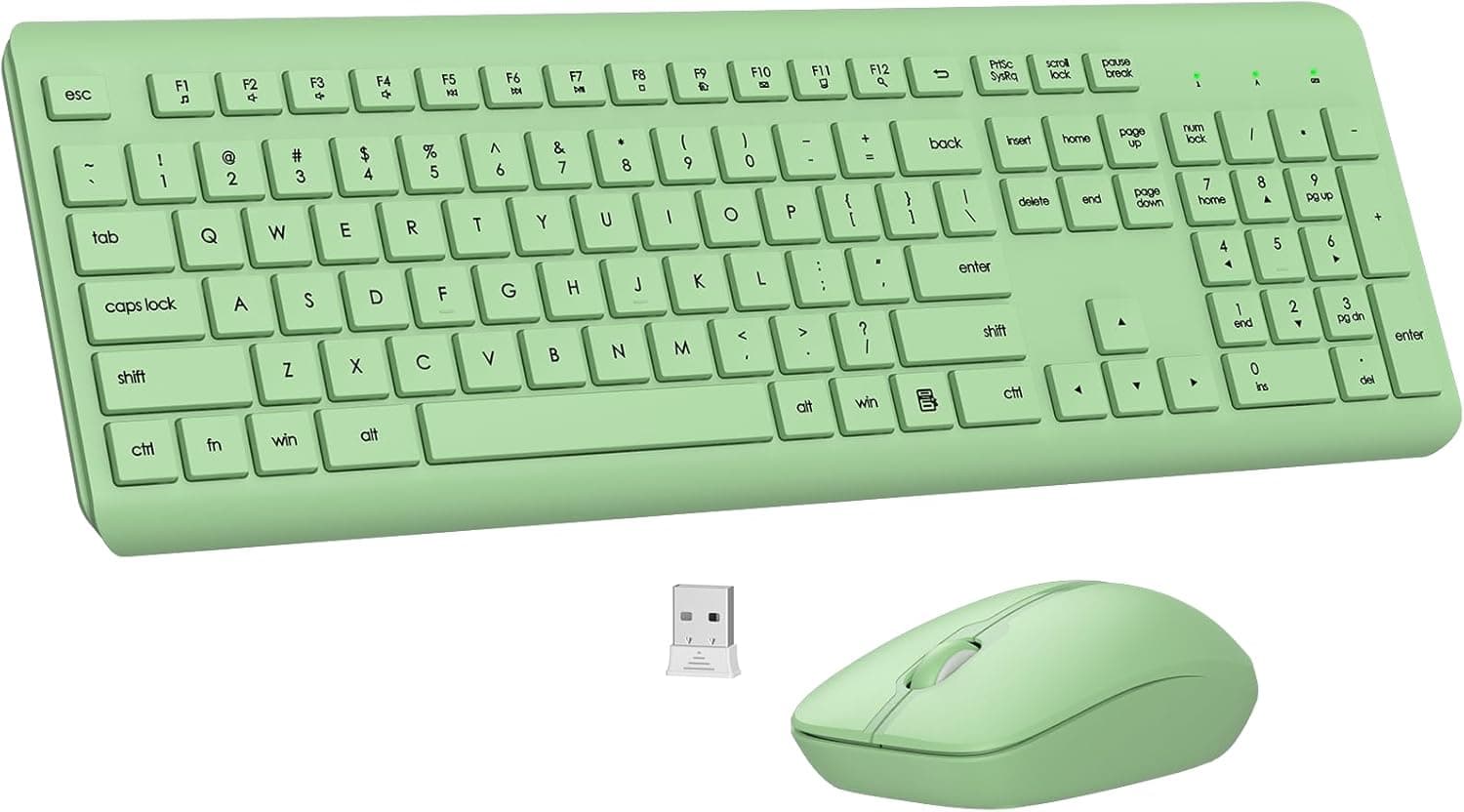
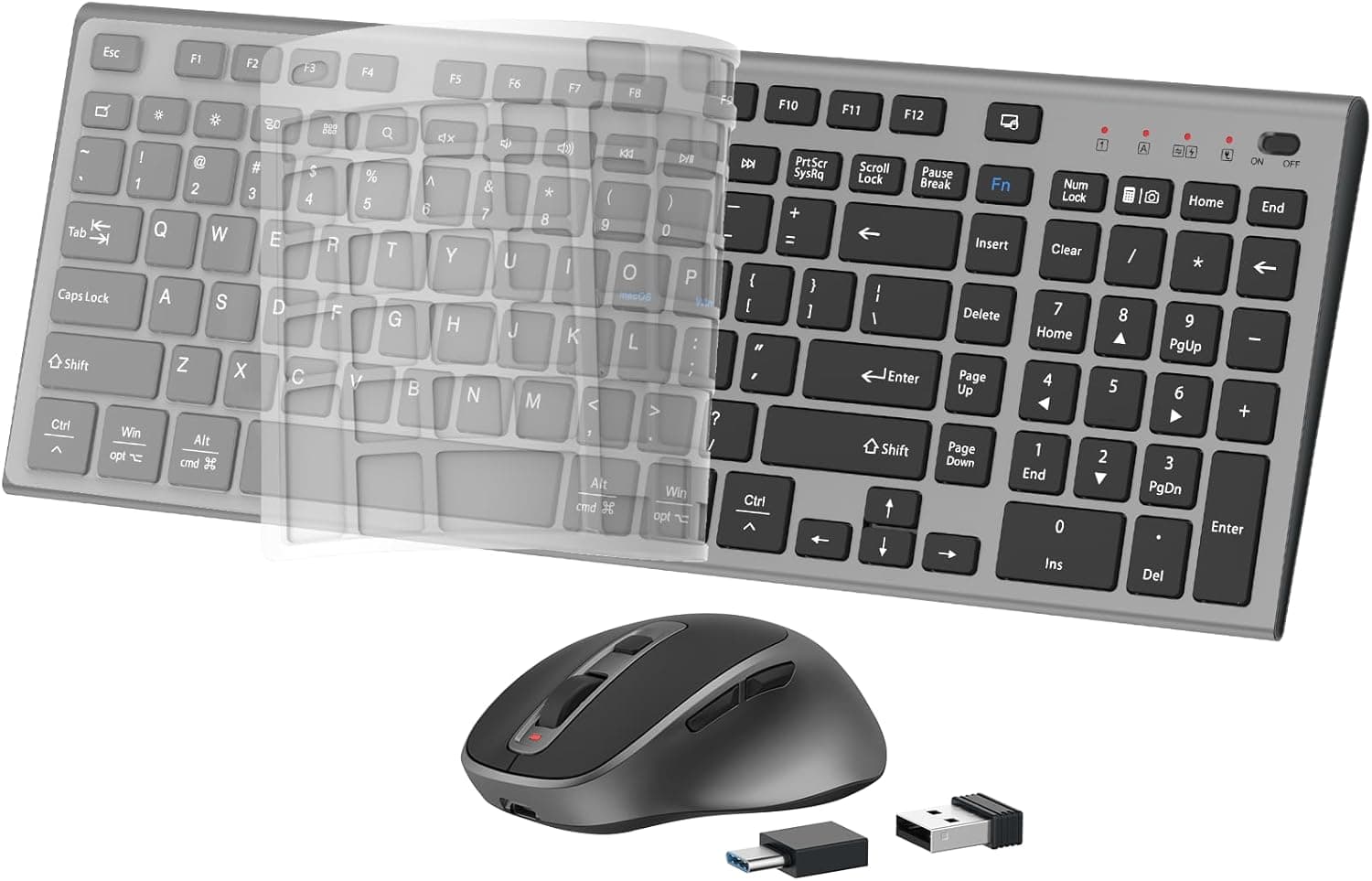
The keyboard is a full-size Japanese-layout board with a numeric keypad and a palm rest along the front edge. Connectivity runs over either a 2.4GHz wireless link or Bluetooth. In 2.4GHz mode, a single bundled USB receiver handles both the keyboard and the mouse, so only one USB-A port is occupied.
Power comes from batteries rather than an internal cell: the keyboard and the mouse each run on one AA battery. That means you can start typing without waiting for a charge. Positioned toward the entry end of the market, the SPK6528 targets buyers who want quiet, practical input hardware rather than enthusiast features.
Compatibility Guide
Windows and macOS are both supported, and an OS-specific mode switch is provided. Media keys such as volume control are available. On macOS, however, some shortcut keys and the calculator key do not function.
Setup differs by connection type. For 2.4GHz, you plug the bundled receiver into a USB-A port and no dedicated driver installation is required. Because only one port is used, the set suits laptops with a limited port count. For Bluetooth, the keyboard and the mouse are paired separately, which is the better route if you want to keep a USB port free.
The full-size Japanese layout lines up naturally with JIS-style Japanese input environments. If your desk is tight, note that this is a wide board with a palm rest rather than a compact design.
Product Info
The keyboard includes a numeric keypad, arrow keys and editing keys in a full-size Japanese layout. The palm rest supports the wrists during longer typing sessions, which helps with document work and data entry.
The mouse is shaped for right-handed use, with a contour that follows the palm and side grips for stability. Pointer speed cycles through three DPI steps of 800, 1200 and 1600 via a button, letting you tune movement for fine cell selection or broader on-screen travel.
Each device runs on a single AA battery, and two batteries are included. An auto-sleep function engages after roughly ten minutes of inactivity to limit drain. In the market, this sits in the entry-to-mid range: a quiet, practical bundle for office and home-office work rather than a gaming-first product.
Best Use Cases
- Home-office workers in quiet rooms or shared family spaces: the subdued key and click noise keeps typing and clicking from carrying, though people who want a pronounced mechanical feel should look elsewhere.
- Office staff who live in spreadsheets: the full-size Japanese layout with a numeric keypad and palm rest suits long sessions of number-heavy entry, while anyone short on desk space should pick something smaller.
- Laptop owners with few free ports: one receiver covers both devices in 2.4GHz mode, so peripherals can share a single USB-A slot.
Things to Consider
Quiet switches trade some tactile feedback for silence, so the key feel can come across as shallower than a crisp mechanical board. Buyers who prioritize a distinct click should weigh that before committing.
No polling-rate or low-latency figures are published for this set, and the maximum DPI of 1600 leaves little headroom for fast cursor sweeps across high-resolution displays. Competitive players chasing response speed are better served by a dedicated gaming keyboard and mouse.
Also keep in mind that some macOS shortcuts and the calculator key are unavailable, and that the battery-powered design rules out wired, always-charged operation.
FAQ
Q: Can one USB receiver connect both the keyboard and the mouse?
A: Yes. In 2.4GHz mode, the bundled receiver plugs into a USB-A port and links both devices, with no dedicated driver installation needed.
Q: Should I use Bluetooth or 2.4GHz?
A: If you can spare one USB-A port, 2.4GHz is the simpler path. Choose Bluetooth when you want to keep the port free, but expect to pair the keyboard and mouse separately the first time.
Q: Does it work with a Mac?
A: macOS is supported and an OS mode switch is included, though some shortcut keys and the calculator key are not available on that platform.
Product Disclosure (Amazon)
- Manufacturer: PHILIPS
- Model: SPK6528
- ASIN: B0HDN9TR6D
- Note: This article covers a manufacturer-made product based on Amazon listing details.