Overview
The Philips SPT6528B is a wireless bundle that pairs a quiet keyboard with a quiet mouse, sold as a single set for desk work. The model identifier also appears as SPK6528B in some listings, so check the label on the box if you are matching part numbers. It is aimed at people who want a calmer desk rather than a flashy one.
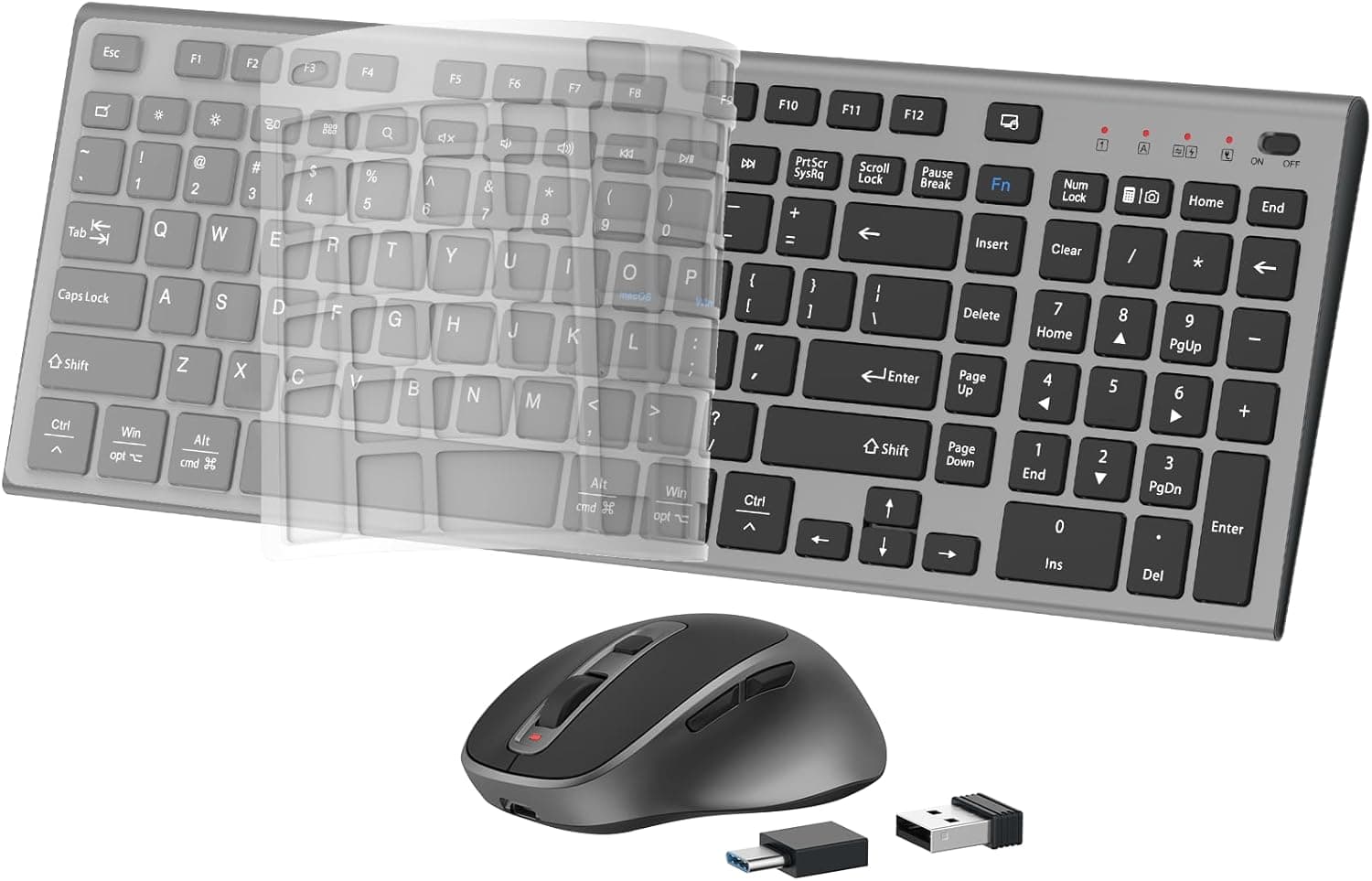
Both the key presses and the mouse clicks are tuned to keep noise down, which matters in a shared office or a room where family members are nearby. The keyboard uses a full-size Japanese layout with a numeric keypad, arrow keys and editing keys, and a palm rest runs along the front edge to support the wrists during long typing sessions.
Connectivity covers two paths. In 2.4GHz mode a single bundled USB receiver links both the keyboard and the mouse, so only one USB-A port is occupied. Bluetooth is also available when you would rather keep the port free. No dedicated driver install is required, and the set runs on one AA battery each, with two batteries included.
Compatibility Guide
Windows and macOS are both supported, and an OS mode switch plus media keys such as volume control are provided. On macOS, some shortcut keys and the calculator key are not available, so Mac-first users should weigh that limitation before buying.
For 2.4GHz operation you need one free USB-A port on the computer. Because the receiver is shared between the keyboard and mouse, there is no swapping back and forth. Bluetooth requires pairing the keyboard and the mouse separately the first time.
Each device takes a single AA battery, and the included pair means you can start typing without waiting on a charge. An auto-sleep function kicks in after roughly ten minutes of inactivity to slow battery drain.
Product Info
At around 6,980 yen, the set sits in the entry-to-mid range, and the value comes from combining quiet operation, a palm rest, a numeric keypad and dual connectivity in one purchase. Buying a separate keyboard and mouse often costs more desk space and more USB ports.
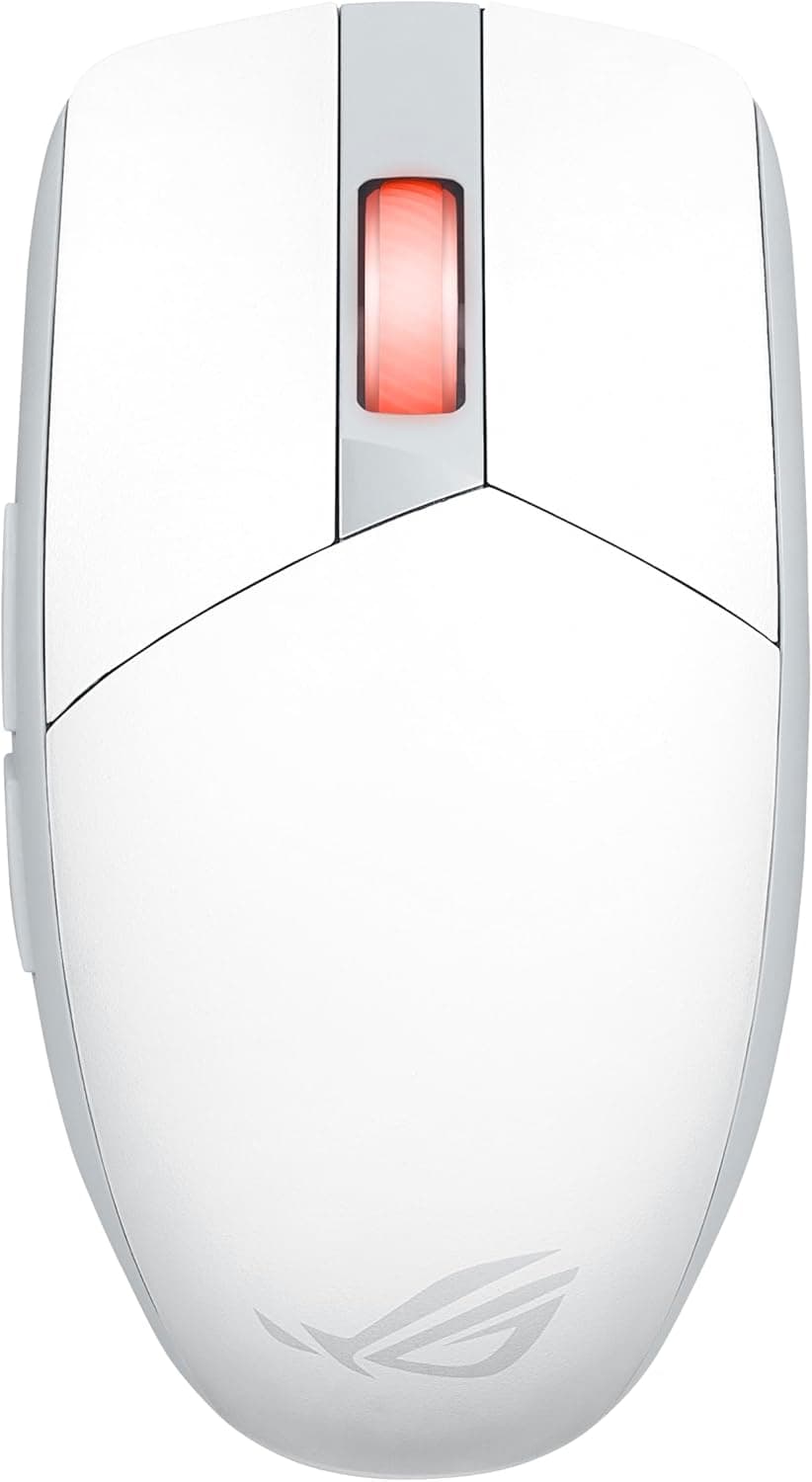
The mouse is right-handed, shaped to follow the palm with side grips. A button cycles through 800, 1200 and 1600 DPI so you can tune pointer travel to the task, from picking out small cells to crossing the screen. The listed dimensions are 430 mm long, 200 mm wide and 20 mm high.
Best Use Cases
- Remote workers in a quiet office or a home with family around: the reduced key and click noise keeps calls and concentration intact, and the palm rest eases long typing sessions. Anyone chasing mechanical feedback or competitive-grade input speed should look elsewhere.
- Clerical and accounting work that lives in spreadsheets and invoices: the full-size layout with a numeric keypad and editing keys covers number-heavy entry, and one receiver serves both devices so cabling stays minimal. People who need a slim, light keyboard to carry around will not want this.
- Laptop owners who want to keep a USB port free: Bluetooth mode removes the receiver entirely, and you can switch back to 2.4GHz when you want a steadier link. Heavy multi-device switchers may find the pairing routine too limited.
Things to Consider
Quiet switches trade some feel for silence. The keys still register a press, but anyone who relies on a crisp mechanical click or a firm bottom-out will find the response light.
On macOS, the missing shortcut keys and calculator key are a real constraint if the set becomes your only input device on a Mac. The right-handed mouse shape is another factor, since left-handed users will be more comfortable with a different product.
Battery power means no charging cable, but also no rechargeable cell, so replacements are part of ownership. The 1600 DPI ceiling is modest for large high-resolution displays where fast pointer sweeps matter.
FAQ
Q: Can the keyboard and mouse be used at the same time?
A: Yes. In 2.4GHz mode the single bundled USB receiver connects both. With Bluetooth you pair each device once.
Q: Does it include a numeric keypad and a Japanese layout?
A: It is a full-size Japanese layout with a numeric keypad, arrow keys and editing keys, plus a palm rest along the front.
Q: Do I need to charge it?
A: No. The keyboard and mouse each run on one AA battery, two are included, and auto-sleep engages after about ten minutes of inactivity.
Product Disclosure (Amazon)
- Manufacturer: PHILIPS
- Model: SPK6528B
- ASIN: B0HDMZV812
- Note: This article covers a manufacturer-made product based on Amazon listing details.