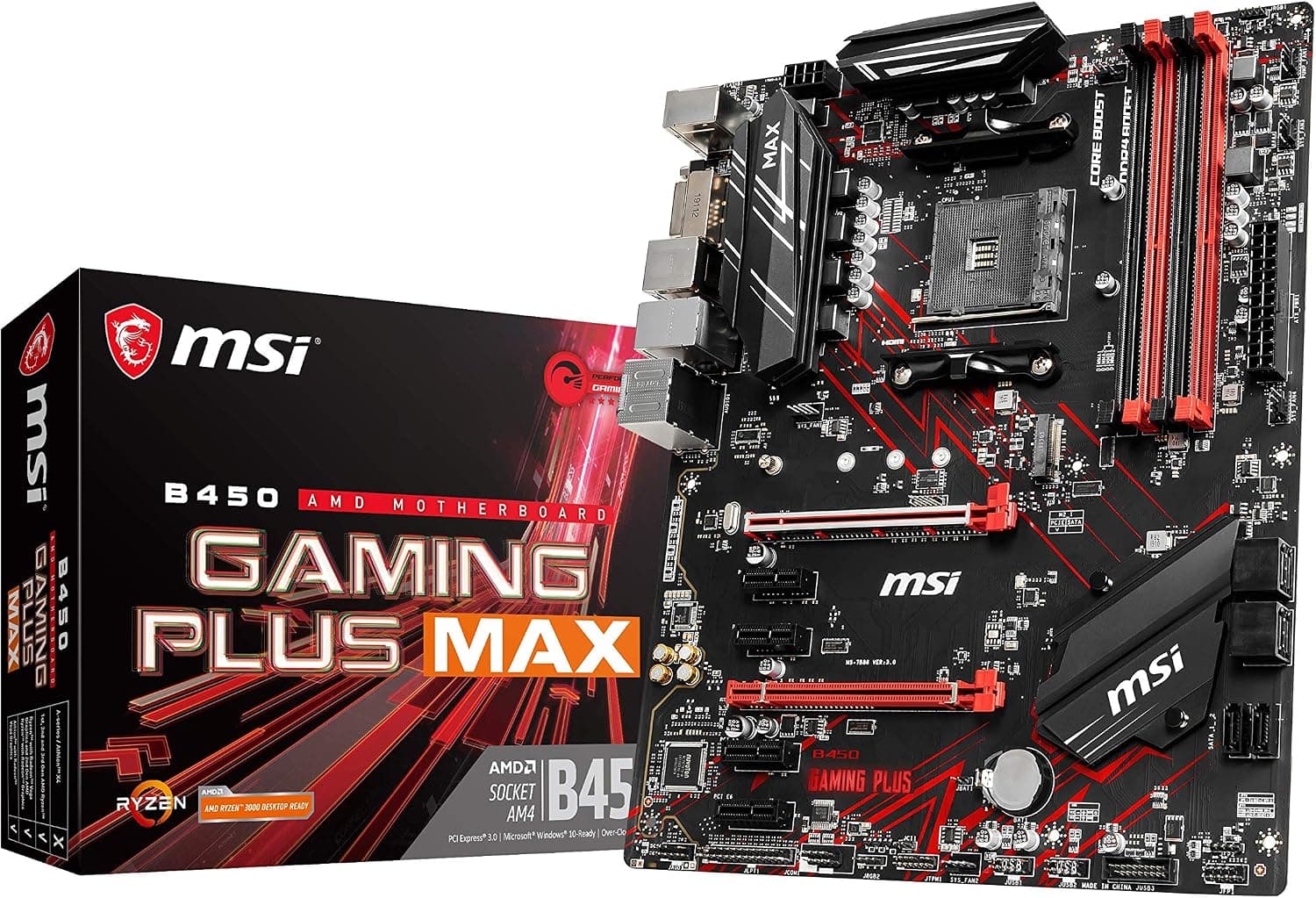
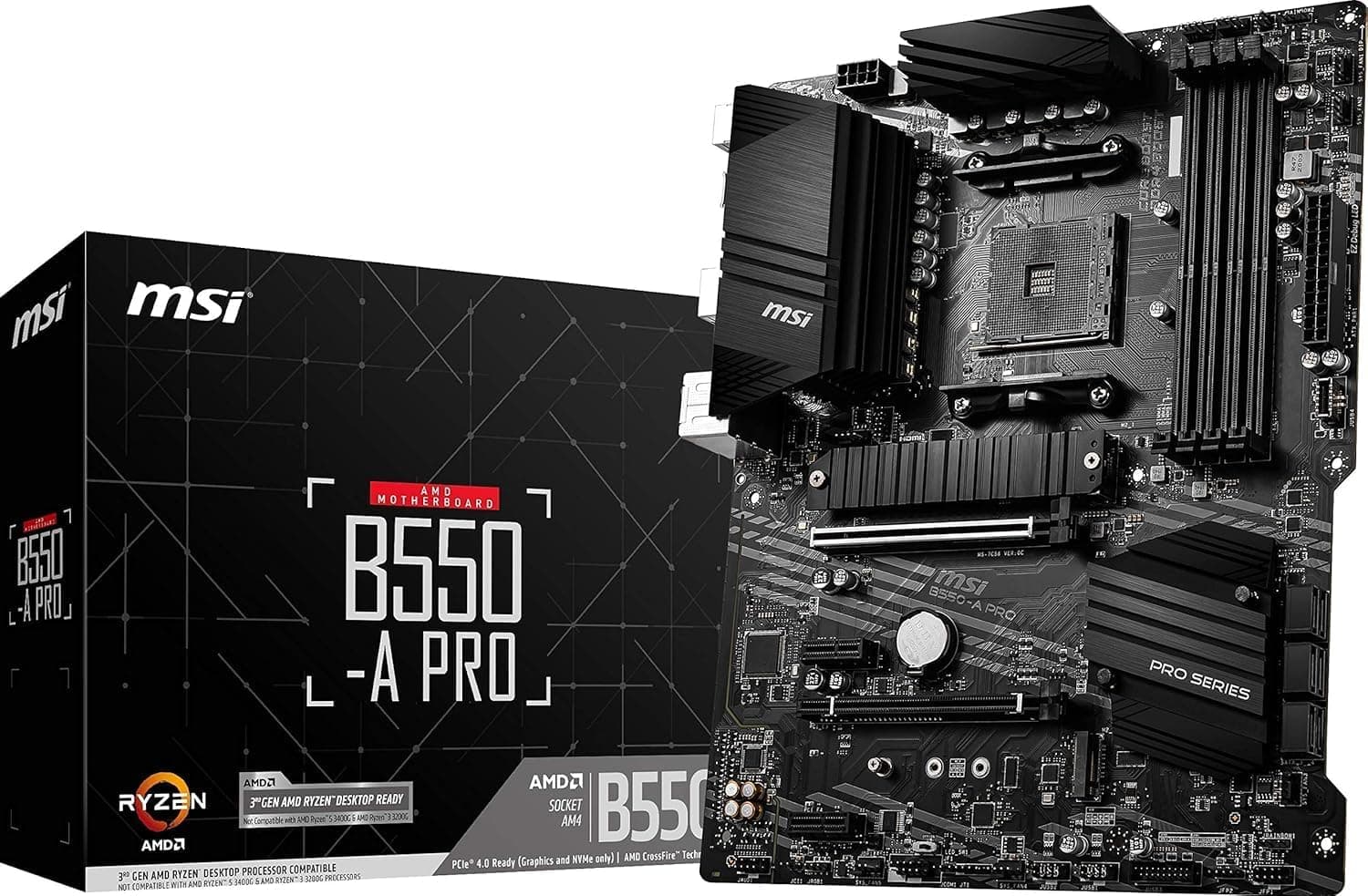
This article covers MSI A520M-A PRO (ソケットAM4.
Overview
The MSI A520M-A PRO is an entry-level Micro-ATX motherboard built for the AMD AM4 socket. It pairs the A520 chipset with DDR4-3200 memory support (up to 64GB) and a compact form factor that fits neatly into small cases. This board has become a go-to choice for budget builders who want a reliable foundation for office PCs or light gaming rigs without spending a fortune.
What makes this motherboard so appealing is its cost-efficiency. Because the AM4 platform still supports a wide range of Ryzen CPUs, including older 3000-series chips and 5000-series models (with a BIOS update), you can source components affordably. The board also includes an HDMI output, which means pairing it with an APU lets you skip a discrete graphics card entirely—perfect for a budget build. For everyday productivity, web browsing, and 1080p gaming at moderate settings, the A520M-A PRO delivers more than enough performance.
That said, this is unapologetically an entry-tier product. Expansion options are limited to a single PCIe x16 slot and one M.2 slot, and there is no PCIe 4.0 support. If you’re building a machine that needs to handle heavy workstation tasks or the latest high-end games at ultra settings, you’ll want to step up to a B550 or X570 board instead. But for the vast majority of casual users, this board represents a smart, low-risk purchase.
Compatibility Guide
This motherboard uses the AMD AM4 socket, which supports a long list of Ryzen CPUs from the 1000-series through the 5000-series (with a BIOS update for newer models). It also works with many Athlon APUs. If you’re planning to use an older CPU, make sure the board has a recent BIOS installed; some units may ship with an outdated version.
Memory support covers dual-channel DDR4 speeds up to 3200 MHz, with a maximum capacity of 64GB (two 32GB modules or four 16GB modules, depending on slot count). For APU users, a dual-channel kit is strongly recommended to maximize integrated graphics performance. The board has a Micro-ATX form factor, so it will fit in most standard cases, from ATX towers to compact MATX enclosures.
Power is delivered via the standard 24-pin ATX main connector plus an 8-pin EPS cable for the CPU. A quality 450W PSU is enough for an office build, but if you later add a mid-range graphics card, aim for 500–600W to be safe. The board offers SATA 6Gb/s ports for storage, and a single M.2 slot (PCIe 3.0 x4) lets you install a fast NVMe SSD. (Please check the exact number of ports on the official MSI page, as specifications may vary by region.)
Product Info
The MSI A520M-A PRO was released in 2020, shortly after AMD introduced the A520 chipset. It is sold worldwide through major retailers, and in Japan you can typically find it for around 6,000–7,000 yen. MSI backs the board with a standard 3-year warranty, though you should confirm the specific terms with your local retailer.
This board sits firmly in the entry-tier segment. Its A520 chipset lacks overclocking support and PCIe 4.0, but it provides all the essential connections a typical budget builder needs: USB 3.2 Gen 1 ports, HDMI, and Realtek LAN. For pricing and feature balance, it’s one of the most competitive A520 options available.
Best Use Cases
Budget Office PC – For spreadsheets, web browsing, and video playback, this board paired with a Ryzen 5 4600G APU is an excellent choice. The built-in HDMI output means you don’t need a separate graphics card, keeping the total cost down. If you don’t plan to game or do heavy rendering, this is all you need.
Light Gaming Rig – If you enjoy eSports titles like Valorant or CS:GO at 1080p, a Ryzen 5 5500 plus a GTX 1660 equivalent will give you smooth frame rates without breaking the bank. This board supports that configuration well, though you should not expect to run the latest AAA games on maximum settings.
Sub-PC or Home Server – The Micro-ATX size makes it ideal for a space-saving second machine or a simple NAS. You can populate it with a few SATA drives and a low-power CPU, and it will run quietly in a small enclosure.
Reuse and Upgrade Enthusiast – If you already own an AM4 CPU or DDR4 memory, this board is a low-cost way to repurpose those parts. It’s also great for budget DIYers who pick up components from the second-hand market. However, if you plan to move to a newer platform (AM5) or need PCIe 4.0, this board is not for you.
Things to Consider
The biggest limitation is expansion: there’s only one PCIe x16 slot and one M.2 slot, so you can’t build a multi-GPU system or install several fast NVMe drives simultaneously. The board also lacks PCIe 4.0, which means you won’t unlock the full speed of the latest SSDs and graphics cards—although in practice the difference is often negligible for everyday tasks.
Another point to note is CPU support. While the AM4 socket gives you a wide range of options, older CPUs like the Ryzen 3000 series may require a BIOS update before they work. Make
Product Disclosure (Amazon)
- Manufacturer: MSI
- ASIN: B08HHMCCXV
- Note: This article covers a manufacturer-made product based on Amazon listing details.