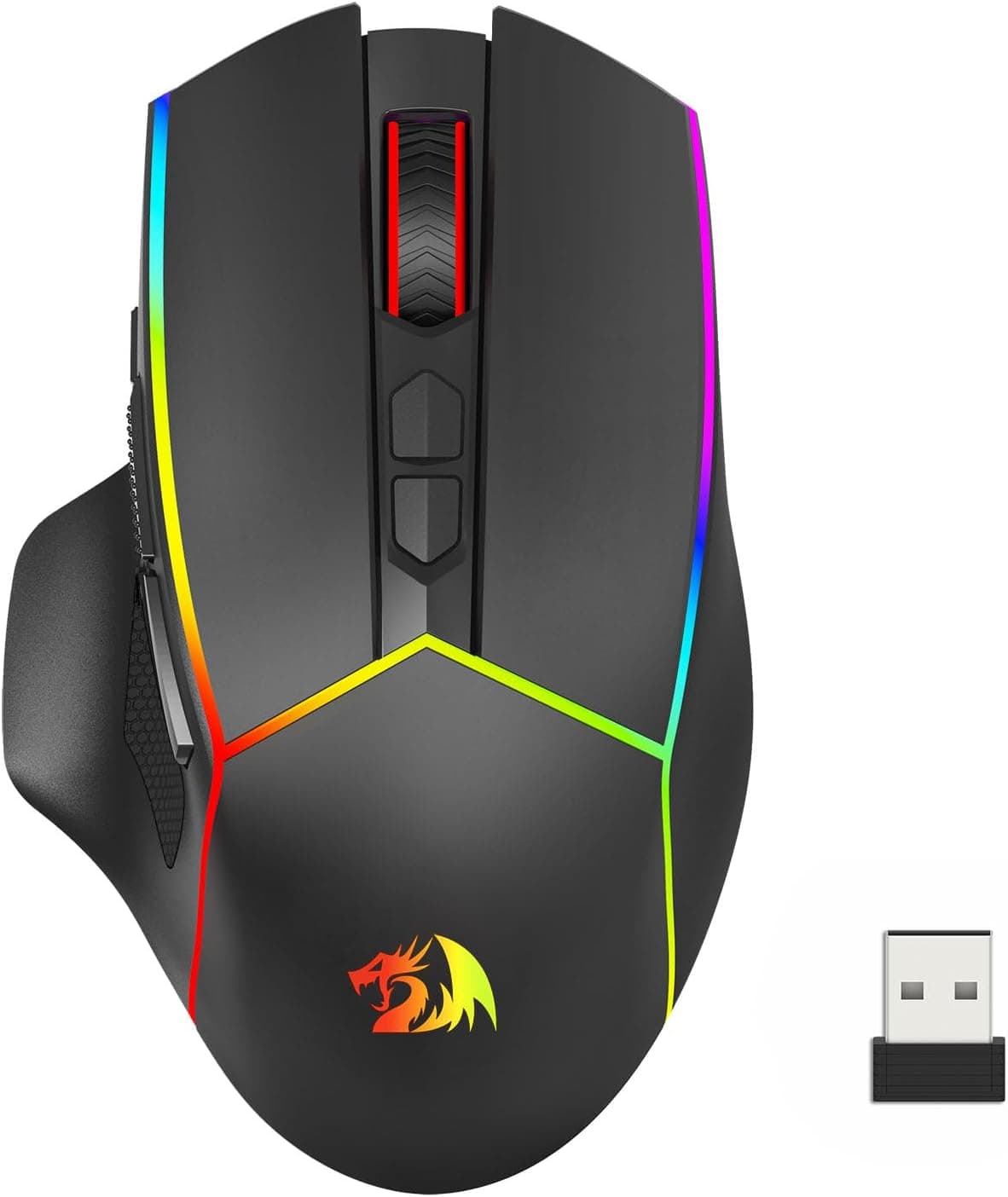
This article takes a close look at the Logicool G G603 — Wireless gaming mouse with HERO sensor and dual connectivity (sold in Japan as 【限定】Logicool G ロジクール G ゲーミングマウスワイヤレス G603, a domestic model with a limited wallpaper download bonus), with a focus on specs and buying decisions.
Overview
Short answer: the G603 is a wireless gaming mouse for people who care most about battery life and two wireless modes, and who can live with some extra weight. It has the HERO optical sensor (up to 12,000 DPI) and a LIGHTSPEED 2.4GHz connection with a 1ms (about 1,000Hz) polling rate, so it is accurate and responsive enough for gaming.
On top of that, two AA batteries are rated for up to 500 hours in HI mode or up to 18 months in LO mode, so you will rarely think about charging.
The catch is weight: 112.3g with both batteries installed.
That is clearly heavy next to the 60g-class lightweight mice that are common today. It suits people who play FPS and MMO titles and also use the mouse for work, and who want one mouse for everything, more than people who grind competitive FPS with fast flicks.
The metal-spring button tensioning keeps clicks consistent, which helps a tool you plan to use for years.
Check the retailer's page for the latest user reviews. It came out in 2017, but that many reviews at that rating show it is still a popular, well-regarded choice.
Compatibility Guide
The G603 supports LIGHTSPEED (2.4GHz, via a USB receiver) and Bluetooth, and you switch between them with a button on the mouse.
Its main strength is moving between two devices: LIGHTSPEED for a gaming PC and Bluetooth for a laptop or tablet. It supports Windows, macOS and Chrome OS, and the Logicool G HUB software lets you remap buttons and adjust DPI.
| Item | Detail | What to consider |
|---|---|---|
| LIGHTSPEED | USB receiver, 1ms | Use this for gaming |
| Bluetooth | Polling rate drops (about 8ms) | Better for work or a second device |
| USB port | Receiver needs one USB-A port | USB-C-only laptops need an adapter |
| Software | G HUB | Check supported OS versions on the official support site |
| Power | 2x AA (also runs on one) | See the rechargeable battery notes below |
If your laptop only has USB-C, you need an adapter or hub to plug in the receiver. Without one you are limited to Bluetooth, and the lower polling rate there is easy to notice in games.
Decide up front: LIGHTSPEED for the gaming machine, Bluetooth for everything else.
If the receiver is plugged into the back of a PC, the case or desk can block the signal and tracking may become unstable. This happens with 2.4GHz wireless mice in general, not just the G603.
If you notice dropouts, the usual fix is a USB extension cable that brings the receiver closer to the mouse.
Product Info
Key specifications:
| Item | Value |
|---|---|
| Sensor | HERO optical |
| Max DPI | 12,000 |
| Wireless | LIGHTSPEED 2.4GHz & Bluetooth |
| Polling rate (LIGHTSPEED) | 1ms |
| Battery life (HI mode) | Up to 500 hours (2x AA) |
| Battery life (LO mode) | Up to 18 months (2x AA) |
| Buttons | 6 (programmable) |
| Weight (with 2x AA) | 112.3g |
| Dimensions | 124.5 x 68.6 x 39.1mm |
On Amazon.co.Check the retailer's page for the latest price.
Check the product page for the current price before buying. If you can wait for it to drop below ¥10,000, waiting is worth it.
The dimensions are listed as W x D x H, but going by the numbers they make more sense as 124.5mm long, 68.6mm wide and 39.1mm tall.
Over 120 mm long and about 40 mm tall is on the large side, and it suits a palm grip where your whole hand rests on the mouse.
You can change the weight by changing the number of batteries. With one AA it reportedly drops to about 89g, which makes it easier to move in exchange for roughly half the battery life.
Where the battery sits also shifts the balance, so try what feels best.
As a Japanese domestic model it gets local support, and the manufacturer warranty is listed as two years. The box contains the mouse, the LIGHTSPEED receiver, two AA batteries and documentation.
The limited bonus in the product name is a wallpaper download and does not change anything about the mouse itself.
Hands-on Considerations
HI and LO modes. The rated 500 hours and 18 months are for the same batteries in different modes.
LO mode puts battery life first, so switch back to HI when you play. Using LO on office-heavy days and HI on gaming days cuts down battery swaps a lot.
Right-handed shape. The G603 has an asymmetric shape made for the right hand and is not comfortable for left-handed use.
It sits steadily under larger hands in a palm grip, but people with smaller hands who use a fingertip grip may find it big and heavy.
Rechargeable batteries. Many people use NiMH rechargeables, but their voltage behaves differently from alkaline cells, so the battery indicator may seem to drop early.
A low reading does not always mean the mouse is about to stop, so use it for a while to learn how long a charge really lasts.
Recommended Users
- People who want one mouse for work and play: connect a gaming PC over LIGHTSPEED and a laptop over Bluetooth, and switch with one button. If you want one less mouse on your desk, this is the main reason to buy it.
- People who hate recharging: when the AA batteries run out, you just swap in spares. No hunting for a cable and no waiting for it to charge.
- Palm grippers with larger hands: 124.5mm long and 39.1mm tall works well with a grip where your palm supports the mouse.
- Players who like a heavier, steadier mouse: 112.3g can help keep your aim steady in MMOs, RPGs and strategy games, where precise cursor work matters more.
Before You Buy
Not for people who want a light mouse. It weighs 112.3g with two batteries and about 89g with one.
If you play competitive FPS with big, fast flicks and are used to a light mouse, the weight will work against you. For that use, a mouse designed to be light from the start will likely satisfy you more.
Bluetooth is not for gaming. Over Bluetooth the polling rate drops to about 8ms.
That is fine for office work but a clear disadvantage in competitive games. If you plan to use only Bluetooth, you lose half of what makes this mouse good.
No RGB lighting and no built-in charging. It is not for people who want lighting or want to charge over a cable.
Over years of use, you also keep paying for batteries.
Right-hand only, and large for small hands. Left-handed users and small-handed fingertip grippers should try one in a store before buying.
Keep track of the receiver. LIGHTSPEED only works with the included receiver.
If you carry the mouse with a laptop, pick a set place to keep the receiver so you don't lose it.
The specs are from an older generation. Because it launched in 2017, some newer high-end mice advertise higher DPI or polling rates.
Still, 12,000 DPI is more than you will ever use in a real game, and for most people the sensor will not hold them back.
**Check the price and the bonus. Some listings may not include the limited wallpaper bonus, so check the listing title and description before ordering.
FAQ
Q. Is it good for FPS? A.
With LIGHTSPEED and HI mode, the sensor and responsiveness are more than enough. What people disagree on is the 112.3g weight, not the performance.
Q. Can I game over Bluetooth? A.
It works, but the lower polling rate makes it a poor fit for competitive games. Use LIGHTSPEED for gaming.
Q. How long do the batteries last? A.
The rating is up to 500 hours in HI mode and up to 18 months in LO mode on two AA batteries. These are best-case figures; real life depends on how you use it and which batteries you use.
Q. Can I make it lighter?
A. With a single AA it reportedly weighs about 89g, with shorter battery life.
Q. Does it work on a Mac?
A. macOS is listed as supported. Check the official support site for which macOS versions G HUB supports.
Product Disclosure (Amazon)
- Manufacturer: Logicool(ロジクール)
- ASIN: B0752GJHQD
- Note: This article covers a manufacturer-made product based on Amazon listing details.