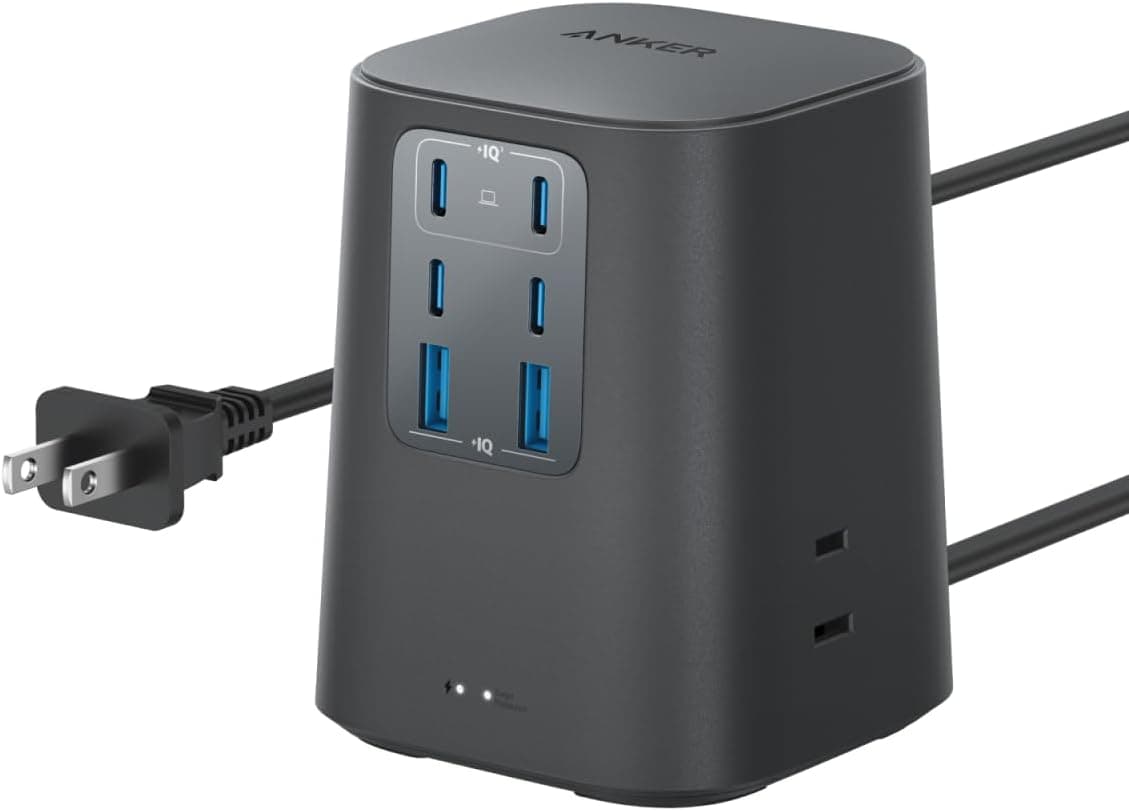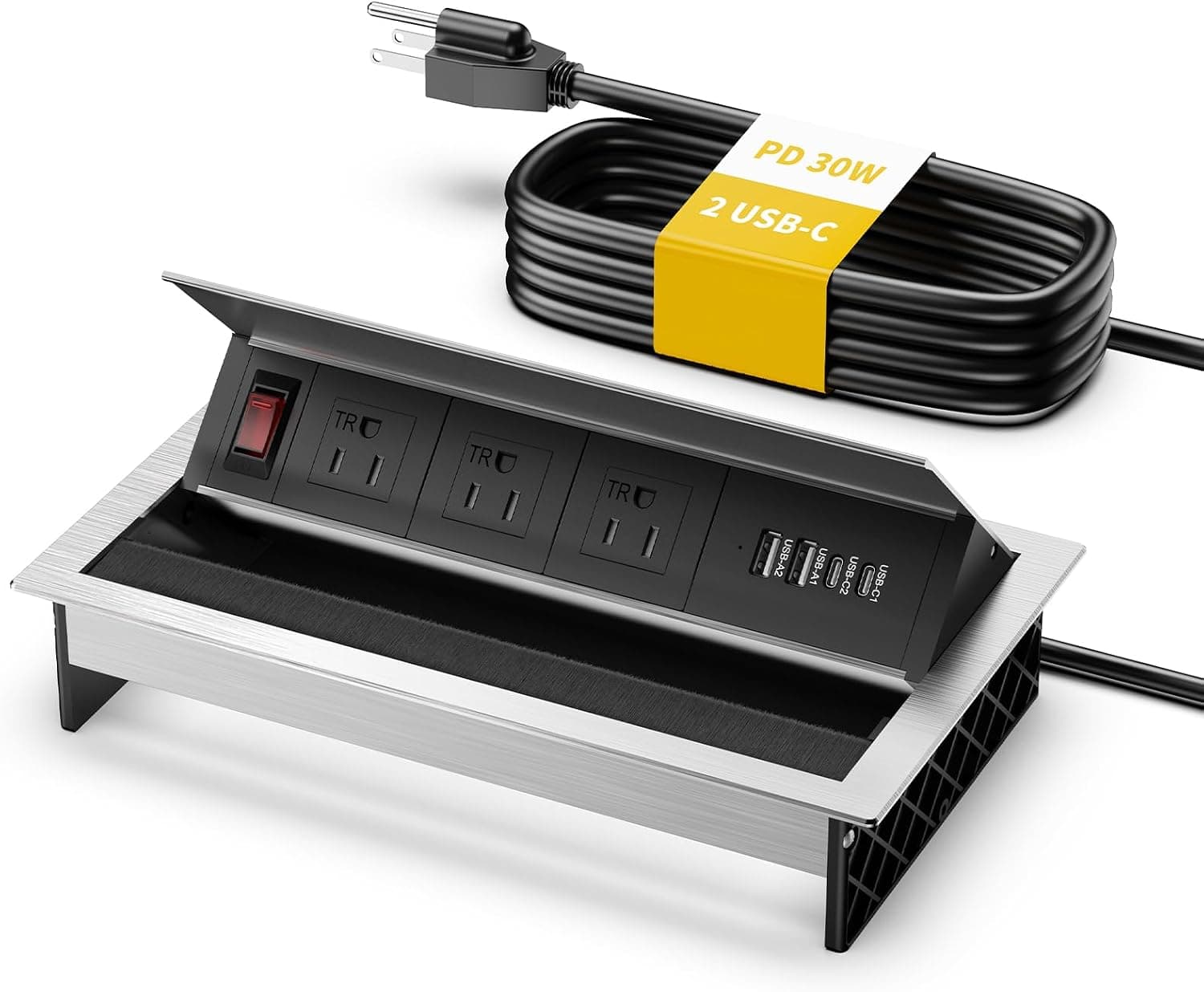
The Kungfuking flush-mount power tap is not a desktop power strip you set down — it is a unit you cut into a tabletop so the power lives inside the furniture. It combines three AC outlets with two 30W USB-C PD ports and two 18W USB-A QC ports, so laptops, tablets and phones can all be served without visible chargers.
Because installation requires cutting the desk, the buying decision is fundamentally different from that of an ordinary strip.
Overview
This is a seven-port flush-mount hub: 3 AC outlets, 2 USB-C, 2 USB-A, housed in a metal casing with rotating outlets and an independent on/off switch. The 1.8m cord is long enough to reach from a tabletop down to a floor socket.
The short verdict: it suits people building out a permanent shared workspace — conference rooms, hot desks, café tables — where multiple people cycle through and need obvious, tidy power. It does not suit renters, or anyone unwilling to cut into their desk.
That single point splits opinion on this product more than anything else.
| Spec | Value |
|---|---|
| AC outlets | 3 |
| USB-C PD output | 30W (2 ports) |
| USB-A QC output | 18W (2 ports) |
| Max AC load | 125V / 12A / 1500W |
| Cord length | about 1.8m |
| Dimensions | 260 x 147 mm |
| Material | Metal casing |
| Rotating outlets | Yes |
| On/off switch | Yes |
Two numbers in that table drive the purchase: the 260 x 147 mm footprint, which effectively dictates the cutout you must make, and the 125V rating, which matters if you are installing in a 100V region such as Japan.
Compatibility Guide
Physically, the 260 x 147 mm body means a rectangular cutout of similar size. A jigsaw or router job in particle board or MDF is realistic, but the plan collapses if the chosen spot sits over an internal support rail, a drawer slide, or the leg frame.
Check the underside before you mark anything, and confirm the recommended cutout dimensions on the product page.
Depth matters too. A flush-mount body drops below the surface, so you need clearance underneath.
If the desk has a drawer or keyboard tray, interference is the classic failure — the drawer no longer closes. The vertical dimension is not included in the data available here, so verify it before cutting.
Electrically, the key figure is the 125V / 12A / 1500W rating, which is a typical North American (NEMA) spec. Running a 125V-rated unit on a 100V supply is workable in principle, but if you intend to use it permanently in Japan, check the product page for PSE certification. This is a device that stays energised inside furniture, so it is not the place to compromise.
Keep total AC load well under the rating: monitors, docks and laptop adapters are fine; kettles and space heaters are not.
The USB side is straightforward. 30W PD covers thin-and-light laptops, tablets and phones comfortably.
18W QC on USB-A suits phones, controllers and headsets. But 30W is short of what 45W, 65W or 100W laptops expect — typically the machine charges very slowly, or not at all while under load.
If you use a 15-inch class work laptop, plan on plugging its original adapter into one of the AC outlets.
Combined output across all USB ports is not published. Multi-port chargers generally reduce per-port output when several ports are in use, so assume you will not see full rated figures with all four occupied.
Product Info
Check the retailer's page for the latest price. For a flush-mount unit with a metal housing, USB-C PD and a switch, that sits mid-range — neither a bargain nor expensive.
Power products swing a lot during sales, so treat this as a snapshot and check the current listing.
Check the retailer's page for the latest user reviews. The score is strong, but 33 is a small sample. You cannot read early-failure rates or long-term durability from that many reviews.
Read it as "a newer product with few complaints" and plan to test the unit yourself within the return window.
Warranty length should be confirmed on the listing. Seller and fulfilment details may appear inconsistent between regions, so check shipping times and return terms before ordering.
Alternatives Compared
There are three ways to add power to a desk: flush-mount units like this one, clamp-on or under-desk strips, and ordinary free-standing strips.
Flush-mount wins on appearance and on clarity — in a conference table, everyone can see where power is, and nothing catches on cables. Its drawback is that it is irreversible; a cut tabletop stays cut.
Clamp and under-desk strips need no modification and can be moved, but power ends up at the edge or underneath, which is awkward from some seats. Free-standing strips are cheapest and most flexible, at the cost of a visible box and cables.
The real trade-off is irreversibility versus finish. If you are unsure, run an under-desk strip first and switch to flush-mount once your layout has settled.
Installation and Common Mistakes
The sequence is: choose the position, check underneath for rails and slides, mark the cutout, cut, insert and secure with brackets or screws, then route the cord.
Steps one and three cause most failures. Pick the position by reach, not by visual symmetry — where a seated person can actually touch it, and where documents and laptops will not cover it.
When marking, cutting exactly to body dimensions can leave the unit unable to seat, while cutting too generously leaves gaps the flange cannot hide. Making a cardboard template at full size removes most of this risk.
Cord routing is underestimated. Six feet is plenty from tabletop to floor, but not once you add the horizontal run to the wall socket.
Measure first and plan an extension if needed.
Best Use Cases
- Facilities and IT staff outfitting meeting rooms — power built into each table ends the hunt for a strip under the floor. The metal housing suits high-traffic shared use.
- Remote workers building a permanent desk setup — USB-C PD and AC in one surface removes chargers from the desktop. The more fixed your layout, the better the payoff.
- Café and coworking operators — power at every seat, with fewer trailing cables and trip hazards. The switch makes after-hours isolation easy.
- Anyone comfortable modifying furniture — if you can cut the opening yourself, the value is good.
It is a poor fit if you cannot modify the desk, rent your space, or need high-wattage laptop charging.
Before You Buy
The cut is permanent. A 260 x 147 mm opening is not small, and filling it back in is not realistic.
Do not use this on leased conference tables or landlord-supplied furniture. If you are not confident cutting, paying a carpenter — or choosing a clamp-on model — is often cheaper than a ruined tabletop.
Check the electrical standard. The 125V / 12A / 1500W rating is a North American figure.
On a 100V supply, assume less usable headroom than the label suggests, and confirm on the product page that the unit carries the certification required for continuous domestic use in your country (PSE in Japan). Replacing an embedded unit later is expensive, so do not skip this.
30W USB-C is not a laptop power supply for every laptop. Thin-and-light machines and tablets are fine; gaming or workstation laptops will likely lose charge under load.
Treat AC as the primary path for those.
Surge protection is not documented. Nothing in the available spec mentions surge suppression.
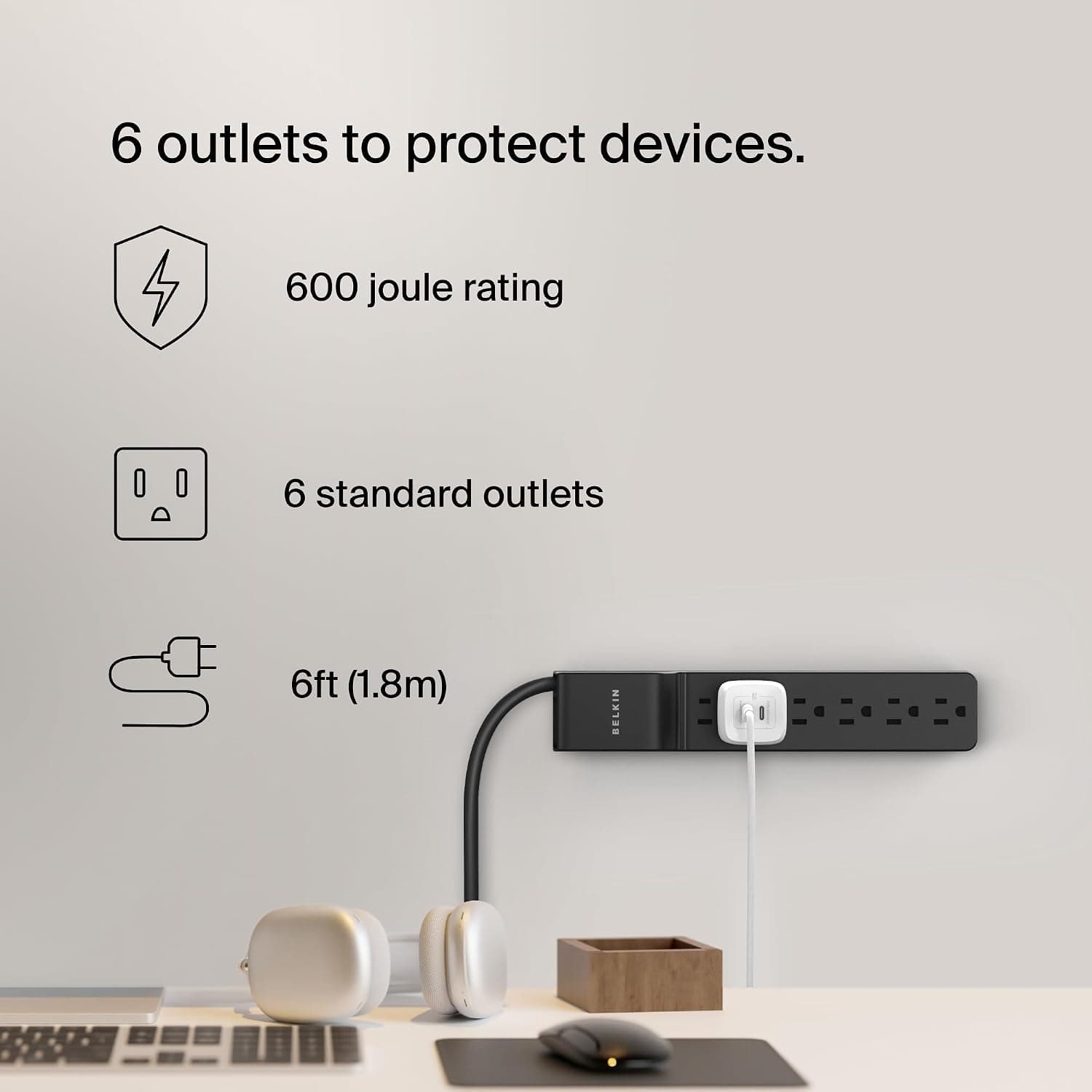
If lightning is a real risk where you live and you plan to connect a desktop PC or NAS, put a surge-protected strip upstream or choose a product that states protection explicitly.
Finally, verify the listing itself. Amazon product pages sometimes carry manufacturer, model or dimension data that does not match the physical item, and seller/fulfilment or price fields can look inconsistent across regions.
Before ordering, cross-check the images, the title and especially the stated dimensions against what you expect — the cutout size is the one number you cannot afford to get wrong.
FAQ
Q. Can I use it on a 100V supply? A.
The rating is 125V / 12A / 1500W, and running a 125V unit at 100V is workable in principle. For permanent domestic use, confirm the required local certification (PSE in Japan) on the listing, and avoid connecting high-draw appliances.
Q. How big a hole do I need? A.
The body is 260 x 147 mm, so a rectangular opening of similar size. Confirm the recommended cutout on the product page and dry-fit a cardboard template before cutting.
Q. Will it charge a 65W or 100W laptop over USB-C? A.
USB-C tops out at 30W PD, so larger laptops may not keep up under load. Use the AC outlets with the original adapter instead.
Thin-and-light laptops and tablets are fine.
Q. Do all four USB ports deliver full output at once? A.
Combined output is not published. Multi-port designs usually reduce per-port output when fully loaded, so assume less than the rated figures with everything connected.
Q. Does it include surge protection? A.
The published specification does not mention it. Add a surge-protected strip upstream if you need that protection.
Q. Is it suitable for a rental? A.
Not for furniture you must return in original condition, since a permanent cutout is required. On your own desk it is fine — just accept that the change is irreversible.
Product Disclosure (Amazon)
- Manufacturer: Kungfuking
- Seller: Amazon US
- Fulfilled by: Amazon US
- ASIN: B0GTTTLZ5R
- Note: This article covers a manufacturer-made product based on Amazon listing details.