This article covers j5create デュアル HDMI キャプチャーボード USB-C接続 最大1080p60Hz録画・配信対応 PIP.
Overview
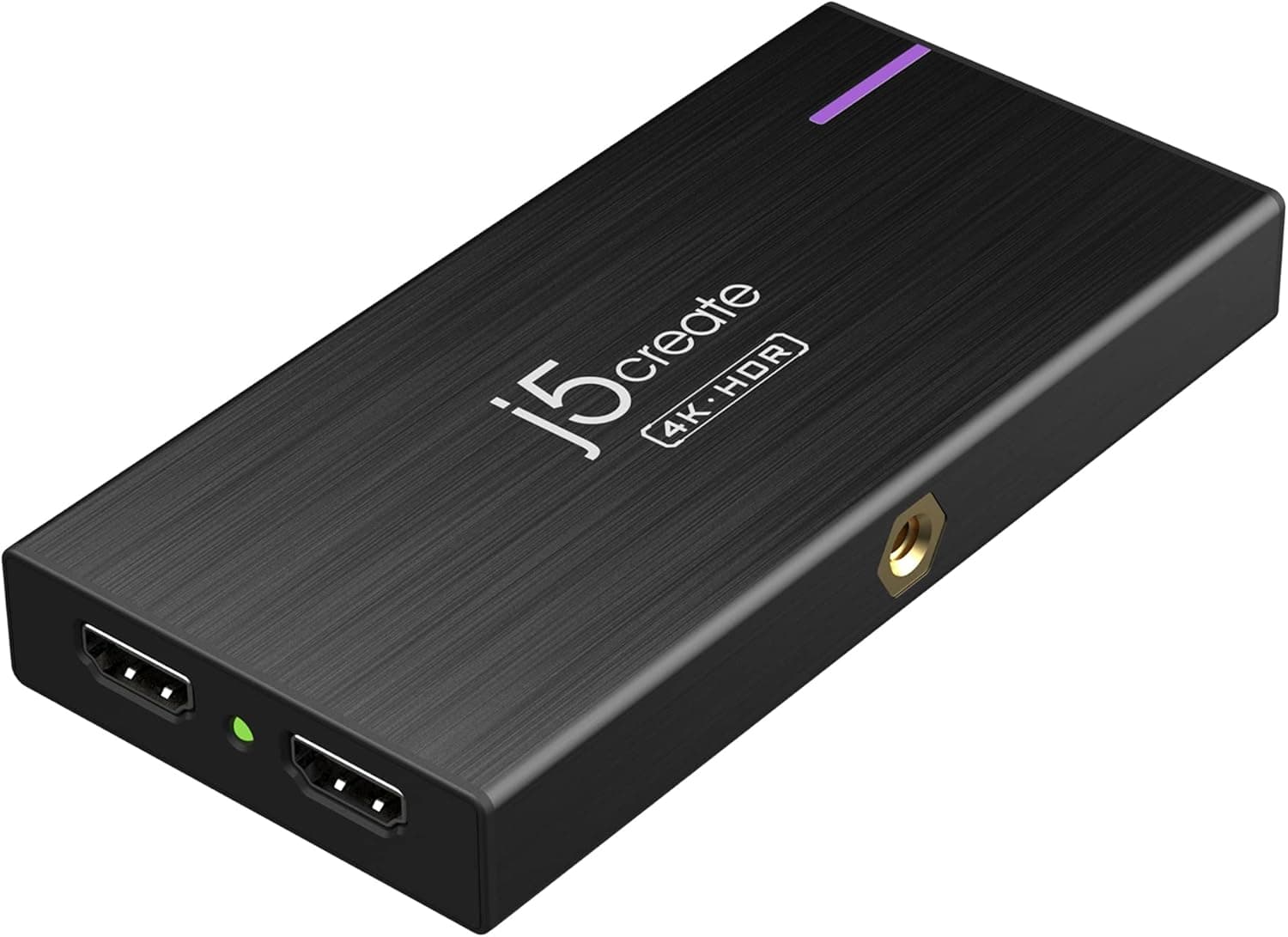
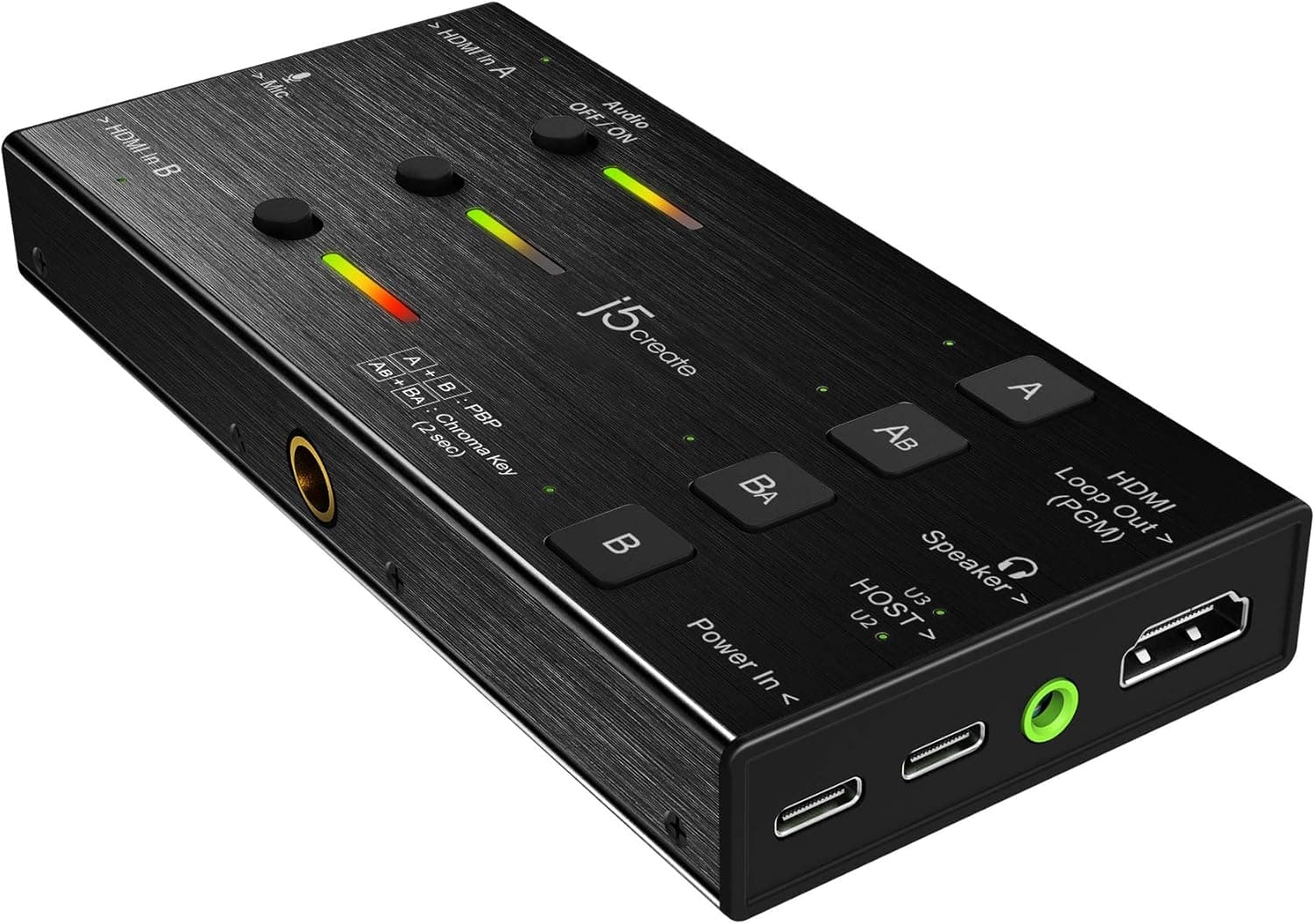
The j5create JVA06-EJ is a dual HDMI capture board that handles two HDMI sources and a microphone input simultaneously. It supports recording and streaming at up to 1080p60, with hardware-switchable video compositing features including Picture-in-Picture (PIP), Picture-by-Picture (PBP), and chroma key. Connected via USB-C to a PC or Android smartphone, it works plug-and-play with popular streaming software like OBS, QuickTime, and CameraFi Live. A standout feature is Power Delivery pass-through charging at up to 60W, so your host device stays powered during long capture sessions. Whether you're pairing it with a DSLR for professional live streaming, running online classes, or hosting video conferences, this board covers a wide range of use cases.
Connectivity & Compatibility
Two HDMI inputs (up to 1080p60) plus a 3.5mm microphone input (3-pole) let you capture two video sources and audio simultaneously. One HDMI output (zero-latency pass-through) and a 3.5mm headphone output (compatible with 4-pole headsets) for real-time monitoring. Host connection via USB-C (USB 3.0 recommended; USB 2.0 limits to MJPEG compression). Compatible with Windows 10/11, macOS (Ventura and later, including M1/M2/M3), ChromeOS, and Android. Note: macOS requires a driver download from the manufacturer; iOS is not supported. * Bus-powered; connect a separate USB-C PD charger to deliver up to 60W charging to the host device.
Product Info
Released around November 2020, the j5create JVA06-EJ sits in the mid-range market segment. It offers dual HDMI inputs and versatile video compositing at a street price of around ¥20,000–¥22,000. The warranty is the standard one year. Included in the box are a USB-C to USB-C cable, a USB-C to USB-A cable, and a quick-start guide. It is widely available through , electronics retailers, and online stores.
Best Use Cases
Game streamers: Ideal for switching between two consoles (e.g., PS5 and Nintendo Switch) during a broadcast. Use PIP/PBP to overlay gameplay or show both screens at once.\n Online educators and webinar hosts: Combine a presentation PC feed with a camera source, apply chroma key to remove the background, and deliver professional-looking online lessons.\n* DSLR users: Connect your camera's HDMI output to the capture board for high-quality video streaming or recording. The PD charging feature keeps your camera powered for extended shoots.
Product Disclosure (Amazon)
- Manufacturer: j5create
- Seller: j5create Direct
- Fulfilled by: Amazon
- ASIN: B08NV2VQ3K
- Note: This article covers a manufacturer-made product based on Amazon listing details.