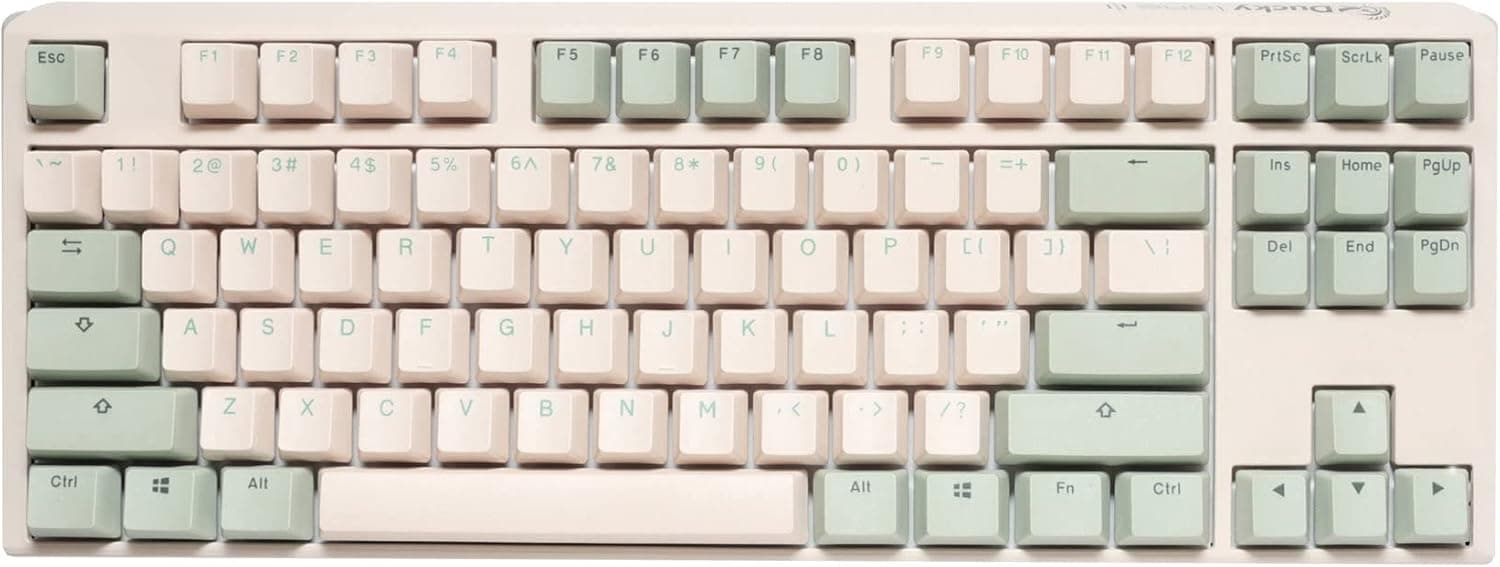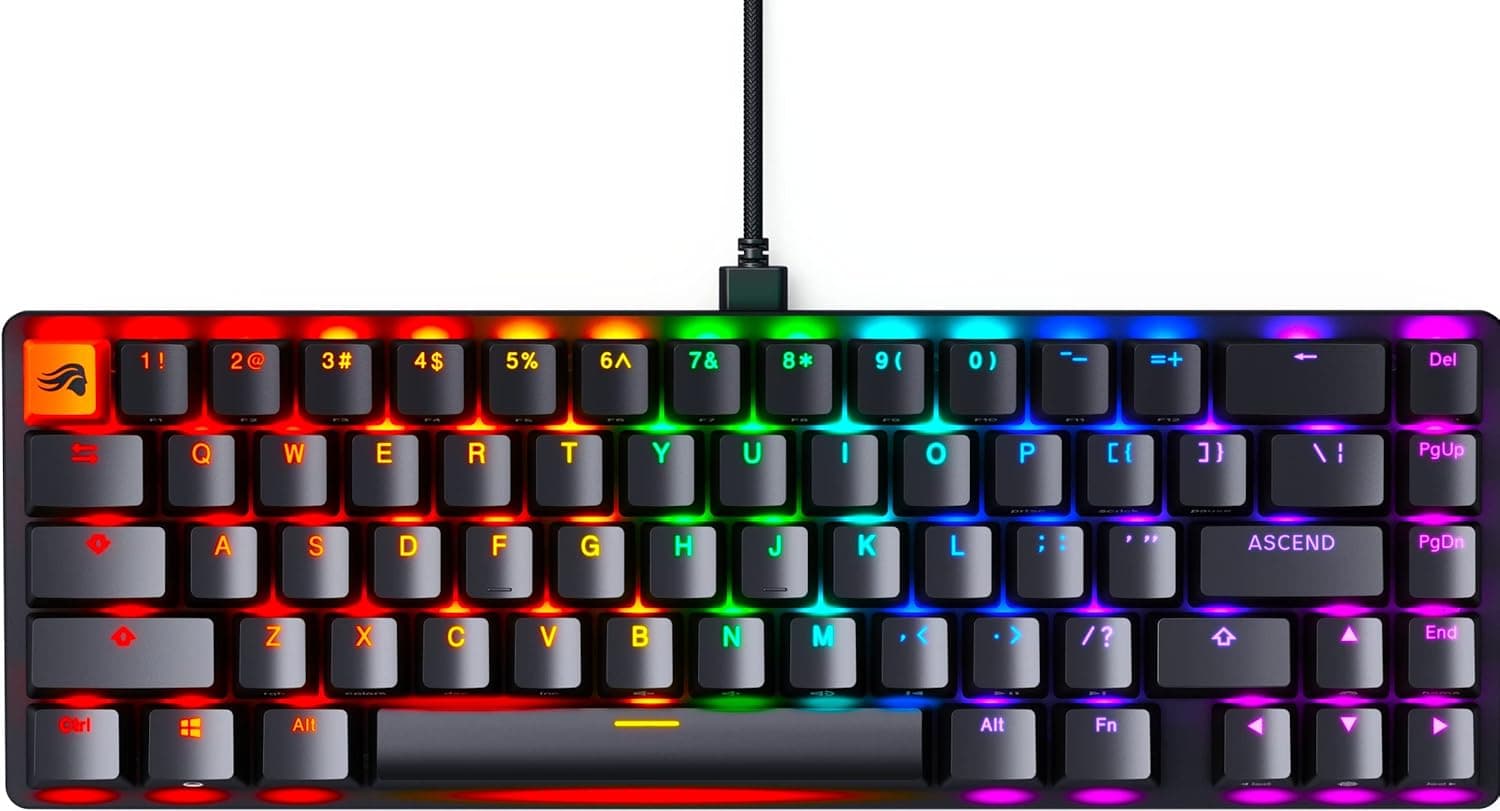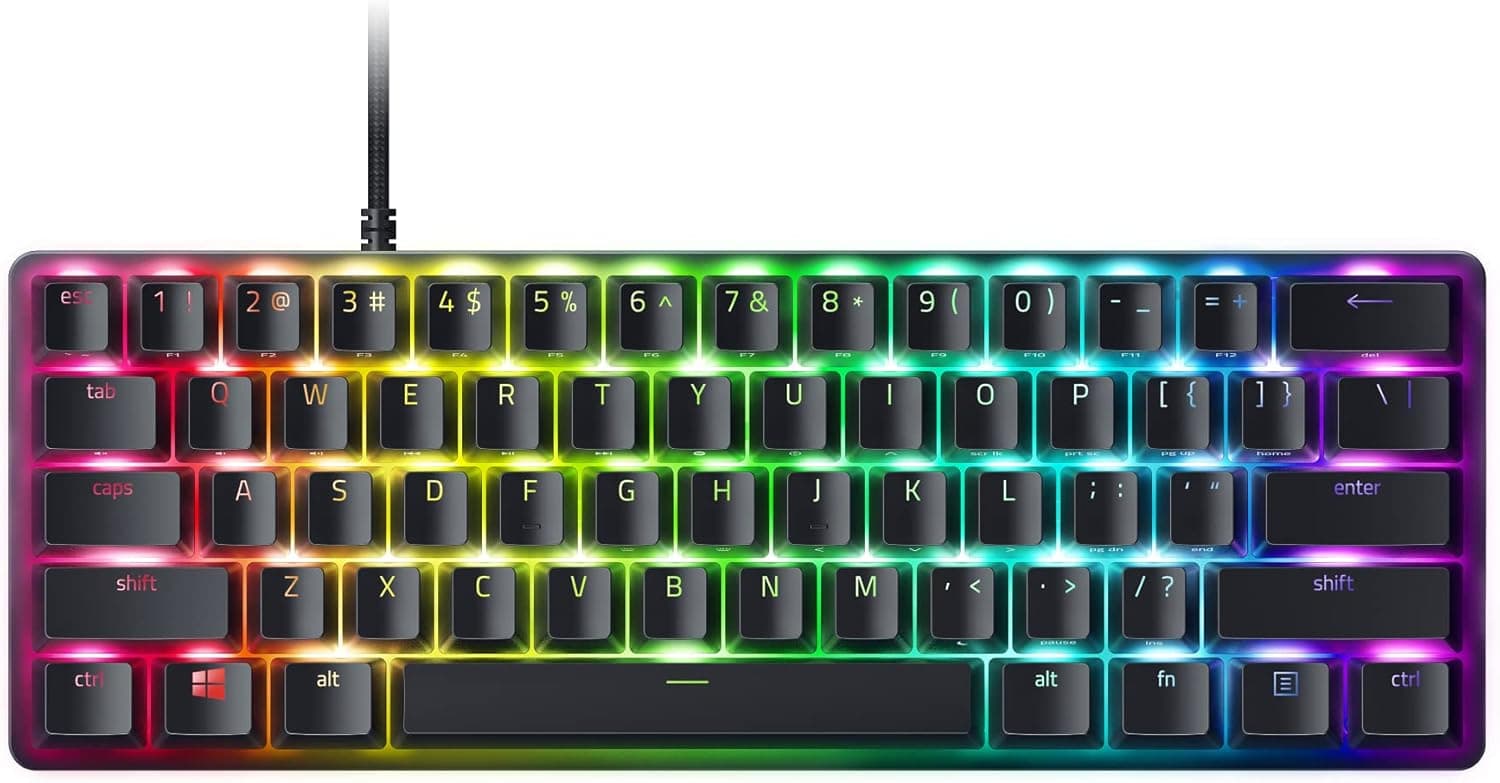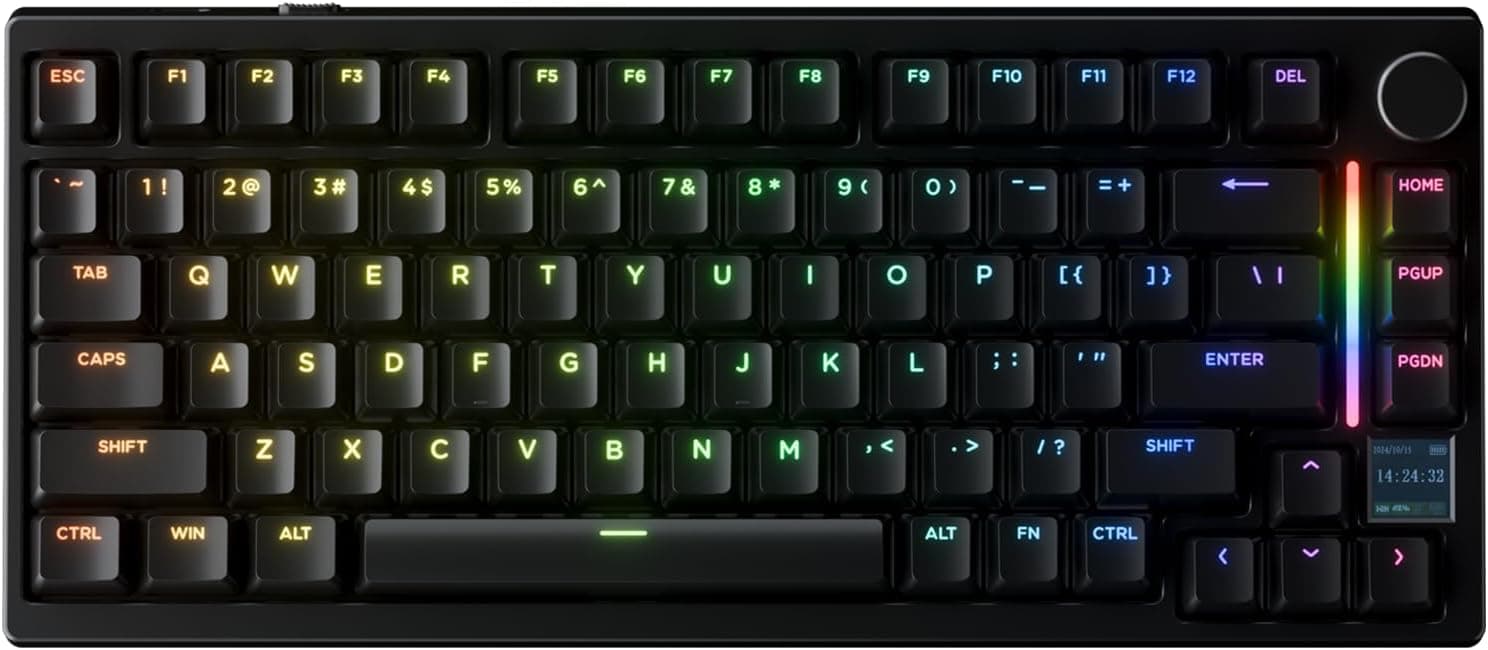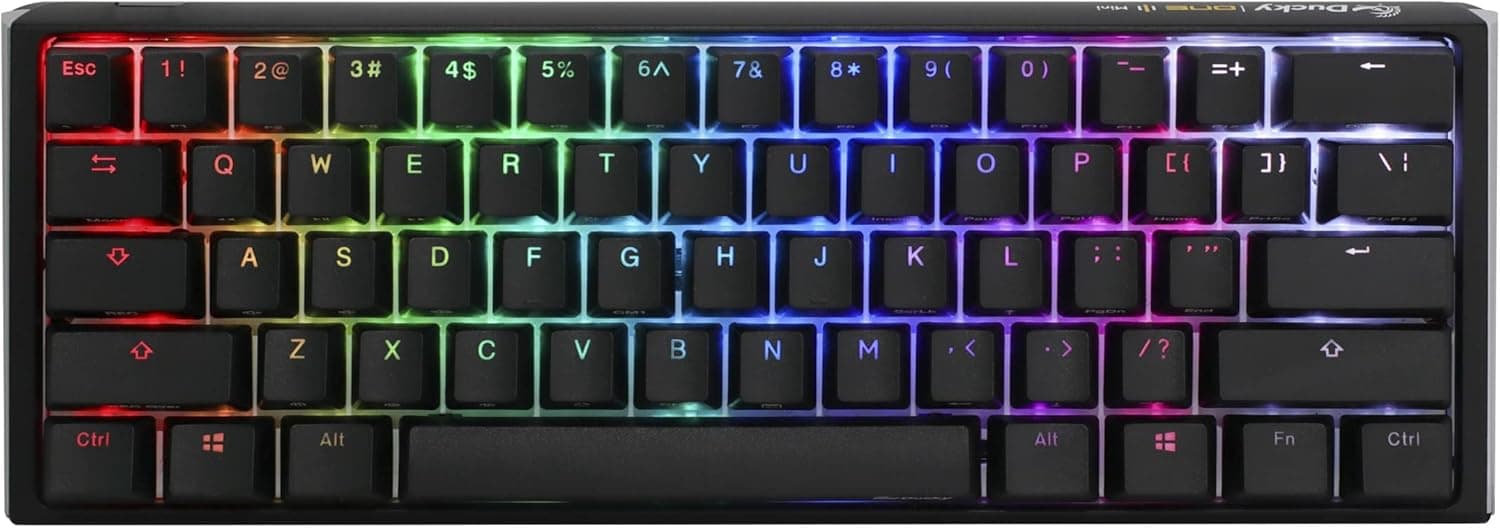
The Ducky One 3 Mini pairs the compromises of a 60% layout with an internal dampening system Ducky calls Quack Mechanics. This article translates the spec sheet into real usage scenarios and, more importantly, spells out who should not buy it.
Overview
The Ducky One 3 Mini is a 60% mechanical keyboard from the Taiwanese brand Ducky. It drops the function row, arrow cluster, navigation keys, and numpad, leaving roughly 61 keys in a body measuring about 30cm x 11cm.
The point is to shrink the keyboard's footprint and hand that space back to your mouse and your desk.
What separates it from generic small keyboards is that the typing experience was designed, not merely shrunk. Two dampening layers inside the case — a silicone plate damper and an EVA foam case damper — absorb the hollow resonance typical of plastic-cased boards.
Add a hot-swappable dual-layer PCB, PBT triple-shot keycaps, and Ducky V2 stabilizers, and most of what enthusiasts normally mod in themselves is already handled.
The stock switch is the Cherry MX Red, a light linear with no tactile bump: the keypress travels straight to the bottom. That is the classic gaming choice for fast repeated inputs, and equally the reason some typists dislike it.
More on that below.
Compatibility Guide
Connection is wired only, over a detachable braided USB-C cable. There is no Bluetooth and no 2.4GHz receiver.
It works on Windows, macOS, and Linux as a standard HID keyboard with no driver install, which makes it usable on locked-down work machines and in BIOS/UEFI screens during a PC build.
The layout is US ANSI. For readers coming from a JIS layout, this is the single biggest decision point.
There are no dedicated Japanese input-toggle keys, and symbol positions (@ : ; [ ]) all move. Switching input methods is done via Alt + ` on Windows or an IME remap. Expect several days of mistyping if you have never used ANSI.
Hot-swap uses Kailh sockets and accepts MX-compatible switches without soldering. The common stumbling block is 3-pin (plate mount) versus 5-pin (PCB mount) switches: the two extra plastic legs on a 5-pin switch can foul the plate.
Clip them with flush cutters rather than forcing the switch down. Always check that pins are straight before inserting — bent pins damage sockets.
Keycap compatibility is constrained by the 60% form factor. Standard bottom-row widths mean most aftermarket sets fit, but many sets ship 60% bottom-row kits separately or not at all.
Look for sets explicitly listed as 60%-compatible.
The three-level adjustable feet cover most typing angles, but no palm rest is included. Because a 60% board is shallow, people tend to place it close to the desk edge, which increases wrist extension.
Budget for a separate wrist rest if you type for hours.
Product Info
| Item | Detail |
|---|---|
| Layout | 60% (US ANSI) |
| Switch | Cherry MX Red (linear) |
| Hot-swap | Yes (Kailh sockets) |
| Keycaps | PBT triple-shot |
| Backlight | RGB, per-key programmable |
| Connection | USB-C, detachable braided cable |
| N-key rollover | Supported |
| Dampening | Quack Mechanics (silicone plate + EVA foam) |
| Stabilizers | Ducky V2 |
| Adjustable feet | 3 levels |
| Material | Plastic case |
The most consequential line here is the PBT triple-shot keycaps. Cheap ABS caps develop a greasy shine with use; PBT resists it.
Triple-shot molding forms the legends out of separate plastic, so they physically cannot wear off. On a keyboard you intend to keep for years, that is a quiet but real advantage.
Per-key RGB matters more on a 60% board than elsewhere. With arrows and function keys living on an Fn layer, lighting becomes a way to visualize which keys carry secondary functions — a practical tool, not just decoration.
On price, these are captured snapshots only. Amazon Japan listed ¥24,762 as captured on 27 Aug 2026; a separate capture on 6 Jun 2026 showed ¥26,566; eBay US showed $75.00 as captured on 14 Jul 2026.
All are point-in-time figures and are likely different now, so check the product page for current pricing. The eBay figure in particular sits well below Japanese retail, which usually signals a used unit, a parallel import, or a different configuration (another switch type or an older model).
Verify switch type and new/used condition in the listing before chasing a low overseas price.
Review data from Amazon.co.jp, captured 6 Jun 2026: 20 reviews, 3.9 out of 5 stars (78% positive).
Read that carefully. Twenty reviews is a small sample with limited statistical weight, and a 3.9 average on a board like this often mixes complaints about the ANSI layout or the 60% workflow with complaints about the seller channel — not the hardware.
Separate reviews about the product from reviews about the purchase.
Included accessories: keycap puller, accent keycaps, USB-C cable, and a Ducky sticker. The standard manufacturer warranty is one year, though parallel imports may not be covered by domestic support.
How It Compares
Against current rivals, the One 3 Mini is best described as a wired 60% that spends its budget on feel rather than features. Plenty of boards at or below this price now offer tri-mode connectivity, gasket mounts, multi-layer foam, and control knobs.
On a feature checklist, this board loses.
What it sells instead is consistency: Ducky's assembly tolerances, tuned V2 stabilizers, and a known-quantity Cherry switch. You are paying to reduce variance in the parts that never show up on a spec sheet.
If features and wireless matter more to you than that, this is an expensive choice.
On layout, 65% (arrows) and 75% (arrows plus function row) boards are permanent competitors. The desk-space difference between 60% and 65% is a few centimeters; the difference in daily convenience is not.
Whether you have a genuine reason to need 60% is the real deciding question.
Living With 60%
A 60% board physically removes F1–F12, the arrow keys, Delete/Home/End/PageUp/PageDown, the numpad, and usually Insert and PrintScreen. All move to an Fn layer.
The friction shows up in spreadsheets (no numpad), text editing (cursor movement becomes Fn combinations), F5/F11 in browsers, Alt+F4, and pressing Delete to enter BIOS. Fn layers are handled in keyboard firmware so BIOS access usually works, but if this is your only keyboard for building PCs, keeping a cheap full-size board around for setup is sensible insurance.
The payoff is concrete. Low-sensitivity FPS players get a much larger mouse arc without hitting the keyboard, and the reduced distance between hands lets you keep your shoulder in a more natural position.
It is also genuinely portable.
On sound: the two dampening layers absorb the metallic ring an undamped plastic case produces on bottom-out. But note that Cherry MX Red is not a Silent variant — switch and bottom-out noise remain.
It is quieter and better-sounding, not silent. In a quiet office or on an always-on mic, plan accordingly.
Best Use Cases
Gamers who prioritize mouse space. For low-sensitivity FPS players, 60% is the layout with the most practical upside, and if you never touch arrows or the numpad mid-game you lose almost nothing.
Hot-swap means a linear that does not suit you is not a permanent mistake.
People who care how a keyboard sounds. The dampening is built in, so you get a reasonably refined sound without stuffing foam into the case yourself.
People who keep keyboards for years. PBT triple-shot legends do not wear off and the caps resist shine, which is what justifies the price gap over cheaper boards over a long horizon.
Anyone already comfortable on US ANSI. If you code on an English layout or already use ANSI, the learning cost here is zero.
Things to Check Before Buying
The US ANSI layout is the biggest filter. Symbol placement differs substantially from JIS, and there are no dedicated Japanese input keys.
IME remapping works, but accept that this is a keyboard that assumes you will configure software around it.
Cherry MX Red is light and gives no feedback. Reports of increased typos are inherent to linears.
If you mostly write prose and want a definite sense of actuation, a tactile switch may suit you better. Hot-swap makes that fixable — but budget for 60–70 replacement switches.
No wireless. The detachable USB-C cable is tidy, but there is no Bluetooth and no dongle.
If you need multi-device switching or a cable-free desk, look elsewhere.
The case is plastic. Dampening is good; the heft and rigidity of a milled aluminum case is not there.
The light weight can let it slide, so a desk mat helps.
Prices and sales channels vary. Every figure above is a captured snapshot subject to sales, exchange rates, and parallel-import stock.
If you find an unusually cheap listing, confirm whether it is used, an older One 2 model, a different switch, and how warranty is handled. This category is full of near-identical model numbers.
Listing data can disagree with the physical product. On marketplace pages, manufacturer, model number, and switch type in the listing details do not always match what ships.
Switch type in particular is usually a variation selector on the same page — pick the wrong one and you get a different typing feel. Confirm the product images, title, and variation selection before ordering.
Warranty. One year is standard from the manufacturer, but parallel imports may fall outside domestic support.
Ask the seller who handles repairs before you buy.
FAQ
Q. Can I type Japanese on it? A.
Yes, but there is no 半角/全角 key. On Windows, Alt + ` toggles input, or you can remap the toggle in your IME settings. On macOS, Caps Lock handles it. It will not feel identical to a JIS board.
Q. Is switch swapping really tool-free? A.
No soldering is needed thanks to the hot-swap sockets, but you need a keycap puller and a switch puller, and the switch puller may not be included. Any MX-compatible switch fits; clip the extra legs off 5-pin switches if they foul the plate.
Q. Is it quiet enough for an office? A.
The dampening removes the hollow ring, but MX Red is not a Silent switch, so it is not silent. For very quiet rooms or recording setups, consider swapping to silent switches — which hot-swap makes practical.
Q. How much do I miss the arrow keys? A.
Almost never while gaming. It bites during text editing, spreadsheets, and coding, where cursor movement becomes an Fn combination.
Most people adapt in one to two weeks; some never do. If that worries you, a 65% board with arrows is the safer buy.
Q. Does it work on a Mac? A.
Yes — USB-C, no drivers required. The legends are Windows-oriented (Alt/Win), so they will not match Option/Command.
Swap keycaps or ignore the legends.
Q. How long will it last? A.
Cherry MX switches are rated for tens of millions of actuations, and PBT triple-shot legends do not wear off. Even if switches degrade, hot-swap lets you replace them, so the design supports long-term use.
Product Disclosure (Amazon)
- Manufacturer: Ducky
- Seller: KAT-LOG
- Fulfilled by: KAT-LOG
- ASIN: B09Y2D5BBR
- Note: This article covers a manufacturer-made product based on Amazon listing details.