Overview
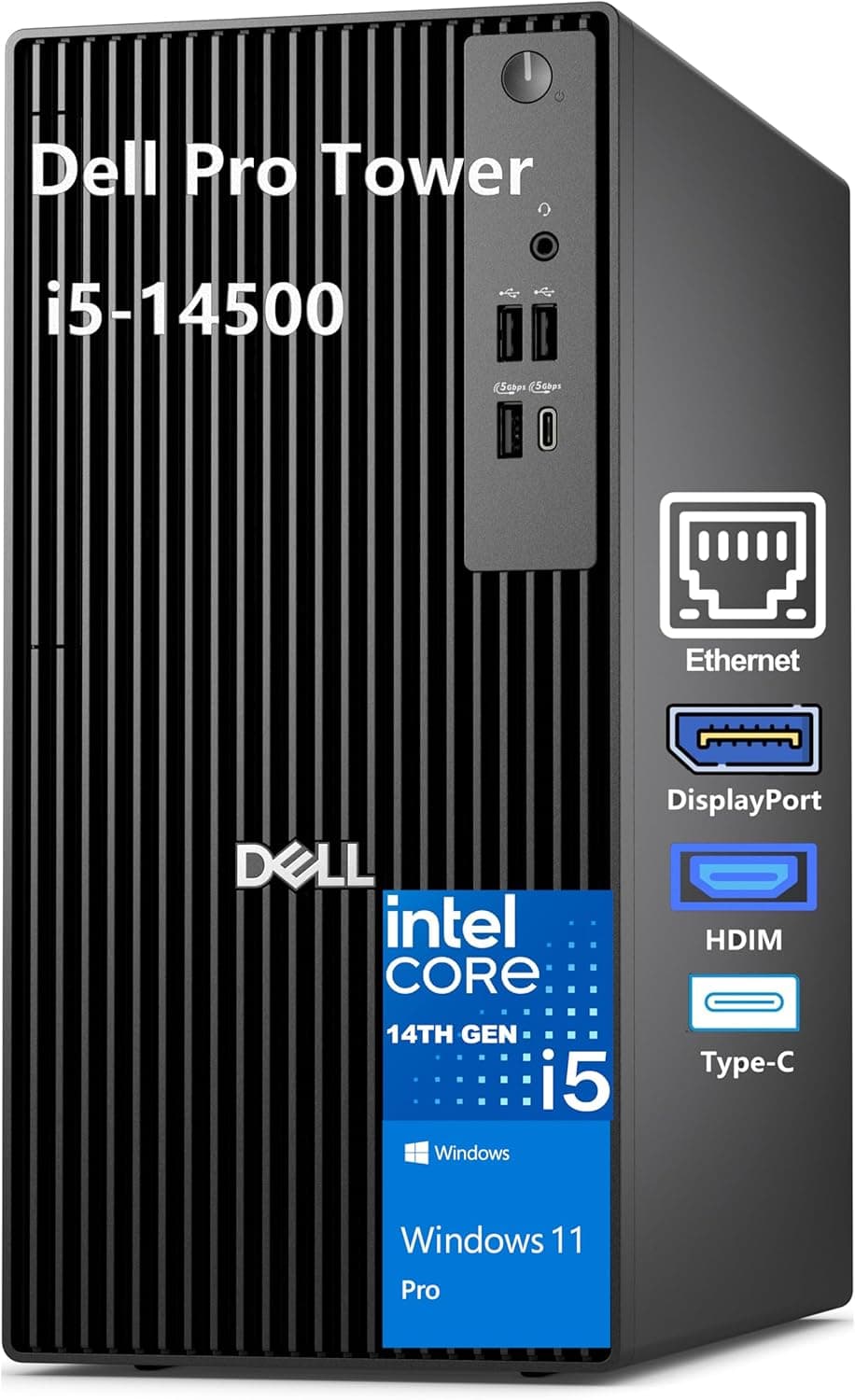
This article covers the Dell 2026 Pro Tower デスクトップ (Dell 2026 Pro Tower Desktop), an enterprise-grade tower PC for corporate IT departments, SMBs and creative professionals. It runs on an Intel Core i7-14700T (20 cores, up to 5.2 GHz) with Intel vPro for hardware-level security and remote management.
It comes with 16 GB of DDR5 memory, a 1 TB PCIe NVMe SSD and Windows 11 Pro. HDMI 2.1 and DisplayPort 1.4a drive up to two 4K displays at 60 Hz, and there are eight USB ports, both Type-A and Type-C.
The short verdict: as a quiet, responsive office PC, it has plenty of headroom for spreadsheets, dozens of browser tabs, video calls and light photo work all at once. Graphics, however, come only from the built-in Intel UHD Graphics 770.
If gaming, 3D rendering or AI training is on your list, rule it out from the start. Below we explain what the T-series CPU means, when vPro is actually useful, and what to check given the missing internal Wi-Fi and the third-party seller.
What Kind of CPU Is the i7-14700T?
The T suffix marks Intel's low-power desktop chips. The i7-14700T has the same 20 cores as the regular Core i7-14700 (8 Performance cores plus 12 Efficient cores), but its base power is limited to around 35 W.
Short tasks still reach 5.2 GHz, so opening apps and switching windows feels fast.
In long tasks that keep every core busy, such as video exports or large data jobs, it usually runs slower than the 65 W standard model. In return, it runs cooler, uses less power and has quieter fans.
For an office PC that sits under a desk and runs all day, that is a sensible trade. Think of it as a quiet, responsive workhorse rather than the fastest i7 available.
Compatibility Guide
Here is what the listing and specs tell us about compatibility, along with the points people most often get wrong.
| Item | Spec | Check before buying |
|---|---|---|
| CPU socket | LGA1700 | It is a prebuilt PC; do not plan on CPU swaps |
| Memory | DDR5 (16 GB installed) | Slot count, and whether 16 GB is one or two modules |
| Storage | M.2 PCIe NVMe / SATA | Free M.2 slots or drive bays |
| Video | HDMI 2.1, DisplayPort 1.4a | Spec limit is two 4K displays at 60 Hz |
| USB | 8 ports (Type-A and Type-C) | Front/rear split and USB speeds |
| Wired LAN | Gigabit Ethernet | Not enough if you need 2.5GbE or faster |
| Wi-Fi | Not built in (USB adapter included) | The adapter uses up one USB port |
Dell has not published details of the internal expansion slots or memory slots. Like most towers, it should accept extra memory and storage, but confirm the number of free slots on the product page or with the seller.
Memory matters most: a single 16 GB stick cannot run in dual-channel mode, which slows the integrated graphics and makes heavy multitasking feel less smooth. If you plan to upgrade, first check that you can add a matching DDR5 module.
The two video outputs, HDMI 2.1 and DisplayPort 1.4a, can run two 4K displays at 60 Hz at once.
If your work needs three or more monitors, such as trading or monitoring setups, assume this spec will not be enough. The listing does not mention VGA or DVI, so older monitors will need an adapter.
Be careful if you want to add a graphics card later. Dell business desktops often use proprietary power supplies and motherboards, and the power supply usually has little spare capacity.
The listing does not give this model's power supply rating or PCIe slot layout. The safest assumption is that adding a GPU later to make it a gaming PC will probably not work.
Product Info
As of September 27, 2026, the price on Amazon.co.jp was ¥208,559 (tax included).
Prices change a lot with stock and sales, so check the product page for the current price before you buy. At the same time, the listing had 3.9 out of 5 stars from only 8 reviews.
With so few reviews, one or two new ratings can move the average a lot. The specific reasons behind low ratings (defects, accessories, shipping) are more useful than the score itself.
According to the Amazon listing, the manufacturer is Dell, but the seller and shipper is a company called XJPATA. That means you are buying from a reseller, not directly from Dell.
The listed accessories are a power cable, a USB Wi-Fi adapter and documentation. The warranty length and who handles support (Dell or the seller) depend on how the unit is sold, so confirm both before you buy.
On price, it is mid-range for business desktops. For a similar budget, you could buy a consumer gaming PC with a dedicated GPU.
What you pay for here is not raw speed. It is vPro manageability, Windows 11 Pro, and the quiet, stable running of a business PC.
If those three things do not matter to you, it will look overpriced.
Alternatives Compared
Comparing it with nearby Dell models and a different kind of PC at the same price makes its role clearer.
| Alternative | Difference | Best for |
|---|---|---|
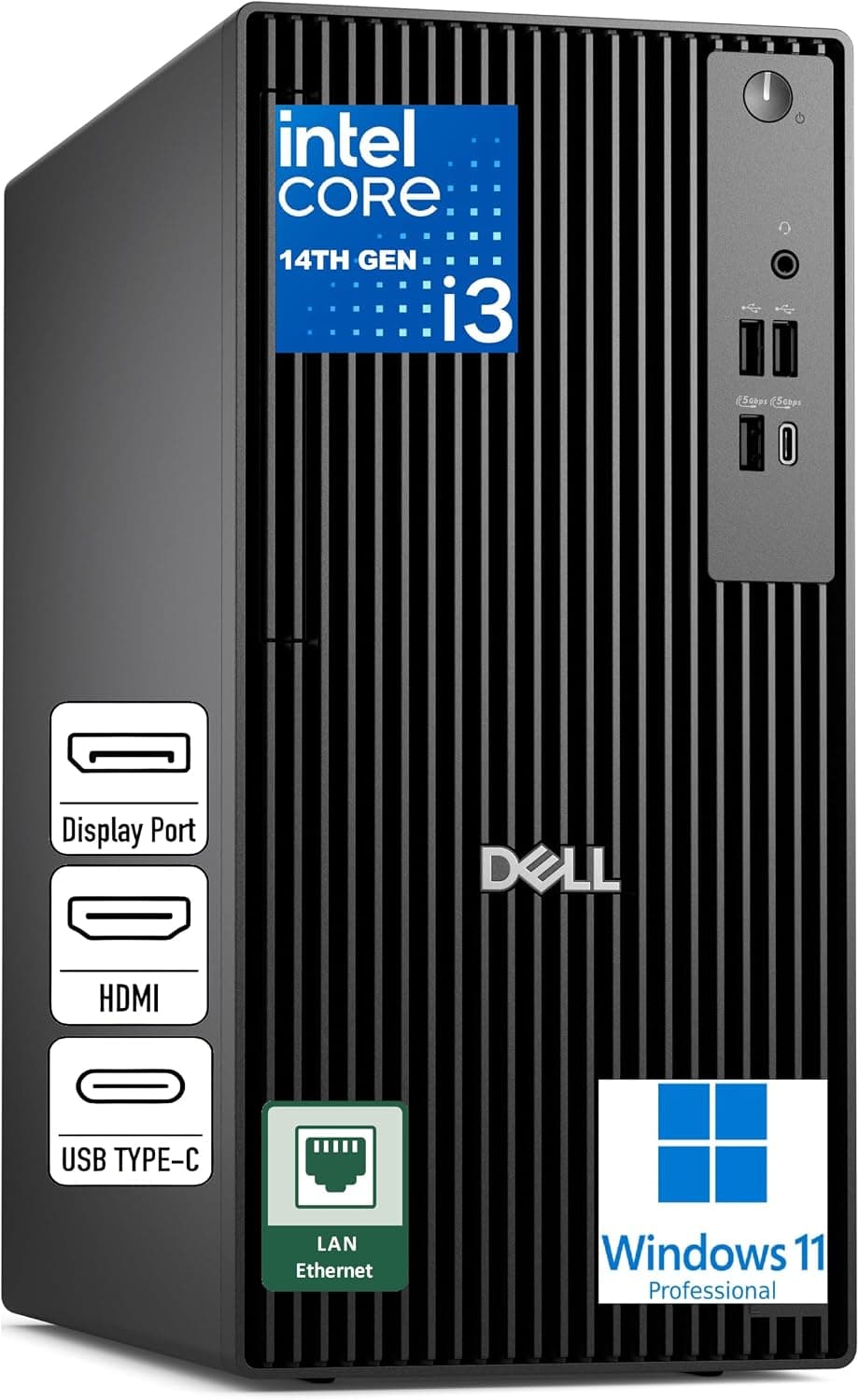
| Dell Pro Tower (Core i3-14100) | Smaller CPU with 4 cores and 8 threads | Offices buying many PCs for basic paperwork |
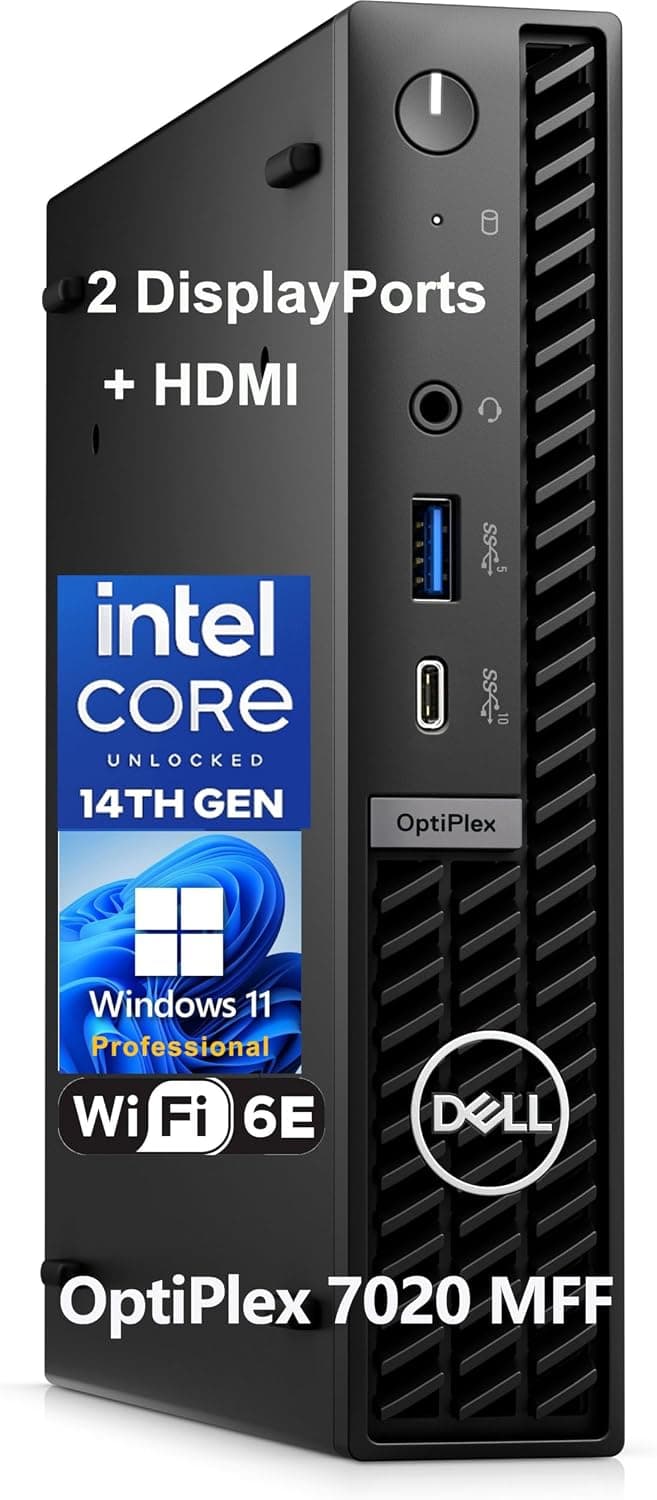
| Dell OptiPlex 7020 MFF | Very small case that takes little space | Desk or wall mounting |
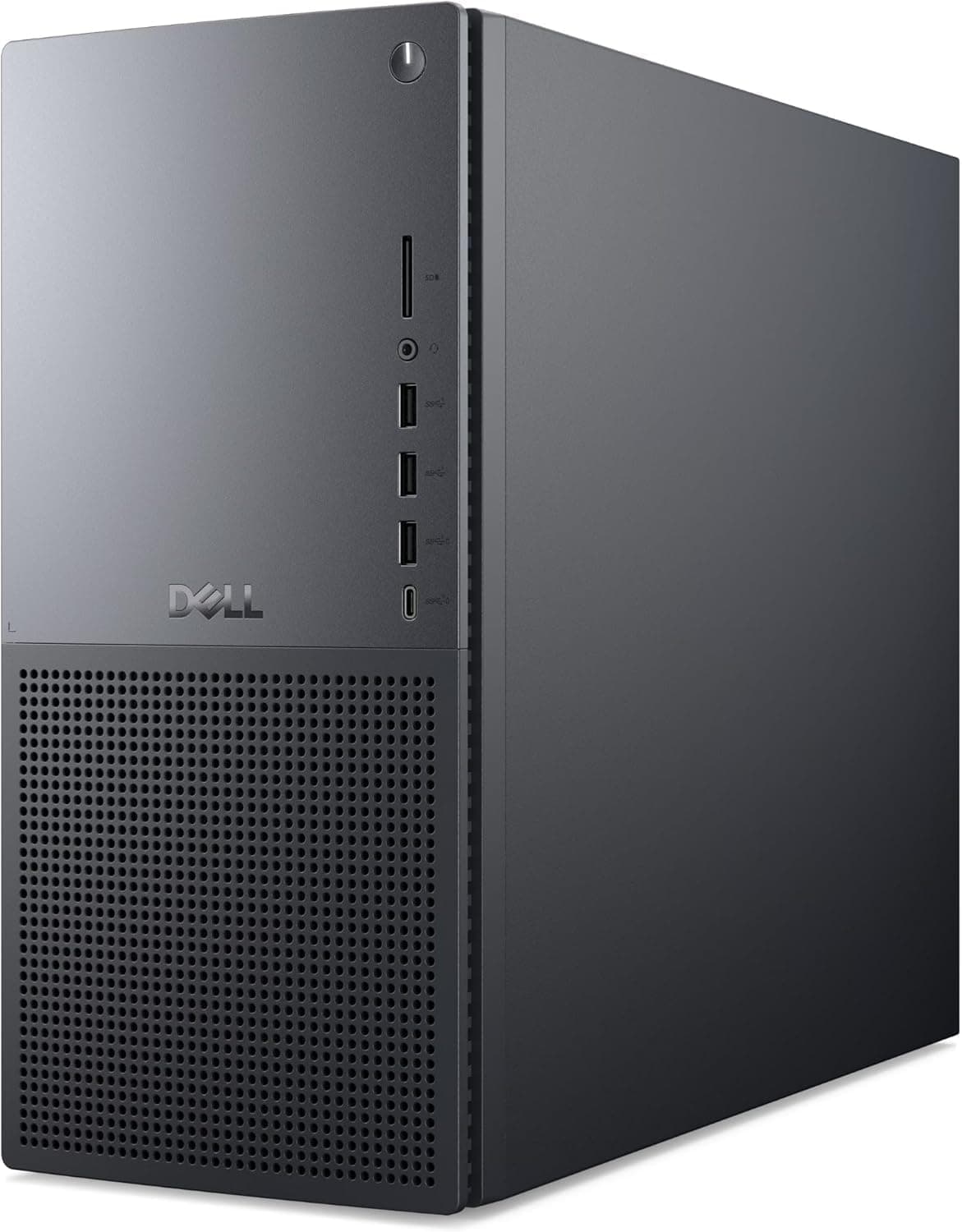
| Dell Tower Plus EBT2250 | Higher-end consumer tower that replaces XPS | Users who value performance and upgrades over IT management |
| DarumaPC (i5-14400F + RTX 5060) | Gaming PC with a dedicated GPU | Gaming or video editing first |
For web browsing and documents, you will hardly notice a difference from the i3 version. Run dozens of browser tabs alongside meeting apps and spreadsheets, though, and the 20-core i7-14700T has clearly more headroom.
On the other hand, if you plan to game or do any 3D work, pick a model with a GPU instead.
Best Use Cases
- Corporate IT departments and large rollouts: Intel vPro's remote management and hardware-level security are ideal when many PCs are managed from one place. Home users rarely benefit from vPro, so this is not a home PC.
- Small business owners and managers: A good choice if you want a reliable business PC, even just one. Windows 11 Pro includes BitLocker drive encryption and domain join. Note that its graphics are too weak for gaming.
- Creative professionals (graphic design, video editing): Two 4K displays, DDR5 memory and a fast NVMe SSD handle photo editing, layout work and light Full HD video editing well. 3D rendering or serious 4K editing needs a dedicated GPU, and memory should go up to 32 GB or more.
- Data analysts and business intelligence teams: The CPU is fast enough for heavy data work and running many apps at once. There is no GPU, though, so it is not suited to AI or machine learning training.
- Home office workers who want a quiet setup: The 35 W-class T-series CPU stays cool, so the PC is easy to live with in a study or living room.
Things to Check Before Buying
vPro needs more than a supported CPU. To use the remote management features (Intel AMT), the chipset and network hardware must also support it.
IT staff then need to set it up and run a management server. Use Dell's model number or Service Tag to confirm whether this configuration includes vPro management.
If you are buying one PC for yourself, you will most likely never use vPro.
The 2026 in the name may not be an official model name. Amazon resellers often add a year to product titles.
Check the model number and Service Tag of the unit you receive on Dell's support site, and make sure the CPU, memory and storage match the listing. Listing details sometimes differ from the actual product, so also check the photos and title.
The seller is not Dell. The seller and shipper is XJPATA.
Before you buy, confirm the warranty length and who provides support, how defective units are replaced, and the return policy. It is also worth asking how this unit differs from Dell's standard configuration, including why Wi-Fi comes as a USB adapter instead of being built in.
There is no internal Wi-Fi. The included USB Wi-Fi adapter is easy to use, but it usually gets weaker signal and lower speeds than an internal card, and it uses up a USB port.
If you can run a cable to the PC, wired Gigabit Ethernet is the better choice.
16 GB of memory is enough, but only just. It is fine for office work.
However, the built-in graphics share main memory, so running a browser, Office and meeting apps together fills it up quickly. For creative work, budget for an upgrade to 32 GB.
Do not buy this for gaming. Intel UHD Graphics 770 is made for office work, video playback and light image editing, not modern 3D games.
As noted above, adding a GPU later is probably not practical either. If you want to game at all, buy a PC with a GPU.
Do not read too much into the rating. With only 8 reviews when we checked, the 3.9-star average may not reflect the product overall.
FAQ
Q. How does the i7-14700T differ from the regular i7-14700? A.
Both have 20 cores, but the T version is a low-power chip with a base power of around 35 W. For short tasks the two feel similar, but under long full-load work the T version runs slower.
In return, it is quieter and uses less power.
Q. Can it play games? A.
Only light browser games or older 2D titles. Its graphics are just Intel UHD Graphics 770, which is not suited to modern 3D games.
Q. How many 4K monitors can it drive?
A. According to the specs, up to two 4K displays at 60 Hz, using HDMI 2.1 and DisplayPort 1.4a.
Q. Does it have Wi-Fi?
A. Not built in, but a USB Wi-Fi adapter is included. For a stable connection, use wired Gigabit Ethernet.
Q. Is vPro useful for an individual buyer? A.
vPro management helps when an IT department manages many PCs together. A single home user will see almost no benefit.
Windows 11 Pro features such as BitLocker and Remote Desktop are still useful for individuals.
Product Disclosure (Amazon)
- Manufacturer: Dell
- Seller: XJPATA
- Fulfilled by: XJPATA
- ASIN: B0GZVQWCKT
- Note: This article covers a manufacturer-made product based on Amazon listing details.