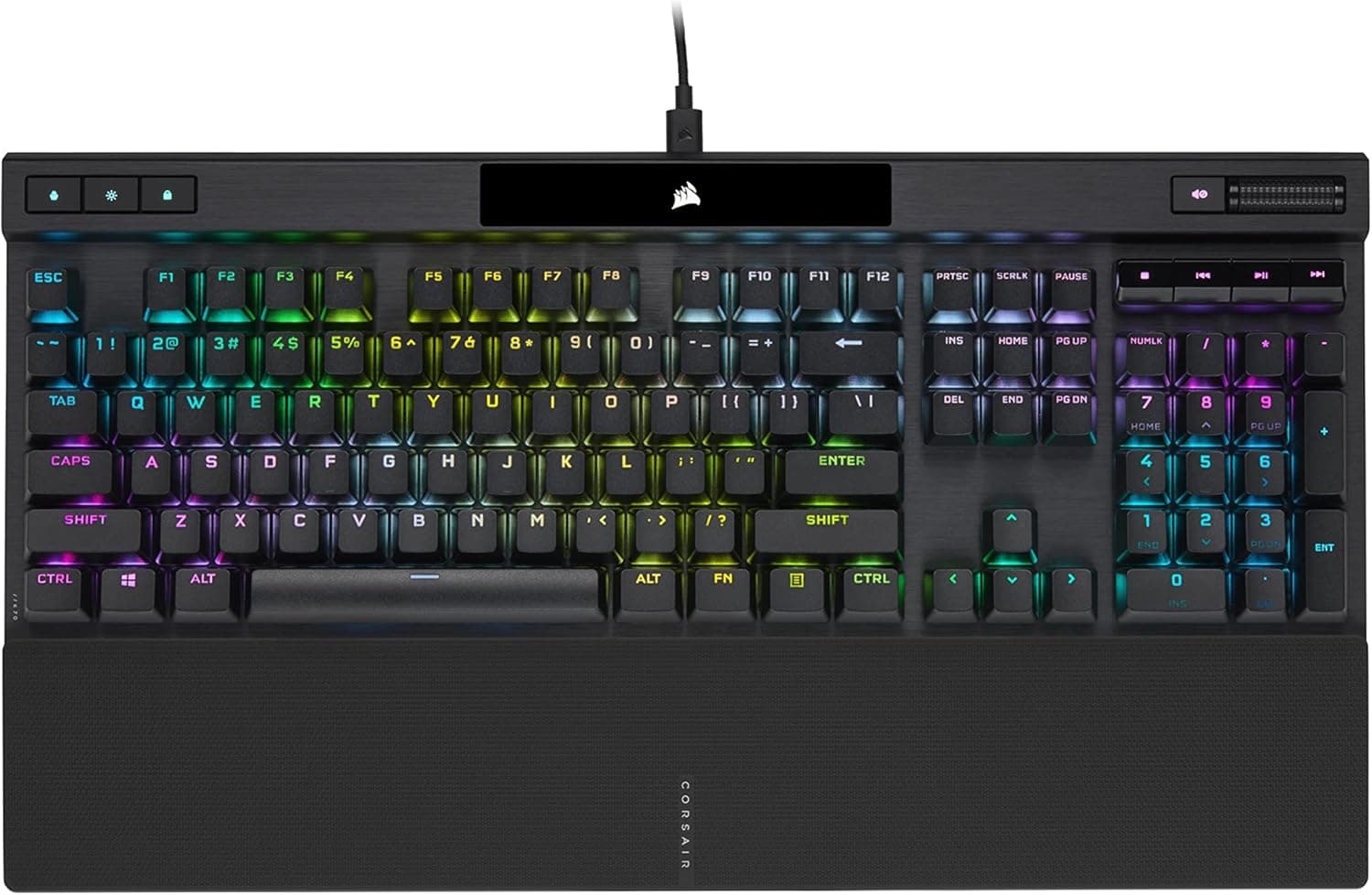
This article covers the Corsair K70 RGB PRO mechanical gaming keyboard — its specs, street price, review scores, and, just as importantly, who should not buy it.
Overview
The Corsair K70 RGB PRO is part of the long-running K70 flagship line: a full-size wired mechanical keyboard built around Cherry MX Brown switches. The short verdict is that this is not a gaming-only board — it is aimed at people who want one keyboard for both gaming and long typing sessions.
MX Brown is a tactile switch without a click: it has a gentle bump that reds lack, without the loud snap of blues.
The chassis uses an aluminium frame, and the board offers per-key RGB backlighting, PBT double-shot keycaps, and a detachable USB Type-C cable. Corsair's AXON hyper-processing technology is claimed to deliver fast key scanning and response; check the product page for the exact polling figures.
Onboard storage holds up to 50 profiles, so your settings travel with the board even on a PC without iCUE.
On Amazon.co.jp the user rating is 4.4 out of 5 across 444 reviews (captured 4 June 2026), which works out to roughly 88% positive.
For a keyboard, a 4.4 across several hundred reviews indicates consistently solid reception rather than a polarising product.
Compatibility Guide
Connection is USB Type-C, with the braided cable plugging into the board itself. Supported operating systems are Windows and macOS.
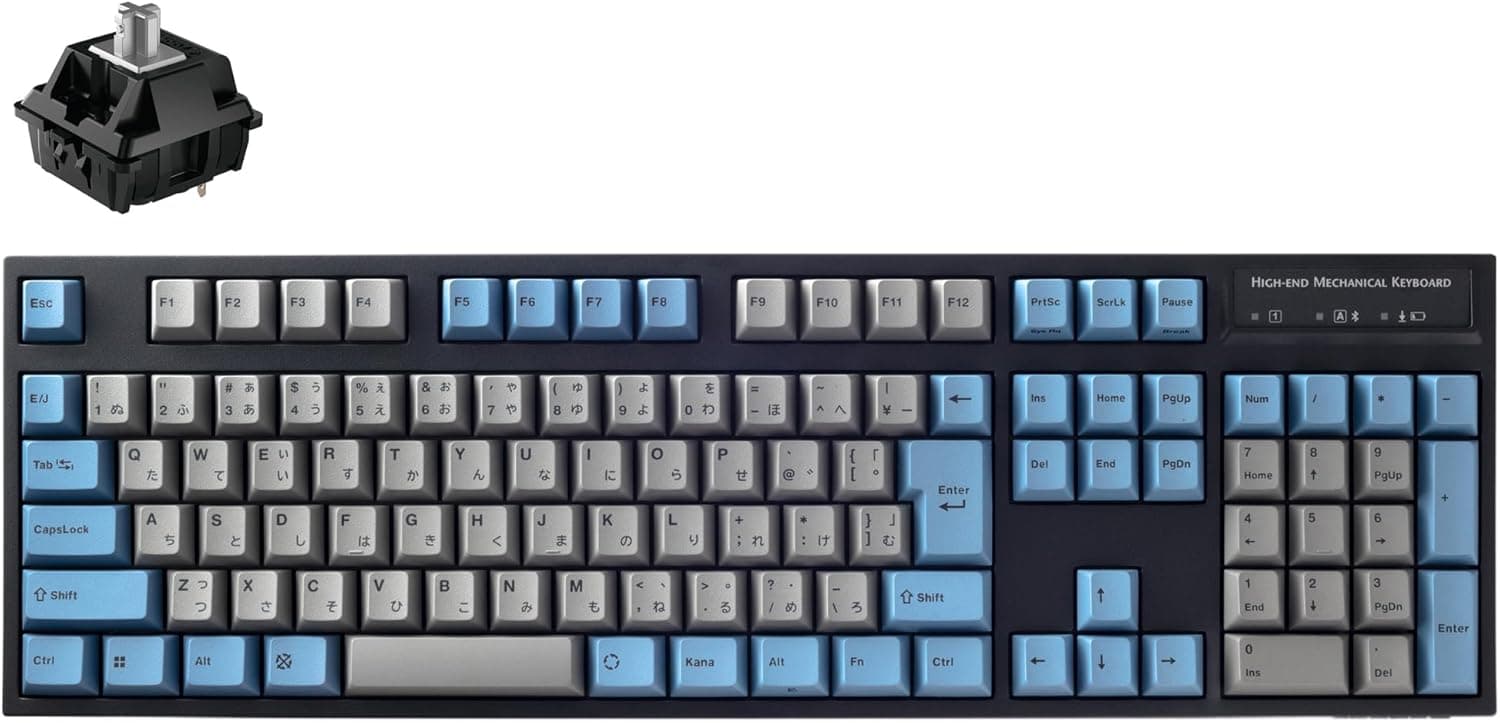
The form factor is full-size (100%), so the layout includes a numpad. The detachable cable is a practical win: you can replace just the cable if it frays, and remove it for transport.
Note that on boards with recessed Type-C ports, thick third-party plug housings sometimes will not seat fully — if you replace the cable, pick one with a slim connector shell.
Physical size is the real compatibility question here. The board measures 44.5 × 16.6 × 4 cm.
A 44.5 cm width eats a lot of a typical 60 cm desk, leaving less room for mouse movement.
Low-sensitivity FPS players should measure their desk first. Depth grows by a few more centimetres once the magnetic palm rest is attached — on a 45 cm-deep desk, the keyboard plus rest will occupy nearly the whole front half.
On the software side, iCUE handles remapping, macros, and RGB customisation, and syncs lighting with other Corsair gear (mice, headsets, fans, coolers). The flip side is another background application.
The 50 onboard profiles make an iCUE-free setup realistic: configure once, save to the board, then uninstall the software if you prefer.
Product Info
rmation
| Item | Value |
|---|---|
| Key switch | Cherry MX Brown |
| Connection | USB Type-C (detachable braided cable) |
| Keycaps | PBT double-shot |
| Backlight | Per-key RGB |
| Dimensions (W×D×H) | 44.5 × 16.6 × 4 cm |
| Form factor | Full-size (100%) |
| Onboard profiles | Up to 50 |
The PBT double-shot keycaps matter more day to day than the spec sheet suggests. Cheaper ABS caps develop a greasy shine and fading legends; PBT keeps its texture, and double-shot legends are moulded from a second plastic rather than printed, so they physically cannot wear off.
Over several years of use that difference is very noticeable.
On price, the same ASIN on Amazon.co.jp was captured at ¥46,648 on 4 June 2026 and at ¥26,980 on 27 August 2026.
That roughly ¥20,000 swing most likely reflects sales and changing marketplace sellers. Both figures are point-in-time snapshots that this article will not update, so check the current price on the product page before buying. The eBay entry is a search link only, with no confirmed price.
As a rough guide: at the high-¥20,000 level this is a fair price for a full-size Cherry MX Brown board; approaching ¥47,000, it is worth comparing alternatives first.
Corsair's standard warranty applies — confirm the term in the warranty statement on the product page at purchase. In the box you get a magnetic palm rest, the USB Type-C cable, and a keycap puller.
Judging the Cherry MX Brown Choice
MX Brown is the versatile-but-unremarkable option. The light tactile bump gives you feedback partway through the travel, which helps you type without bottoming out.
Against linears (reds, speed silvers), some players feel that bump slightly impedes rapid repeated presses — which is why competitive FPS players gravitate toward linear or Hall-effect switches.
For most people, though, that difference will not decide matches. What actually shapes daily satisfaction is whether your fingers survive eight hours of typing and whether the noise bothers colleagues or stream viewers.
Browns have no click mechanism and are generally office-tolerable, but they are not silent. If quiet is your top priority, look at silent-red style switches; if you want rapid trigger and adjustable actuation, look at Hall-effect magnetic boards instead.
What You Actually Notice in Use
An aluminium frame mostly translates to weight. A full-size metal-topped board stays planted on the desk but is not something you want to stow away daily.
The tournament switch (which disables macros and forces static lighting) combined with onboard profiles is genuinely useful if you bring your own board to LAN events — provided you accept carrying the weight.
RGB is per-key and can be programmed in great detail through iCUE. The corollary is that elaborate lighting means keeping iCUE resident.
If your preference is "skip the lighting, keep the software light," you are opting out of one of this board's core selling points.
Recommended Users
- People who game and write or code on the same board. The tactile bump plus shine-resistant PBT caps suits long typing sessions.
- Owners of other Corsair gear. Lighting sync across mouse, headset, and fans is a real benefit if you already run iCUE.
- Anyone who uses a numpad daily. For spreadsheet and data-entry work, full-size is the point.
- Competitive players who travel with settings. Up to 50 onboard profiles mean your config works on someone else's PC.
- Buyers keeping a board for years. Aluminium frame, PBT double-shot caps, and a replaceable cable all favour longevity.
Before You Buy
Price first. The same ASIN was captured at ¥46,648 (June 2026) and ¥26,980 (August 2026).
That is unusually volatile, so treat every figure in this article as historical and verify on the product page immediately before ordering.
Note that the seller and shipper are neither Corsair nor Amazon. The Amazon listing names CORSAIR as the manufacturer, but both the seller and the fulfiller are a third-party marketplace merchant.
Warranty intake and DOA handling may differ from an Amazon-direct or authorised-distributor purchase, so read the seller's terms first if warranty support matters to you. Separately, Amazon listing metadata (manufacturer, model number, compatibility) is sometimes inaccurate.
Confirm the product from the images and title — and specifically confirm the switch is Brown, since the K70 RGB PRO ships in multiple switch variants.
Assume no hot-swap support. Nothing in the given specs indicates hot-swappable sockets, so you should not plan on swapping in silent or linear switches later.
If experimenting with switches is part of the appeal, buy a hot-swap board instead.
It is wired only. The listed connection is USB Type-C, with no wireless or Bluetooth mode.
If you want a cable-free desk or fast switching between multiple devices, this is the wrong board.
44.5 cm is wider than you think. Even people who expect a full-size board underestimate the footprint once the palm rest is attached.
"No room left to move my mouse" is the single most common regret with boards like this. Measure the desk first.
Skip it if you are: a competitive FPS player who wants rapid trigger and adjustable actuation; someone typing in a library or open office where noise must be minimal; someone unwilling to run background software (you lose most of the RGB value); short on desk space; or a keyboard hobbyist who wants to swap and mod switches.
FAQ
Q. Are Cherry MX Brown switches loud? A.
Clearly quieter than clicky blues, but not silent — you still hear bottom-out and stabiliser noise. For calls or open offices, consider a silent switch variant.
Q. Do I need iCUE? A.
Not for basic typing — plug it in and it works. Remapping, macros, and detailed RGB need iCUE, but you can configure once, save to one of the 50 onboard profiles, and run without the software resident.
Q. Does it work on macOS? A.
macOS is listed as supported. Check the official compatibility notes for Mac-specific key handling and which iCUE features are available on macOS.
Q. Can I use third-party keycaps? A.
It uses a standard full-size layout with MX-compatible stems, so most MX keycap sets fit. Check the set's layout coverage for the bottom row, where widths sometimes differ.
Q. Can I switch to silent switches later? A.
With no hot-swap listed, assume no tool-free switch changes. Buy a hot-swap board if that flexibility matters.
Q. The price differs from this article. Why? A.
This model's price moves a lot; every figure here is a point-in-time capture. Always check the product page for the current price.
Product Disclosure (Amazon)
- Manufacturer: CORSAIR
- Seller: いいものをお客様に2番館
- Fulfilled by: いいものをお客様に2番館
- ASIN: B09NMM4FY6
- Note: This article covers a manufacturer-made product based on Amazon listing details.