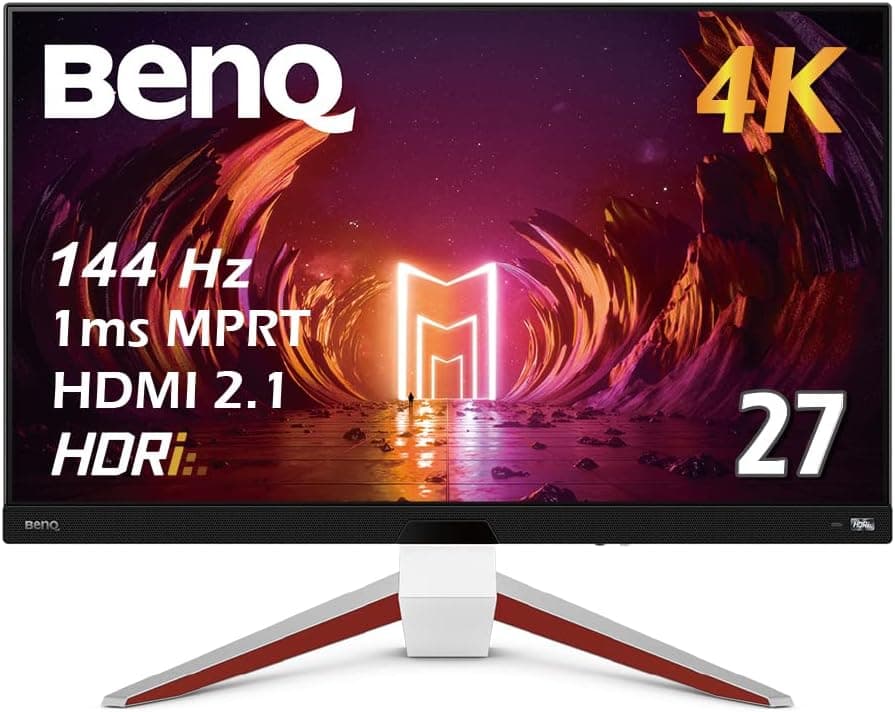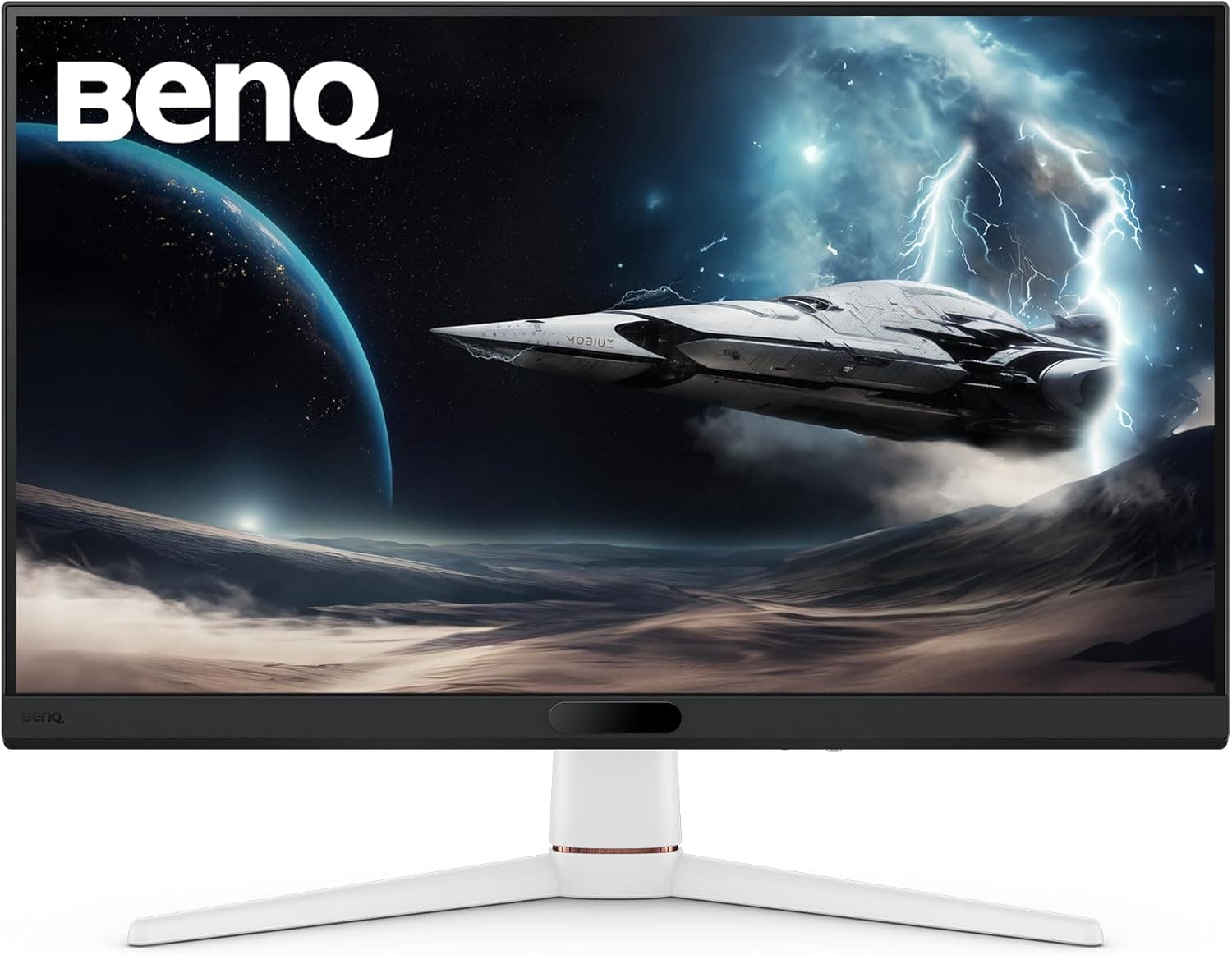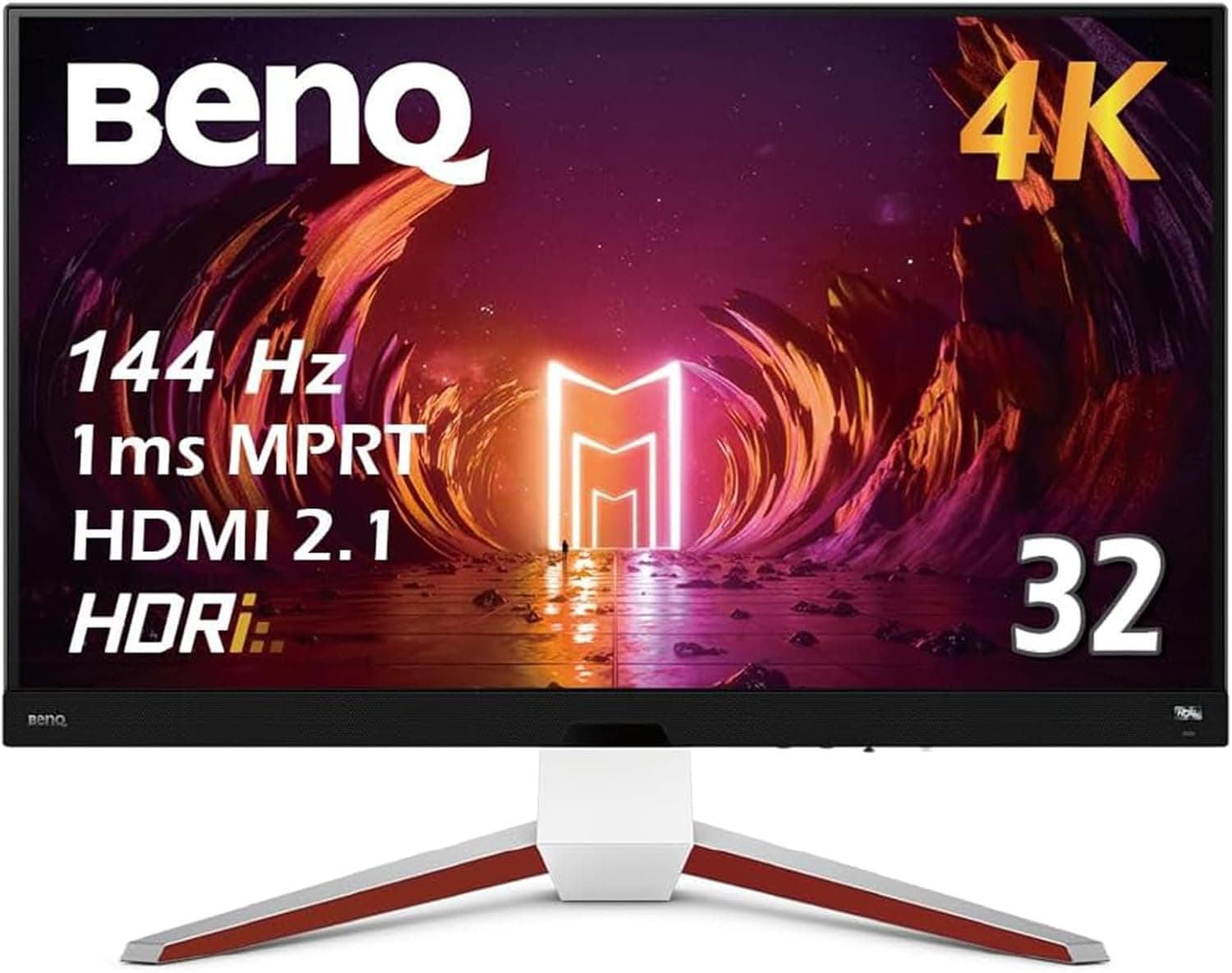
This article takes a detailed look at ベンキュージャパン BenQ MOBIUZ EX3210U ゲーミングモニター (32インチ) from the angles that actually decide a purchase. A 32-inch 4K panel at 144Hz with HDMI 2.1 is still a fairly rare combination, which is why this model keeps coming up for people who want one display to serve both a PS5 and a gaming PC.
Overview
The BenQ MOBIUZ EX3210U from BenQ Japan is a 32-inch 4K UHD (3840×2160) gaming monitor built around an IPS panel with a 144Hz refresh rate. It offers two HDMI 2.1 inputs and one DisplayPort 1.4 input, giving it the bandwidth to take advantage of the PS5 and Xbox Series X.
The rated response time is 2ms GtG and 1ms MPRT, aimed at reducing visible blur and smearing in motion.
The short version: this monitor suits people who want a single display to cover both console and PC gaming, with audio handled by the display itself. It is a poor fit for competitive FPS players chasing 240Hz or higher, for anyone who needs reference-grade color accuracy for professional work, and for anyone working on a shallow desk.
The combination of a 32-inch diagonal and 4K resolution places real constraints on viewing distance and desk space.
The display carries BenQ's HDRi technology and VESA DisplayHDR 600 certification. Quantum-dot color enhancement plus ambient-aware brightness adjustment are aimed at keeping games and video legible even in a bright room.
It also integrates a 2.1-channel treVolo speaker system (2W×2 plus a 5W woofer), which means sound works out of the box — an unusual configuration for a monitor in this class.
As captured on May 30, 2026, the Amazon.co.Check the retailer's page for the latest user reviews.
How to Read the Spec Sheet
Raw numbers alone do not settle a buying decision, so here is what each figure means in practice.
| Spec | Value | What it means in use |
|---|---|---|
| Screen size | 32 inches | About 140ppi with 4K. Borderline readable at 100% scaling |
| Resolution | 3840×2160 (4K UHD) | Driving 4K at 144Hz is GPU-heavy. Expect setting compromises |
| Panel type | IPS | Strong viewing angles and color; weaker black depth than VA or OLED |
| Refresh rate | 144Hz | 144Hz on PC; consoles cap at 120Hz by their own spec |
| Response time | 2ms GtG / 1ms MPRT | MPRT is measured with blur-reduction modes. Not the same metric as GtG |
| HDR | VESA DisplayHDR 600 | Enough for visible HDR effect, short of HDR1000-class tonal range |
| Speakers | 2.1ch (2W×2 + 5W woofer) treVolo | A built-in woofer is rare and may replace desktop speakers |
| Inputs | HDMI 2.1×2, DisplayPort 1.4×1 | Two HDMI 2.1 ports let two consoles stay connected |
| Adaptive sync | FreeSync Premium Pro | Tear-free on AMD GPUs, including HDR content |
| VESA mount | 100×100mm | Arm-compatible, but check the arm's weight rating |
Two entries deserve special attention: the pair of HDMI 2.1 inputs, and the DisplayHDR 600 tier.
The first means you can leave a PS5 and an Xbox connected at once and still keep DisplayPort free for a PC. The second means HDR is genuinely functional here, but it belongs to a different category than OLED or high-brightness mini-LED HDR.
The 1ms MPRT figure is not interchangeable with 2ms GtG. MPRT measures perceived motion clarity and is typically measured with backlight strobing or black frame insertion active.
Those modes sharpen moving edges but tend to dim the screen, so they do not combine well with HDR or peak-brightness scenarios. Do not read 2ms and 1ms together as "a 1ms monitor."
Compatibility Guide
The EX3210U provides three inputs: two HDMI 2.1 and one DisplayPort 1.4.
The manufacturer's compatibility notes state 4K 120Hz with VRR on HDMI 2.1 consoles (PS5, Xbox Series X/S), and up to 4K 144Hz over DisplayPort 1.4.
Those two lines are the whole story: consoles top out at 120Hz, and 144Hz requires a PC over DisplayPort.
When chasing 4K 144Hz from a PC, the real bottleneck is the GPU and the signal path, not the monitor. DisplayPort 1.4 cannot carry uncompressed 4K 144Hz, so DSC (Display Stream Compression) is generally used.
DSC requires support on both the GPU and the cable, and inserting an old adapter or an out-of-spec cable can silently drop you to 120Hz or 60Hz — or remove the refresh-rate option entirely. If 144Hz is not selectable, suspect the cable and the signal chain before suspecting the panel.
On the console side, check three things. First, 4K 120Hz must be enabled explicitly in the console's video output settings (on PS5, the 120Hz output and VRR options).
Second, the cable must meet HDMI 2.1 bandwidth; the bundled cable does, but swapping in an older HDMI cable will break 120Hz.
Third, the game itself needs a 120Hz mode — a title locked to 60fps gains nothing from the display.
Adaptive sync is FreeSync Premium Pro, so AMD GPUs get tear-free output directly. NVIDIA cards can often run FreeSync displays as G-SYNC Compatible, but the data available for this article does not confirm official certification for this model, so treat it as unverified.
If variable refresh rate on NVIDIA is a hard requirement, confirm it on the manufacturer's product page first.
For mounting, the 100×100mm VESA pattern accepts arms and wall brackets. Bear in mind that a 32-inch 4K display has real mass: a budget arm may exceed its rated load, or hold the panel but sag over time.
Check the panel weight without the stand on the product page before choosing an arm. A chassis housing speakers and a woofer also tends to be deep, so allow clearance for rear cable routing on a shallow desk.
Power is internal AC, with no external brick to route under the desk — a small but genuine win for cable tidiness.
Product Info
The BenQ MOBIUZ EX3210U is a high-end-leaning gaming monitor built on 32-inch 4K, 144Hz, and dual HDMI 2.1.
Key specs are in the table above: IPS panel, VESA DisplayHDR 600, FreeSync Premium Pro, and a 100×100mm VESA mount.
On pricing, the Amazon.co.jp listing showed ¥98,000 as captured on May 31, 2026.
That is a point-in-time figure, and monitors are a category where stock and sales move prices substantially. Always confirm the current price on the product page before buying.
The eBay entry is only a search link with no confirmed amount, so it cannot be cited as a price. If you consider used or grey-market units from overseas, weigh power requirements, warranty handling, and shipping damage risk against a domestic retail unit — a 32-inch panel is painful to resolve when transit damage occurs, and price alone is a poor reason to accept that risk.
That volume means the product has been through enough hands that early-batch issues are not the story anymore, and the review text is a practical place to check whether any complaint matches your own use case. Comments about dead pixels or brightness uniformity are individual-unit variation and worth reading before you order.
How It Compares
Buyers at this level rarely compare only against other 32-inch 4K models. Here is the landscape by priority.
If refresh rate is the top priority, fast 1080p or 1440p monitors are the real competition. At a similar price, dropping resolution brings 200Hz-plus options into range.
If your goal is raw frame rate in competitive titles, there is little reason to pick 4K — sustaining 144fps at 4K requires separate GPU spending, so the monitor is not the whole cost.
If black depth and contrast matter most, OLED panels are the competition. IPS wins on viewing angles and color but clearly loses in shadow rendering.
For dark horror games or movies, an OLED will likely satisfy more than an HDR600 IPS — though OLED brings burn-in considerations that sit awkwardly with long desktop-work sessions.
If screen real estate matters most, ultrawide and large curved displays compete. Wider aspect ratios give more working area, but many console titles do not support ultrawide, so 16:9 is the straightforward choice for PS5-centric use.
If none of those three is your single top priority — and what you actually want is 4K detail, 120Hz on console, 144Hz on PC, and decent sound in one box — the EX3210U is a direct answer. If any one of them is non-negotiable, a specialist product will serve you better.
Living With It
At 32 inches and 4K, pixel density lands around 140ppi. Text is just about readable at 100% scaling in Windows, but most people end up at 125–150%.
This is where opinions split, and it is the most common source of the complaint "I bought 4K and scaling ate my extra workspace." If desktop real estate is your goal, do the math with scaling factored in.
For gaming, it is more realistic not to plan around fully saturating 144Hz at 4K. In most titles you will either lower settings or use upscaling to chase high frame rates, and in heavyweight titles you will settle around 60–100fps.
That is not a flaw in this monitor; it is the nature of 4K gaming generally. Treat the 144Hz ceiling as headroom for lighter and competitive titles.
The built-in 2.1-channel treVolo system is unusually complete for a monitor thanks to the dedicated woofer.
Whether it fully replaces powered speakers or a soundbar depends on your expectations, but the spec makes clear this is designed to rise above the usual afterthought monitor audio. The bundled remote handles OSD navigation, input switching, and audio settings, so you are not hunting for buttons behind the bezel.
If you switch between a PS5 and a PC often, that accessory earns its place.
Before You Buy
You will not get 144Hz from a PS5 or Xbox. This is a console limitation rather than a monitor one, but it is the single most common misunderstanding.
Consoles cap at 120Hz; 144Hz is available only from a PC over DisplayPort (or HDMI 2.1).
Expecting 144Hz on PS5 because the box says "4K 144Hz" guarantees disappointment.
Exploiting 4K 144Hz requires separate GPU investment. Buying a monitor does not raise your frame rate.
High frame rates at 4K are a heavy GPU load, and 144fps in demanding titles is not realistic on current mid-range cards. If your GPU barely manages 4K 60fps, address the GPU first or choose a faster lower-resolution display instead.
HDR600 is not top-tier HDR. DisplayHDR 600 delivers a visible HDR effect, but highlight range and shadow gradation fall short of higher certifications and OLED panels.
Buying this primarily for HDR video quality is likely to disappoint. Judge it on SDR quality and in-game legibility instead.
IPS black elevation is unavoidable. In a dark room, dark scenes will look grey rather than black.
That is characteristic of IPS, not a defect, but it will frustrate you if dark-room movie watching is the main use. IPS glow in the corners and brightness unevenness also vary between individual units, so buy from a channel whose return and exchange terms you have checked.
Confirm 32 inches fits your desk first. Too close, and eye movement across the panel increases — in FPS titles you start missing the edges of the screen.
Aim for at least 600-800 mm of viewing distance. Measure the stand footprint, desk depth, and rear cable clearance for real.
If you plan to use an arm, match its load rating against the panel weight without the stand.
Connection problems are almost always the cable. Symptoms like "120Hz isn't offered," "HDR won't engage," or brief black-screen drops usually trace to a cable that misses HDMI 2.1 bandwidth, or to a splitter, switch, or extender in the path.
Verify behavior with the bundled cable first. Skipping that step is how a working monitor gets returned as defective.
Watch for listing discrepancies. Retail product pages sometimes carry manufacturer names, model numbers, or accessory lists that do not match the physical product, and prices from an unrelated item occasionally leak in.
Before ordering, confirm the product images, title, and seller all match the intended model. The price and review figures in this article are point-in-time captures and will differ from current values.
Best Use Cases
HDMI 2.1 supports 4K 120Hz output with VRR, so supported titles run with noticeably less stutter.
Having two HDMI 2.1 ports means two consoles can stay plugged in — a practical advantage.
Second, PC gamers building a 4K setup. DisplayPort 1.4 supports up to 4K 144Hz, so lighter titles and tuned settings can use that headroom.
The IPS panel's wide viewing angles and quantum-dot gamut make it workable for photo and video editing too — though for strict professional color management, look at a calibration-capable display instead.
Third, anyone who wants a tidy desk. The 2.1-channel treVolo speakers and internal AC power remove both external speakers and a power brick.
The bundled remote switches volume, picture mode, and inputs from a distance, which also suits living-room placement.
Who should skip it: competitive FPS players who need 240Hz or more, anyone whose priority is dark-room movie watching or HDR video quality, anyone who cannot achieve 600 mm or more of viewing distance, and anyone whose current GPU cannot sustain playable frame rates at 4K. In those cases, a faster lower-resolution monitor or an OLED panel will satisfy more.
FAQ
Q. Can a PS5 output 4K 144Hz? A.
No. PS5 and Xbox Series X/S cap at 4K 120Hz by design.
144Hz on this monitor requires a PC. Also enable 120Hz output and VRR in the console's video output settings.
Q. What do I need for 4K 144Hz from a PC? A.
A DisplayPort 1.4 (or HDMI 2.1) connection, a GPU capable of 4K 144Hz output, and a cable that meets spec.
DisplayPort 1.4 generally relies on DSC compression, so adapters or old cables can remove the 144Hz option.
Test with the bundled cable connected directly first.
Q. Does variable refresh rate work on NVIDIA GPUs? A.
The monitor supports FreeSync Premium Pro. Official G-SYNC Compatible certification is not covered by the data behind this article, so it cannot be confirmed here.
If it is a hard requirement, check the manufacturer's product page before buying.
Q. Are the built-in speakers enough? A.
The 2.1-channel setup (2W×2 plus a 5W woofer) produces more low end than typical monitor speakers without a woofer.
That may well be enough to skip external speakers, but if audio quality matters a lot to you, plan on separate speakers or a headset.
Q. Can I use a monitor arm? A.
Physically yes, via the 100×100mm VESA mount. But a 32-inch 4K panel is heavy, so verify the arm's load rating against the panel weight without the stand.
An underrated arm will hold the panel yet gradually droop.
Q. Is it usable for office work? A.
Yes. At roughly 140ppi, however, most people find text small at 100% scaling and settle at 125–150%.
Factor in that raising scaling reduces effective workspace accordingly.
Summary
The BenQ MOBIUZ EX3210U packs 32-inch 4K, 144Hz, dual HDMI 2.1, and 2.1-channel built-in audio into one chassis.
As captured on May 30, 2026, Amazon.co.
For the request "console and PC, picture and sound, all in one display," it is a direct answer. If your single top priority is 240Hz-plus speed, OLED-class blacks, or a compact footprint, look elsewhere.
Before buying, confirm three things: consoles cap at 120Hz, 4K 144Hz implies GPU spending, and you have the viewing distance and desk space for 32 inches. Price and review figures here are point-in-time captures, so check the product page for current information.