This article covers ASUS ROG Bulwark Dock DG300 ブラック HDMI USBポート USB3.2 (Type-C.
Overview
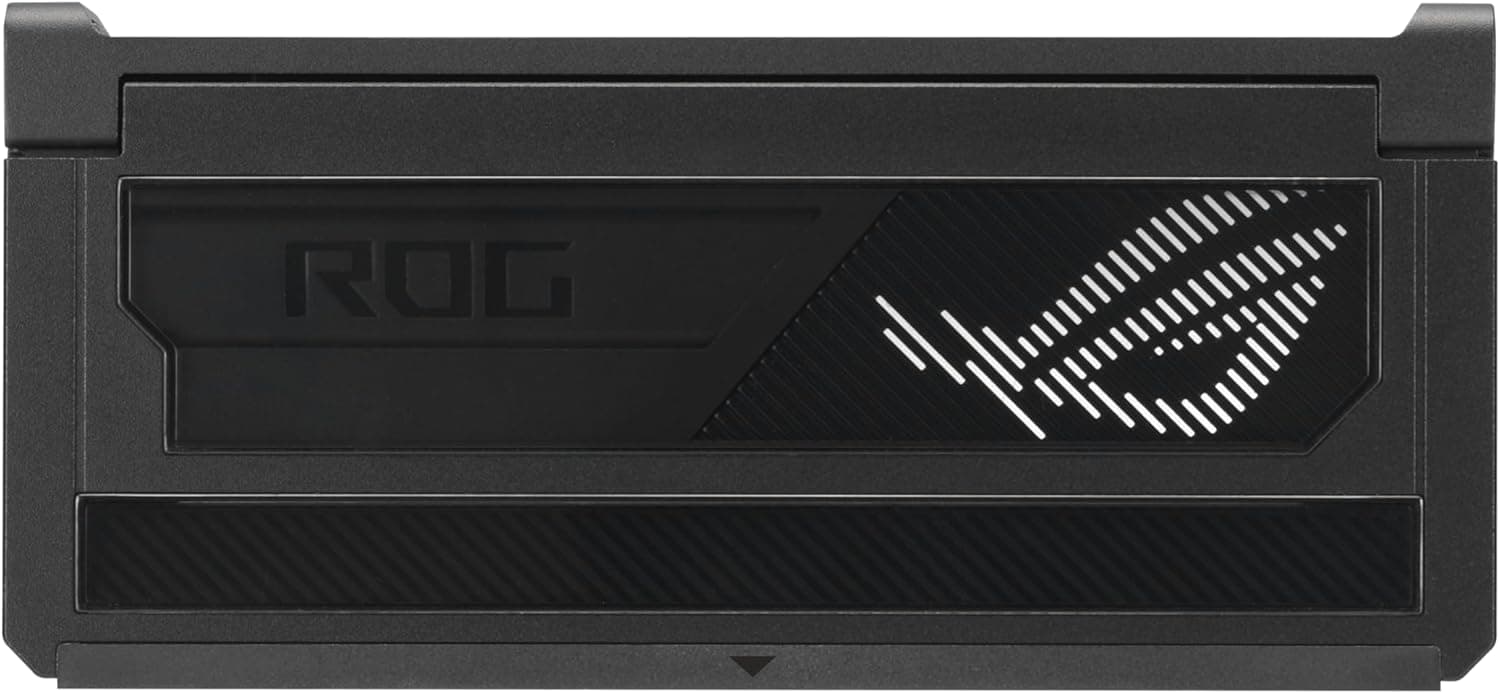
The ASUS ROG Bulwark Dock DG300 is a USB-C docking station from the ROG gaming lineup. It supports external display output up to 7680×4320 via a single HDMI port, includes two USB 3.2 Gen 2 Type-C ports (one for host connection, one for data and power), three USB 3.2 Gen 2 Type-A ports, and a Gigabit Ethernet port. With up to 140W input and 100W pass-through power delivery, it can charge your laptop while connecting peripherals through a single USB-C cable. The compact, black chassis carries the distinctive ROG aesthetic without sacrificing connectivity.
Compatibility Guide
The dock works with Windows 11 (24H2+), macOS 12.3+, and Android 14+. The host device's USB-C port must support data, video (DisplayPort Alt Mode), and power delivery simultaneously. Most modern laptops and tablets qualify, but older devices may only support charging. The included 25cm USB-C-to-C cable connects the dock to your host. Ethernet supports 10/100/1000BASE-T. No additional drivers are required for basic functionality.
Product Info
Released in early 2025 (estimated), the ROG Bulwark Dock DG300 is available through Japanese online retailers at around ¥18,162. It carries a one-year warranty. Dimensions are 160×74×25.5 mm and weight 335g. Positioned as a mid-range dock, it offers reliable connectivity and ROG build quality at a price below Thunderbolt-based alternatives.
Best Use Cases
- Laptop gamers: Ideal for connecting a gaming laptop to an external monitor, wired Ethernet, and peripherals through one USB-C cable. The ROG branding matches other ROG gear and the 100W PD can keep most gaming laptops topped up during moderate use.
- Creative professionals: The 8K HDMI output enables high-resolution external monitors for photo and video editing. Three Type-A ports accommodate tablets, SSDs, and other peripherals simultaneously.
- Business travelers: Compact and lightweight, it turns a hotel TV into an extended monitor during presentations. Requires the laptop's USB-C to support DisplayPort Alt Mode. The built-in Gigabit LAN adds reliable connectivity in hotel rooms.
Things to Consider
Video output relies on DisplayPort Alt Mode, so bandwidth is lower than Thunderbolt 4 or USB4. 8K resolution may be limited by the display and host hardware. The 100W power delivery might not meet the demands of high-performance gaming laptops under sustained load. Compared to budget hubs, the ROG dock offers superior build quality and brand consistency, but lacks an SD card slot. If you need Thunderbolt speeds or multiple video outputs, consider alternative docks like those based on Thunderbolt 4.
FAQ
Q: Can I use this dock with a MacBook Pro?
A: Yes, it supports macOS 12.3+. Ensure the MacBook's USB-C port supports video output and power delivery. M-series MacBooks generally work without issues.
Q: How many external monitors can I connect?
A: Only one monitor via the single HDMI port. For multi-display setups, look for Thunderbolt dock solutions that offer DP++ or multiple video outputs.
Q: Can I game with peripherals plugged in?
A: Yes, the three USB-A ports support game controllers, external drives, and other USB devices. However, total bandwidth is shared, so intensive simultaneous transfers may reduce performance. For most gaming scenarios this is not a concern.
Product Disclosure (Amazon)
- Manufacturer: ASUS
- Seller: Amazon.co.jp
- Fulfilled by: Amazon.co.jp
- ASIN: B0FRMDPR42
- Note: This article covers a manufacturer-made product based on Amazon listing details.