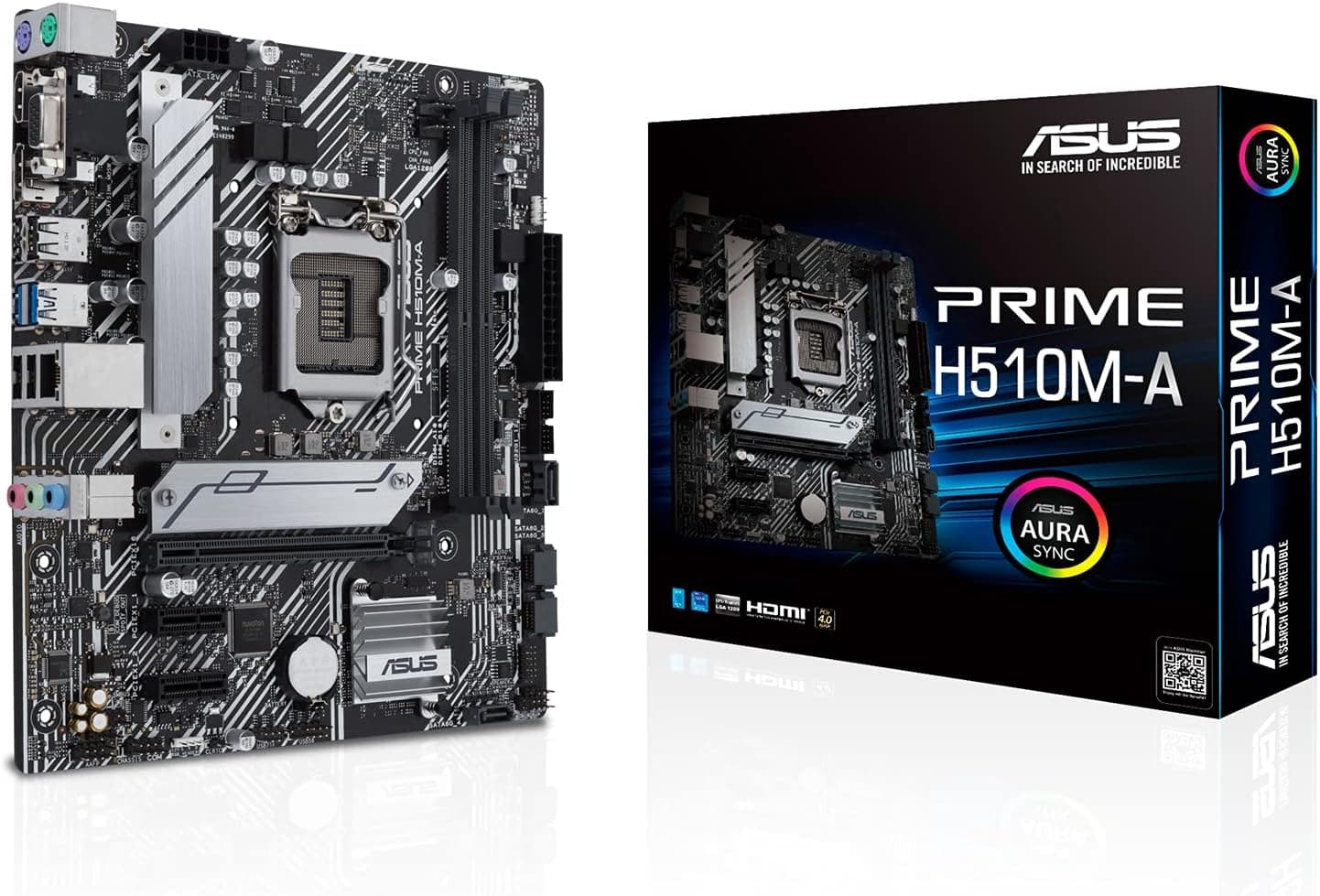
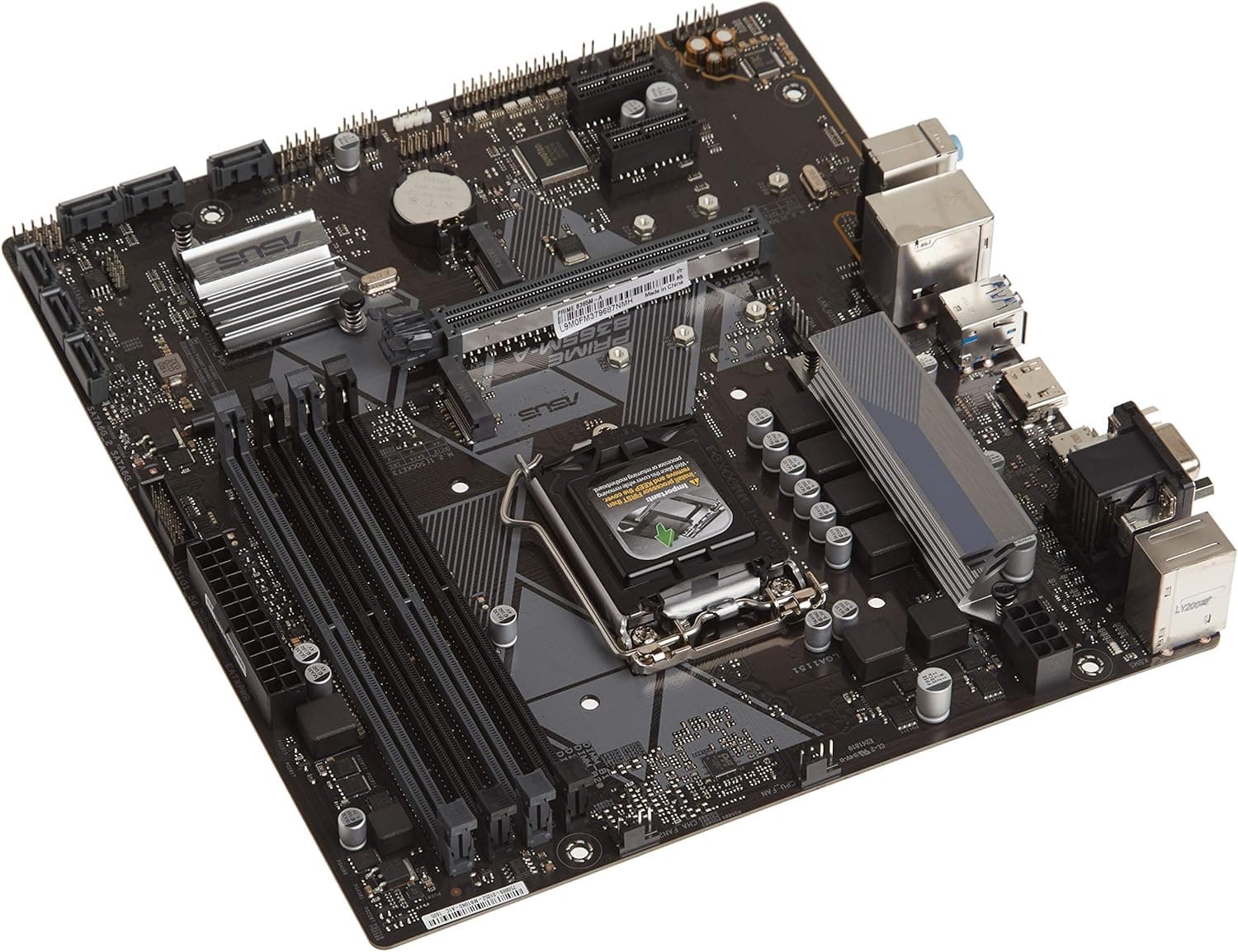
This article covers ASUS INTEL H410 搭載 LGA1200 対応 マザーボード PRIME H410M-A 【 MicroATX 】.
Overview
The ASUS PRIME H410M-A is an entry-level MicroATX motherboard built around the Intel H410 chipset, supporting 10th Gen Intel Core processors via the LGA1200 socket. It features two DDR4 DIMM slots (up to 64GB), an M.2 slot for NVMe or SATA SSDs, and four SATA 6Gb/s ports. With ASUS's 5X Protection III and OptiMem memory trace routing, it emphasizes stability and reliability at a low cost.
Positioned firmly in the budget segment, this board is ideal for office PCs, home servers, or light multimedia builds. It lacks PCIe 4.0 support and has limited expansion slots, but for users who need a dependable foundation for a low-cost system, it delivers solid value.
Compatibility Guide
- CPU Socket: LGA1200, compatible only with Intel 10th Gen Core (Comet Lake), Pentium Gold, and Celeron processors. 11th Gen (Rocket Lake) is not supported.
- Memory: 2x DDR4 DIMM slots, max 64GB, speeds up to DDR4-2933 (non-ECC, unbuffered). Dual-channel configuration is supported.
- Form Factor: MicroATX (22.6cm x 20.3cm). Fits most MicroATX cases, but check case specifications for width clearance.
- Storage: 1x M.2 slot (PCIe 3.0 x4 / SATA), 4x SATA 6Gb/s ports. No PCIe 4.0 M.2 support.
- Expansion: 1x PCIe 3.0 x16, 2x PCIe 3.0 x1. Suitable for a single GPU, but limited for multi-GPU or high-bandwidth add-on cards.
- USB: Rear: 2x USB 3.2 Gen 1 Type-A, 2x USB 2.0. Internal headers: 2x USB 3.2 Gen 1, 4x USB 2.0.
- Power: 24-pin main, 8-pin CPU power. Adequate for CPUs up to Core i7-10700, but VRM cooling is basic.
Product Info
The ASUS PRIME H410M-A launched around June 2020. Current pricing on Japanese online retailers is approximately ¥9,480 (as of September 2026). Warranty is the standard 3 years from ASUS, including pin-damage coverage.
Market positioning: entry-level. The H410 chipset limits PCIe to 3.0, memory to DDR4-2933, and USB to 3.2 Gen 1. This board is designed for cost-sensitive builds where cutting-edge features are unnecessary. ASUS's PRIME series focuses on stability and longevity, making it a reliable choice for basic computing.
Key specs: Intel H410 chipset, LGA1200 socket, MicroATX, 2x DDR4 DIMM (max 64GB), 1x M.2, 4x SATA, 1x PCIe 3.0 x16, Gigabit LAN, USB 3.2 Gen 1.
Best Use Cases
- Budget Office / Home PC: Pair with a Core i3-10100 or Pentium Gold for word processing, web browsing, and video playback. The low motherboard cost frees budget for RAM or storage.
- Home Server / NAS / HTPC: MicroATX size fits compact cases; four SATA ports allow multiple HDDs. Low power draw suits 24/7 operation.
- Entry-Level Gaming Rig: Combine with a Core i3-10100F and a budget GPU (GTX 1650 / RX 6400) for 1080p gaming at low-medium settings. Note that PCIe 3.0 x16 may bottleneck higher-end GPUs.
- Not for: Users needing PCIe 4.0/5.0 support, 11th Gen or newer CPUs, more than 64GB RAM, overclocking, or dual-GPU setups.
Things to Consider
- No 11th Gen CPU support: Despite LGA1200, H410 is limited to 10th Gen Comet Lake. You'll need to source a used 10th Gen processor.
- PCIe 3.0 only: M.2 slot runs at PCIe 3.0 x4; modern PCIe 4.0 SSDs will be bandwidth-limited. GPU slot is also PCIe 3.0, which can bottleneck mid-range and above graphics cards.
- Only two memory slots: Plan for dual-channel from the start (e.g., 2x16GB). Future upgrades require replacing modules.
- Basic VRM: Not designed for sustained heavy loads on high-core-count CPUs (i7/i9). Stick with i3 or Pentium for best thermals.
- Competitors: ASRock H410M-HDV and Gigabyte H410M S2H offer similar specs. ASUS provides a polished BIOS and reliable support, but feature sets are nearly identical.
FAQ
Q: Can I use a Core i5-10400 with this motherboard?
A: Yes, it's fully compatible. However, the VRM is basic, so prolonged heavy workloads (e.g., video encoding) may cause higher CPU temperatures. Use a decent aftermarket cooler.
Q: Does this board support PCIe 4.0 M.2 SSDs?
A: Physically yes, but the M.2 slot runs at PCIe 3.0 x4, limiting speeds to ~3500 MB/s. You won't get the full performance of a PCIe 4.0 drive, so a PCIe 3.0 SSD is more cost-effective.
Q: What memory speed should I use?
A: Officially up to DDR4-2933. With a Core i3-10100, the memory controller supports up to DDR4-2666; with i5-10400, up to DDR4-2933. XMP profiles work, but overclocking is not supported. Stick to rated speeds for stability.
Product Disclosure (Amazon)
- Manufacturer: ASUS
- ASIN: B0899RJLLN
- Note: This article covers a manufacturer-made product based on Amazon listing details.