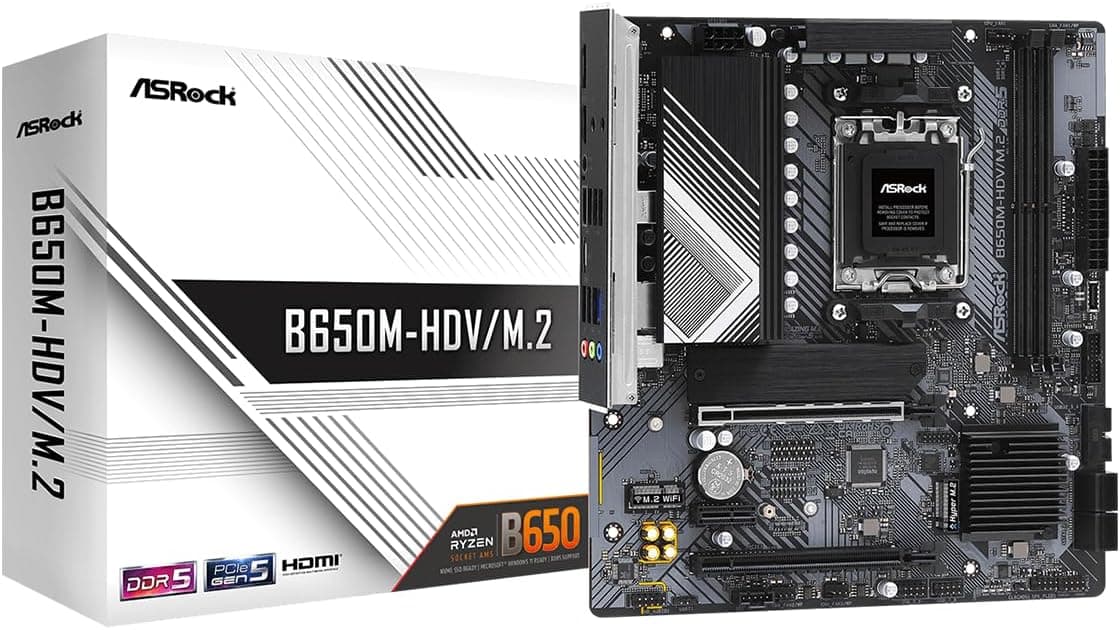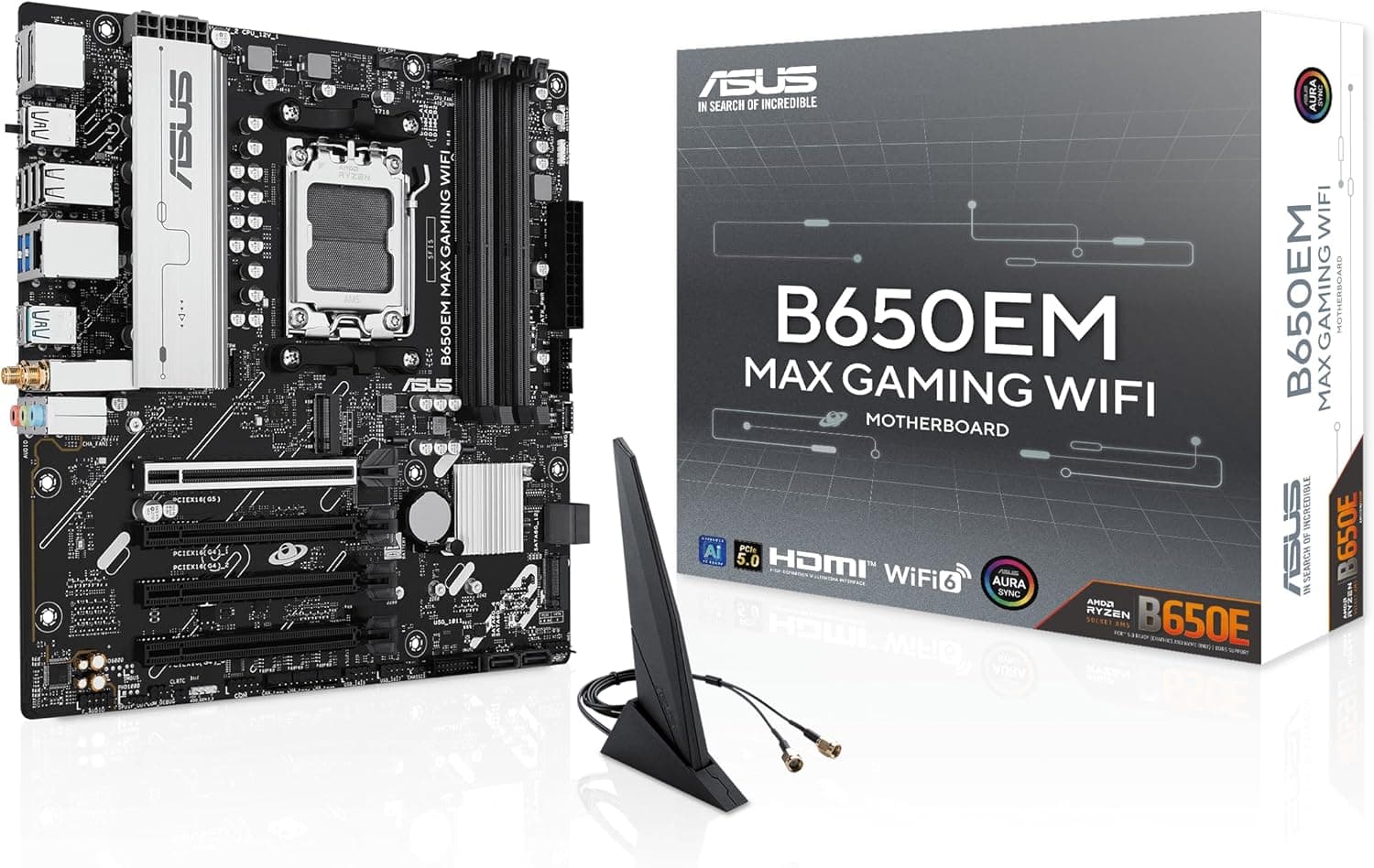
This article covers ASUS B650EM MAX ゲーミング WiFi AMD B650 mATX マザーボード.
Overview
The ASUS B650EM MAX GAMING WiFi is an AM5 socket mATX motherboard designed for AMD Ryzen 9000, 8000, and 7000 series processors. It supports the latest DDR5 memory and PCIe 5.0, and includes three M.2 slots and built-in WiFi 6. The 8+2+1 phase power delivery and 6-layer PCB ensure stable power for demanding workloads, making it suitable for gaming and creative tasks. Despite its compact mATX form factor, the board offers a good balance of expansion and cooling. It features rear USB 10Gbps Type-C and front USB 5Gbps Type-C ports for fast data transfers. DIY-friendly features like BIOS Flashback and Q-LED Core diagnostics simplify troubleshooting and upgrades. Priced around ¥31,000, this motherboard sits in the entry-to-mid-range segment, offering excellent value for users who want modern features without breaking the bank.
Compatibility Guide
CPU Socket: AMD AM5 – compatible with Ryzen 9000, 8000, and 7000 series. BIOS update may be required for newer CPUs. Memory: 2x DDR5 DIMM slots, up to 64GB. Supports EXPO and XMP overclocking profiles. Form Factor: mATX (244mm x 244mm). Fits most MicroATX cases; check GPU clearance in smaller chassis. Storage: 3x M.2 slots (1x PCIe 5.0 x4, 2x PCIe 4.0 x4) and 4x SATA 6Gb/s ports. Mix high-speed NVMe SSDs with HDDs. Expansion Slots: 1x PCIe 5.0 x16 (GPU), 1x PCIe 4.0 x16 (x4 mode), 1x PCIe 4.0 x1. Power: 24-pin ATX main, 8-pin EPS CPU. Recommended PSU: 650W or higher (depending on CPU/GPU combo). * Networking: WiFi 6 (802.11ax) + Bluetooth 5.2, Realtek 1GbE Ethernet.
Product Info
The ASUS B650EM MAX GAMING WiFi launched in late 2025 as a mid-range motherboard. It positions itself between entry-level and mainstream, offering premium features like PCIe 5.0 M.2, WiFi 6, and triple M.2 slots in a compact mATX form. The price is around ¥31,000, making it cheaper than many ATX B650 boards while still being well-equipped. The standard warranty is three years.
Best Use Cases
Budget 1080p/1440p Gaming Builds: Pair with a Ryzen 5 7600 or Ryzen 7 8700F for a cost-effective gaming rig. The PCIe 5.0 M.2 slot supports the fastest SSDs. Not ideal for hardcore overclockers who prefer premium B650E or X870E boards. Compact Creative Workstation: The mATX size fits small cases, and three M.2 slots provide ample storage for video editing or 3D rendering projects. WiFi 6 reduces cable clutter. But be aware that the board only has one DisplayPort output for iGPU. * Office/Productivity PC: Combine with a Ryzen 5 7500F for a snappy office machine. The lack of onboard USB-C video output may be a minor inconvenience for some monitors. ## Alternatives
Competitors in the same price range include the GIGABYTE B650M GAMING PLUS WIFI and ASRock B650M Pro RS WiFi. The GIGABYTE board has a larger VRM heatsink but only two M.2 slots. The ASRock board offers similar rear USB 10Gbps Type-C but only one PCIe 5.0 M.2 slot. The ASUS B650EM MAX GAMING WiFi stands out with three M.2 slots (including one PCIe 5.0) and BIOS Flashback, making it a better choice for storage-heavy users.
Things to Consider
Case Size: As an mATX board, it will leave a gap at the bottom in ATX cases. Consider cable management covers if aesthetics matter. M.2 Slot Placement: The PCIe 5.0 M.2 slot sits directly above the PCIe 5.0 x16 slot. Thick graphics cards may obstruct the M.2 heatsink; check clearance before assembly. VRM Capability: 8+2+1 phases are sufficient for Ryzen 7 CPUs, but if you plan to run a Ryzen 9 7950X or future high-end chips at full load, a higher-phase board is recommended. iGPU Outputs: Only DisplayPort and HDMI; no USB-C video output. APU users (Ryzen 8000G series) should be aware of this limitation. ## FAQ Q: Can I use a Ryzen 7 7800X3D with this motherboard? A: Yes. The AM5 socket supports it, and the VRM is adequate for gaming workloads. A BIOS update may be needed for the latest X3D chips. Q: How many PCIe 5.0 SSDs can I install? A: Only one. The other two M.2 slots are PCIe 4.0. If you need multiple PCIe 5.0 SSDs, consider a higher-end X670E or X870E motherboard. Q: Does BIOS Flashback work without a CPU installed? A: Yes. You can update the BIOS using only the power supply and a USB flash drive, without a CPU or memory. This is useful for ensuring compatibility with newer Ryzen processors.
Product Disclosure (Amazon)
- Manufacturer: ASUS
- Seller: Amazon US
- Fulfilled by: Amazon US
- ASIN: B0FLRBKKXM
- Note: This article covers a manufacturer-made product based on Amazon listing details.