Overview
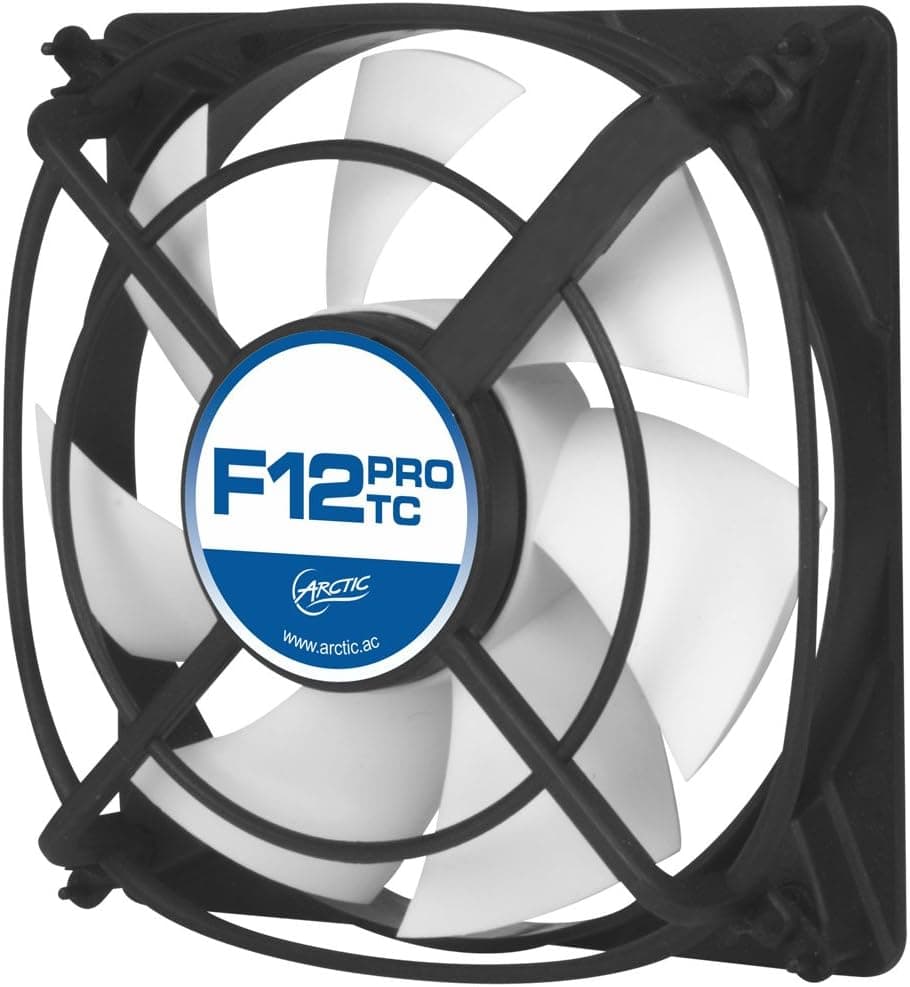
The Arctic F12 PRO TC PWM 120x120x38 is a 120mm case fan from Arctic. Most 120mm fans are 25mm thick, but this one uses a 38mm frame, giving the blades and frame extra depth.
It spins up to 2500 RPM and supports 4-pin PWM. On top of that, a temperature sensor cable of about 40cm extends from the fan body, and the TC (Temperature Control) feature adjusts fan speed automatically based on the temperature where you place that sensor.
The short verdict: this fan is for people who can spare an extra 13mm of depth inside the case and want to push air through a radiator or a dense heatsink. A 38mm fan tends to build more static pressure than a 25mm fan at the same speed, so it pays off where airflow meets resistance.
It is a poor fit for compact cases or for anyone who wants the simplest possible install.
The listing data behind this article also includes figures that look odd for a 120mm fan, such as a noise level of 0.08 dBA and power consumption of 12 W.
We cover how to read those in Product Info and Things to Consider. On Amazon.co.Check the retailer's page for the latest user reviews.
That is not an outstanding score, so factor it in.
What Makes a 38mm Fan Different
Fan thickness shapes a fan's character more than its looks suggest. A thicker frame allows deeper blades, which makes it easier to build static pressure (the force that pushes air).
Airflow then holds up better against resistance such as radiator fins, dust filters or fine-mesh front panels. That is why the Arctic F12 PRO TC PWM 120x120x38 is described as a radiator fan.
The trade-off is space. Compared with a 25mm fan, it adds 13mm of depth.
On a radiator, the combined radiator-plus-fan thickness grows by 13mm; on a CPU cooler heatsink, the whole cooler gets 13mm deeper. Case specs for top or front radiator support usually assume 25mm fans, so you need to check separately whether a 38mm fan still fits.
Screws are easy to overlook. Fan screws bundled with many cases and radiators are sized for 25mm frames and may not reach through a 38mm frame.
Check in advance that you have screws long enough for your mounting point so the build does not stall halfway.
Compatibility Guide
Based on the provided specs and compatibility data, here is what to check before installing.
| Item | This product | What to check |
|---|---|---|
| Size | 120 x 120 x 38 mm | Mounting holes use the standard 120mm fan pitch of 105mm |
| Thickness | 38 mm | 13mm deeper than a 25mm fan |
| Connector | 4-pin PWM | Connects to a 4-pin motherboard fan header |
| Rated voltage | 12 V | Standard fan header voltage |
| Temperature sensor cable | About 40 cm | Can it reach and be secured where you want to measure? |
Thickness is the most common failure point. As a rear fan it can hit the CPU cooler's heatsink or fan; as a top fan it can collide with motherboard VRM heatsinks, memory, or a top-mounted radiator.
Front mounting also reduces the gap to long graphics cards and drive cages. Use your case's CPU cooler height limit, GPU length limit and radiator thickness limit to confirm there is still 13mm to spare before buying.
It is generally not recommended for mini-tower or compact cases. Even in mid-towers and larger, some positions may not fit.
With a large tower cooler or a top-flow cooler in particular, measuring the actual distance between fan and cooler is the reliable approach.
The power connector is 4-pin PWM. It will plug into and run on a 3-pin header, but without PWM speed control.
Switching the motherboard header to DC (voltage) mode may allow speed changes, but how a fan with its own temperature sensor behaves in that mode depends on the fan's design. For dependable control, use a 4-pin header.
Using the Temperature Sensor (TC) vs. PWM
The fan's standout feature is its temperature sensor. According to the source data, it adjusts fan speed so the spot where the sensor sits does not exceed 38°C.
In other words, the fan can follow the temperature of a point you choose inside the case rather than a motherboard reading.
Sensor placement makes or breaks the feature. Put it where temperatures rise under load, such as in the GPU exhaust path, near the CPU socket, or around the VRMs.
Place it somewhere cool, like right behind an intake fan, and the fan may not speed up even as other parts of the case heat up. Placement is also limited to what the roughly 40cm cable can reach.
The provided data does not say which control wins when PWM and the temperature sensor are both active. Decide first whether you want fine control via a motherboard fan curve or hands-off sensor control, then check the manual for how the two interact.
After installation, watch fan RPM in monitoring software while applying load to confirm speeds rise and fall as intended.
Product Info
Key specs from the listing are shown below (values are reproduced as listed).
| Item | Value |
|---|---|
| Fan size | 120 x 120 x 38 mm |
| Rated voltage | 12 V |
| Power consumption | 12 W |
| Max RPM | 2500 RPM |
| Noise level | 0.08 dBA |
| Connector | 4-pin PWM |
| Bearing | Hydrodynamic bearing |
| Material | Copper (heatsink section) |
| Temperature sensor cable length | About 40 cm |
The fan uses a hydrodynamic bearing, with an oil capsule that retains lubricant to extend its lifespan. The Arctic F12 PRO TC PWM 120x120x38 sits in the upper (PRO) line of Arctic's F-series and has been listed on Amazon for a long time.
Some values in the table are hard to take at face value, though. A noise level of 0.08 dBA is close to inaudible and not realistic for a fan that reaches 2500 RPM; a value in another unit, such as sones, may have been entered as dBA.
Power consumption of 12 W is also very high for a single 120mm fan. The material entry, copper (heatsink section), is odd too, since case fans normally have no heatsink, so data from another product may have slipped in.
We have left the values unchanged, but check Arctic's product page before relying on them.
On price: as of June 1, 2026, Amazon.co.
Limited stock may have pushed the price up, but a data collection error cannot be ruled out, so this article does not quote the amount. Prices change often, so check the product page for the current price.
Reviews on Amazon.co.
With a modest review count and a middling score, it is worth reading the low-rated reviews for complaints about noise, rattling or unit-to-unit variation before buying.
Comparison with Competitors
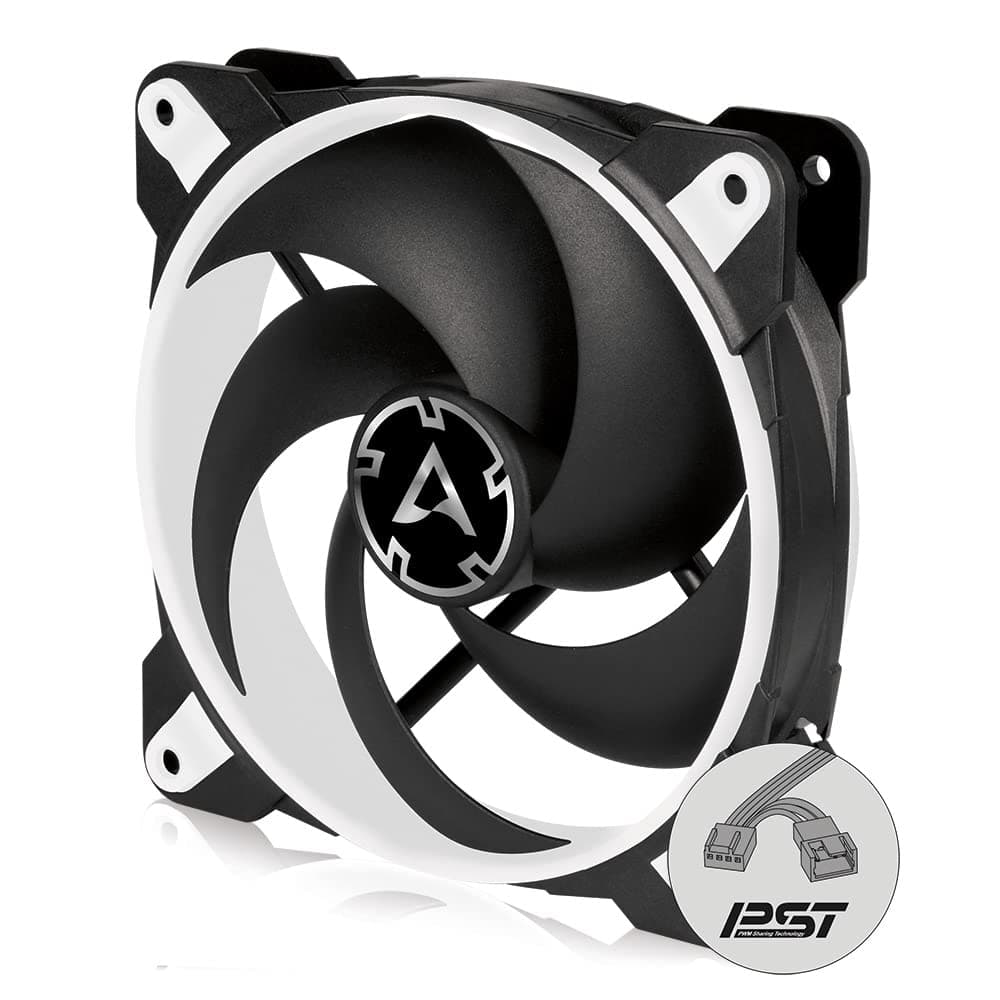
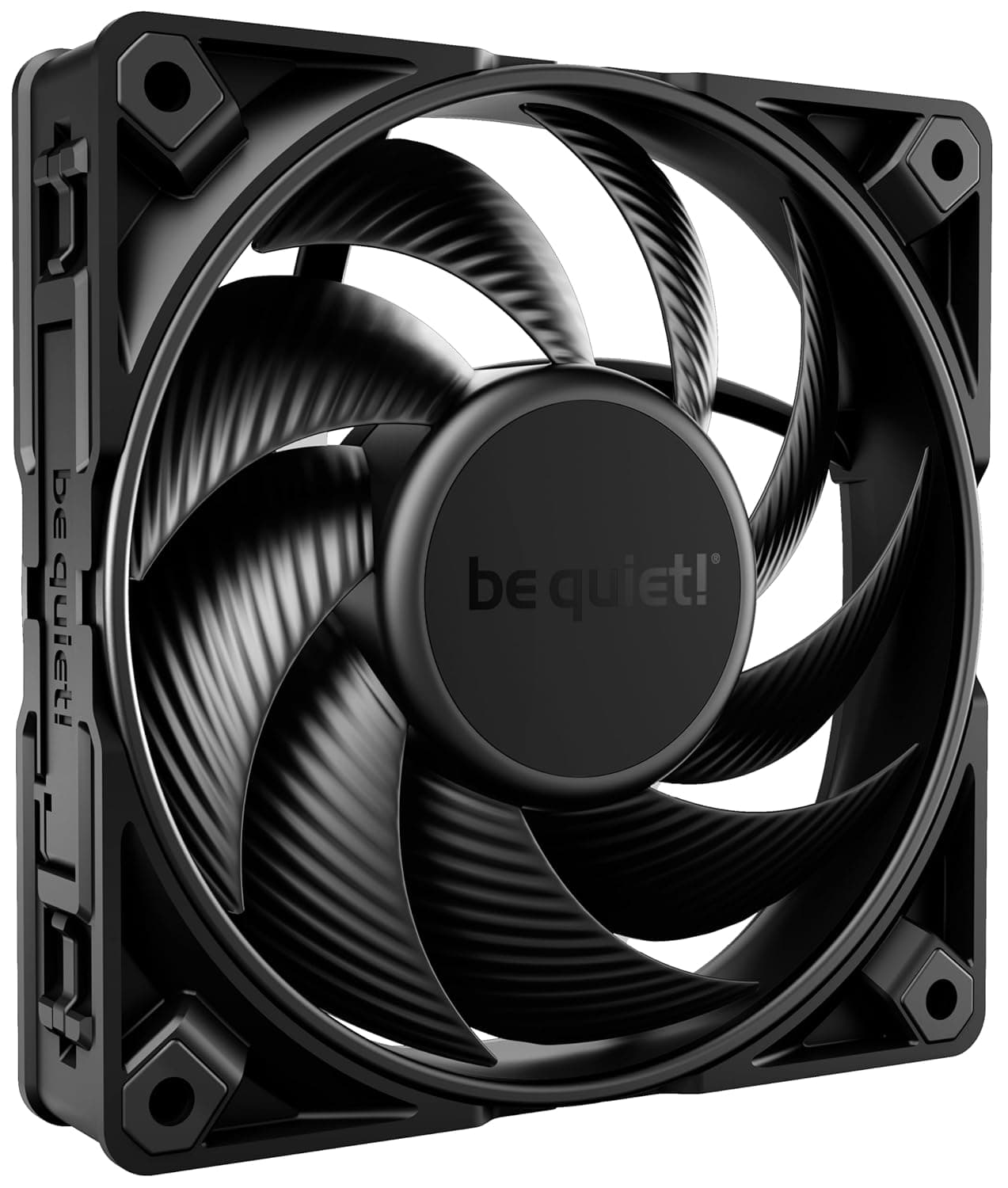
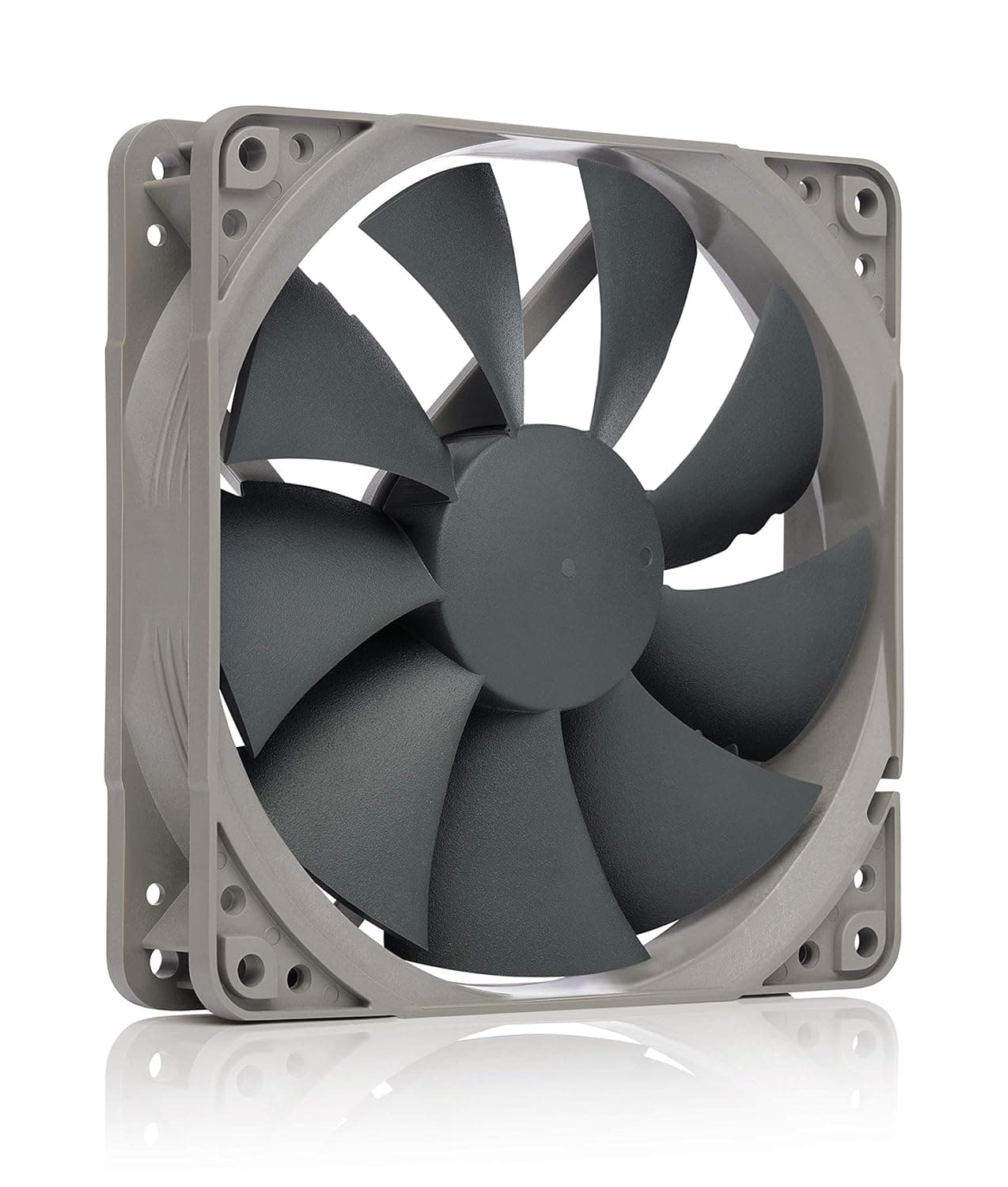
Well-known 25mm high-performance 120mm fans include the Noctua NF-A12x25 and the be quiet! Silent Wings 4.
Their strength is that they fit standard thickness, so they mount on almost any case or radiator without extra checks.
| Aspect | Arctic F12 PRO TC PWM (38mm) | 25mm high-performance fans |
|---|---|---|
| Static pressure | Easier to build thanks to the extra depth | Can perform well by design, but no extra depth |
| Ease of mounting | Clearance checks against case and cooler are essential | Fits almost anywhere |
| Screws | May need longer screws for a 38mm frame | Standard screws work |
| Speed control | PWM plus a separate temperature sensor | Mainly motherboard PWM control |
The choice mostly comes down to case clearance. If you can comfortably spare 13mm and need to push air through a restrictive spot, 38mm makes sense.
Forcing a 38mm fan into a case without room often means compromising on mounting position to avoid collisions, which can actually hurt cooling.
Best Use Cases
It suits people pairing a fan with a radiator or a dense-fin CPU cooler. The static pressure headroom from the 38mm frame shines where resistance is high, such as fine-fin radiators or intake through dust filters.
This assumes a mid-tower or larger case and a confirmed 13mm of spare depth at the mounting spot.
It also suits people who want cooling driven by a temperature other than the motherboard's sensors. Place the sensor at the hottest point in the case, such as near the GPU exhaust or around the VRMs, and the fan will respond to that spot.
It is also a candidate for anyone balancing noise and cooling. You get headroom up to 2500 RPM, while day-to-day you can keep it slow with PWM and let it ramp up only under heavy load.
Things to Consider
Thickness is the biggest caveat. At 38mm, the fan is 13mm deeper than a 25mm fan, and whether you mount it at the rear, top or front, it may collide with the CPU cooler, motherboard heatsinks, memory, graphics card or a radiator.
Do not rely on case spec sheets alone; measure the actual depth at the mounting spot before buying. Also confirm you have screws that fit a 38mm frame.
Next is spec reliability. The listed noise level (0.08 dBA), power consumption (12 W) and material (copper heatsink section) are unusual values for a 120mm case fan.
The 12 W figure in particular is close to what a single motherboard fan header typically handles (generally about 1A, or roughly 12W at 12V). If it is accurate, avoid running several of these from one header with a splitter.
Verify all of these with Arctic's official information and do not build around numbers you cannot confirm.
Temperature sensor control is based on a single point. Put the sensor in the wrong place and the fan may not react even as the rest of the case heats up.
At a full 2500 RPM, expect noticeable noise; it is safer to assume the fan is not as quiet as the listed noise figure implies.
Watch the price as well. The same budget may buy several standard 25mm fans, so consider whether the 38mm design is really worth it for you.
Product listings sometimes contain errors, so confirm from the photos and title that you are buying the right product.
In short, this fan is not for people with compact cases, those who want to keep per-fan cost low, or those who do not want to verify specs themselves.
FAQ
Q. Does it fit standard 120mm fan mounting holes? A.
Yes. The holes use the same 105mm pitch as standard 120mm fans.
Because the fan is 38mm thick, check screw length and surrounding clearance separately.
Q. Can I use it on a 3-pin fan header? A.
It will run, but without PWM speed control. For reliable control, connect it to a 4-pin PWM header.
Q. Where should I put the temperature sensor? A.
Wherever temperatures climb most under load, such as near the GPU exhaust, the CPU socket or the VRMs. The cable is about 40cm, so choose a spot within reach.
Q. Is the 0.08 dBA noise rating real? A.
It is not a realistic figure for a fan that reaches 2500 RPM and may be a unit entry error. If quiet operation matters, check Arctic's product page and user reviews for real-world noise.
Q. What should I watch for when mounting it on a radiator? A.
The combined radiator-plus-fan thickness is 13mm greater than with a 25mm fan. Check your case's supported radiator thickness and the distance to the motherboard.
The included screws may not reach through a 38mm frame.
Product Disclosure (Amazon)
- Manufacturer: ARCTIC
- Seller: 猫まる企画
- Fulfilled by: 猫まる企画
- ASIN: B002G3CKX4
- Note: This article covers a manufacturer-made product based on Amazon listing details.