This article covers ALSEYE W12 Plus ARGB PCケースファン 120mm 鎌型ブレード バランス FDBベアリング 2400RPM 高性能 フレーム照明 4ピンPWM & 3ピンARGB 同期対応 (黒.
Overview
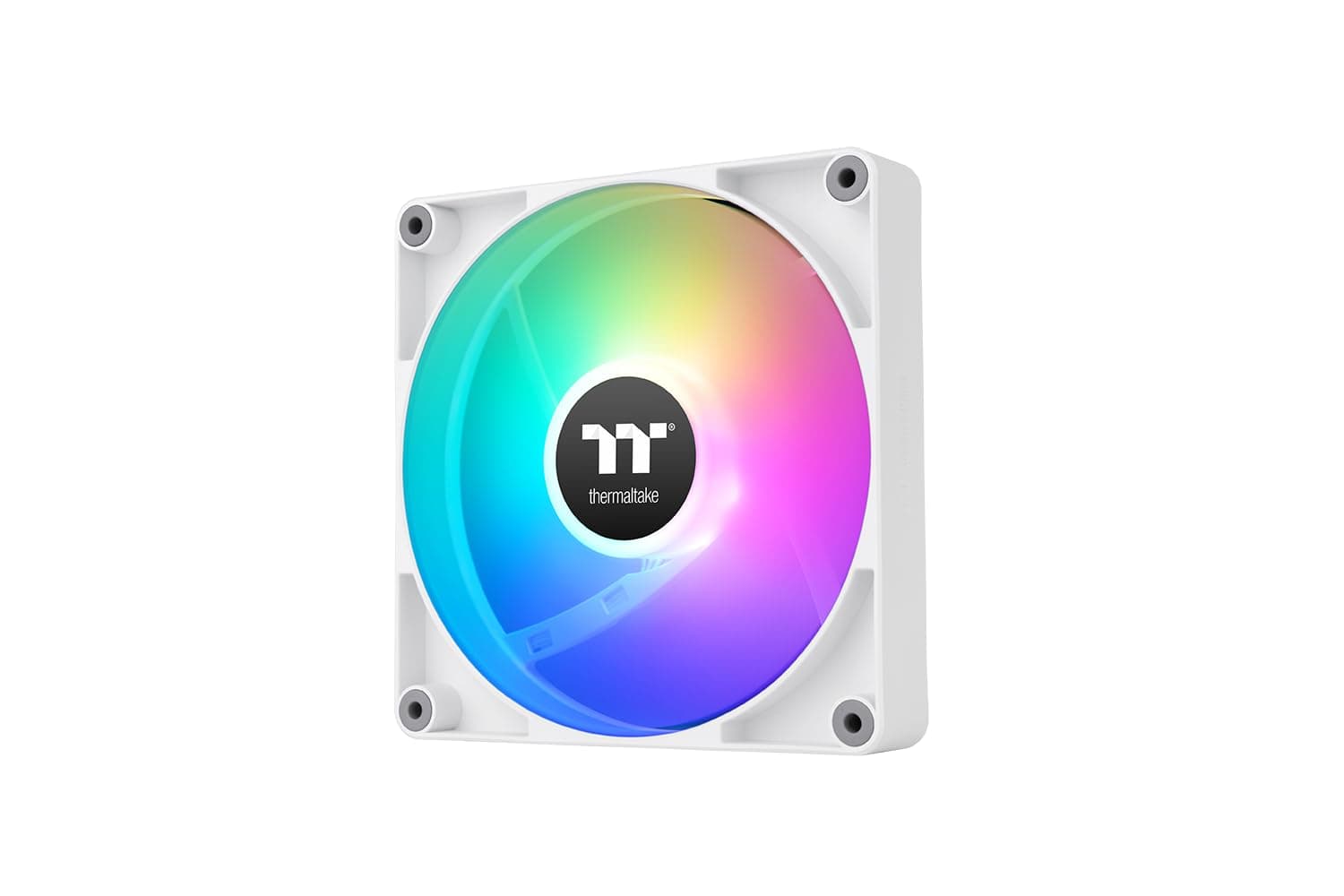
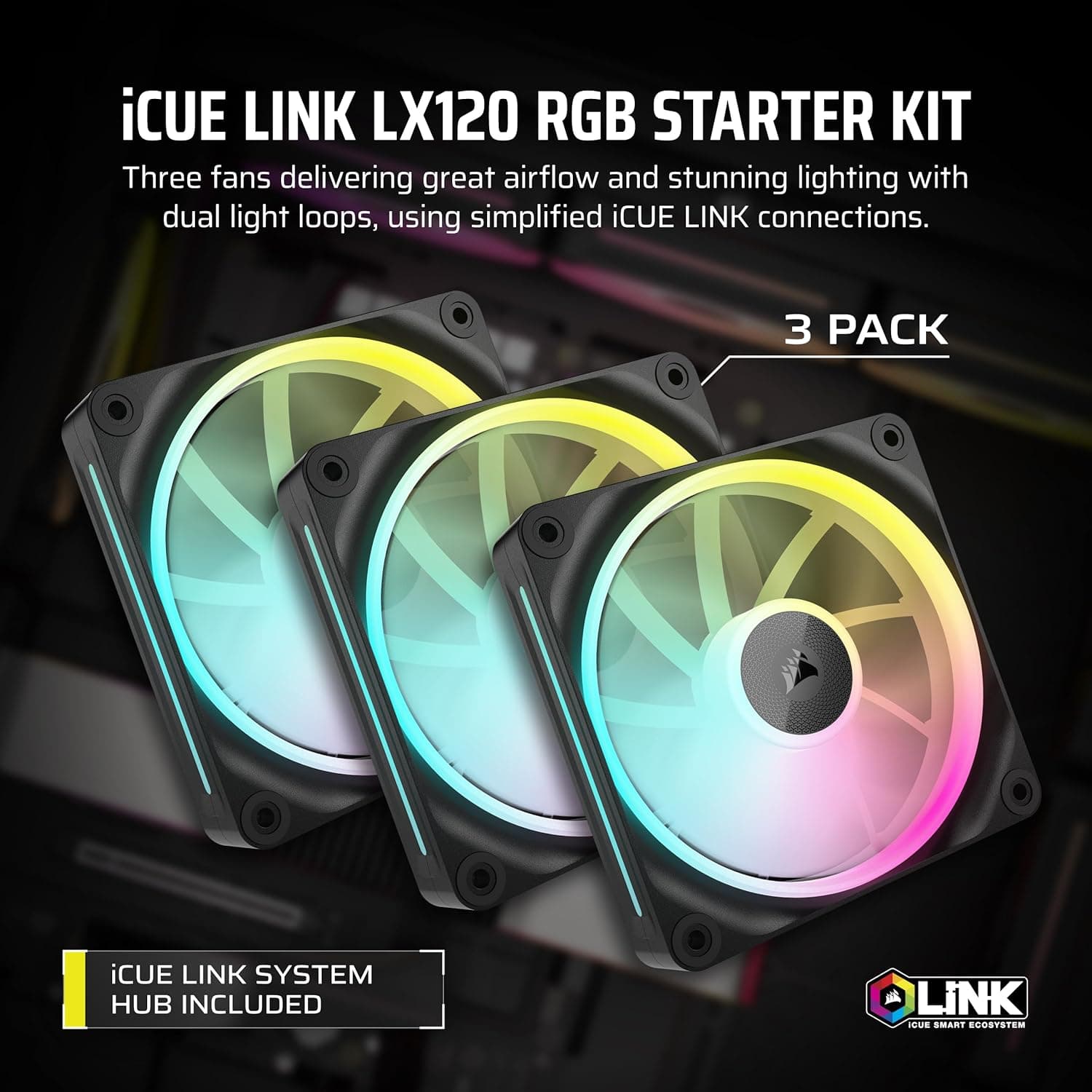
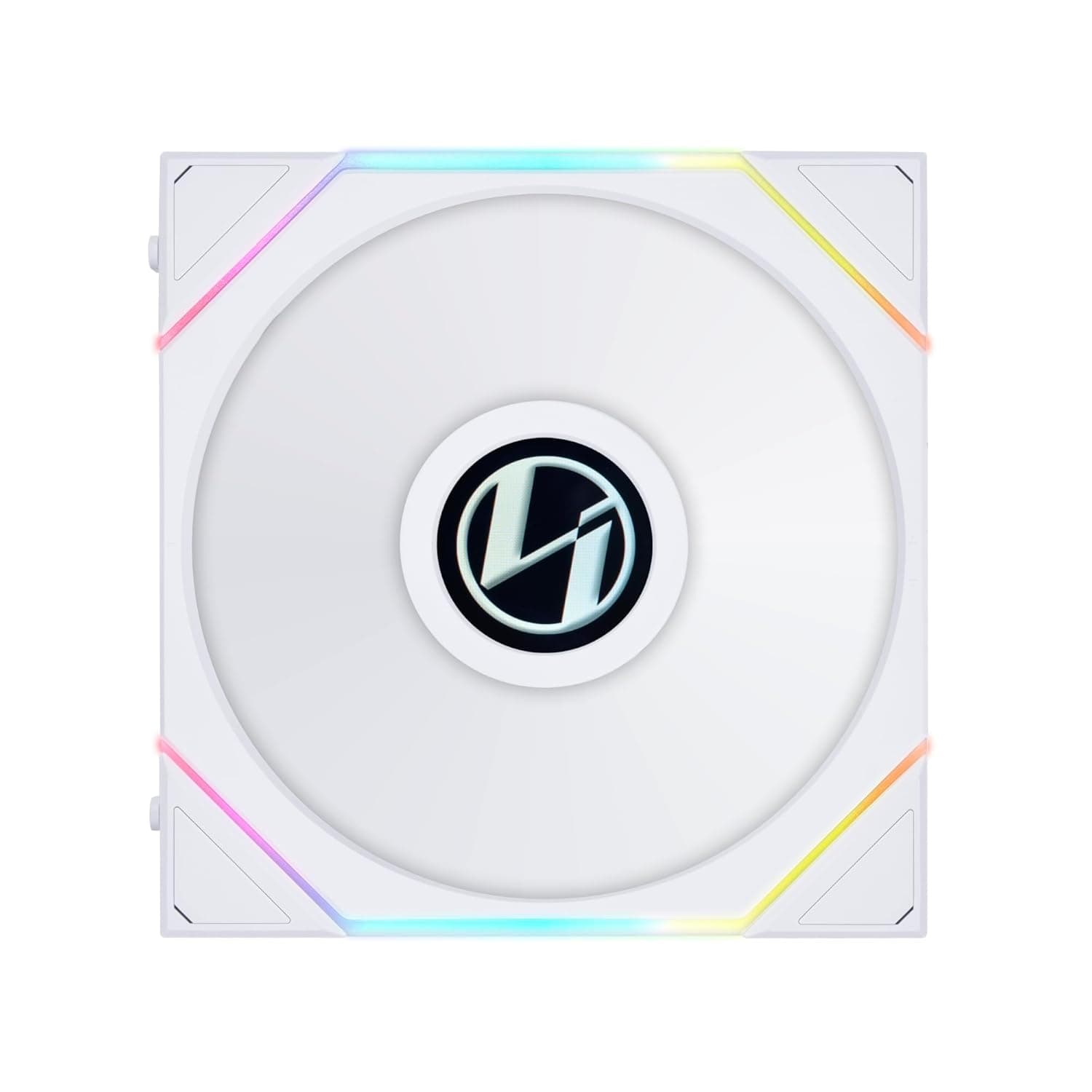
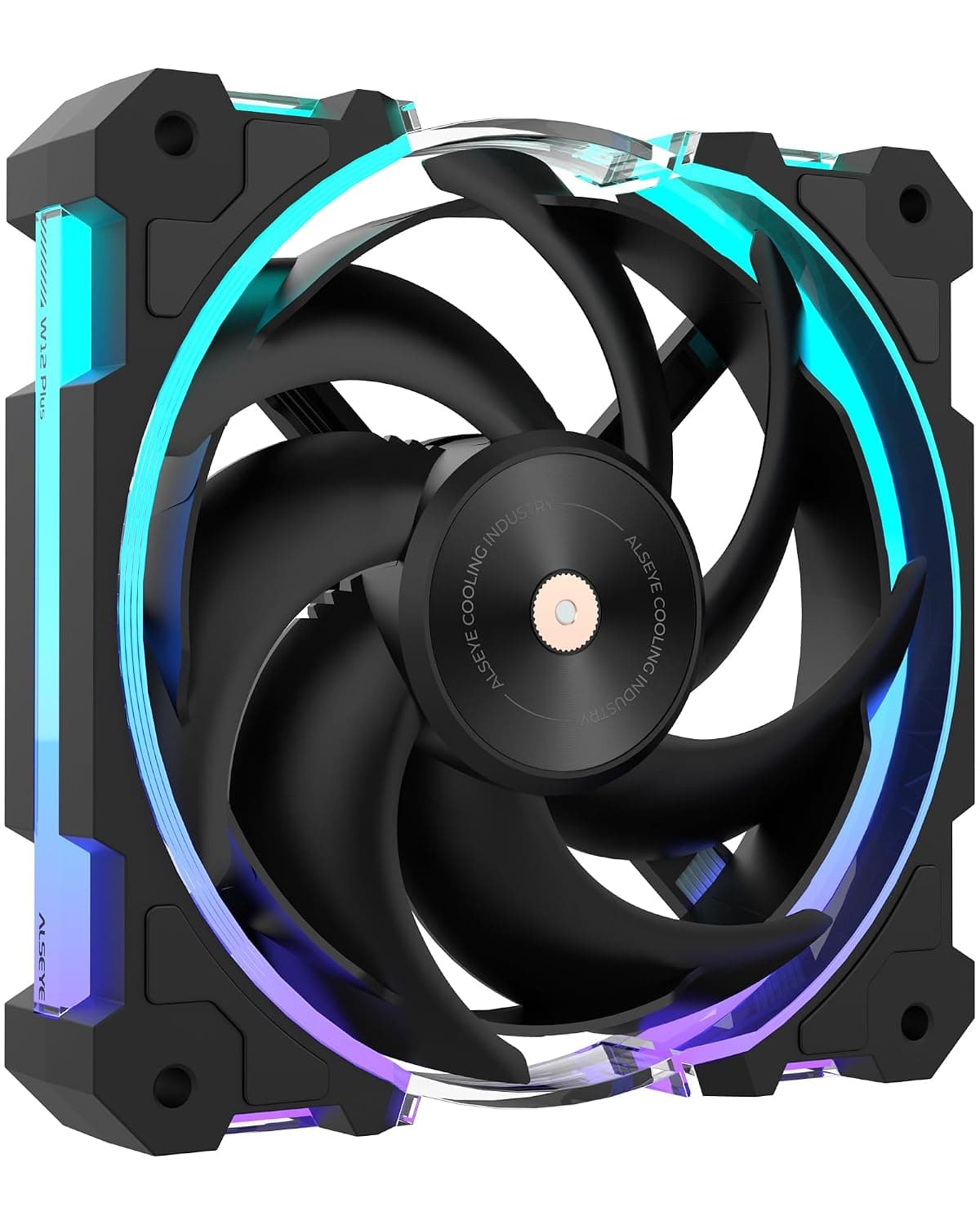
The ALSEYE W12 Plus ARGB is a 120mm case fan that punches above its weight in the budget-to-mid-range segment. With a maximum speed of 2400 RPM, it delivers up to 77.74 CFM of airflow and 3.39 mmH₂O static pressure—enough to keep a typical gaming rig or workstation well-ventilated. The sickle-blade design paired with a Fluid Dynamic Bearing (FDB) keeps noise low at idle (18.9 dBA) and extends the fan’s lifespan to a rated 70,000 hours. Integrated frame ARGB lighting lets you sync the fan with your motherboard’s ecosystem without extra controllers, all for a price that often dips below ¥2,500 in Japan.
Compatibility Guide
This fan uses a standard 120mm mounting pattern (125 x 120 x 27 mm frame), so it fits in virtually any PC case with 120mm fan mounts—ATX, MicroATX, Mini-ITX, and even some ITX cases with side brackets. Power is supplied via a 4-pin PWM connector, allowing the motherboard to dynamically adjust speed from 800 to 2400 RPM. For ARGB control, you’ll need a 3-pin 5V addressable RGB header on your motherboard; older 4-pin 12V RGB headers are not compatible. The included Y-splitter cable (combined 600mm length) makes daisy-chaining two fans easy, but be mindful of the ARGB header current limit—do not exceed 3A total on a single header.
Product Info
Officially launched in late 2025, the ALSEYE W12 Plus ARGB sits firmly in the value-oriented segment. Its sickle-blade geometry—curved like a scythe—improves airflow stability and reduces turbulence noise compared to standard flat blades. The FDB bearing contributes to both low noise at low speeds and long-term reliability (70,000 hours MTBF). ARGB LEDs are embedded in the frame ring, producing a smooth diffused glow that works with major motherboard sync software (ASUS Aura Sync, MSI Mystic Light, Gigabyte RGB Fusion, ASRock Polychrome). Power draw is a modest 2.76W at full speed. The fan comes with anti-vibration pads pre-installed and mounting screws.
Best Use Cases
- Budget gaming PC builder – If you’re assembling a Ryzen 5 / Core i5 system with a mid-range GPU, one or two W12 Plus fans provide excellent exhaust or intake airflow without breaking the bank. The PWM control means you don’t need a separate fan controller.
- Silent home server or media center – At 800 RPM, the fan is virtually silent (18.9 dBA). The long-life FDB bearing is ideal for 24/7 operation. Use it as a rear exhaust to quietly expel warm air.
- ARGB-themed build on a budget – The frame lighting is uniform and bright enough for a showy side panel. Pair it with other ALSEYE or generic ARGB products for a cohesive look without spending a fortune on high-end fans.
- High-performance air cooling (not recommended) – For a high-TDP CPU air cooler or a thick radiator (30mm+), the static pressure is a bit low. You’d be better off with a dedicated radiator fan like the Arctic P12 or Noctua NF-A12x25.
Things to Consider
The W12 Plus ARGB is a compelling value fan, but keep these points in mind: maximum noise at 2400 RPM is noticeably higher than the advertised 18.9 dBA (which is measured at 800 RPM). If you run it at full speed, expect audible whoosh. The ARGB cable is a standard 3-pin 5V header—make sure your motherboard has that header, or you’ll need a separate ARGB controller (not included). Build quality is decent for the price, but the frame is all plastic and the anti-vibration pads are thin; some users report slight vibration at certain RPMs. Check your case clearance—the fan is 27mm thick, which fits most mounts, but some ultra-compact ITX cases may be tight.
FAQ
Q: Can I use this fan on a CPU air cooler or radiator?
A: Yes, you can mount it on most 120mm tower coolers and 120mm-240mm radiators. However, its static pressure (3.39 mmH₂O) is moderate; for a radiator with dense fins (e.g., 30 FPI or more), a higher-pressure fan like the Arctic P12 will yield better cooling performance.
Q: Does it support daisy-chaining for both power and ARGB?
A: The included cable splits only the PWM signal (4-pin). ARGB is a single cable with a male end; you cannot daisy-chain ARGB without a separate hub or splitter. For multiple fans, you’ll need to connect each ARGB cable to separate motherboard headers or use a 3-pin ARGB hub.
Q: How does it compare to Noctua NF-A12x25 or Arctic P12?
A: The W12 Plus is much cheaper (about ¥2,500 vs ¥3,500+ for Arctic P12 and ¥5,000+ for Noctua). It offers similar airflow at max RPM but lacks the refined acoustics and premium build of those higher-end fans. If silence and long-term durability are your top priorities, consider spending more. If you want decent cooling with ARGB on a strict budget, this fan is a solid choice.