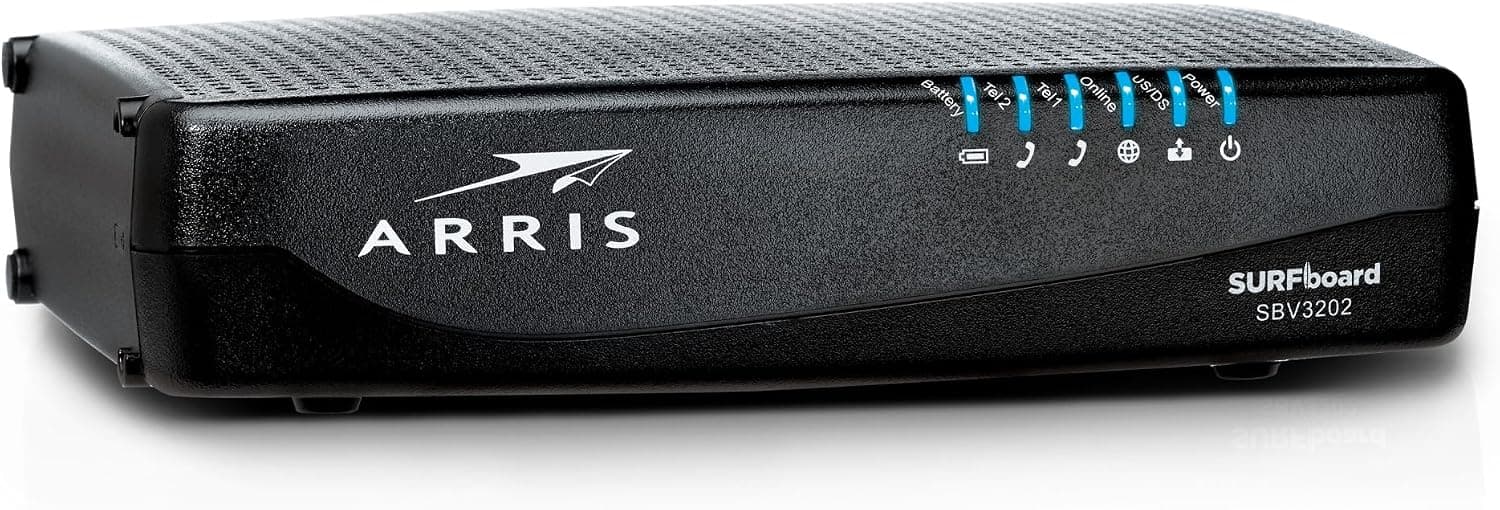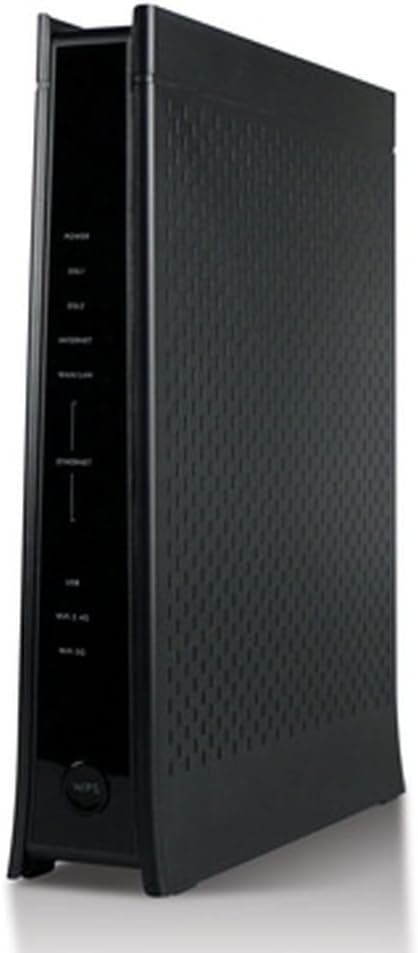
This article covers Zyxel C1100Z 802.11n VDSL2 Wireless Gateway CenturyLink by ZyXEL.
Overview
The Zyxel C1100Z is a VDSL2 wireless gateway originally designed for CenturyLink, combining a modem and router into a single unit. It supports dual-band 802.11n Wi-Fi with a maximum theoretical throughput of 300Mbps and includes four Gigabit Ethernet ports for wired connections. This device is a solid choice for CenturyLink VDSL2 subscribers looking for a reliable, cost-effective alternative to rented carrier equipment. Featuring CenturyLink's standard GUI, the C1100Z offers auto-detection of network settings, making setup straightforward even for less technical users. It also supports TR-069 for remote provisioning and monitoring, which adds to its appeal as a carrier-grade device. While it lacks modern Wi-Fi 6 or 6E support, its wired performance and stability remain adequate for typical broadband use.
Connectivity & Compatibility
WAN Interface: VDSL2 (RJ-11 port), compatible with CenturyLink VDSL2 profiles LAN Ports: 4x Gigabit Ethernet (10/100/1000Mbps) Wireless: IEEE 802.11n dual-band (2.4GHz / 5GHz), up to 300Mbps aggregate Security: WPA / WPA2-PSK, WPS push-button setup Protocols: IPv6 (6rd / dual-stack), TR-069 remote management Compatibility Note: Optimized for CenturyLink networks in the US. Use with other VDSL2 providers (including Japanese NTT FLET'S services) is not guaranteed due to differences in profiles and authentication methods.
Product Info
The Zyxel C1100Z sits in the entry-to-mid-range segment of VDSL2 gateway devices. It was released several years ago and is now primarily available through second-hand markets or as parallel imports. Warranty coverage varies by seller; used units often come without any warranty, so careful inspection before purchase is advised. Its market position is defined by its role as a direct replacement for CenturyLink's rental modems. For users on that network, it offers a familiar interface and reliable performance at a lower long-term cost. However, its wireless capabilities are dated by modern standards, and it lacks support for Wi-Fi 6 or mesh networking.
Best Use Cases
CenturyLink VDSL2 Subscribers: The primary target audience. The C1100Z is designed to work seamlessly with CenturyLink's infrastructure, offering plug-and-play setup and stable connectivity. It can replace a rented modem, saving monthly fees over time. Users Prioritizing Wired Connections: With four Gigabit Ethernet ports, this gateway is well-suited for homes or small offices where most devices are connected via cable. The 802.11n Wi-Fi is sufficient for light mobile use, but heavy wireless users may want to add a separate access point. * Budget-Conscious Buyers: On the used market, the C1100Z can be found at attractive prices. For those who need a basic VDSL2 modem/router and are willing to accept older wireless technology, it represents good value. However, be prepared for limited support and no firmware updates.
Things to Consider
Regional Compatibility: The C1100Z is locked to CenturyLink's VDSL2 profiles. Using it with other ISPs, especially outside the US, is risky. Japanese users should verify with their provider before purchasing. Outdated Wi-Fi: 802.11n is now several generations behind. If you need high-speed wireless for streaming, gaming, or large file transfers, consider a separate Wi-Fi 6 router or a more modern gateway. Firmware Limitations: The device runs CenturyLink-customized firmware. Flashing third-party firmware like DD-WRT is not officially supported and may void any remaining warranty. Configuration options may be limited compared to retail routers. Used Unit Risks: When buying second-hand, check for physical damage, missing power adapter, and ensure the device can be reset to factory defaults. Some units may be carrier-locked or have persistent configuration issues. ## FAQ
Q: Can I use this modem with a Japanese VDSL2 line? A: It is not recommended. While VDSL2 is a global standard, the C1100Z is specifically tuned for CenturyLink's network in the US. Japanese providers like NTT use different profiles and authentication, so connection is unlikely. Always check with your ISP first. Q: What real-world Wi-Fi speeds can I expect? A: With 802.11n, real-world throughput is typically 50-100Mbps under good conditions, depending on distance and interference. This is adequate for most VDSL2 connections (which top out around 100Mbps downstream), but far below what modern Wi-Fi 6 routers can deliver. Q: What should I check when buying a used C1100Z? A: Ensure the power adapter is included (12V/1.5A typical). Perform a factory reset by holding the reset button for 10+ seconds. Verify that all Ethernet ports work and the Wi-Fi radio turns on. If possible, test the device on a known working VDSL2 line before purchase.
Product Disclosure (Amazon)
- Manufacturer: ZYXEL
- Seller: DEW TREE
- Fulfilled by: DEW TREE
- ASIN: B015ELWZ16
- Note: This article covers a manufacturer-made product based on Amazon listing details.