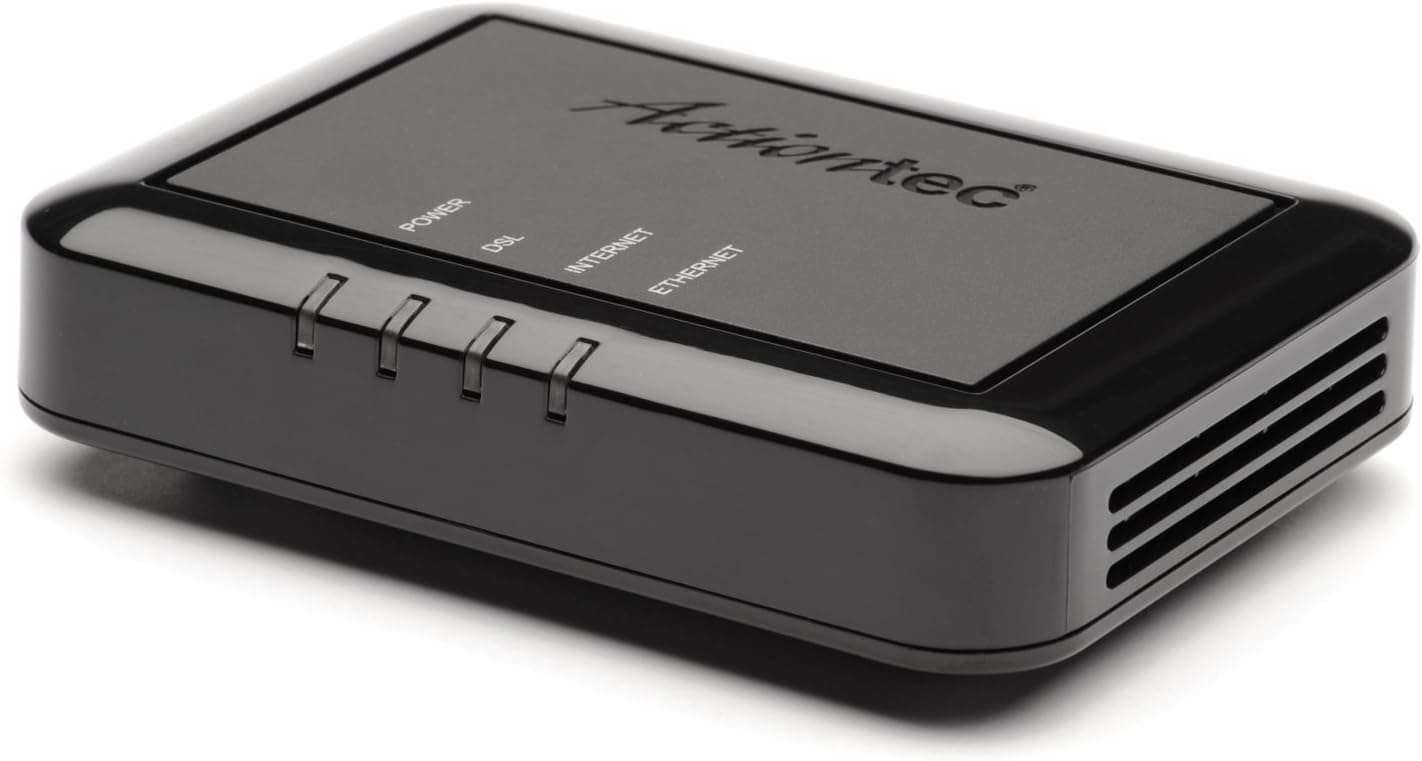
The Actiontec GT701D Ethernet DSL Modem with Routing Capabilities by Actiontec is a wired modem with built-in routing that turns an ADSL/ADSL2+ telephone line into an Ethernet network. This article looks at whether it still fits a modern connection and where you have to compromise.
Overview
The Actiontec GT701D is an all-in-one DSL modem that converts ADSL and ADSL2+ telephone-line connections into a wired Ethernet network. Routing lives in the same chassis, so one unit handles both modem and router duties without an extra broadband router on the desk.
It supports up to 24 Mbps and offers a single Ethernet port for a direct link to a PC or a small switch.
That 24 Mbps figure tracks the theoretical downstream ceiling of the ADSL2+ standard, and the word "theoretical" matters. ADSL throughput falls off with distance from the exchange and with the quality of in-home wiring, so a long loop can land you in the single-digit Mbps range.
Replacing a modem does not make a line faster; the contract and the physical loop set the ceiling.
Check the retailer's page for the latest user reviews. That is modest rather than glowing, but this product class attracts low scores from buyers whose line type simply did not match.
A review count of 684 also signals a unit that stayed in distribution for a long time.
The design comes from an earlier era of broadband, which is exactly what gives it appeal: minimal wiring and a straightforward feature set. With fast fiber and Wi-Fi now taken for granted, its window of usefulness is narrow.
Even so, for regions where ADSL service remains active, or for anyone who wants a simple wired fallback during an equipment swap, it remains a practical option.
Compatibility Guide
The single Ethernet port is the only wired output, so you can connect a PC directly or attach a switch to serve multiple devices. The modem works with telephone-line ADSL / ADSL2+ services and connects to a wall modular jack with a phone cable.
Built-in routing lets one line be shared across several devices without a separate router. Fiber (FTTH), cable television, and cellular connections are not supported, and this unit cannot stand in for an ONU or a mobile router.
It is worth spelling out why. Fiber requires an ONU to convert optical signals, which this box does not do.
Cable internet runs over coax using DOCSIS — a different connector and a different physical layer entirely. Cellular needs a SIM and a radio.
"Modem" covers all of these in casual speech, and that overlap is the single most common cause of a wasted purchase in this category.
There is no wireless radio inside. Building a Wi-Fi network requires an access point or wireless router downstream.
Because the GT701D routes on its own, leaving a downstream router in router mode produces double NAT, which breaks port forwarding for games and complicates VPN connections. Put the downstream device in access-point (bridge) mode, or bridge the GT701D and let the downstream unit route — pick one, not both.
Physically, one Ethernet port means a switch is effectively mandatory once you have two or more wired clients. An inexpensive gigabit switch is more than enough; with a 24 Mbps ceiling upstream, the switch will never be the bottleneck.
If a telephone shares the same line, confirm you have the appropriate splitter or microfilter in place.
| Line type | Works here | Notes |
|---|---|---|
| ADSL / ADSL2+ | Yes | Intended use; 24 Mbps cap |
| Fiber (FTTH) | No | Needs a separate ONU |
| Cable TV | No | Requires DOCSIS hardware |
| Cellular | No | No SIM slot or radio |
| Wi-Fi | Partly | Add an AP downstream |
Product Info
Model: Actiontec GT701D, a wired DSL modem from Actiontec. It has been on the market for many years, and current availability in Japan is mostly through online resellers offering new old stock or used units.
The spec sheet is short by design: DSL (ADSL / ADSL2+), 24 Mbps maximum data rate, one Ethernet port, Ethernet connectivity, routing built in.
Check the retailer's page for the latest price. Pricing swings with stock conditions, so treat it as a snapshot rather than a street price.
Note that this is roughly what a current Wi-Fi 6 router costs, which suggests scarcity pricing on legacy stock. Decide whether you genuinely need this hardware before you weigh the number, and check the product page for the current figure.
Warranty and bundled accessories depend on the individual listing. Confirm whether a power adapter, phone cable, and LAN cable are included before ordering.
On long-shelved stock, power adapters can degrade, so watch for heat or noise during the first hours of use.
In market terms, the GT701D sits at the entry-to-mid tier of ADSL2+ modems. It skips wireless in favor of a lean all-wired design, which keeps setup simple and makes the unit dependable in legacy environments.
Buyers who value predictable behavior over headline speed will understand the trade-off immediately.
How It Compares
Within DSL, a VDSL2 gateway is the natural step up, and wireless-equipped gateways remove the need for a separate access point. But if your contract is ADSL, a VDSL2 device will not raise your speed.
Match the hardware to the line standard you actually subscribe to, not to the newest standard available.
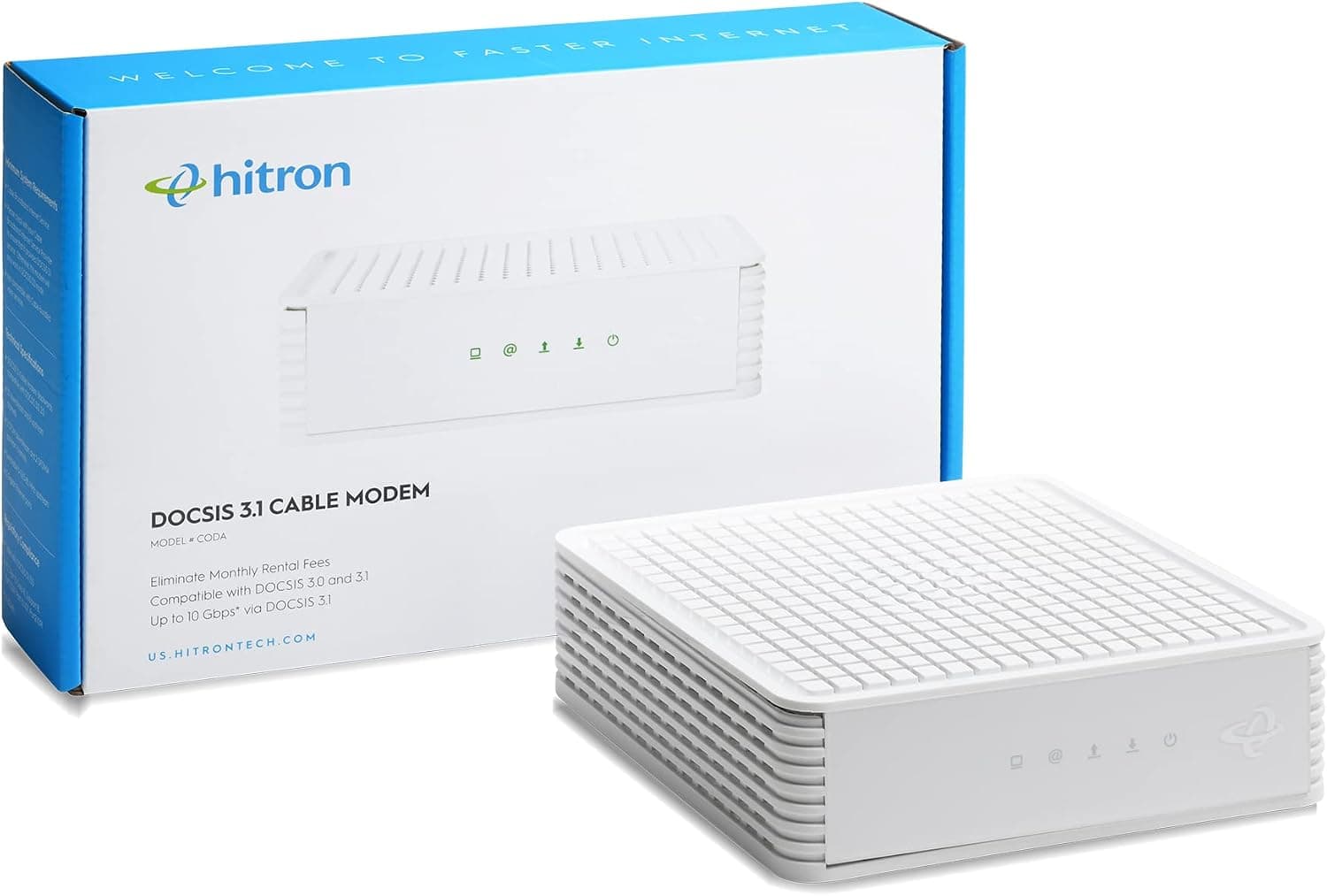
If you are on cable, DOCSIS 3.0 or 3.1 modems are an entirely different branch, using channel bonding to reach hundreds of Mbps — orders of magnitude past 24 Mbps.
That is a difference in line type, not in build quality. Start any comparison by confirming whether your wall jack carries a phone line or coax.
The GT701D still makes sense when three things line up: your contract is ADSL/ADSL2+, your wireless needs are already covered, and you want the fewest cables and settings possible. Miss any one of those and another category will serve you better.
Best Use Cases
Anyone living where ADSL service is still operating. The integrated modem-plus-router setup restores a wired connection with power, a phone cable, and one LAN cable.
If you have already migrated to fiber, there is no compatible line to attach it to.
Users who want a spare modem ready for quick replacement. Because the GT701D routes on its own, swapping a failed unit mainly means reconnecting cables, which shortens recovery time — though any wireless needs still require separate equipment.
Operators of simple wired networks — POS terminals, camera recorders, anything that lives comfortably within a few Mbps. With no Wi-Fi radios to troubleshoot, isolating problems is easier.
The 24 Mbps ceiling, however, rules out 4K streaming and routine large-file transfers.
Before You Buy
The biggest pitfall is failing to verify your line type. ADSL service has been widely retired or reduced, and if your contract moved to fiber, this modem physically cannot connect.
Look at the wall outlet before ordering: a modular phone jack, or an optical outlet? Get this wrong and the box is unusable the moment it is opened.
Second, the speed ceiling. 24 Mbps is a standard maximum; real throughput drops with loop length and wiring quality.
Modern sites and video services assume fast connections, so expect "it connects, but you wait." Accepting that trade-off knowingly is the difference between a useful purchase and a regret.
On setup, ADSL connections typically need provider credentials (PPPoE username and password). Dig those out of your contract paperwork first.
Older overseas hardware may also ship with an English-only admin interface and hard-to-find default IP and password details, which is worth factoring in if you are not comfortable with manual configuration.
Be careful with the price data too. That amount is high for a legacy ADSL modem and likely reflects scarcity.
Always confirm the current price on the seller's page.
Finally, listing metadata itself is sometimes wrong — manufacturer, model number, or supported standards can be recorded incorrectly. Cross-check the product photos and the model marking (GT701D) on the unit before ordering.
For used or parallel-import stock, also confirm the power adapter's plug shape and voltage rating from the images.
FAQ
Q. Will it work on fiber?
A. No. It is ADSL / ADSL2+ only and has no ONU function. Fiber requires an ONU plus a compatible router.
Q. Does it provide Wi-Fi? A.
No radio is built in. Attach a wireless router or access point to the Ethernet port, and set one of the two devices to bridge/AP mode to avoid double NAT.
Q. Can I connect several wired devices? A.
Yes, but there is only one Ethernet port, so add a switch. The built-in routing handles address assignment.
Q. Will I really get 24 Mbps? A.
That is the standard's maximum. Distance from the exchange and wiring condition normally push real-world results lower.
Q. How should I read the review score? A.
Not outstanding, but this category collects low scores from buyers whose line type never matched. Confirm your line first.
Product Disclosure (Amazon)
- Manufacturer: Actiontec
- Seller: アマゾンYMGM
- Fulfilled by: アマゾンYMGM
- ASIN: B001IYCUM8
- Note: This article covers a manufacturer-made product based on Amazon listing details.