Overview
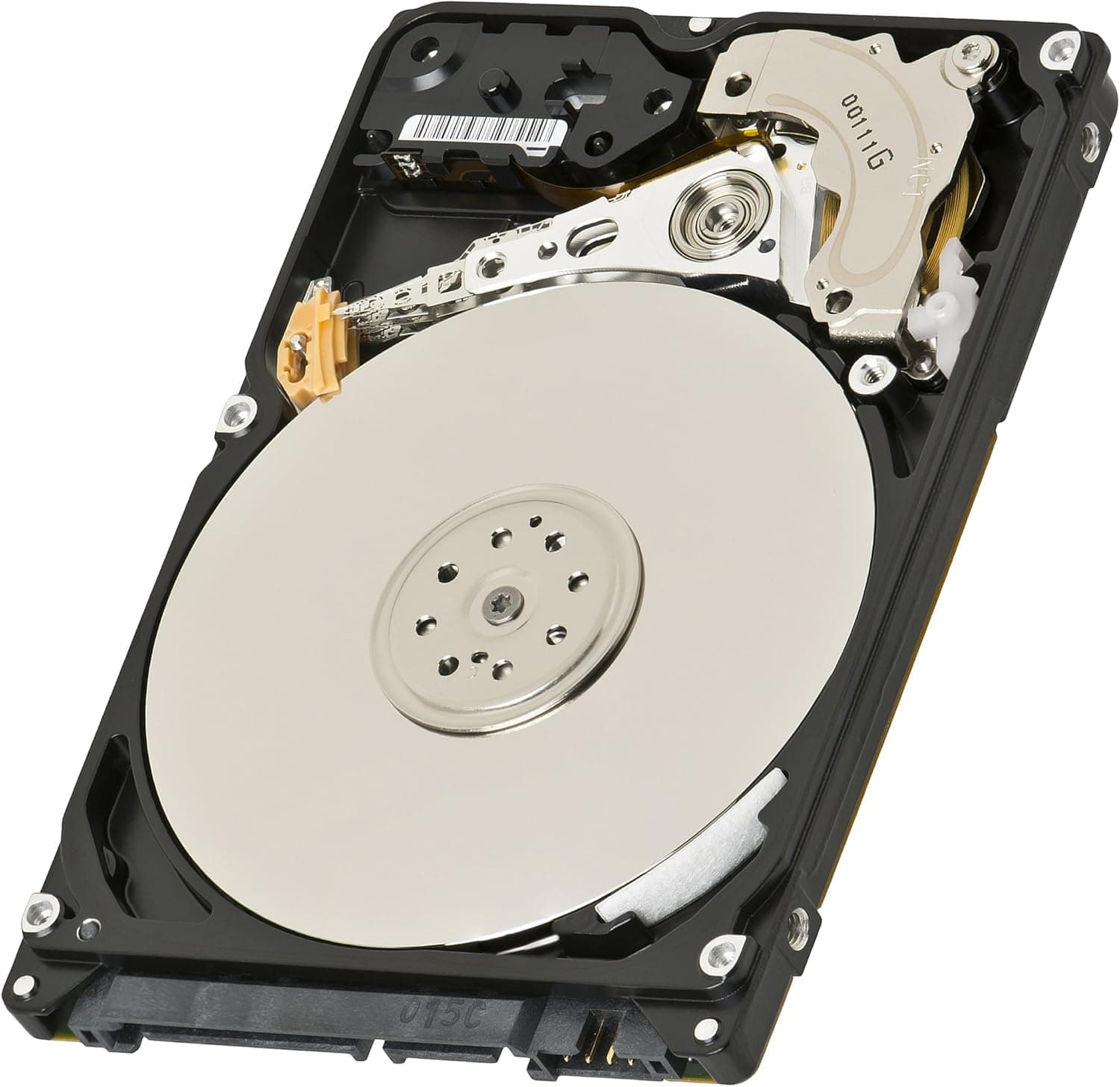
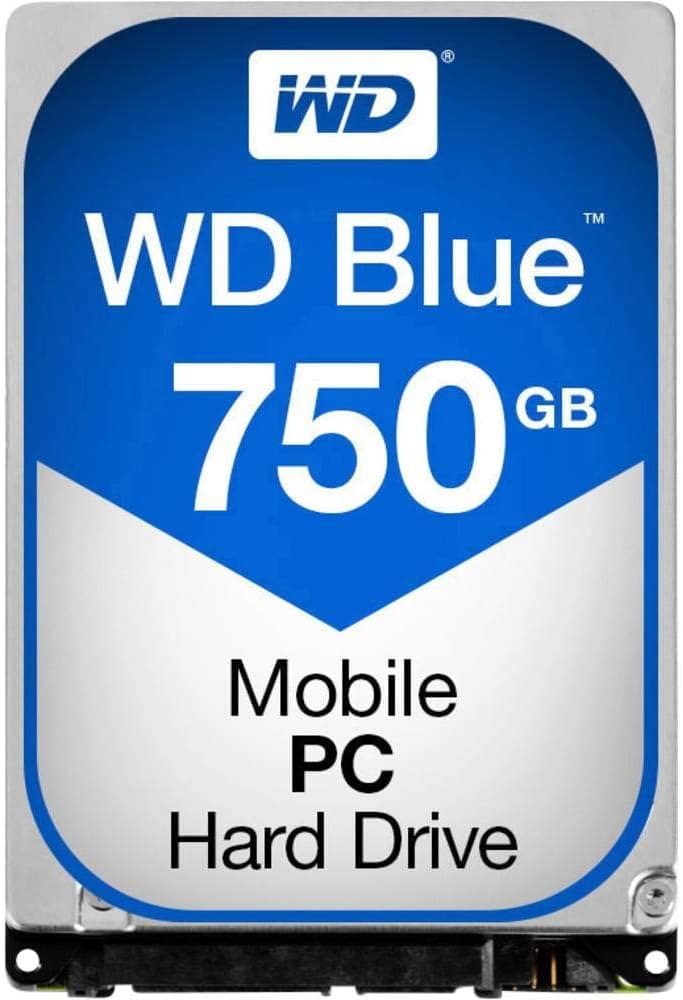
The Western Digital Black 750GB 2.5-inch SATA HDD (OEM) is a performance-oriented internal hard drive designed primarily for notebook computers. With a spindle speed of 7200 RPM, it offers significantly faster data access than typical 5400 RPM laptop drives, making it a solid upgrade for users who need more responsive storage without moving to an SSD.
This drive uses the SATA 3.0 (6 Gbps) interface and features a 16 MB cache. Sequential read speeds hover around 120 MB/s, while writes reach approximately 110 MB/s. While these numbers are modest compared to any SATA SSD, they represent the upper tier of what 2.5-inch mechanical drives can deliver.
As an OEM product, it ships without retail packaging, cables, or manuals. This keeps the price lower than retail-boxed versions, making it an attractive choice for builders who already have the necessary cables and mounting hardware. The 750 GB capacity hits a sweet spot for a boot drive with a few games or as a high-capacity secondary storage device.
Compatibility Guide
- Form factor: 2.5-inch, 9.5 mm height — fits standard laptop HDD bays and desktop 2.5-inch mounts.
- Interface: SATA 3.0 (6 Gbps), backward compatible with SATA 2.0 and SATA 1.5 Gbps. For best performance, connect to a SATA 3.0 port.
- Power: SATA 15-pin power connector. Laptops power the drive through the bay connector; desktops require a SATA power cable from the PSU.
- The 750 GB capacity is non-standard; very old BIOS or OS versions may not recognize it correctly. Windows 10/11, macOS, and modern Linux distributions work without issues.
Product Info
The Western Digital Black 750GB HDD spins at 7200 RPM and uses a 16 MB cache. It achieves sequential read speeds of approximately 120 MB/s and write speeds of about 110 MB/s. While far slower than any SSD, it is among the fastest 2.5-inch HDDs available.
Market positioning: mid-range high-speed HDD. It sits above budget 5400 RPM drives in performance but costs significantly less than SSDs of similar capacity. The OEM version typically carries a 2-year warranty (check with your retailer).
This model has been on the market for several years but remains widely available due to its reliability. As of September 2026, it is listed on Japanese online retailers for approximately ¥39,748 (OEM version).
Best Use Cases
- Laptop storage upgrade: If your notebook has a 2.5-inch SATA bay, swapping the original 5400 RPM drive for this 7200 RPM model will noticeably improve boot times and application loading. However, do not expect SSD-level responsiveness.
- Budget-conscious bulk storage: At a fraction of the cost of a 750 GB SATA SSD, this HDD is ideal for archiving media files, storing backups, or holding a game library where load times are acceptable.
- DIY external drive: Pair this drive with a USB 3.2 Gen1 (5 Gbps) external enclosure to create a fast portable HDD. The 7200 RPM speed ensures decent transfer rates over USB.
- Not for silent builds: 7200 RPM drives produce more noise and vibration than 5400 RPM models or SSDs. If silence is a priority, choose an SSD or a 5400 RPM HDD instead.
Things to Consider
- OEM packaging means no accessories — you must supply your own SATA data cable and power cable (if needed).
- Heat output is higher than 5400 RPM drives. In a cramped laptop chassis, monitor drive temperatures with SMART tools during extended use.
- 750 GB is less common than 1 TB or 2 TB options. If you need to store a large game library or video projects, consider a higher-capacity model or an SSD.
- SATA 3.0 bandwidth (550 MB/s) is vastly underutilized by this HDD (≈120 MB/s). For an OS drive, an NVMe or SATA SSD will provide a dramatically better experience. Use this HDD for data storage, not as a primary boot drive.
FAQ
Q: Can I install this HDD in a PS4 or PS5?
A: Yes for PS4 — it accepts 2.5-inch SATA HDDs up to 9.5 mm thick. The PS5 does not support internal SATA HDDs, but you can use this drive in a USB enclosure to store and play PS4 games on PS5.
Q: Do I need a special bracket for desktop installation?
A: Most modern desktop cases include 2.5-inch mounting points. If yours does not, you will need a 2.5-to-3.5-inch adapter bracket. You will also need a SATA data cable and a SATA power cable from your PSU.
Q: How long will this HDD last?
A: Typical MTBF is around 1 million hours, but real-world lifespan depends on usage and environment. For 24/7 operation, expect 3–5 years; for typical desktop use, 5–10 years. Monitor SMART attributes (especially reallocated sector count) and replace the drive if values become abnormal.
Product Disclosure (Amazon)
- Manufacturer: ウエスタンデジタル(Western Digital)
- Seller: P-LAB
- Fulfilled by: P-LAB
- ASIN: B004I9J5OG
- Note: This article covers a manufacturer-made product based on Amazon listing details.