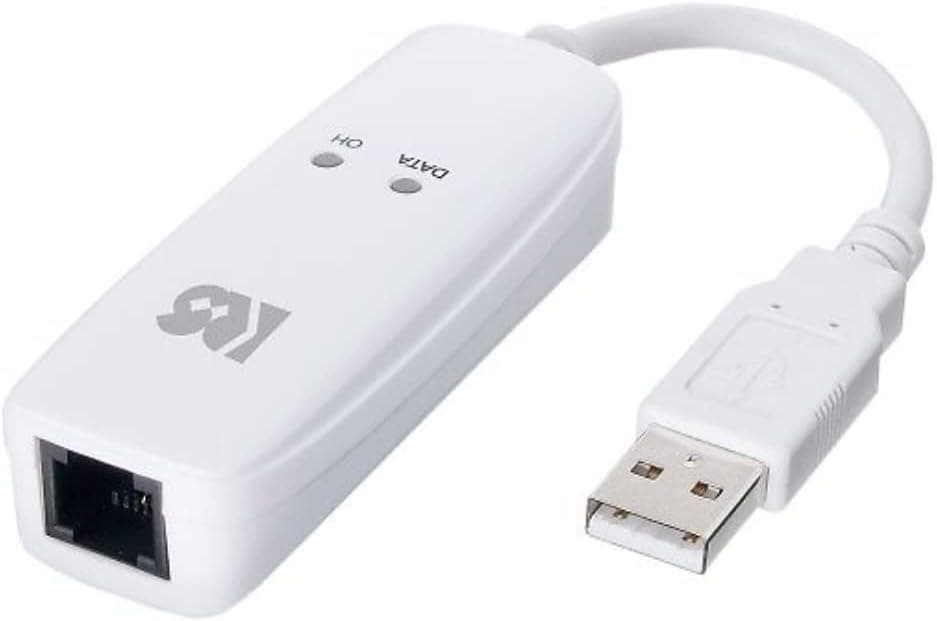
This article takes a close look at ラトックシステム USB 56K DATA (model RS-USB56N) — not as a way to get online, but as a purpose-built tool for the narrow set of jobs that still require an analog telephone line.
Overview
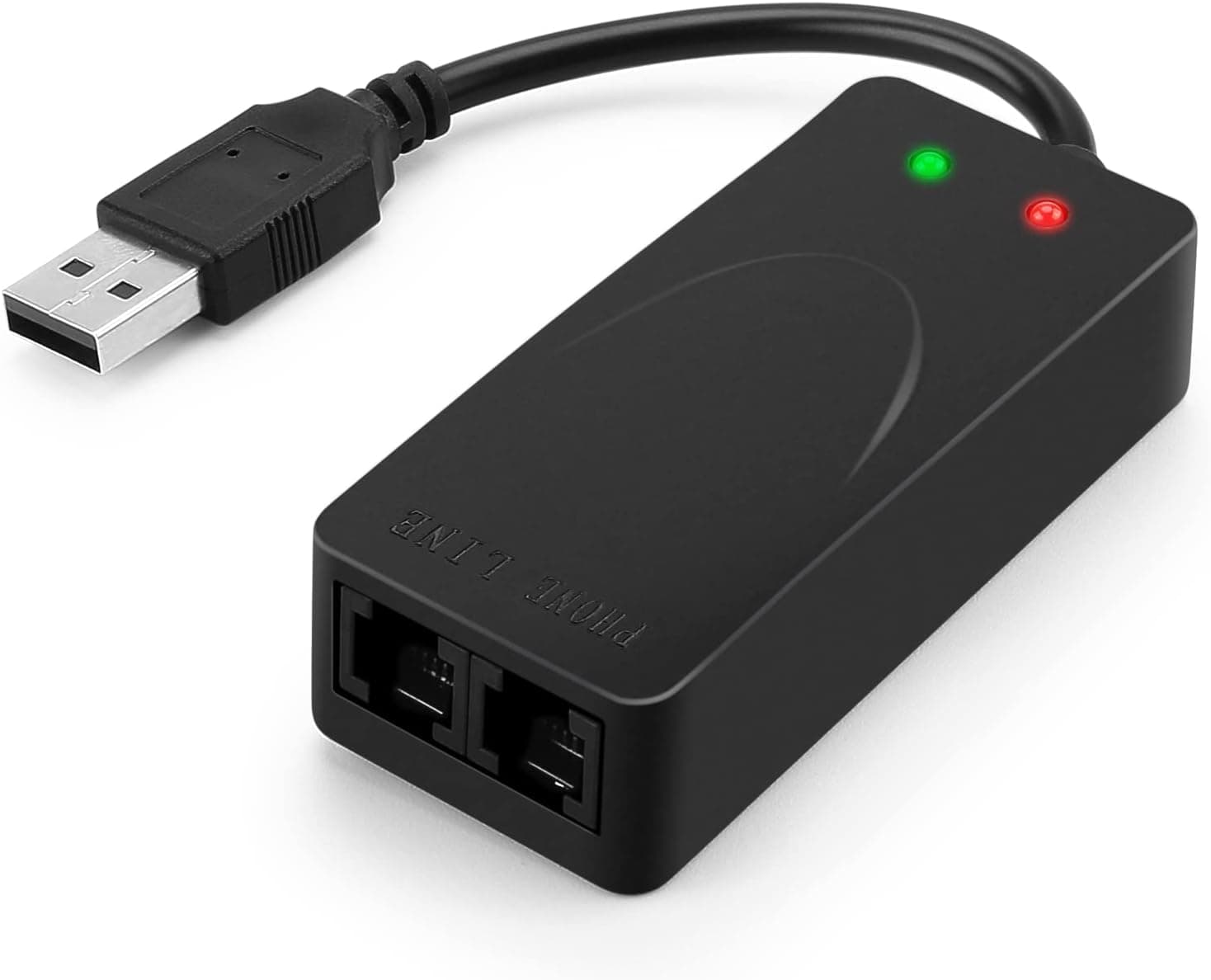
The Ratoc System RS-USB56N is an external analog modem that plugs into a standard USB Type-A port and lets a modern PC talk over the public switched telephone network. It handles data at up to 56 Kbps and fax at 14.4 Kbps, runs entirely on USB bus power with no AC adapter, and measures just 75 x 25 x 18 mm at 30 grams.
The housing is white and there is a single RJ-11 LINE port.
The audience is specific: businesses whose bank mandates analog dial-up for firm banking, small offices that want to send and receive faxes from a PC without a dedicated fax machine, and engineers maintaining industrial controllers or legacy terminals that only speak modem. If your goal is simply internet access, 56 Kbps is not a usable connection in 2026 and this is the wrong product.
Quick Answer by Use Case
| Use case | Good fit? | Notes |
|---|---|---|
| Firm banking / EB over analog | Yes | Requires a genuine analog line |
| PC-based fax | Yes | 14.4 Kbps; fax software sold separately |
| Dial-up service for legacy or industrial gear | Yes | Fine within the 56 Kbps ceiling |
| VoIP / fiber-based phone service | No | Explicitly unsupported |
| General internet access | No | Modern web pages are effectively unusable |
| Bulk file transfer | No | Megabytes take minutes, not seconds |
The deciding factor is not speed but line type. Get that wrong and a perfectly working unit will still fail to connect.
Connectivity & Compatibility
The manufacturer's compatibility note is short: a USB port is required, analog PSTN lines and ISDN analog ports are supported, and VoIP or digital phone lines are not. Almost every failure case is contained in that sentence.
The phone line is the real gatekeeper. Copper subscriber lines and the analog port on an ISDN terminal adapter work.
Fiber-based phone service, carrier VoIP, cable telephony, and 050-prefix internet phone services do not. VoIP compresses audio, which corrupts modem tones — the call may appear to connect and then drop, or negotiation may never complete at all.
Check your contract or invoice for the line type before ordering. Office PBX extensions can also be problematic, since the switching equipment sits between the modem and the outside line.
Japan's fixed-line network has also been migrating to an IP core. Voice service continues, but modem and fax data traffic can behave differently depending on conditions.
For anything business-critical, confirm feasibility with both your carrier and the far end (bank, equipment vendor) before you commit.
The PC side is far simpler. One free USB Type-A port is enough; bus power means no adapter and no outlet.
The listed operating system is Windows 10, using the OS's native driver, so no extra installation is described. Windows 11, macOS, and Linux fall outside the manufacturer's stated support.
On a USB-C-only laptop you will need an adapter, though the low power draw means a bus-powered hub usually works.
Physical fit is a non-issue. At 30 grams there is very little leverage on the connector, so leaving it plugged in is low risk.
Just leave slack in the modular cable — tugging it will pull the whole unit out of the port.
Product Info
Key specifications: USB Type-A interface, up to 56 Kbps data, 14.4 Kbps fax, Windows 10 listed as the supported OS, 75 x 25 x 18 mm, 30 g, white, bus-powered with no AC adapter, and one RJ-11 LINE port.
The box contains the modem, a modular cable, and a manual. This is a Japan-market product and overseas support is not offered.
As captured on 17 September 2026, the listed price on Amazon.co.jp was ¥6,109.
Prices move often with stock and promotions, so check the product page for the current figure. Six thousand yen for a small USB dongle may look steep on features alone, but current-production analog USB modems are scarce; the price reflects a thinned-out category more than the hardware inside it.
Used units and overseas listings exist, but weigh them against the loss of domestic support and any working guarantee.
Check the retailer's page for the latest user reviews. The sample size matters more than the score here — twelve ratings can swing on a handful of opinions.
Rather than trusting the average, read the negative reviews and separate genuine defects from compatibility complaints; with this class of product, a large share of one-star reviews come from people who tried it on a VoIP line.
Alternatives and Comparison
Most devices sold as "modems" today are DOCSIS cable modems for broadband service — a completely different product that will not help here.
- Cloud fax services: If fax is the only requirement, an internet fax subscription avoids line-type restrictions entirely, at the cost of a recurring fee.
- A multifunction printer with fax: Better if you mostly send paper, but it costs far more and needs floor space.
- Direct serial connection: If the far end only needs RS-232C rather than a dial-up link, a null-modem adapter or USB-serial cable is cheaper and more reliable. Check the equipment's specification first.
- Other USB modems: Options are few, and current-production units with domestic support are fewer still. That scarcity is this product's real advantage.
Its value lies in availability, not performance — it is what you buy when the requirement for an analog line is non-negotiable.
Setup and Common Pitfalls
Installation is straightforward: plug the modem into a USB port, let the OS detect it, then connect the supplied modular cable between the LINE port and the wall jack. In your communications software, select the modem and set dialing mode (tone or pulse) plus any outside-line prefix.
Three things trip people up. Behind a PBX you need the outside-line digit and a pause (comma) before the number.
On a line shared with DSL, incorrect splitter or filter ordering causes unstable connections. And software that demands a specific named modem may reject the generic OS driver entry.
Confirm your application's requirements up front and you will avoid most troubleshooting.
Best Use Cases
- Occasional PC faxing in a small office: For a few faxes a month, this beats dedicating desk space to a fax machine and removes the print-and-scan round trip.
- Legacy equipment maintenance: Industrial controllers, older POS terminals, and measurement gear that only answer over dial-up. The 30-gram form factor travels well between sites.
- Field technicians on laptops: Bus power means no adapter to pack or outlet to find.
It is not for home internet, not for people whose faxing needs a cloud service can cover, and not for anyone on a VoIP phone line.
Before You Buy
Line type is the biggest trap. Most "it doesn't work" reports are not defects — the user connected it to an IP phone service.
Fiber-based phone lines, 050 VoIP numbers, and cable telephony will not work. Confirm from your contract or invoice that you have an analog subscriber line or an ISDN analog port before ordering.
Read the OS support carefully. The listed compatibility stops at Windows 10, whose mainstream support window has already closed.
Windows 11 operation is outside the manufacturer's guarantee. If this will run in production for years, budget time to validate it on your actual OS or ask the retailer about current-OS reports.
Treat macOS and Linux as unsupported.
Calibrate your speed expectations. 56 Kbps is a ceiling, not a promise; line quality often yields less.
Transfers are limited to text-scale transaction data and control commands, and a fax at 14.4 Kbps normally takes tens of seconds to a few minutes.
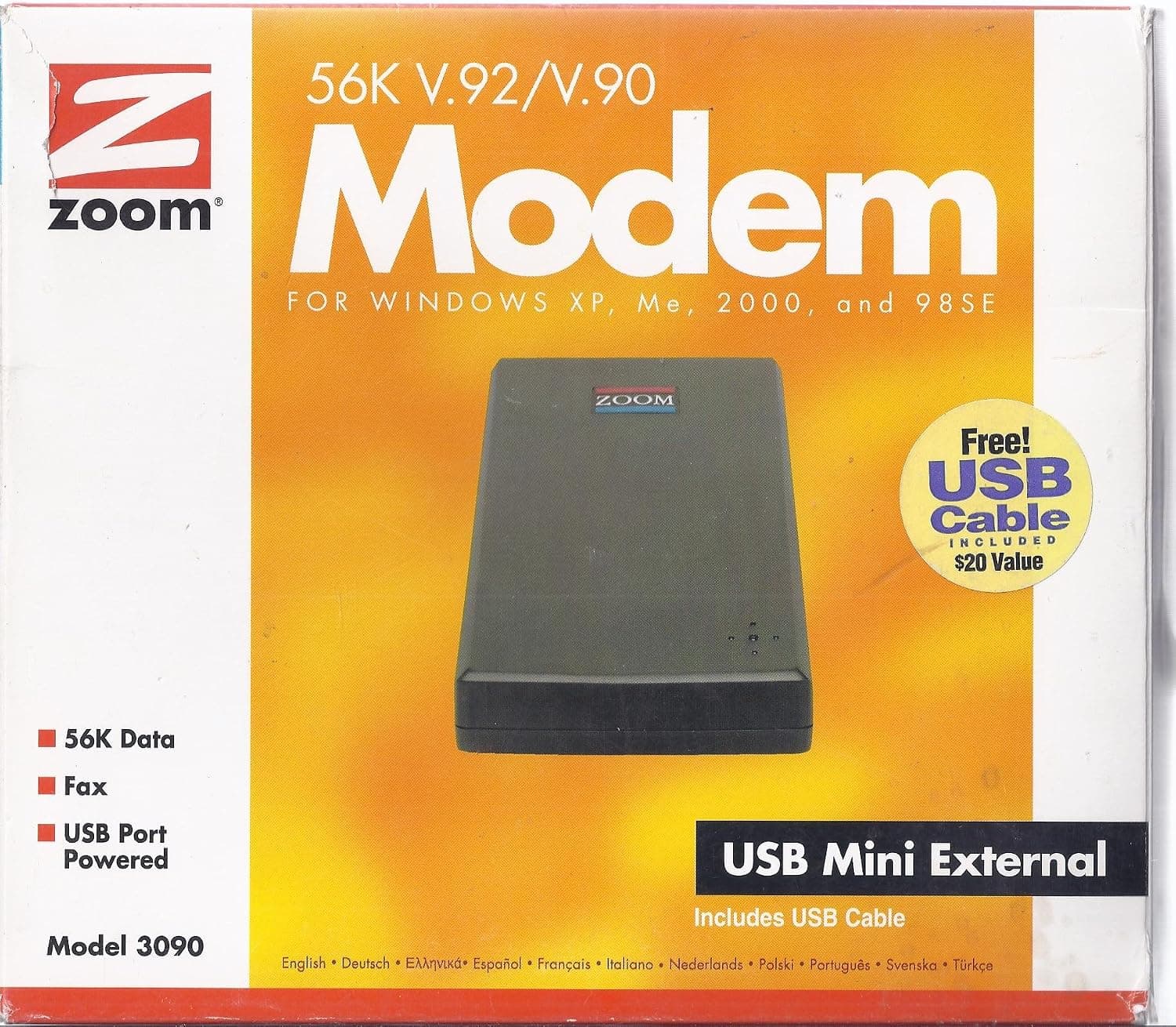
**Watch for listing inconsistencies.Check the retailer's page for the latest price. If you are buying from outside Japan, confirm shipping and regulatory suitability on the listing itself. More generally, product-page metadata is sometimes wrong, so check the images and title against the manufacturer and model number before ordering.
**Discount the rating slightly. Read individual reviews from people using the modem the way you intend to.
FAQ
Q. Can I use it with fiber-based or VoIP phone service? A.
No. The manufacturer states that IP phone lines are unsupported.
Use an analog subscriber line or an ISDN terminal adapter's analog port.
Q. Does it work on Windows 11? A.
The stated support stops at Windows 10, so Windows 11 is outside the guarantee. It may be detected by the native driver, but validate before relying on it for business use.
Q. Do I need a power adapter? A.
No. It is bus-powered, so plugging it into a USB port is all that is required — convenient for laptop use in the field.
Q. Can I browse the internet with it? A.
Technically yes, practically no. At 56 Kbps modern web pages are effectively unusable.
Stick to fax, firm banking, and legacy device communication.
Q. Is fax software included?
A. You will need separate fax software that supports a standard analog modem.
Q. What does it cost? A.
¥6,109 on Amazon.co.jp as captured on 17 September 2026.
Check the listing for the current price, as it varies with stock.
Product Disclosure (Amazon)
- Manufacturer: ラトックシステム
- Model: RS-USB56N
- ASIN: B0798H14GP
- Note: This article covers a manufacturer-made product based on Amazon listing details.