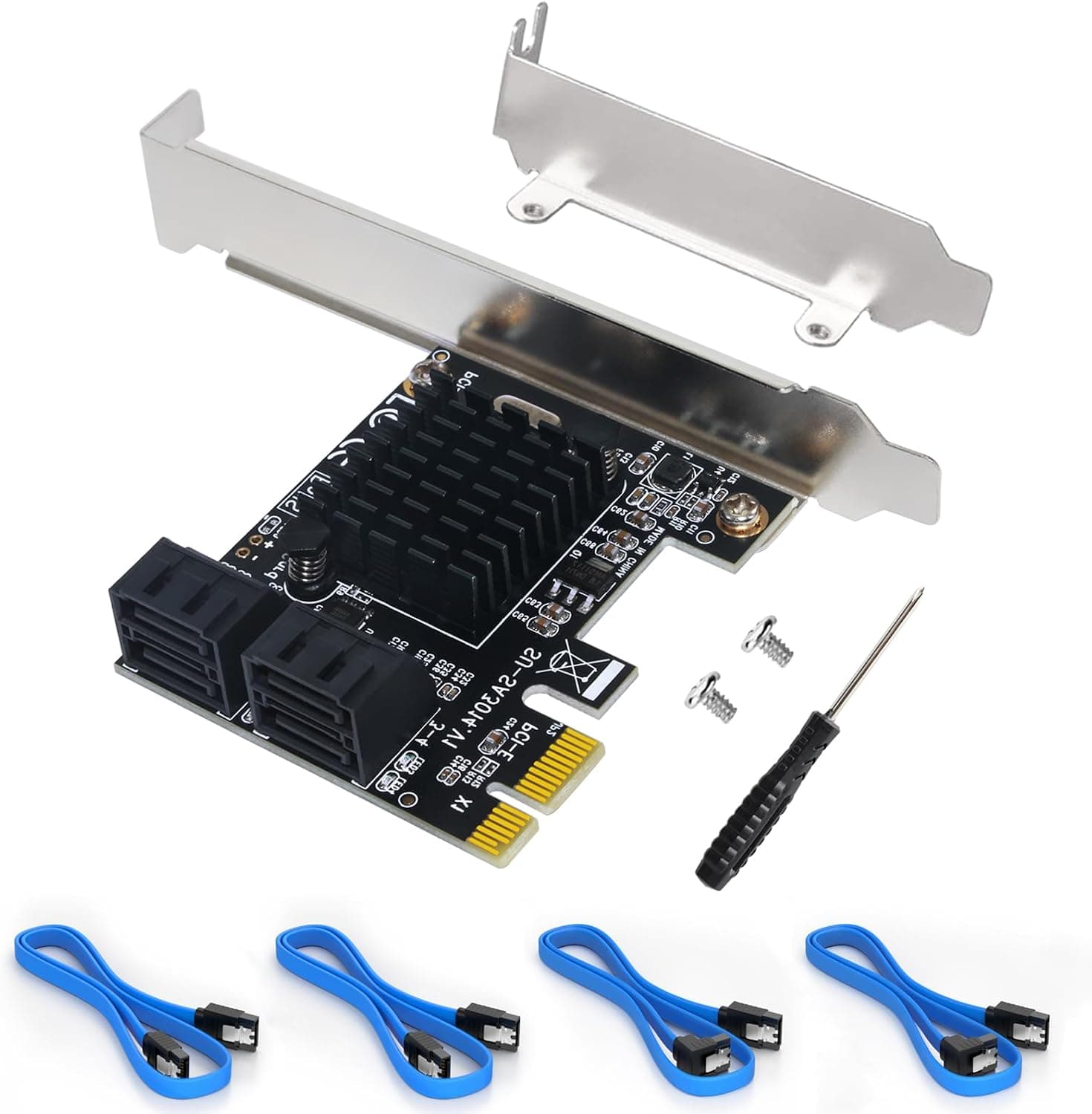
This article covers Ubit拡張カード PCIe 2.0 X1.
Overview
Running out of SATA ports on your desktop motherboard is a common frustration, especially when you want to add more hard drives or SSDs for storage. The Ubit SA3014 offers a straightforward solution: a PCIe 2.0 x1 card that adds four SATA III (6Gbps) ports to any compatible system. Powered by the Marvell 9215 controller, this expansion card supports AHCI boot, hot-plug, and hot-swap functionality. It ships with four SATA cables and a low-profile bracket, making it suitable for both standard towers and 2U/4U server chassis. Priced around ¥4,600, it's an affordable entry-level option for expanding storage capacity without breaking the bank.
Connectivity & Compatibility
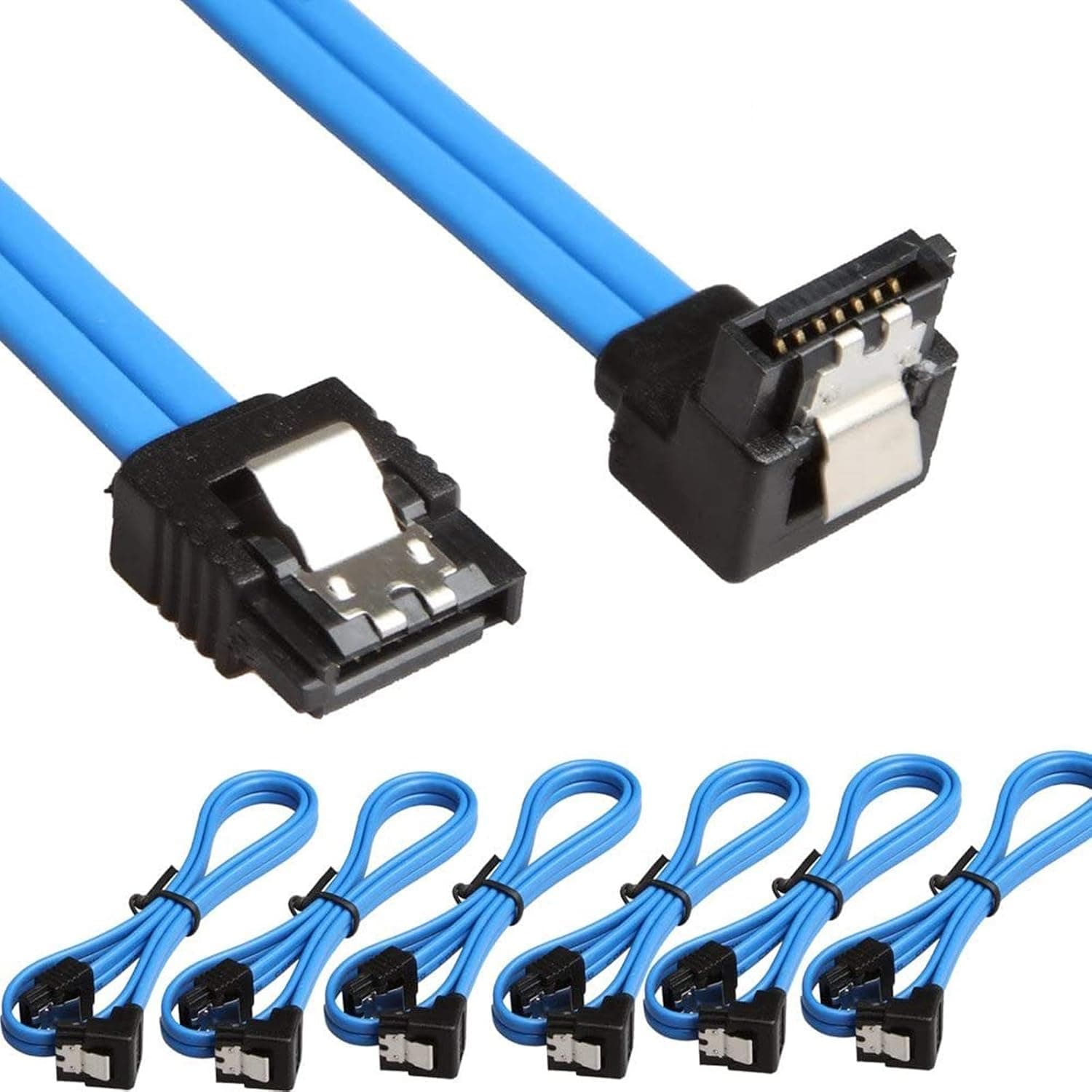
Interface: PCIe 2.0 x1 (works in x4/x8/x16 slots) Supported Devices: SATA HDDs, SSDs, optical drives, Blu-ray drives OS Support: Windows XP/7/8/10, macOS, NAS, Linux Note: Hardware RAID is not supported; software RAID can be used if the motherboard supports it. The included low-profile bracket allows installation in slim cases, and the four 40cm SATA cables provide enough reach for most desktop layouts.
Product Info
Release: Around 2019 (still in active distribution) Price: Approximately ¥4,600 (street price) Warranty: Manufacturer warranty (check with retailer for details) Accessories: Card, 4× SATA cables, low-profile bracket, screwdriver, screw kit, anti-static bag Market positioning is firmly entry-level. The Marvell 9215 is an older but proven chipset, offering stable SATA III performance at a very low cost. It's not meant for cutting-edge speed but for reliable expansion.
Best Use Cases
Home server or NAS builders: If your motherboard lacks enough SATA ports for a multi-drive storage pool, this card adds four ports affordably. Since hardware RAID is absent, you'll rely on software RAID (e.g., Windows Storage Spaces, mdadm). Ideal for bulk storage, not for high-performance arrays. Users repurposing an older PC for extra storage: PCIe 2.0 x1 bandwidth (~500MB/s) is sufficient for SATA SSDs and HDDs in typical workloads. It won't bottleneck a single SSD, but simultaneous heavy access across all four ports may cause contention. Not recommended for users who need maximum sequential throughput. * IPFS mining or crypto-related multi-drive setups: Low cost per port makes it attractive for connecting many HDDs. However, be mindful of PCIe lane limitations if installing multiple cards in a system.
Things to Consider
No hardware RAID: This card does not support hardware RAID. If you need RAID, use motherboard RAID or OS-level software RAID. Bandwidth sharing: The PCIe 2.0 x1 link provides about 500MB/s total bandwidth. With four SATA III ports (each up to 600MB/s), simultaneous full-speed transfers are not possible. In practice, this is rarely an issue for HDDs or light SSD use. Boot limitations: AHCI boot from a single drive works, but booting from a RAID volume is not supported. Competition: Similar cards using ASMedia or JMicron chips exist. Marvell 9215 is known for stability, but lacks some newer features. ## FAQ
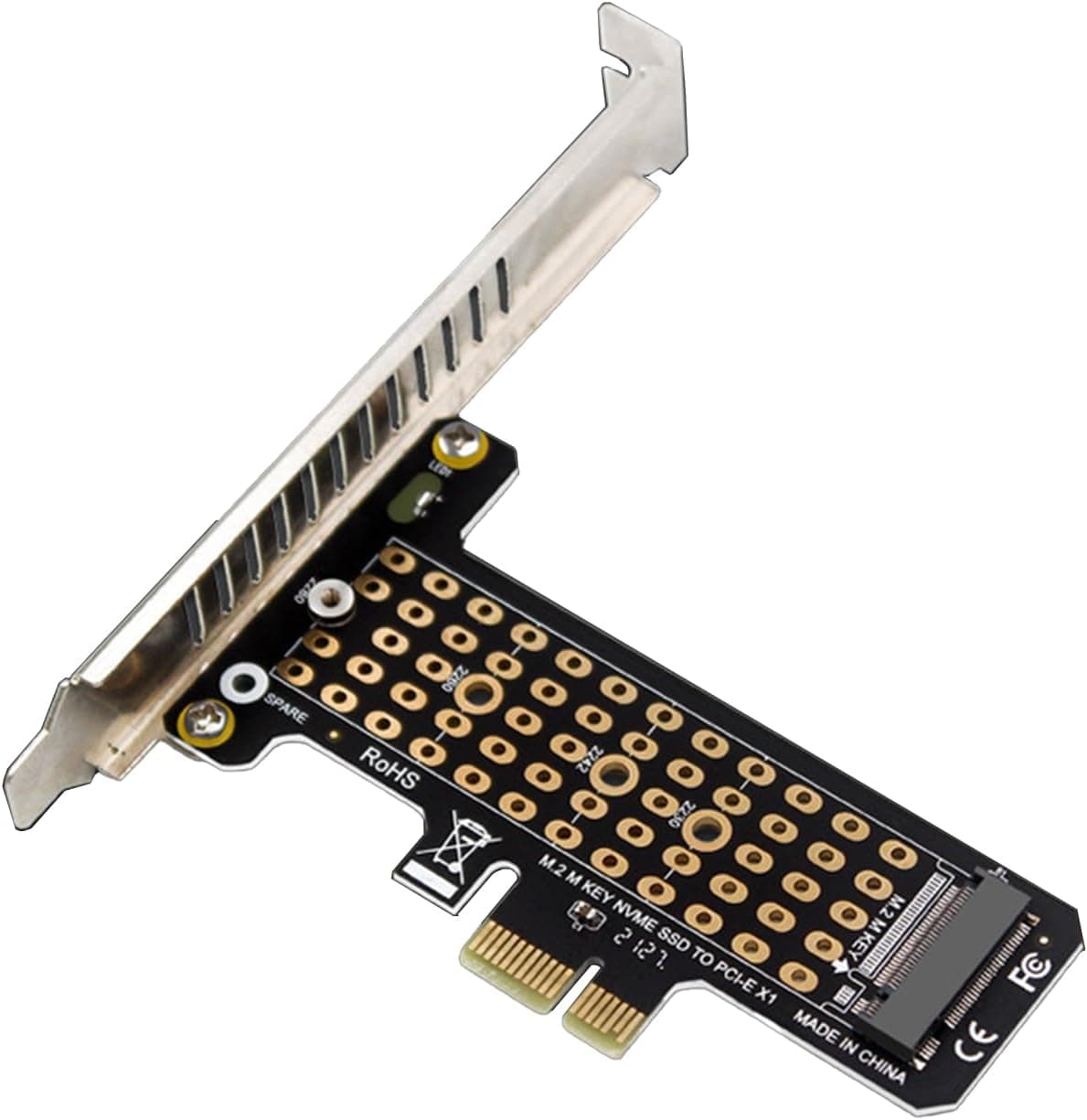
Q: Can I connect M.2 SSDs to this card? A: No, it only provides standard SATA ports. For M.2 SSDs, you'll need a separate M.2 NVMe/SATA adapter card. Q: Does it work with Windows 11? A: Officially supported up to Windows 10, but many users report it works with Windows 11 using built-in drivers. Use at your own risk if you need guaranteed compatibility. Q: What happens if I connect four SSDs and run them all at once? A: Each port is SATA III capable, but the PCIe 2.0 x1 bandwidth is shared. Sequential performance per drive will drop under simultaneous load. For typical file server use, this is fine; for benchmarking, consider a card with more PCIe lanes.
Product Disclosure (Amazon)
- Manufacturer: Ubit
- Seller: Amazon US
- Fulfilled by: Amazon US
- ASIN: B07QGRVGVM
- Note: This article covers a manufacturer-made product based on Amazon listing details.
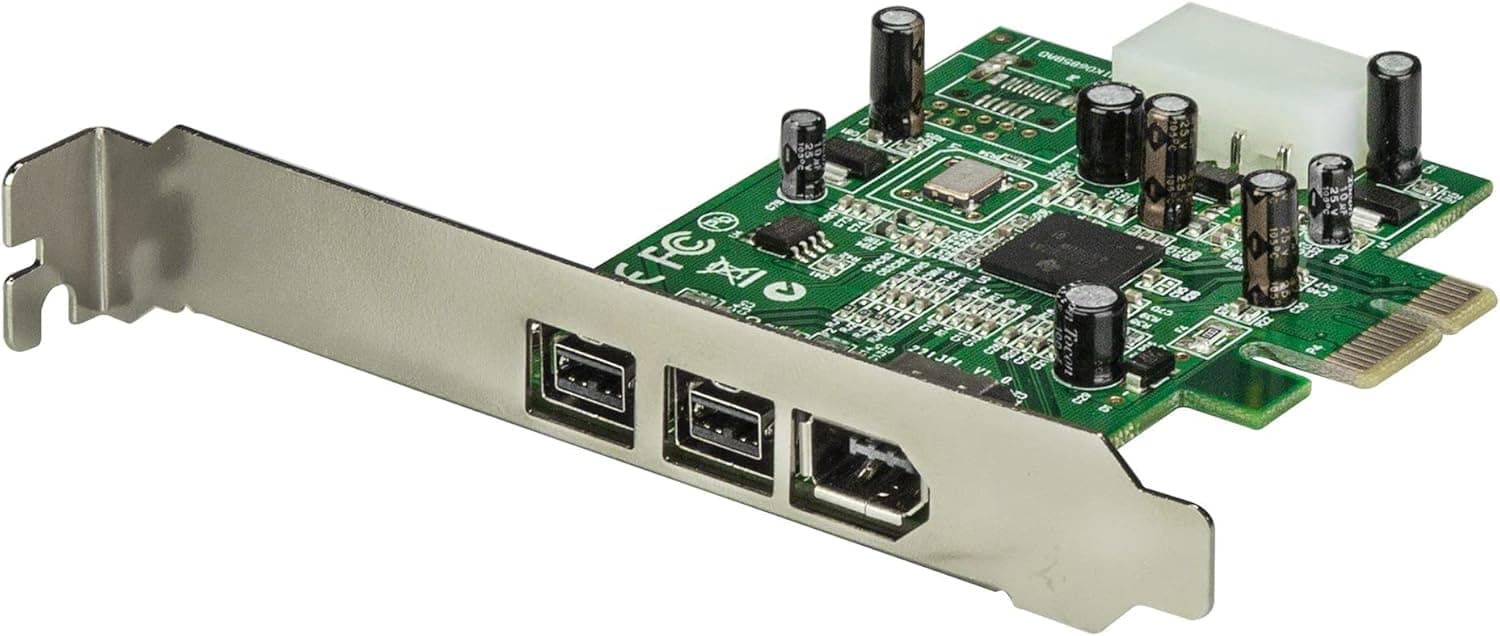
![Siig NN-E38012-S3 FireWire 800 3-Port PCIe [並行輸入品]](/_next/image?url=https%3A%2F%2Fm.media-amazon.com%2Fimages%2FI%2F81t-5IYCA4L._AC_SL1500_.jpg&w=1920&q=75)