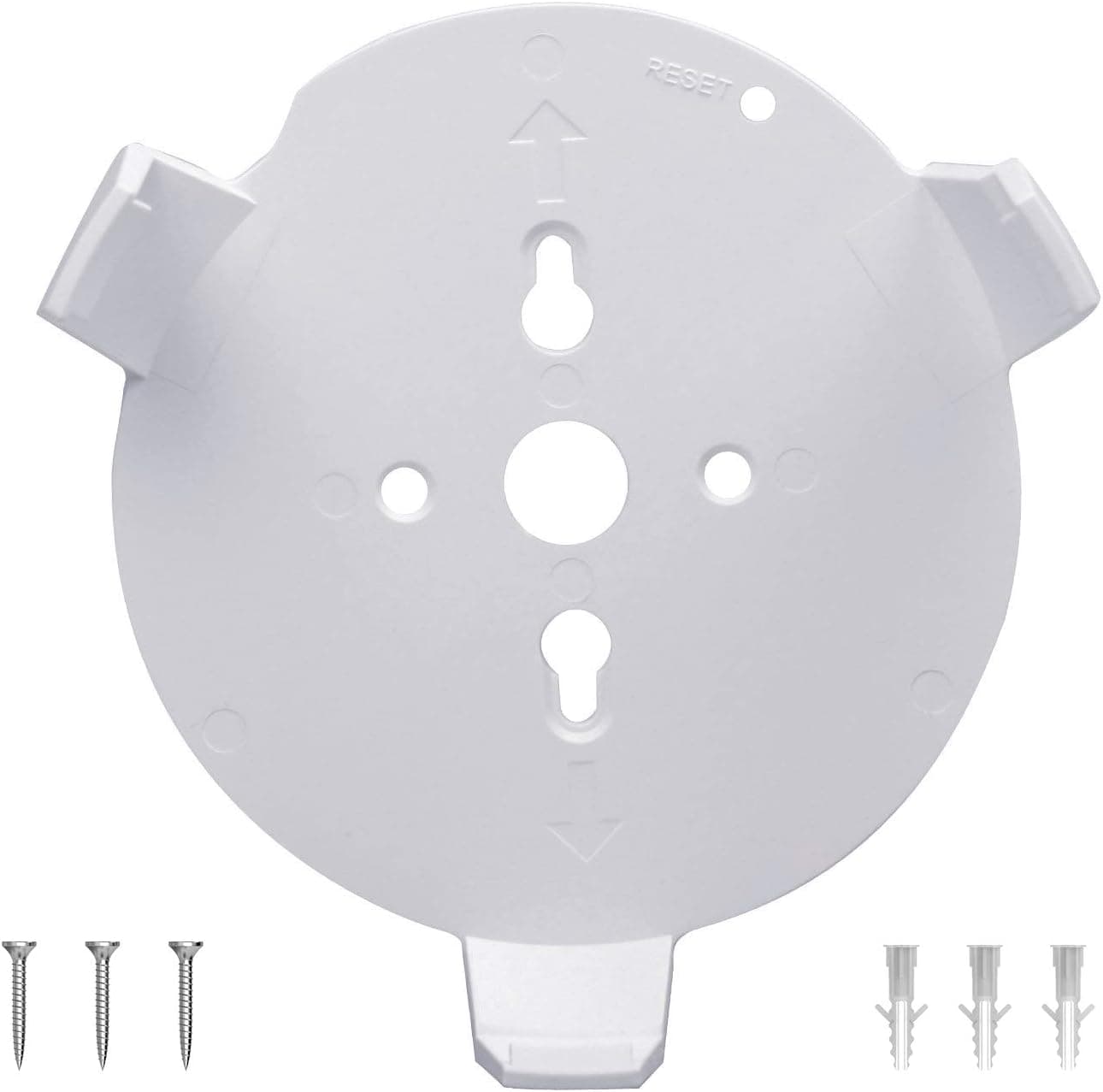
Overview
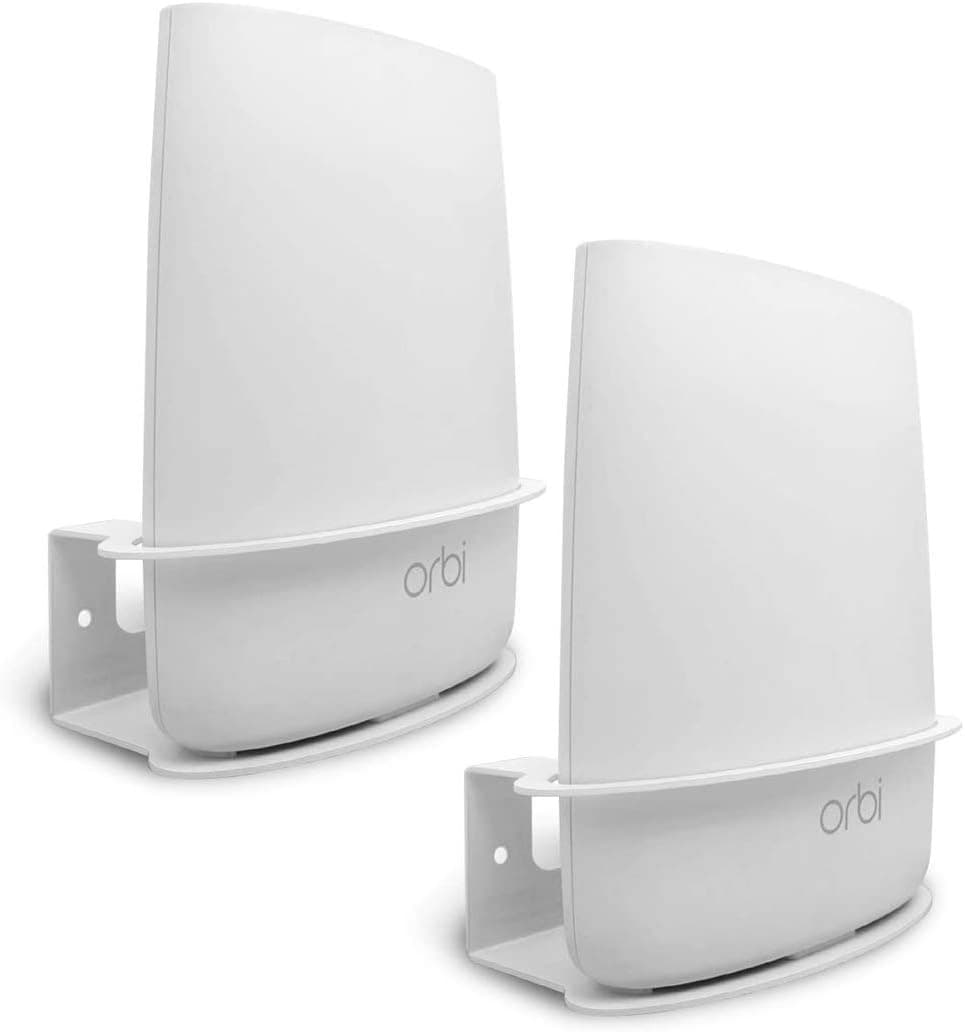
The Koroao AMZN-S028 is a wall and ceiling mount holder designed specifically for TP-Link Deco M5 and Deco P7 mesh units, sold as a 3-pack. The short verdict: this is not a device that boosts radio power — it is a bracket that lets you relocate a Deco to a better height.
Mesh performance depends heavily on placement and line of sight, so moving a node off a low shelf and onto a wall can noticeably change real-world throughput.
As captured on 7 September 2026, the 3-pack lists at ¥6,028 on Amazon.co.jp — roughly ¥2,009 per node.Check the retailer's page for the latest user reviews.
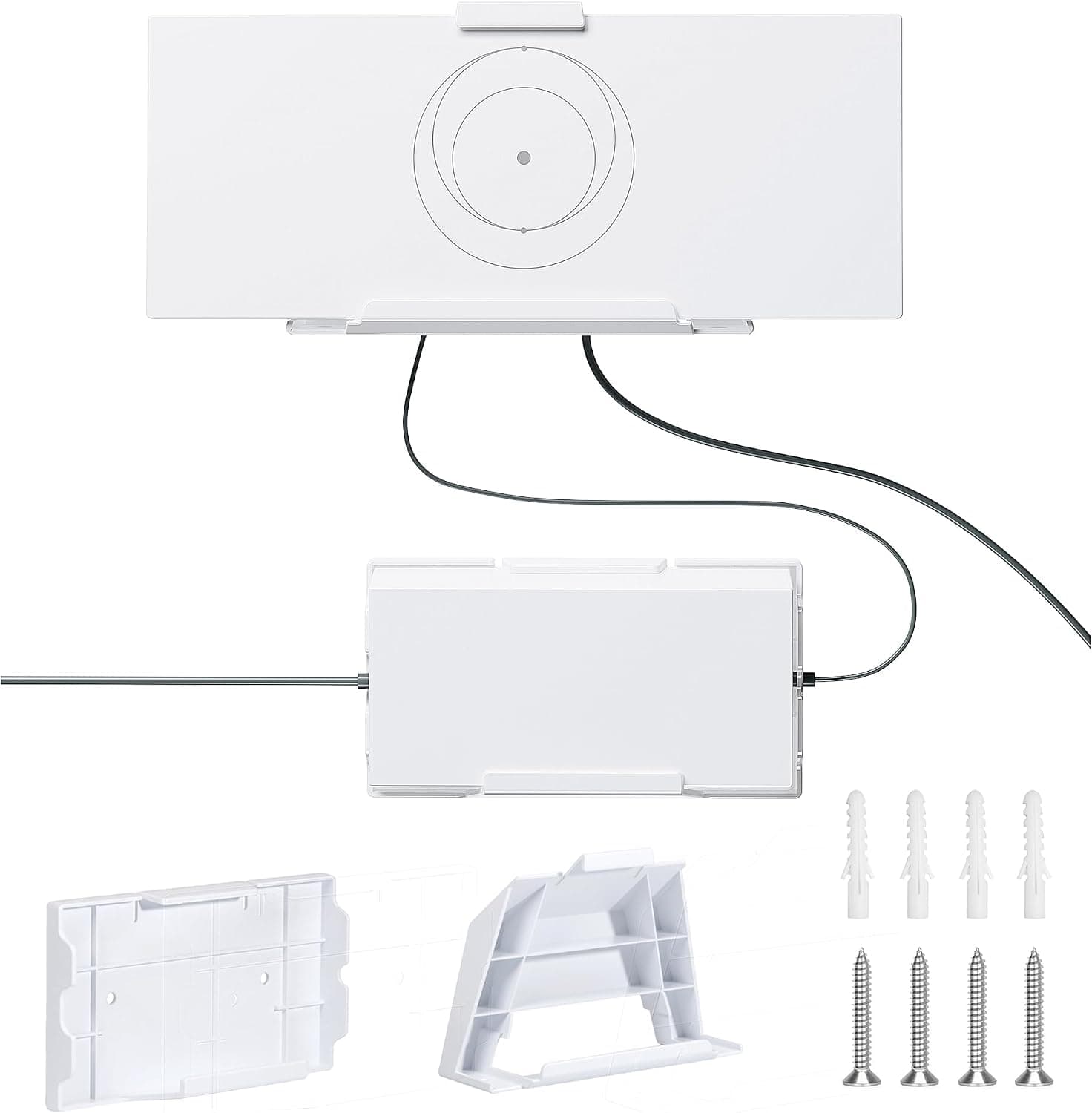
Each bracket fastens with three screws, then the Deco snaps into place, so the job is well within reach of someone with no DIY experience.
This suits owners already running two or three TP-Link Deco M5 or Deco P7 nodes who are unhappy with where those nodes currently sit. If you own a single node that already lives happily on a stable shelf, a 3-pack is more than you need.
Quick Fit Table
| Situation | Verdict | Why |
|---|---|---|
| Running 2–3 Deco M5/P7 nodes | Ideal | The 3-pack gets fully used |
| Small children or pets at home | Good | Puts nodes out of reach |
| Dead zones behind furniture | Good | Enables high wall or corridor placement |
| Rental with no drilling allowed | Poor fit | Screw fixing is mandatory |
| Deco M4/M9/X60 owners | Not compatible | Different body shape |
| Only one node | Overkill | A single universal mount is cheaper |
As the table shows, the value here is decided almost entirely by node count and whether you can drill.Check the retailer's page for the latest price.
Compatibility Guide
Only TP-Link Deco M5 and Deco P7 are supported. Those two share the same rounded body diameter, so one bracket design serves both.
The compatibility notes explicitly rule out other Deco generations and third-party mesh routers, so treat the Deco M4, M9 Plus, X20, X60, and rivals such as Google Nest WiFi, Netgear Orbi, or NEC Aterm as non-fitting. Check the model label on the underside of your unit before ordering.
The mount carries no electrical contacts — it is purely mechanical retention. Power still comes from the bundled AC adapter, and that is the single most common trap: people mount a node high on a wall and only then discover the power lead no longer reaches an outlet.
Measure the distance from the socket to the intended spot and compare it against your cable length first. If the node is your gateway unit, plan the Ethernet run to the modem or ONT at the same time.
Wall material matters just as much. Screwing into a timber stud is fine, but driving a wood screw straight into hollow drywall will work loose within months and eventually drop the node.
Budget for drywall anchors, or plugs plus masonry screws for concrete. The package includes the brackets and mounting screws only, so assume you are supplying the correct fixings yourself.
Ceiling mounting is supported, but a falling node is far more dangerous overhead — verify the joist position carefully.
For height, roughly 1.5–2.0 m above the floor helps the signal clear furniture.
Avoid metal racks, large refrigerators, and the back of aquariums, all of which attenuate WiFi badly. Since a screwed bracket is hard to relocate, hold the unit temporarily at the candidate spot, check signal strength on a phone, and only then drill.
Product Info
Key specifications: model AMZN-S028, pack quantity three, compatible models TP-Link Deco M5 / Deco P7, three mounting screws per bracket, and wall or ceiling screw-fix orientation. As a passive accessory it has no power requirement, so there is no recommended PSU figure.
co.jp, about ¥2,009 per bracket.
Compared with buying three generic universal mounts, the purpose-fit design produces less wobble and a cleaner result. Prices move often, so confirm the current figure on the product page before buying; sale periods can push it lower.
That volume is high for an accessory this specific, which suggests outright fitment failures are rare. Bear in mind many reviewers are likely overseas buyers whose wall construction may differ from typical Japanese drywall homes, so discount installation comments accordingly.
Best Use Cases
- Households with children or pets: floor and low-shelf placement invites kicks, tugs, and spilled drinks. Wall mounting removes all three risks; ¥6,000-class insurance for hardware worth several times more is reasonable.
- Anyone optimizing mesh layout: dead space behind furniture or above a corridor becomes usable, potentially improving coverage in rooms that a low shelf could never reach.
- Home-office users who hate visible cabling: lifting units and adapters off desks and floors tidies the footwell and makes vacuuming easier. Pair it with cable trunking for a cleaner finish.
- Two- or three-node Deco households: the 3-pack is sized for exactly this, with nothing left over.
Things to Check Before Buying
This does not improve network performance by itself. There is no antenna and no amplifier — the only thing it improves is placement freedom.
If the node ends up in the same spot, speeds stay the same. Benefits appear only when you move it higher or into clearer line of sight.
Rentals are a real obstacle. Screw fixing leaves holes, and there is no adhesive or hook alternative here.
If your lease forbids drilling, skip it and look at tension-pole racks or the top of a bookcase instead.
Use the right fixings or it will fall. A wood screw in hollow drywall loosens over time, guaranteed.
Add a few hundred yen for proper anchors from the start, and use a stud finder before any ceiling installation.
Underestimating cable length is the most frequent mistake. Measure the socket-to-mount distance before drilling, and avoid daisy-chained extension leads if you need more reach.
Watch the listing metadata. This is a Koroao third-party accessory, yet the product name contains another company's product name — TP-Link Deco M5 — which makes it easy to mistake for a TP-Link first-party item.
Amazon lists Koroao as manufacturer with Amazon US as seller and fulfiller. Occasionally Amazon listing details (model number, manufacturer, compatible models) do not match the actual item, so confirm from both the photos and the title that you are buying a Deco M5 / P7 mount before ordering.
Remember it is a 3-pack. Single-node owners will have two spare brackets.
That is fine if you plan to expand, but otherwise a single universal mount may cost less.
FAQ
Q. Will it fit a Deco M4 or Deco X60? A.
Only Deco M5 and Deco P7 are listed. Other generations differ in body shape, so fit is not assured.
Check the label underneath your unit.
Q. Do I need a power drill? A.
Not strictly, but it helps. For drywall or concrete, pilot holes drilled properly give a far more secure result.
Q. Is ceiling mounting safe? A.
It is supported, but safety depends on the substrate and the anchors you use. Always fix into a joist overhead.
Q. Does wall mounting increase speed?
A. Not on its own. Any gain comes from the higher, less obstructed position you can now use.
Q. Can I remove the Deco again easily? A.
Yes — the snap fit makes taking a node down for a reset straightforward. Just use a stable step ladder.
Q. A.
That was the 3-pack price captured on 7 September 2026. Amazon pricing changes frequently, so check the listing for the current figure.
Product Disclosure (Amazon)
- Manufacturer: Koroao
- Seller: Amazon US
- Fulfilled by: Amazon US
- ASIN: B07BS9MWCW
- Note: This article covers a manufacturer-made product based on Amazon listing details.