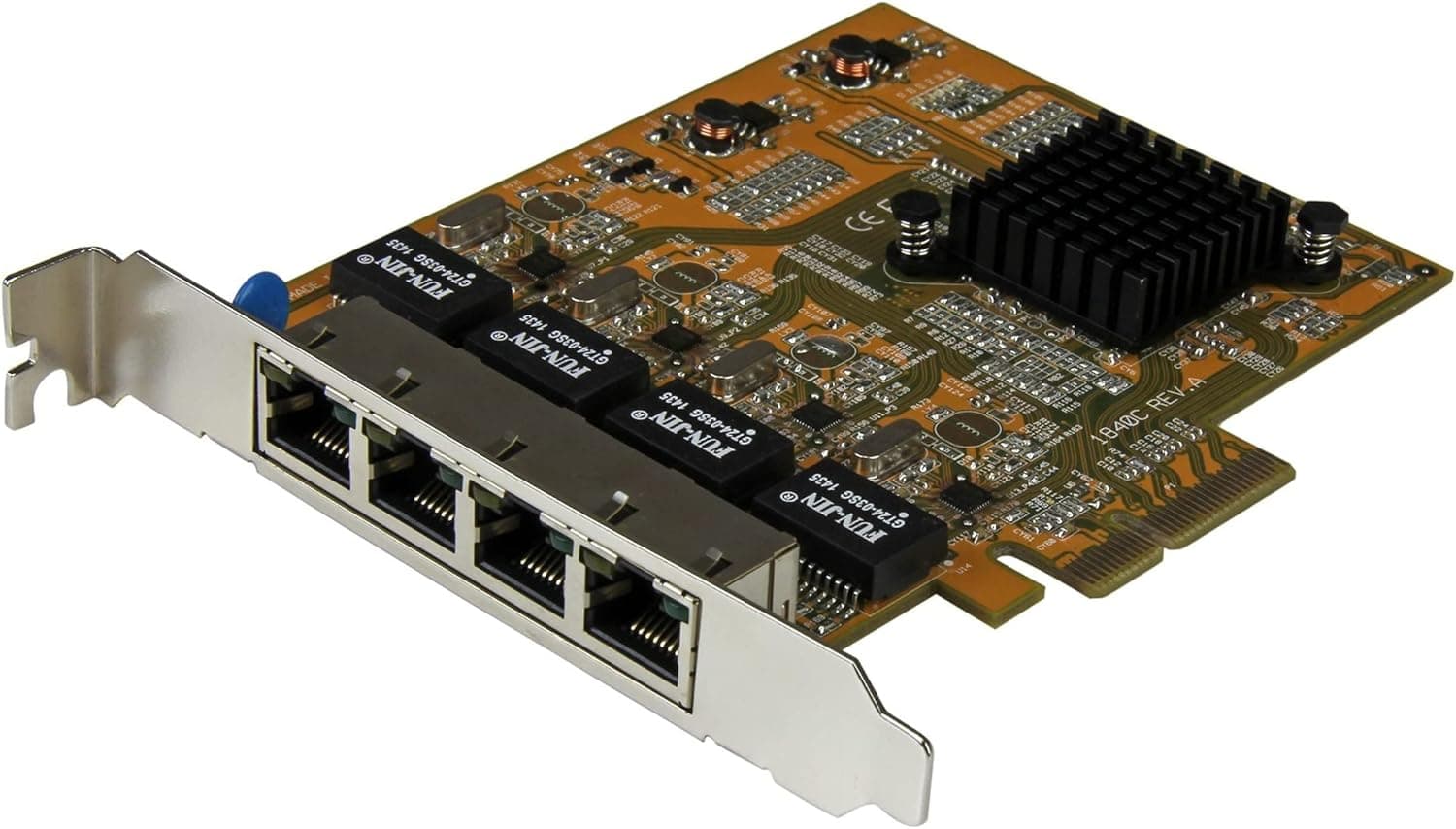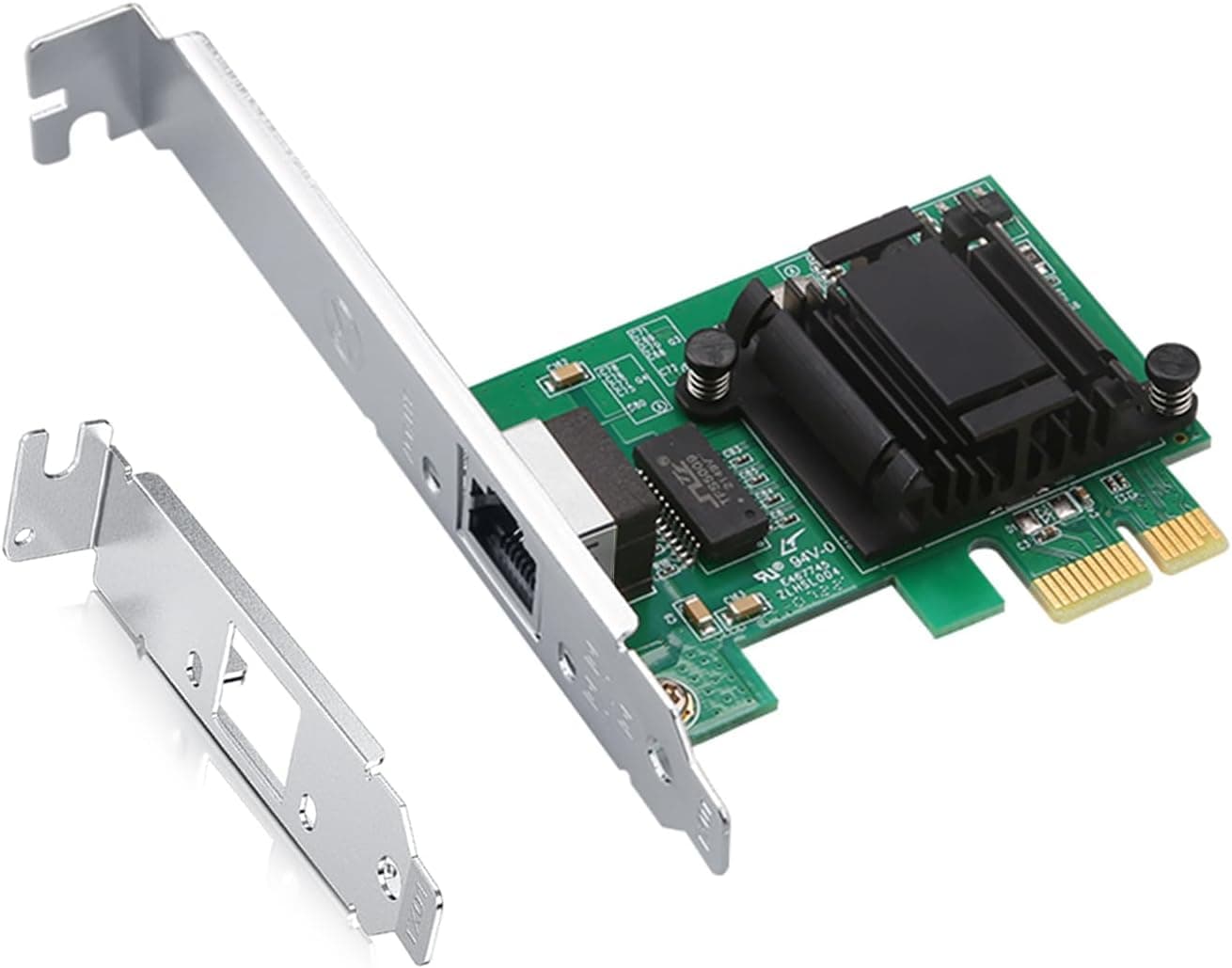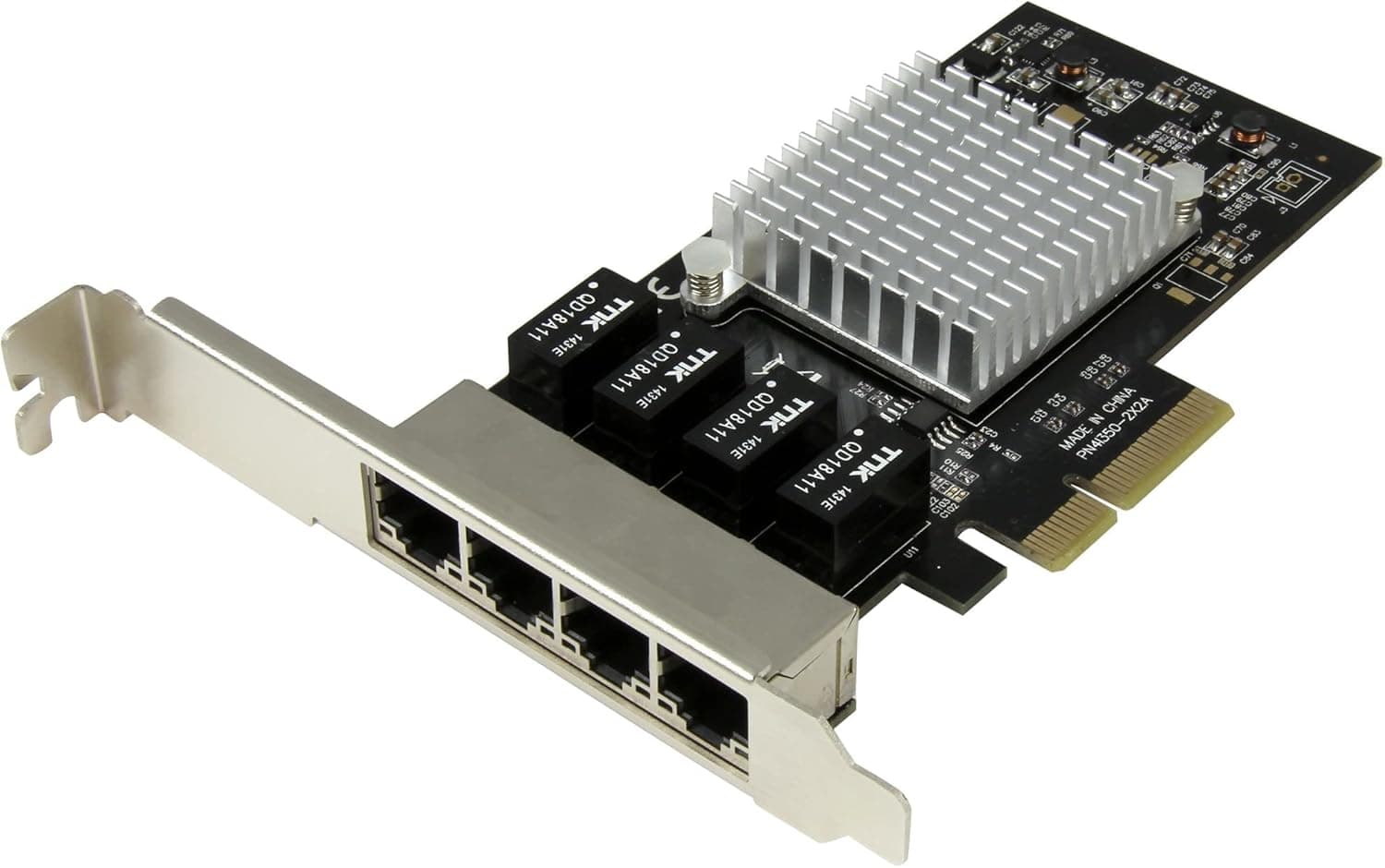
The StarTech.com ST4000SPEXI is a quad-port Gigabit Ethernet PCIe card built around the Intel I350-AM4 controller.
It adds four independent 10/100/1000 Mbps RJ-45 ports from a single slot, aimed at virtualization hosts, DIY routers and NAS builds. On Amazon.co.jp it holds 4.4 out of 5 stars (88% positive) across 160 reviews.
Overview
The value here is port density and mature Intel drivers — not speed. Each port tops out at 1000 Mbps, the same as any decade-old GbE card.
You buy this because you want WAN, LAN, DMZ and management traffic on physically separate wires, or a dedicated NIC per VM.
Intel I350 silicon is recognized out of the box by VMware ESXi, Proxmox, pfSense/OPNsense, mainstream Linux distributions and Windows Server. If you have ever watched a cheap Realtek multi-port card fail to appear during a pfSense install, or hand-injected a driver into ESXi, you already understand what that is worth.
Conversely, if you just want one extra LAN port on a home desktop, this is heavy overkill — a single-port card at a fraction of the cost does the job.
Connectivity & Compatibility
The listed interface is PCIe 2.0 x1, with IEEE 802.3 / 802.3u / 802.3ab compliance and a weight of about 0.1 kg.
A standard PCIe slot is required; a low-profile bracket is included, so 2U chassis and slim cases are covered.
| Check | What to look at | Common pitfall |
|---|---|---|
| Slot shape | Any free x1-or-wider slot | Closed-ended x1 slots physically block longer cards |
| Slot position | Clearance beside the GPU | Two-slot GPUs cover the usable x1 slots on most boards |
| Bracket | Standard vs low-profile | Swap required in slim cases; the screws are easy to lose |
| Cooling | Airflow around the card | It is fanless and runs warm with four active ports |
| Power | Slot power only | No auxiliary connector; budget roughly 50W of PSU headroom |
Count your free x1 slots before ordering. Mini-ITX boards have a single expansion slot that the GPU usually owns, and on Micro ATX/ATX the lower x1 slots are often shadowed by a large cooler.
Open the case and look.
If you plan to use PXE boot, check the UEFI settings too — the network stack and PXE option ROM must be enabled, and CSM vs UEFI boot mode changes how the card's option ROM behaves.
Bandwidth Reality: Four Ports on One Lane
This is the point to understand before buying. A PCIe 2.0 x1 link delivers roughly 500 MB/s, or about 4 Gbps.
Four Gigabit ports running full-duplex at line rate would represent about 8 Gbps of traffic, so saturating all four ports simultaneously can bottleneck at the slot.
In practice this rarely bites. Router duty, per-VM segmentation, and separating management, iSCSI and backup traffic never push all four ports to the ceiling at once.
But if your plan is a four-link LAG moving bulk data continuously, one 10GbE card is the cleaner answer.
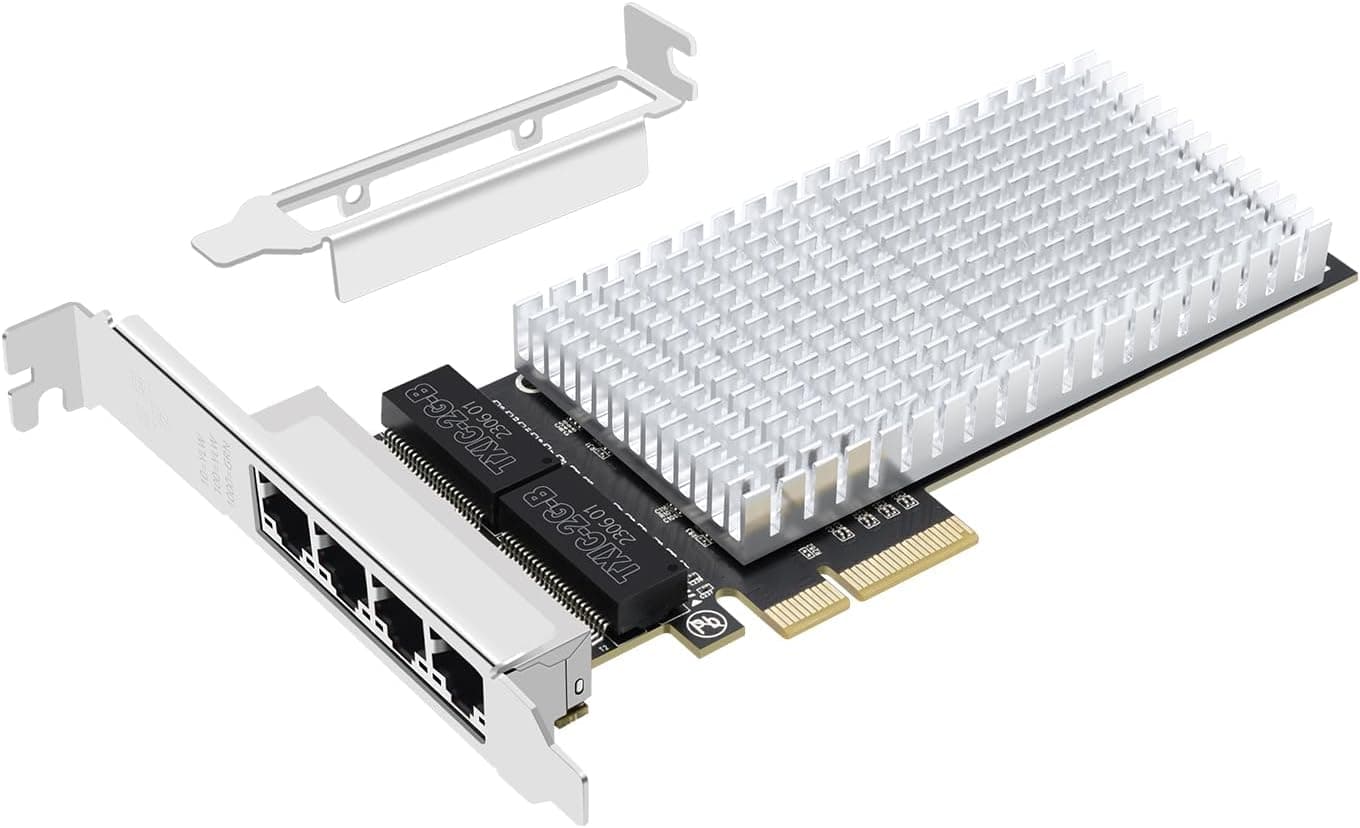
Note also that listings for this model sometimes disagree on slot width (x1 vs x4). Check the product photo and count the edge-connector length before ordering.
An x4 card fits an open-ended x1 slot, but runs at x1 bandwidth.
Product Info
All prices below are capture-time snapshots and will change.
| Store | Price at capture | Captured |
|---|---|---|
| Amazon.co.jp | ¥31,400 | 19 Jun 2026 |
| Rakuten (ECJOY!) | ¥40,099 | 15 Aug 2026 |
| eBay | Varies by listing | Jul 2026 |
Always confirm the current price on the product page. Thirty-thousand-plus yen feels steep for "more LAN ports," but that is the cost of a business-class Intel controller sold new with a warranty.
Used server-pull Intel NICs of the same class circulate far cheaper; for a lab box that is a rational compromise, while a 24/7 production box or a home router you cannot afford to have fail justifies buying new.
Key specs: 4 ports, Intel I350-AM4 chipset, PCIe 2.0 x1 interface, 1000 Mbps per port, IEEE 802.3/802.3u/802.3ab, 0.1 kg.
Every port auto-negotiates 10/100/1000 and supports Auto MDIX, so straight-through versus crossover cabling is a non-issue. Warranty terms vary by seller — check the listing.
How It Compares
Most buyers are really choosing among three options:
- Multi-port Gigabit (this card, Intel I340-T4 and similar) — for separating traffic onto physical wires. Still 1 Gbps per link.
- 10GbE, one or two ports — for making a single link fatter. Requires a 10GbE switch, so the total bill climbs fast.
- Wi-Fi 6/6E cards — for places you cannot run cable. Less deterministic, but zero wiring cost.
This card is firmly in the first bucket. Ask whether you want faster or separated; only the latter points here.
Installation Notes
Power down and unplug the system.
Confirm slot position and length; swap to the low-profile bracket if needed.
Seat the card straight down and secure the bracket screw — angled force can crack the slot latch.
Verify detection: Device Manager on Windows,
ip linkorlspcion Linux.Map physical port order to OS interface names by plugging one cable at a time.
Guessing here is what derails pfSense WAN/LAN assignment.
Best Use Cases
- pfSense / OPNsense router builders — separate WAN, LAN, DMZ and guest on real wires, with no driver drama.
- Proxmox / ESXi hosts — dedicate ports to VMs and split management from service traffic.
- DIY NAS and backup servers — keep the backup path off the production LAN.
- Anyone staying on Gigabit — add ports without touching switches or cabling.
Not recommended for users who need one extra port, users chasing higher single-link speed (look at 2.5GbE or 10GbE), or Mini-ITX builds with no spare slot.
Before You Buy
Four ports does not mean four times the speed. With LACP/LAG, a single file transfer normally still runs at one port's speed; aggregate gains only appear across multiple concurrent peers.
This is how link aggregation works generally, but it is the single most common disappointment.
Check the switch side. LAG needs a managed switch.
Plugging several ports into an unmanaged switch can create a loop that takes down the whole segment. Pure traffic separation is fine.
Watch the pricing spread. The captured Amazon and Rakuten prices differed by over ¥8,000, and store labels or currency shown on a listing can disagree with the actual selling region.
Confirm currency and shipping origin before checkout.
Listing metadata is not always right. Manufacturer, model and slot specification fields occasionally contain errors.
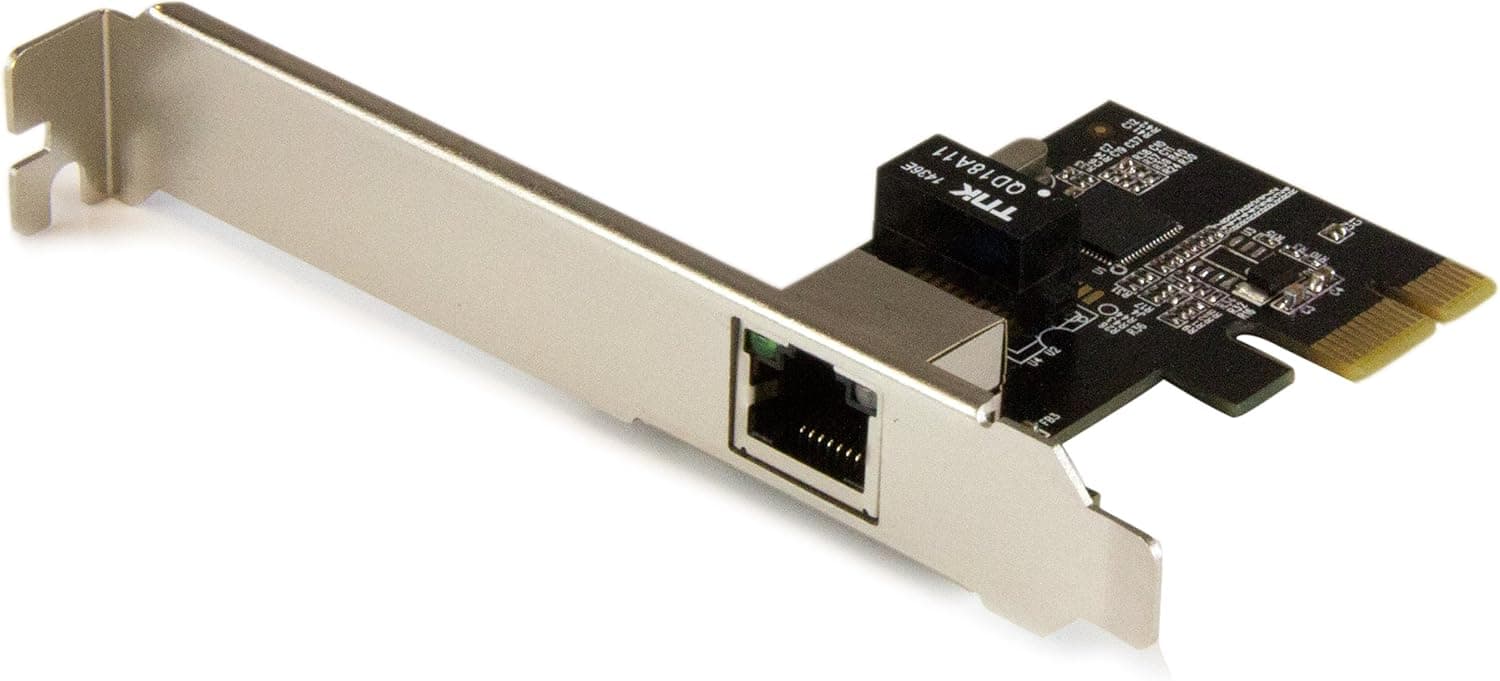
Verify from the product photo and title that you are buying the four-port ST4000SPEXI — StarTech.com sells two-port, four-port and fiber variants in the same family, so mix-ups are easy.
Heat. The card is fanless and gets warm with four active links. In a cramped, low-airflow case, place it where air actually moves.
The used market exists. Equivalent Intel quad-port NICs are cheap as server pulls.
Beware counterfeit-controller units from unknown sources — they load drivers but behave erratically. For production, buy new.
FAQ
Q. Will bonding the ports give me 4 Gbps of internet? A.
No. Your ISP link is the ceiling, and single downloads cap at one port's speed.
Q. Does it work in a Windows 11 desktop? A.
Yes, given a free standard PCIe slot. I350 drivers usually ship with Windows; otherwise install Intel's driver package.
Q. Any extra setup for pfSense/OPNsense? A.
Normally none — the ports appear during installation. The real work is deciding which one becomes WAN.
Q. Will it fit a low-profile case?
A. Yes, a low-profile bracket is included; you just have to swap it.
Q. Does it supply PoE?
A. No. These are standard RJ-45 Gigabit ports with no power delivery. Use a PoE injector or PoE switch.
Q. What if I later want 2.5GbE or 10GbE? A.
This card is fixed at 1 Gbps, so you would replace it. If fast NAS transfers are on the roadmap, buying 10GbE up front is cheaper overall.
Product Disclosure (Amazon)
- Manufacturer: StarTech.com(スターテック)
- Seller: Startech Japan KK
- Fulfilled by: Amazon
- ASIN: B011NLWNHC
- Note: This article covers a manufacturer-made product based on Amazon listing details.