Overview
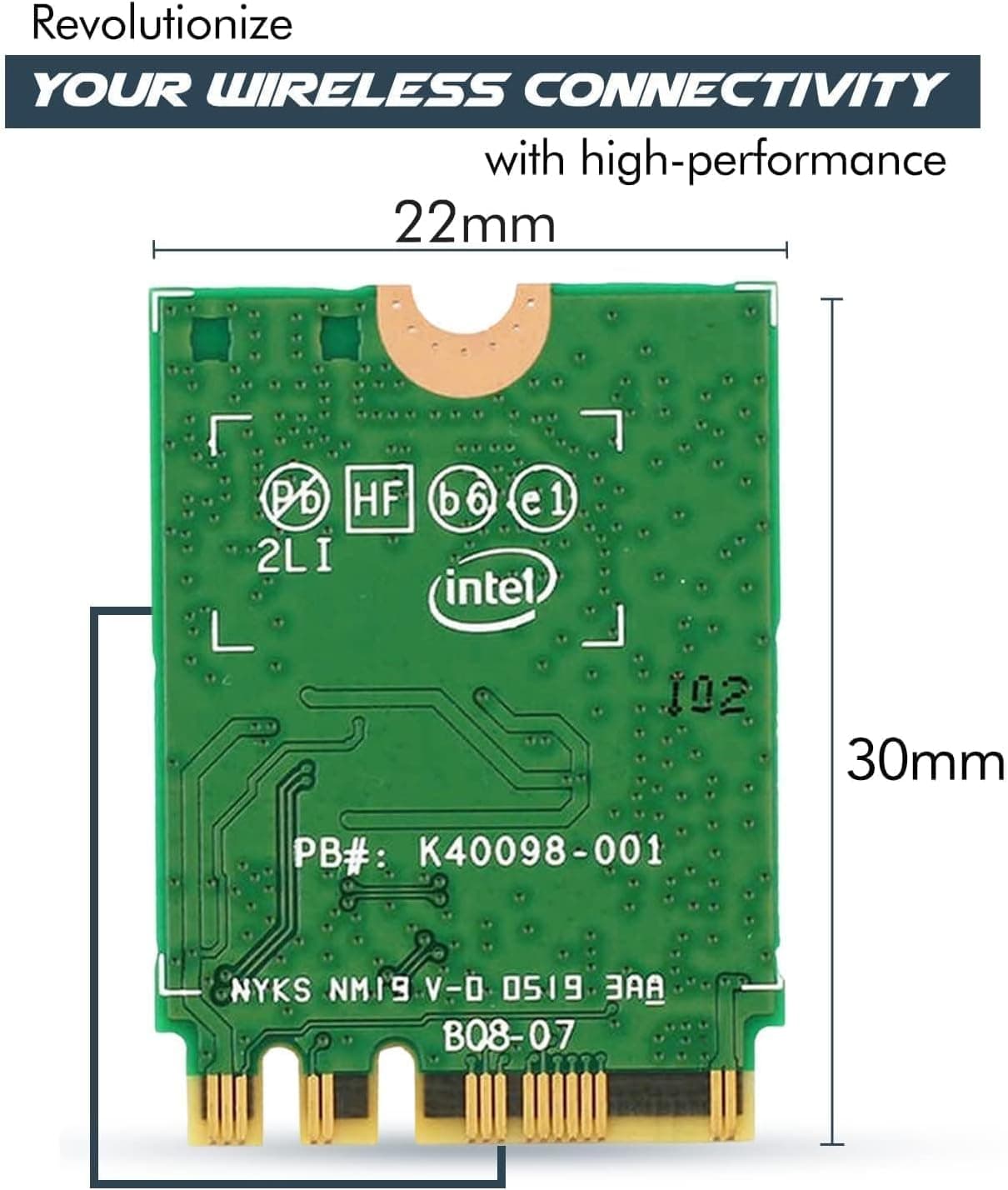
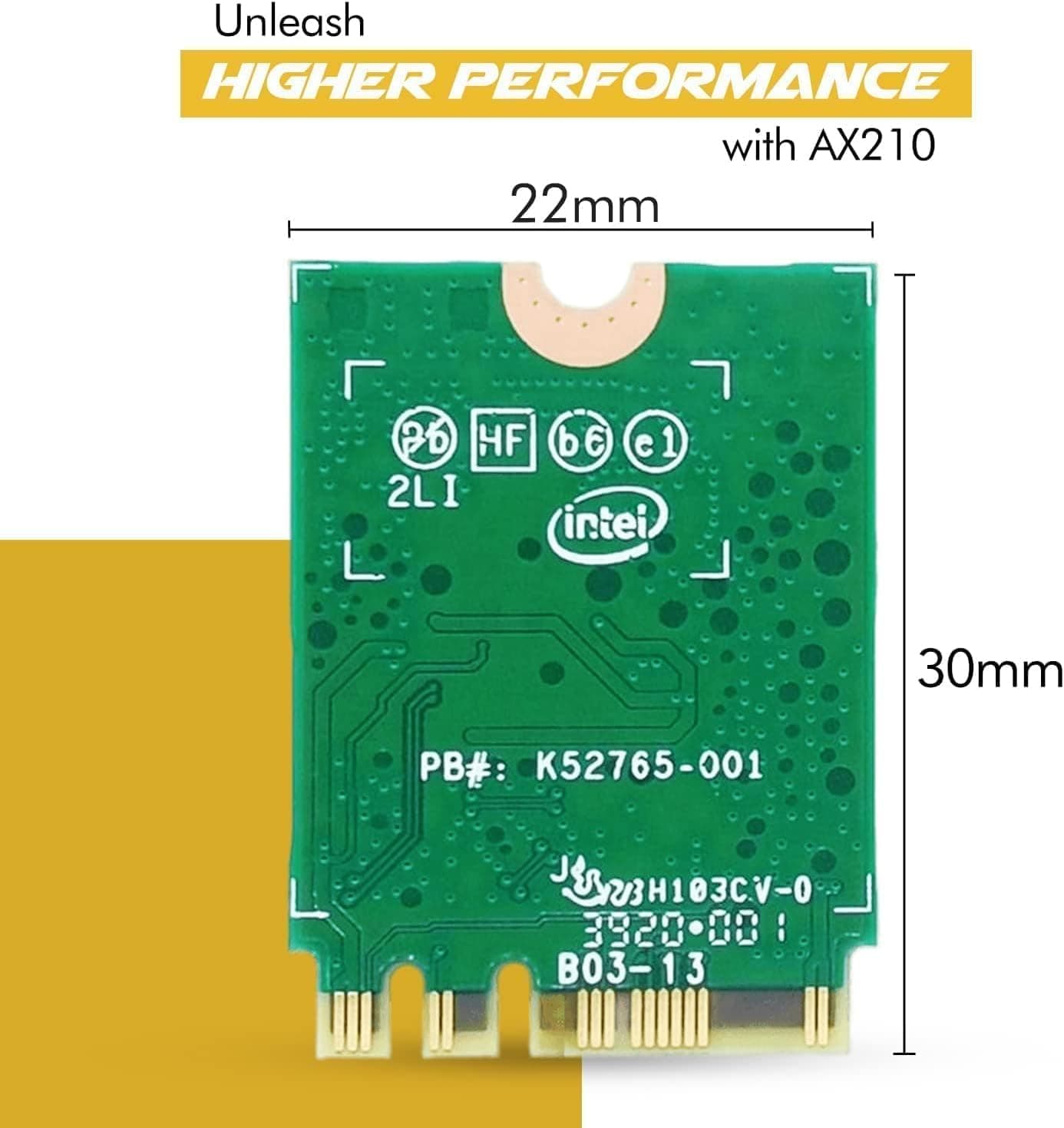
The HighZer0 Electronics AX210 WiFi 6E Card is an M.2 wireless LAN card powered by the Intel AX210 chipset. It delivers up to 2.4 Gbps data rates across tri-band frequencies (2.4 GHz, 5 GHz, and 6 GHz) and includes Bluetooth 5.3. This card is an excellent choice for upgrading older desktops or laptops to the latest Wi-Fi 6E standard without breaking the bank. By leveraging the 6 GHz band, the AX210 avoids congestion found in lower bands, resulting in lower latency and more stable connections. Paired with a Wi-Fi 6E router, it enables smooth online gaming, 4K streaming, and fast file transfers.
Connectivity & Compatibility
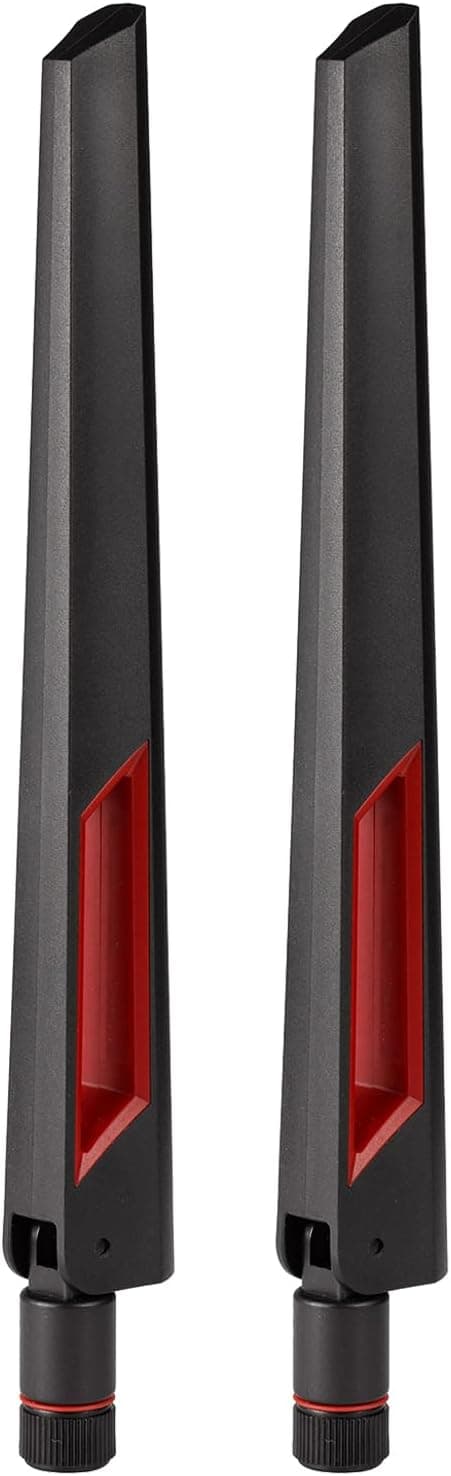
Interface: M.2 Key A+E (PCIe x1 lane). Fits directly into compatible M.2 slots on laptops or desktop motherboards. Supported OS: Windows 10/11 (64-bit) and Linux. Intel's mature driver ecosystem ensures broad compatibility. Bluetooth 5.3: Built-in support for the latest wireless peripherals, including headphones, mice, and gamepads. Important: The card does not include antennas or mounting screws. For desktop use, you will need a separate antenna kit and possibly a PCIe bracket.
Product Info
Released around 2022, the AX210 WiFi 6E Card typically retails for around ¥5,000 (approx. $35 USD). Warranty varies by seller but is usually 30 days to 1 year. The package contains only the card itself; antennas and screws are sold separately. Market positioning: Entry-level to mid-range upgrade. While the Intel AX210 chip is a high-end solution, third-party cards like this one offer it at a budget-friendly price, making Wi-Fi 6E accessible to cost-conscious users.
Best Use Cases
Desktop PC users wanting Wi-Fi 6E: If your motherboard has an M.2 Wi-Fi slot, this card adds tri-band Wi-Fi and Bluetooth 5.3 with minimal effort. Pair it with a desktop antenna kit for optimal performance. Laptop users replacing an old Wi-Fi card: In compatible laptops, swapping out a Wi-Fi 5 or early Wi-Fi 6 card for this AX210 brings 6 GHz support and Bluetooth 5.3. Note that disassembly requires care. Gamers seeking low latency: The 6 GHz band reduces interference, and features like OFDMA and MU-MIMO help maintain stable connections during competitive gaming. Bluetooth 5.3 enthusiasts: Enjoy improved range and stability with the latest wireless earbuds, controllers, and other peripherals.
Things to Consider
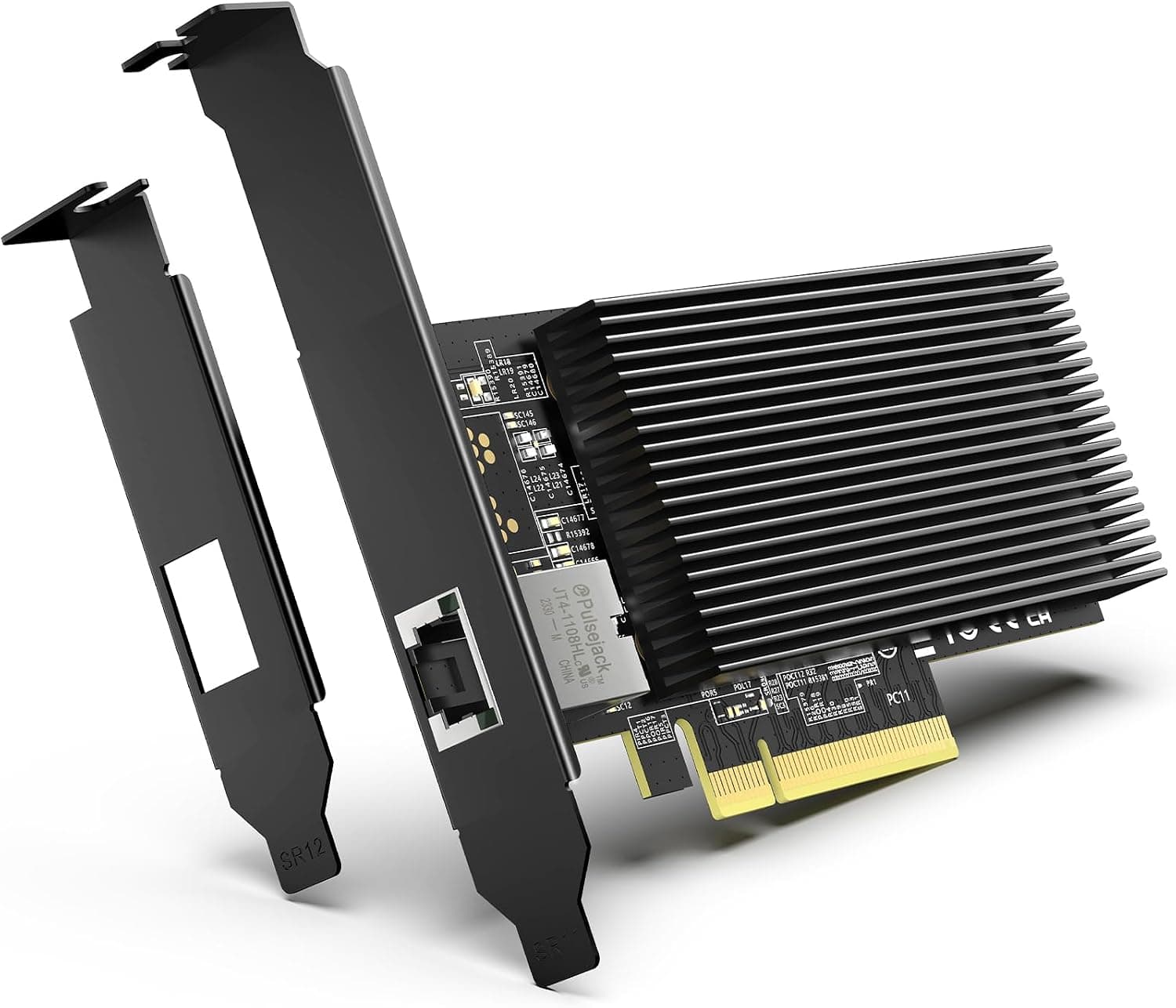
Verify that your PC has an M.2 Key A+E slot. Desktop motherboards often label this slot as "M.2 Wi-Fi" or "E-key." If absent, a PCIe x1 adapter can be used, but antenna routing becomes more complex. Antennas are not included. For desktops, purchase a kit with two RP-SMA antennas and a PCIe bracket. For laptops, you can often reuse the existing antennas, but check the connector type (usually IPEX4). Drivers are typically installed automatically via Windows Update, but downloading the latest Intel drivers is recommended for best performance. Linux support is built into recent kernels. This card does not support Intel vPro. If you need remote management features, look for the vPro-enabled version of the AX210. ## FAQ
Q: Does the card come with antennas? A: No, antennas and mounting screws are not included. You need to purchase them separately. Q: Can I install this in a desktop PC? A: Yes, if your motherboard has an M.2 Wi-Fi slot. You will also need a PCIe bracket with antenna connectors (sold separately). If no M.2 slot is available, a PCIe x1 adapter can be used. Q: Does it work with Windows 11? A: Yes, Windows 11 (64-bit) is fully supported. The card is recognized by the built-in drivers.
Product Disclosure (Amazon)
- Manufacturer: HighZer0 Electronics
- Seller: HighZer0 Electronics JP
- Fulfilled by: Amazon
- ASIN: B09YQMM6F7
- Note: This article covers a manufacturer-made product based on Amazon listing details.