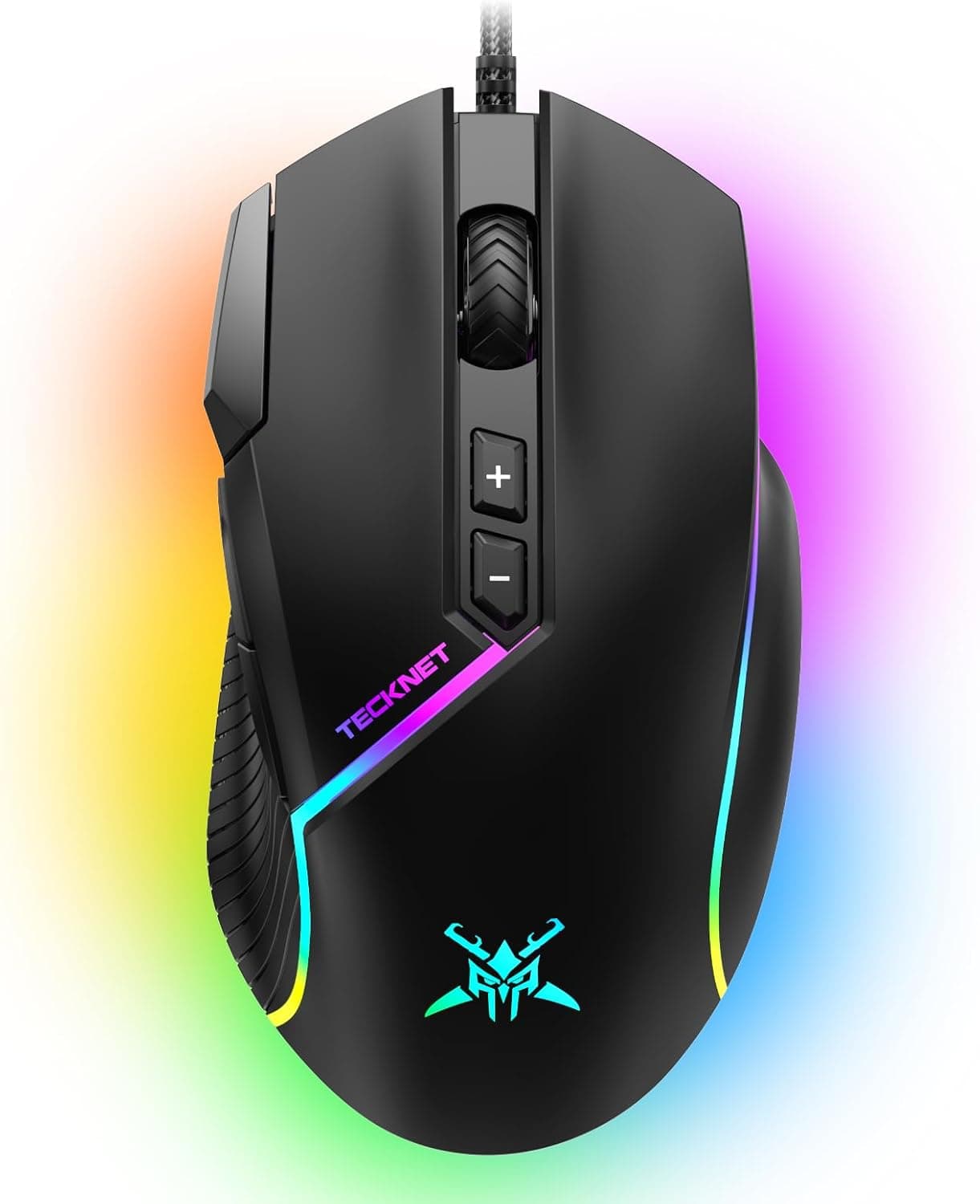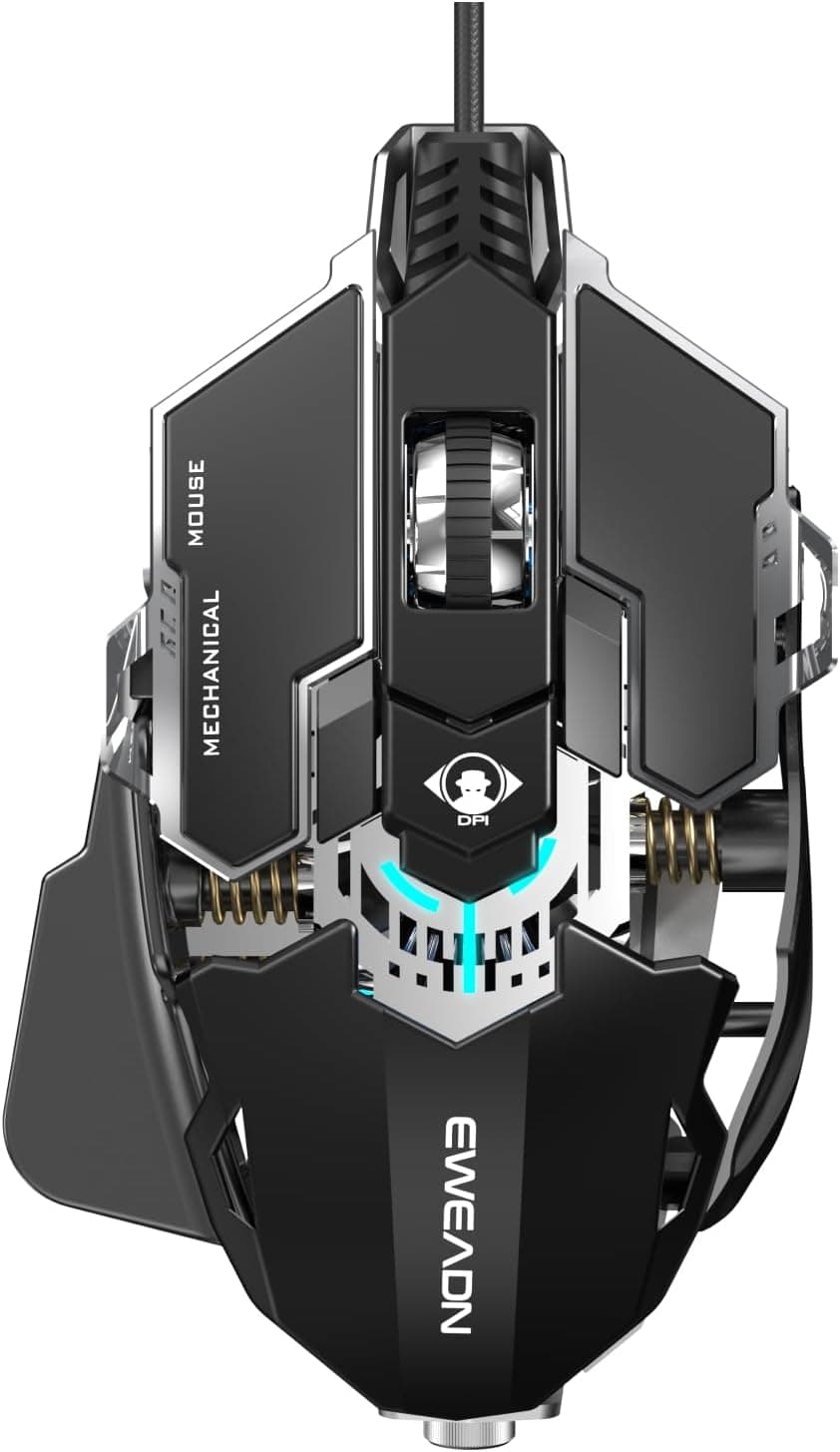
This article takes a closer look at SEUNKWANG EWEADN G5 有線ゲーミングマウス 人間工学的RGBコンピューターマウス 12800調節可能なDPI, using only the published specifications and the actual review figures.
Overview
The SEUNKWANG EWEADN G5 is a wired gaming mouse with a 12,800 DPI optical sensor and nine programmable buttons. The short verdict: it is built for people who want a full set of gaming features on a minimal budget, not for competitive players stepping down from a flagship.
Its headline feature is a fast-fire key that sends three left clicks with a single press. It also offers seven RGB lighting modes with roughly 16.8 million color customization, and switches rated for 30 million clicks.
The ergonomic shell and textured side grips are meant to cut fatigue in long sessions.
That sample is small, so read it as "reasonable for the money" rather than "universally praised" — the average can still move.
Spec Sheet at a Glance
| Item | Value | What it means |
|---|---|---|
| Max DPI | 12,800 | Practical range is 800–1,600; the ceiling is headroom, not a setting |
| DPI steps | 6 | Adjustable from 2,000 to 12,800 in software |
| Report rate | 125–1,000 Hz | Just run it at 1,000 Hz |
| Programmable buttons | 9 | Enough for MMO skill mapping |
| RGB lighting | 7 modes + ~16.8M colors | Can be turned off entirely |
| Cable length | ~1.8 m | Reaches from a desk-side tower |
| Connection | Wired USB | No latency worries, no batteries |
| Supported OS | Windows | The biggest limitation |
| Switch lifespan | 30 million clicks | Above average for the entry tier |
On paper this reads like a flagship, but what actually decides how a mouse feels is sensor tracking, weight, and glide — none of which are published here. This article will not guess at them.
Getting DPI and Polling Right
12,800 DPI is an eye-catching number that almost nobody uses. For shooters at 1080p or 1440p, 800–1,600 DPI is the common starting point, aiming for roughly 200-300 mm of mouse travel per 360-degree turn.
Note that the G5's adjustable range starts at 2,000 DPI, so low-sensitivity players will need to compensate with in-game sensitivity.
Set the report rate to 1,000 Hz unless you have a reason not to — that simply means the mouse reports its position to the PC 1,000 times per second. Dropping to 500 Hz only makes sense on an older, CPU-constrained laptop.
Compatibility Guide
Official OS support is Windows only. Basic mouse functions are plug-and-play over USB Type-A, so cursor movement, clicks, the wheel, and the forward/back buttons work immediately.
Everything else — DPI steps, report rate, RGB, and macro assignment across the nine buttons — runs through the bundled software, which is unlikely to work on macOS or Linux. On a Mac, assume you get a fixed-configuration mouse you cannot tune.
Physically you need a free USB Type-A port; a Type-C-only laptop or mini PC will need a hub or adapter. The 1.8 m braided cable easily reaches a tower under the desk.
If your layout drags the cable over a desk edge, a mouse bungee helps — braided cable resists tangling but still has some stiffness.
Console compatibility is not stated in the specifications, so this article makes no claim about PS5, Xbox, or Steam Deck. Check the product page if that matters to you.
Product Info
Prices differ significantly by capture date. On Amazon.co.jp the listing showed ¥6,657 as captured on 27 August 2026, and ¥10,354 as captured on 9 June 2026 — the same ASIN (B0F7LMZ6QB) moving more than 30% in a few months.
Entry-tier mice swing hard on sales and coupons, so check the product page for the current price before buying; the figures here are snapshots and will not be updated.
The box contains only the mouse and its USB cable — no extra weights, no spare skates. If the feet wear down you will need generic replacements.
The manufacturer is listed as SEUNKWANG, with azkcom as both seller and shipper. The marketplace entry is an eBay search link with no confirmed price, so it is not useful for comparison.
Around ¥6,657 places the G5 in the middle of the entry tier: above no-name budget mice, and head-to-head with the cheapest models from major brands.
How It Compares
At or near this price you will also find Redragon's M730 for a wired RGB mouse with remappable keys, or lightweight wireless options like the 55 g MAMBASNAKE x ATTACK SHARK R1 and the Redragon M916. Stretch the budget and the Razer Basilisk Essential or DeathAdder V2 — models with documented sensors — come into range.
The G5's strength is getting nine buttons, a fast-fire key, and macro software together at this price. Its weakness is that the numbers that decide comparisons — weight and sensor model — are not published, so it cannot be lined up against rivals on a spec sheet.
If you shop by grams or by PixArt sensor part number, that absence is itself a mark against it.
What Actually Matters in Daily Use
Three things decide satisfaction with a budget wired mouse. First, click feel: a 30-million-click rating is plenty on paper, but actuation force and return speed vary between units.
Second, cable stiffness: braided cable is durable but takes a set more readily than rubber. Third, glide: stock feet are where this class differs most, and cheap replacement skates fix it.
Lighting offers seven modes plus full color customization, and it can be switched off — so the mouse is not out of place on a work desk.
Best Use Cases
The fast-fire key adds usable click volume with semi-auto weapons, and the wired connection means no battery anxiety.
It also suits MMO and MOBA players who want skills and items off the keyboard. Nine programmable buttons reduce how often you reshape your hand to reach a distant key.
It is not a dedicated MMO mouse like the Logitech G600, but those take real practice — this is a sensible intermediate step.
Finally, it is a reasonable spare, a family-PC mouse, or an office mouse upgrade: cheap enough that a failure is not painful, with far more buttons and customization than a standard office model.
Things to Check Before Buying
Skip it if Windows is not your main OS. The customization software likely will not run on macOS or Linux, leaving DPI, RGB, and macros untouchable.
On a Mac there is little reason to choose this.
Accept that weight is unpublished. Competitive mice now cluster in the 50–60 g range; the G5's weight is simply not in the specifications.
If you buy by grams, or you use a fingertip grip or low-sensitivity arm aiming, pick a model that states its weight.
**Factor in the small review sample. Confirm the return policy before ordering.
Watch the price swing. ¥6,657 versus ¥10,354 across two captures is a large gap.
Buying above ¥10,000 puts entry models from major brands in the same bracket, which weakens the case for this one.
Listing data can disagree with the actual product. Amazon listings are populated by manufacturers, retailers, and sellers separately, and model numbers or brand fields sometimes carry another product's data.
Confirm the product from the images and title, and check that DPI, button count, and OS support in the listing match the description before ordering.
One more note on the fast-fire key. Sending multiple clicks from one press can fall into a gray area under some games' rules.
Check the terms of any competitive title before using it.
FAQ
Q. Do I need 12,800 DPI? A.
Almost certainly not. Most players sit near 800–1,600 DPI.
The more relevant limit is the 2,000 DPI floor, which affects low-sensitivity users.
Q. Does it work on a Mac? A.
Basic cursor functions likely work, but official support is Windows only and the software may not run on macOS or Linux, so assume you cannot change DPI or RGB.
Q. Do I need to install a driver? A.
No, for basic use. The bundled software is only needed for DPI steps, report rate, RGB, and macros.
Q. Can I macro all nine buttons? A.
All nine are programmable per the specifications, but remapping left click breaks normal use, so realistically you will use the side and DPI buttons.
Q. How long will it last? A.
The switches are rated at 30 million clicks, above average for this tier. In practice the feet usually wear out first, and those are replaceable.
Product Disclosure (Amazon)
- Manufacturer: SEUNKWANG
- Seller: azkcom (エイゼットケイドットコム)
- ASIN: B0F7LMZ6QB
- Note: This article covers a manufacturer-made product based on Amazon listing details.