Overview
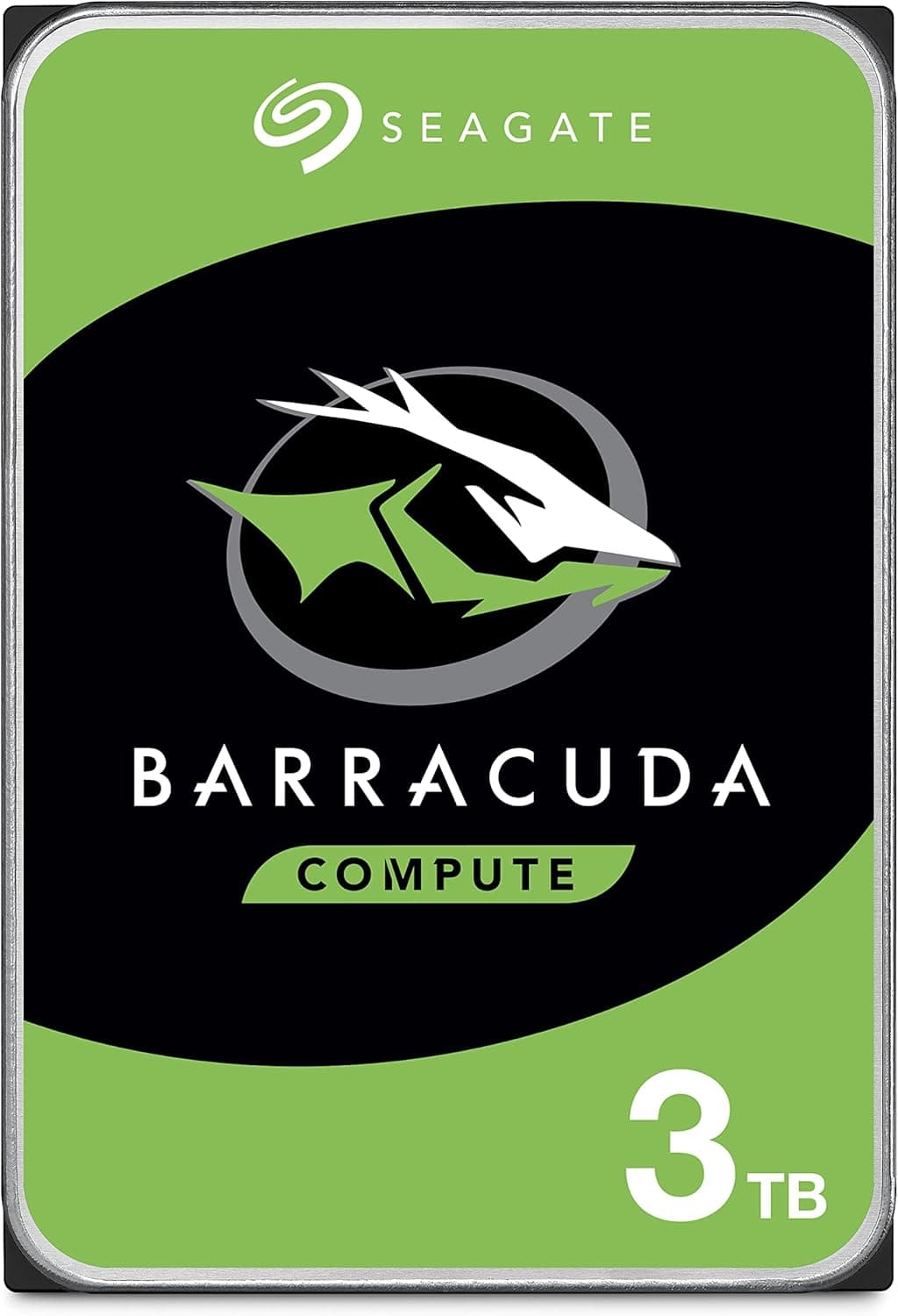
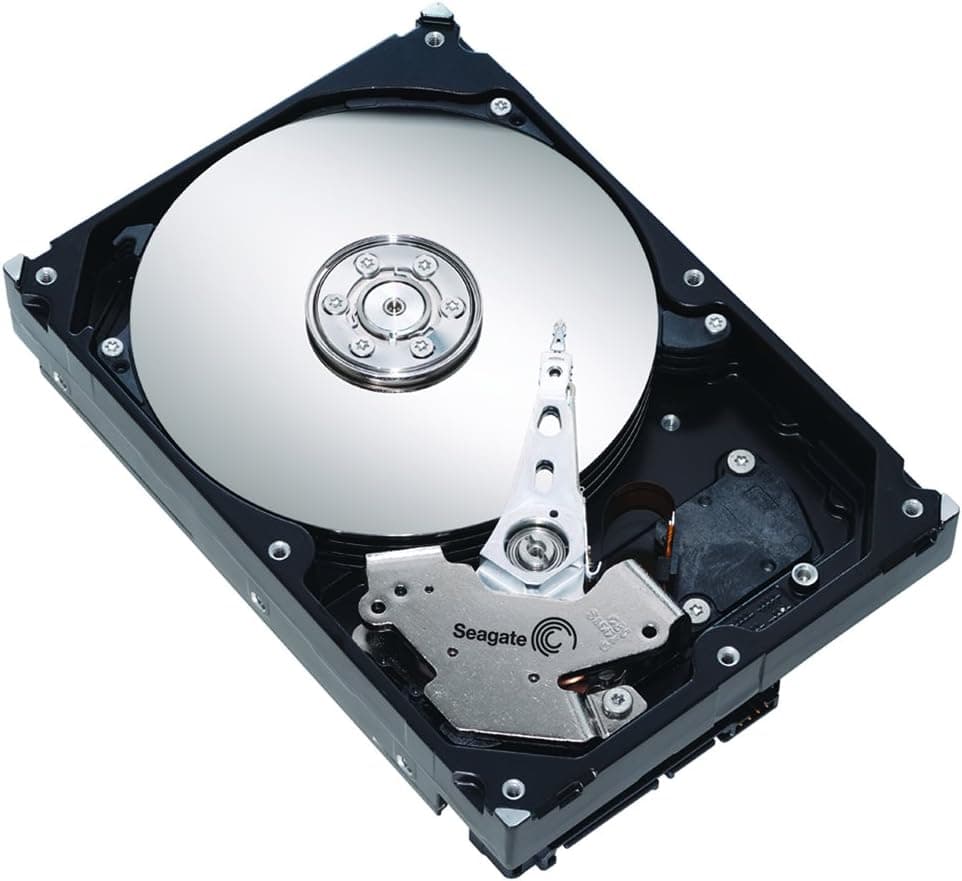
This article covers the Seagate Barracuda ST3000DM007 — 3TB 3.5-inch internal hard drive with SATA.
The short verdict: it makes sense as a second drive in a desktop that already boots from an SSD. It is a poor choice as a boot drive or for a NAS or RAID array that runs around the clock.
The drive holds 3TB, spins at 5400 RPM, has a 256MB cache, connects over SATA 6.0Gb/s and reads at up to 185MB/s.
Seagate positions BarraCuda as its general-purpose desktop line, separate from IronWolf for NAS and SkyHawk for surveillance. This model gives up some speed in exchange for low heat, low noise and an affordable cost per terabyte.
On Amazon.co.Check the retailer's page for the latest user reviews.
That is a healthy number of reviews for an older model. Still, every hard drive model has some rate of early failures and wear-out, so a good average score does not replace backups.
Where It Fits
| Use | Fit | Why |
|---|---|---|
| OS and app boot drive | Poor | Slow random access at 5400 RPM means long boot and update times |
| Photo and video archive | Good | Large sequential transfers make good use of the 185MB/s read speed |
| Steam and other game libraries | Conditional | Fine for titles you rarely play; load times are longer than on an SSD |
| Local backup target | Good | 3TB leaves room for system images and several versions of your work |
| 24/7 NAS or RAID | Poor | Desktop-class design; choose a NAS-rated drive instead |
| Always-on surveillance recording | Poor | Surveillance drives are built for constant writes |
This drive does best with large files that are read or written in one go. Photos, videos and game installs are large files, so its sequential speed carries straight through.
Booting an OS, which reads huge numbers of small scattered files, is exactly what a 5400 RPM drive handles worst.
The NAS and RAID warning comes from the desktop-class design. NAS drives are built to handle vibration from several drives mounted side by side.
They also limit how long a drive spends retrying a read error, so one slow drive does not get dropped from the whole array. The BarraCuda will work in a home NAS, but for the same budget a NAS-rated line is the safer choice.
Compatibility Guide
Physical size: You need a 3.5-inch bay in a desktop case.
It will not fit laptops or 2.5-inch-only slots.
Many recent cases have few or no 3.5-inch bays, so check your case specs first.
Cabling: The drive needs a SATA data cable to the motherboard and a SATA 15-pin power connector from the power supply. Motherboards often include data cables, but bare drives usually do not.
Have one ready.
Free SATA ports: On some motherboards, installing an NVMe SSD in an M.2 slot disables certain SATA ports.
This is a common reason a new drive does not show up. Check the manual for M.2 and SATA port sharing and use a port that is not affected.
Power: At roughly 5-8 watts, the drive puts almost no load on the power supply. Draw spikes briefly when the platters spin up, but adding one or two hard drives is not a problem for a typical PSU.
SATA generation: It is a SATA 6.0Gb/s drive but also works on older SATA 3Gb/s ports.
Its 185MB/s peak fits within SATA 3Gb/s bandwidth, so an older board costs you almost no speed.
The 2TB limit (GPT): The older MBR partition scheme tops out at about 2TB (2TiB). To use all 3TB, initialize the drive as GPT.
On Windows 10 or 11, just choose GPT in Disk Management when using it for data. Older operating systems, USB enclosures and docks may not handle drives over 2TB correctly, so check that too if you plan to use it externally.
Product Info
rmation
| Item | Value |
|---|---|
| Capacity | 3TB |
| Form factor | 3.5-inch |
| Interface | SATA 6.0Gb/s |
| Rotational speed | 5400 RPM |
| Cache | 256MB |
| Max read speed | 185MB/s |
| Power consumption | About 5-8 W |
| Power connector | SATA 15-pin |
The 185MB/s figure is the peak on the outer edge of the platters. Hard drives slow down toward the inner tracks, so real transfer rates fall as the drive fills up.
Even so, it is fast enough for copying video files, loading game data and writing backups.
A 256MB cache is generous for a 5400 RPM drive. It helps when many small writes arrive at once.
During long, sustained writes that overflow the cache, speed eventually drops to what the platters can deliver.
The ST3000DM007 is an older model that has been sold since around 2017. Some retailers still stock it, but new units are getting harder to find.
On Amazon.co.jp it is sold and shipped by a marketplace seller, not by Amazon itself.
Prices change often, so check the product page for the current price. The prices our data collection picked up looked implausible for a drive in this class, so we do not list them here (see Before You Buy).
Hard drives generally do not have a TBW (total bytes written) rating the way SSDs do. For desktop drives like the BarraCuda, Seagate usually lists yearly power-on hours and workload guidance on the datasheet.
The fact that the drive is not designed for 24/7 operation is another reason to keep it out of a NAS.
Alternatives
| Drive | Capacity | Positioning | Compared with this drive |
|---|---|---|---|
| Seagate BarraCuda ST3000DM007 (this drive) | 3TB | Desktop, 5400 RPM | — |
| WD Blue 3TB (WD30EZRZ) | 3TB | Desktop, 5400 RPM class | Same role; choose on price and availability |
| WD Red 3TB (WD30EFAX) | 3TB | Small NAS, 5400 RPM, 256MB | NAS-oriented but uses SMR; for RAID, a CMR model is safer |
| Seagate BarraCuda 4TB (ST4000DM004) | 4TB | Desktop | Often cheaper per terabyte |
| Toshiba MN08ADA400E | 4TB | NAS, CMR, 24/7 rated, RV sensor | The right kind of drive for always-on use |
For a 3TB desktop drive, the direct rival is the WD Blue 3TB. Both are 5400 RPM-class data drives, and there is little practical difference between them.
Pick whichever is cheaper or easier to get.
If a NAS is the goal, compare against different drives. In 2020 it came out that some capacities of the plain WD Red line used SMR.
Since then, CMR drives such as WD Red Plus or NAS drives like Toshiba's MN08 series have been the usual recommendation for RAID. Buying a NAS-rated drive from the start is less likely to cause regret than using this BarraCuda because it is cheap.
If you need more speed, 7200 RPM drives like the BarraCuda Pro and WD Black exist. For archives and backups, though, 5400 RPM is rarely a bottleneck, and the premium is hard to justify.
Data that truly needs speed belongs on an SSD.
Who Should Buy It
- Anyone with a single SSD who wants a data drive. Keep the OS and everyday apps on the SSD and move bulky files here to free up space.
- Photographers and video makers running out of room. 3TB holds a lot of RAW files and footage. Just do not make it the only copy.
- Gamers who want to keep a Steam library. Park titles you are not currently playing here instead of downloading them again later.
- Anyone with a spare 3.5-inch bay. It works well for extending the life of an older desktop or as a backup drive in a second PC.
Not for
- Using it as the boot drive (buy an SSD)
- 24/7 NAS or RAID builds (buy a NAS-rated drive)
- Laptops or small cases with no 3.5-inch bay
- Playing recent games smoothly from a hard drive (more titles now recommend an SSD)
Before You Buy
The collected prices did not match this product: The Amazon.co.jp price we captured in June 2026 was far too high for a 3TB, 5400 RPM drive, and the eBay figure was similar.
An entry labeled Amazon US also pointed to the Japanese Amazon page. These look like collection errors or off-market marketplace pricing, so we do not quote them.
Before buying, compare against Seagate's 4TB model and current 3-4TB drives to make sure you are not overpaying.
A 4000 GB capacity value slipped into the specs: The source data for this article lists a capacity of 4000 GB even though this is a 3TB drive. It probably comes from a 4TB model such as the ST4000DM004.
This drive is 3TB. Listings can contain errors too, so confirm the model number ST3000DM007 in the product photos and title before buying.
Not suited to NAS or RAID: As noted above, this is a desktop design. Some 5400 RPM BarraCuda drives from this generation also use SMR (shingled magnetic recording), and this model number is commonly described as one of them.
SMR is usually fine for everyday storage, but it can slow down badly during long, heavy writes or RAID rebuilds. If the recording method matters to you, check Seagate's datasheet.
Do not use it for the OS: Windows on a 5400 RPM drive means slow boots, slow updates and slow app launches. Put the OS on an SSD and treat this strictly as a data drive.
It shows up as about 2.72TB: The 3TB rating counts 1TB as one trillion bytes.
Windows counts in units of 1024, so the formatted drive appears as roughly 2.72TB.
The drive is not faulty.
4TB may be the better deal: With fewer 3TB units in circulation, 4TB drives are often cheaper per terabyte. Unless you specifically need 3TB, look at 4TB too.
Watch for used or refurbished units: Older models often show up used or refurbished on marketplaces. Even when buying new, open the SMART data in a tool such as CrystalDiskInfo once the drive arrives and make sure the power-on count and hours are not unusually high.
Keep another copy elsewhere: Hard drives wear out. Keep important data on an external drive or cloud storage as well.
Even if this drive is your backup, it should not be the only copy.
Setup Steps
Shut down the PC, unplug it and open the case.
Mount the drive in a 3.5-inch bay, with screws or the case's drive tray.
Connect the SATA data cable to the motherboard and the SATA 15-pin power connector from the PSU.
Avoid ports disabled by M.2 sharing.
Boot into the BIOS/UEFI and confirm the drive is detected.
In Windows Disk Management, initialize the disk as GPT, create a New Simple Volume and format it as NTFS.
Check that the SMART status reads Good in CrystalDiskInfo or a similar tool, so you catch early defects quickly.
FAQ
Q. Can I install the OS on it? A.
You can, but we do not recommend it. Boot and app loading on a 5400 RPM drive are much slower than on an SSD.
Use an SSD for the OS and this drive for data.
Q. Is it okay in a home NAS? A.
It will run, but it is not designed for 24/7 or RAID use. For always-on storage, choose a NAS drive such as the Toshiba MN08 series or WD Red Plus.
Q. Why does Windows show 2.72TB instead of 3TB? A.
The two use different counting units. The drive is rated in units of 1000, while Windows calculates in units of 1024.
This is normal.
Q. Can I play games from it? A.
Yes, but loading takes longer than on an SSD, and more recent titles recommend an SSD. Keep your main games on an SSD and use this drive to store the ones you play only now and then.
Q. Will it work with an older SATA 3Gb/s motherboard? A.
Yes. Its 185MB/s peak fits within SATA 3Gb/s bandwidth, so you lose almost no speed.
Do check that your OS and board can handle a GPT disk larger than 2TB.
Product Disclosure (Amazon)
- Manufacturer: シーゲイト(SEAGATE)
- Seller: ジェネロシティー
- Fulfilled by: ジェネロシティー
- ASIN: B075YPRCWC
- Note: This article covers a manufacturer-made product based on Amazon listing details.