Overview
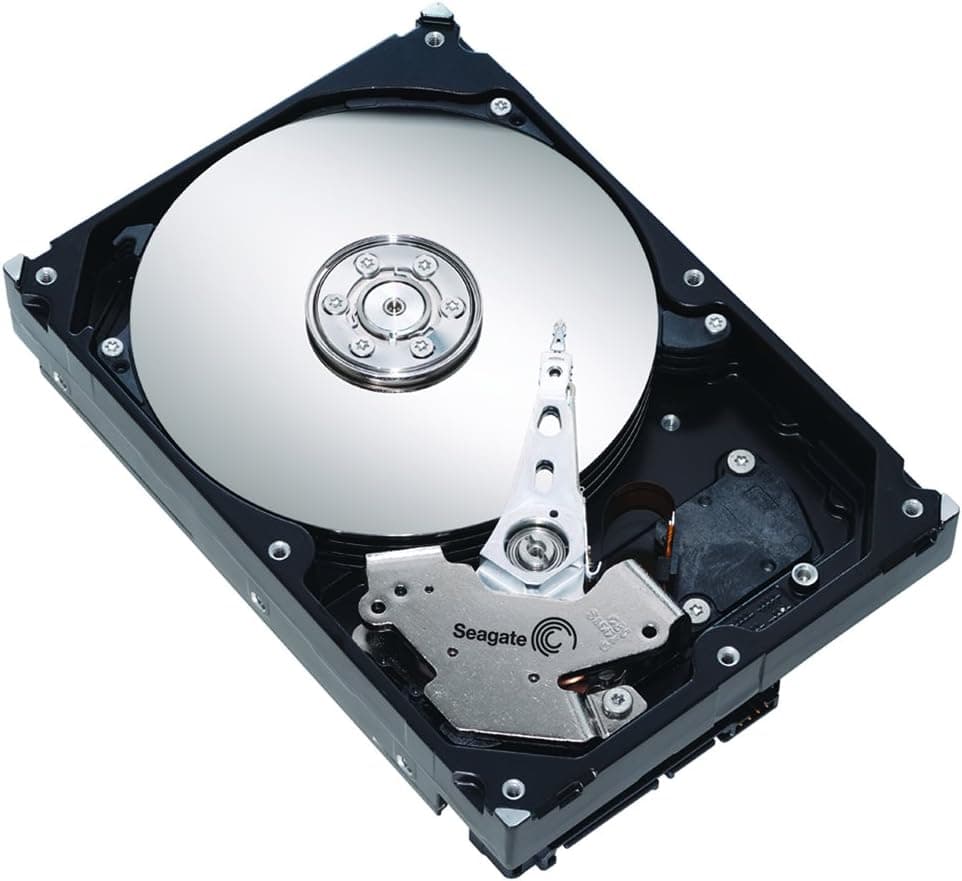
Seagate's BarraCuda line has long been the default choice for desktop users who need a lot of storage without paying SSD prices. The ST16000DM001/EC pushes that idea to 16TB in a standard 3.5-inch chassis, aimed at people who keep large game libraries, music collections, and video archives on one drive.
It connects over SATA 6GB/s and spins at 7,200rpm with a 512MB cache, reaching a maximum sustained transfer rate of 190MB/s. That combination makes it a sensible second-tier drive beneath an SSD system disk rather than a place to install your operating system.
Positioned in the mid-range of high-capacity hard drives, the ST16000DM001/EC is about capacity per yen rather than raw speed. It suits bulk storage, media hoarding, and archive duty where volume matters more than access latency.
Compatibility Guide
This is a conventional internal drive, so it plugs into a motherboard SATA port and needs both a SATA data cable and a SATA power connector from the PSU.
- A 3.5-inch bay is required; small cases with only 2.5-inch mounts will not fit it directly.
- Systems with no free SATA ports or power leads need an add-in card or splitter before installation.
- Because it spins at 7,200rpm, plan for airflow and vibration damping inside the case.
- For external use you would need a separate SATA-to-USB adapter or enclosure, which is not included.
One 16TB unit replaces several smaller drives and simplifies cable management, but a single drive offers no redundancy. Treat backups to another device as part of the plan.
Product Info
Released on April 4, 2025, the ST16000DM001/EC sits in the capacity-focused price bracket for 16TB internal drives. Its 7,200rpm spindle, 512MB cache, and 190MB/s sustained transfer rate describe a drive built to move large files reasonably quickly while keeping capacity as the headline. In the market it reads as an entry-leaning high-capacity model, best used as secondary storage alongside an SSD.
Best Use Cases
- Gamers with oversized libraries: 16TB holds many large titles at once, but anyone who prioritizes load times should keep active games on an SSD instead.
- Creators archiving footage and photos long term: one drive covers a lot of material, though editing directly from it is not ideal compared with faster media.
- Secondary rigs and home servers needing a data vault: SATA makes it easy to add, and it suits periodic backup routines more than always-on critical storage.
Things to Consider
The 7,200rpm motor produces audible noise and vibration, which can be noticeable in a quiet build, so damping mounts and careful placement help. Sustained 190MB/s is quick for a hard drive but far slower than any NVMe SSD, so it should not host the OS or frequently accessed applications.
For anyone storing only a few hundred gigabytes, 16TB is clearly overkill. A single drive also carries real data-loss risk if it fails, so pair it with a backup drive or cloud copy. Choosing purely on price per terabyte can lead to regrets about noise and speed later.
FAQ
Q: Can I use this in a laptop?
A: No. It is a 3.5-inch internal drive that needs a SATA connection and a 3.5-inch bay, so laptops require an external enclosure or adapter instead.
Q: Is it fine to install games on it?
A: It works as a storage location, but load times trail an SSD. A practical split is keeping frequently played titles on the SSD and moving finished ones here.
Q: Is one 16TB drive enough?
A: That depends on your habits, but a single unit has no redundancy. Consider a second drive for backups or duplicate important data to another medium.
Product Disclosure (Amazon)
- Model: ST16000DM001/EC
- ASIN: B0DVBKMPF7
- Note: This article covers a manufacturer-made product based on Amazon listing details.