This article covers SEAGATE バラクーダ 6TB 3.5インチ 6000GB シリアルATA III。.
Overview
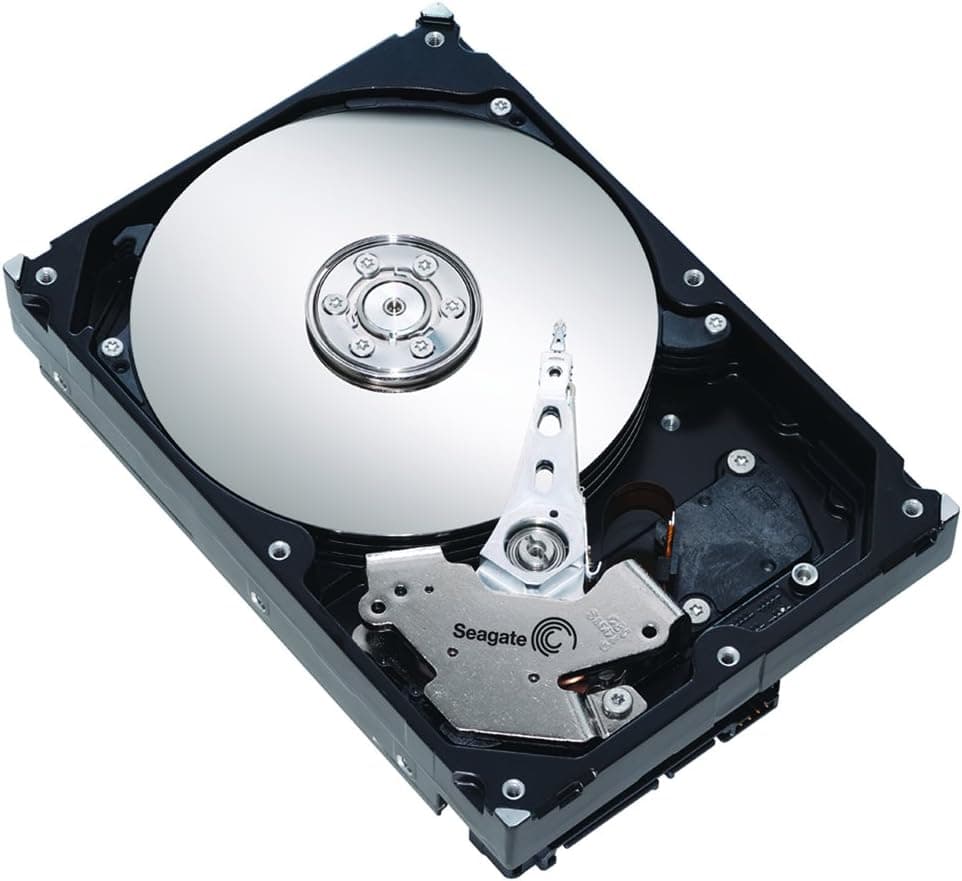
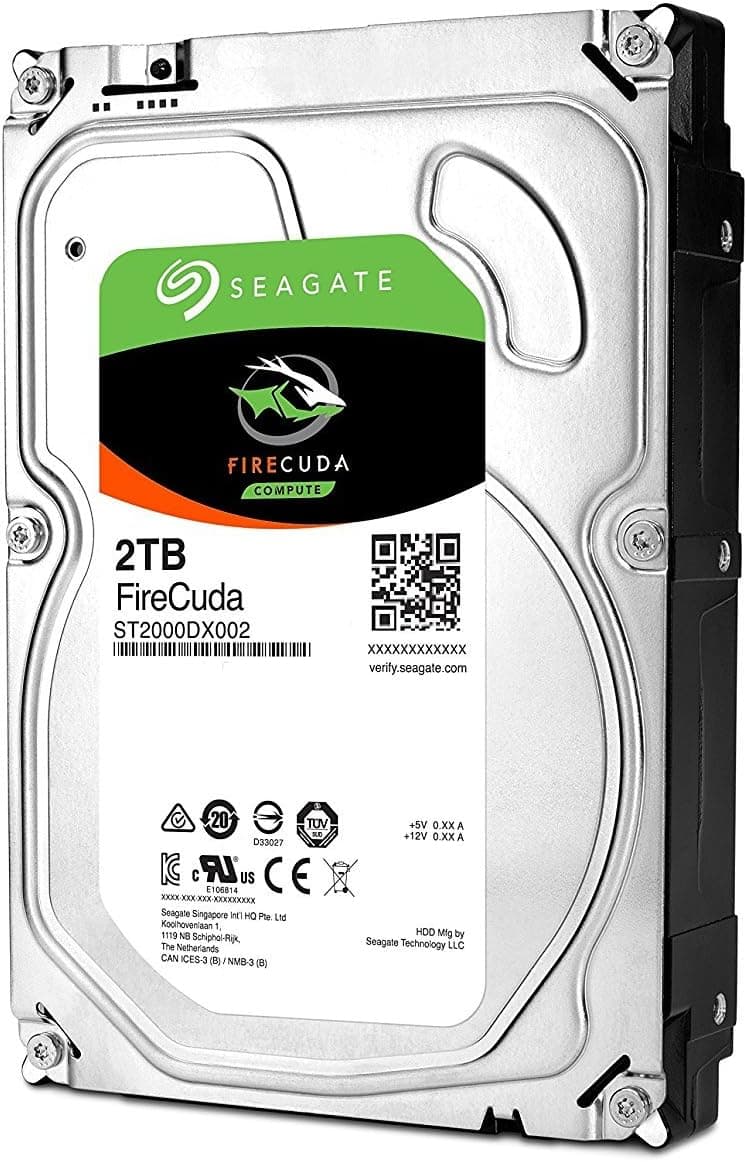
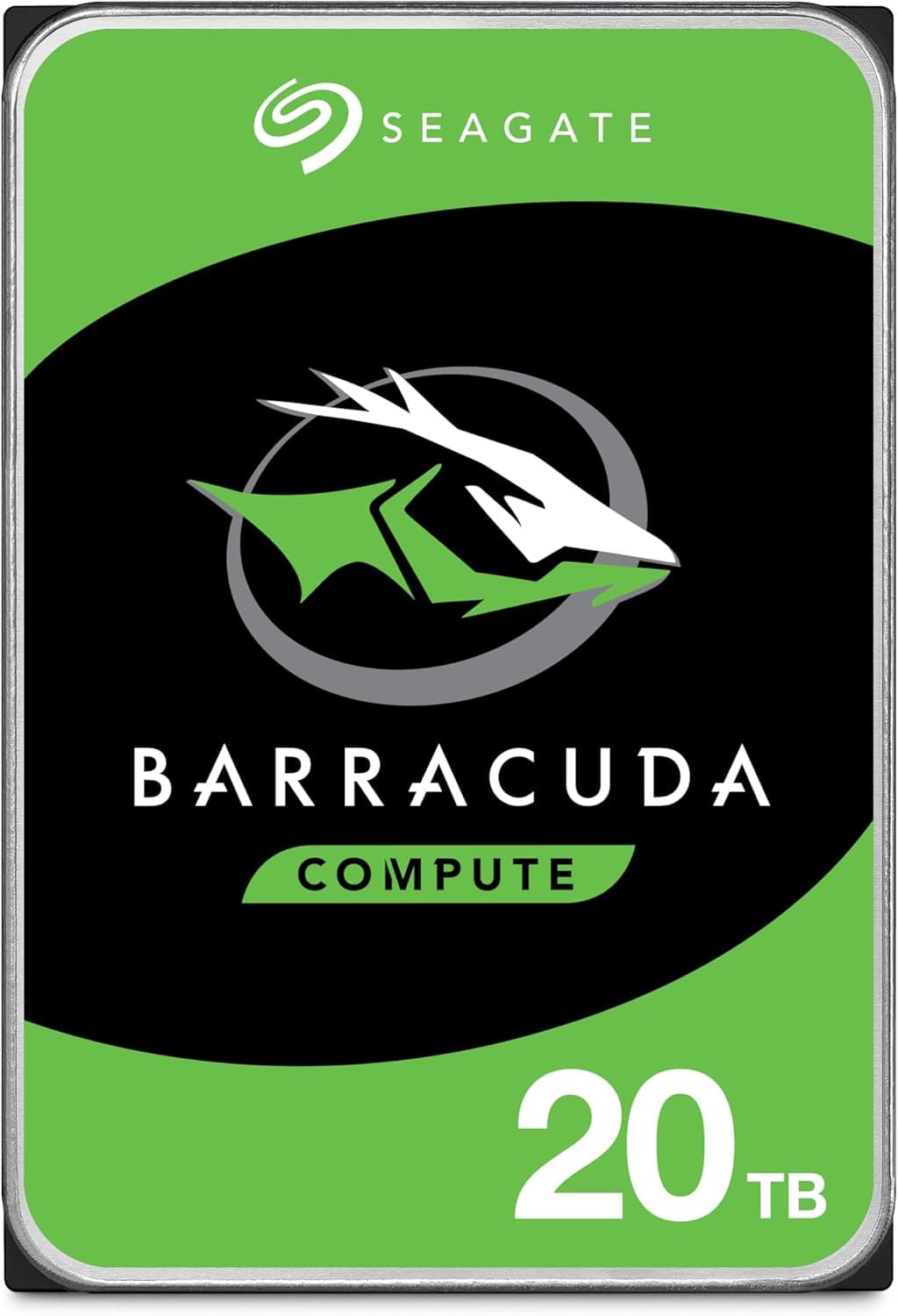
The Seagate BarraCuda series has long been a staple for desktop internal hard drives, and the 6TB model (ST6000DM003) continues that tradition. With a capacity of 6,000GB and a SATA III 6Gbps interface, this 3.5-inch drive targets users who need bulk storage without breaking the bank. It spins at 5,400 RPM, which prioritizes quiet operation and lower heat over raw speed. Priced around ¥66,000 in Japan, it offers solid value for anyone looking to expand their PC’s storage capacity for media archives, game libraries, or backup purposes. While not as fast as a 7,200 RPM drive or an SSD, the BarraCuda 6TB delivers sequential read/write speeds of roughly 180–200 MB/s, which is adequate for file transfers and streaming media. It’s a classic workhorse HDD that fits perfectly in a budget or mid-range build where capacity per dollar matters most.
Compatibility Guide
Form factor: 3.5-inch, standard thickness (~26.1mm). Fits most desktop PC cases with a 3.5-inch drive bay. Does not fit in 2.5-inch-only enclosures without an adapter. Interface: SATA III (6Gbps), backward compatible with SATA II (3Gbps) ports. No special cables required—standard SATA data and power connectors. Power consumption: ~5–6W during operation, so even a budget power supply can handle it. No auxiliary power needed beyond the SATA power connector. Mounting: Use the included screws or tool-less trays in your case. For external use, you’ll need a USB-to-SATA adapter with external power (3.5" drives require 12V).
Product Info
First released around 2018, this drive remains in active production. The warranty period is two years (Seagate’s standard for BarraCuda). It’s widely available through Japan, major electronics retailers, and PC component shops. Market positioning is squarely “value-oriented high capacity”—it’s not the fastest, but it offers one of the best price-per-terabyte ratios for a reliable CMR drive. The 256MB cache helps smooth out burst reads and writes. TDP isn’t a meaningful measure for HDDs, but typical power draw is under 6W, making it suitable for always-on systems like home servers.
Best Use Cases
Media archivists and photographers: If you have terabytes of raw photos, video projects, or music libraries, this drive provides an affordable place to store them. Access patterns are mostly sequential reads, which the BarraCuda handles decently. Not suitable for active project editing—use an SSD for that. Gamers with large libraries: Install Steam, Epic, and other game launchers on an SSD and use the BarraCuda for games you play less often. Load times will be longer (30–60 seconds for large titles), but it’s a cost-effective way to keep hundreds of games installed. Budget NAS or file server builders: While not designed for 24/7 operation like the IronWolf series, this drive works fine in a home NAS that doesn’t run heavy RAID workloads. It’s quiet and cool, making it a good fit for a small Linux server or media server (Plex, Jellyfin). Who should NOT buy: Users who need fast random access for OS boot or application launching, or those requiring 7,200 RPM speed for sustained large file transfers. Also, if you need a warranty longer than two years, look at Seagate’s IronWolf Pro or WD Red Pro. ## Alternatives
Direct competitor is the Western Digital WD Blue 6TB (WD60EZAZ). Both are 5400 RPM, 256MB cache, 3.5-inch SATA III drives. The WD Blue is often slightly cheaper but uses SMR (Shingled Magnetic Recording) on some revisions, which can degrade write performance under sustained loads. The Seagate BarraCuda (ST6000DM003) uses CMR (Conventional Magnetic Recording) for consistent write speeds. If you plan to write data frequently or use the drive in RAID, the CMR BarraCuda is the safer choice. For simple storage with occasional writes, either works.
Things to Consider
At 5400 RPM, this drive is about 20–30% slower than a 7200 RPM model (e.g., BarraCuda Pro or WD Black). If you frequently copy large files (50GB+), the time difference becomes noticeable. Consider a faster HDD or an SSD for that use case. The two-year warranty is shorter than some competitors’ three- or five-year terms. For a drive that may run for years as a secondary storage device, this is a minor risk, but worth noting. HDDs are mechanical and sensitive to vibration. Ensure your case has proper anti-vibration mounting or rubber grommets. Avoid placing the PC on a surface that transmits vibrations. Do not use this as an OS boot drive. Random access latency is orders of magnitude higher than SSDs, making Windows feel sluggish. Reserve this for data storage only. ## FAQ Q: Can I use this drive externally with a PS5 or PS4? A: Yes, with a USB-to-SATA adapter or an external enclosure that provides 12V power. PS4 and PS5 support external USB HDDs for game storage (PS5 games must be moved to internal storage to play). Just make sure the adapter/enclosure is compatible wit
Product Disclosure (Amazon)
- Manufacturer: シーゲイト(SEAGATE)
- ASIN: B07JYQM67F
- Note: This article covers a manufacturer-made product based on Amazon listing details.