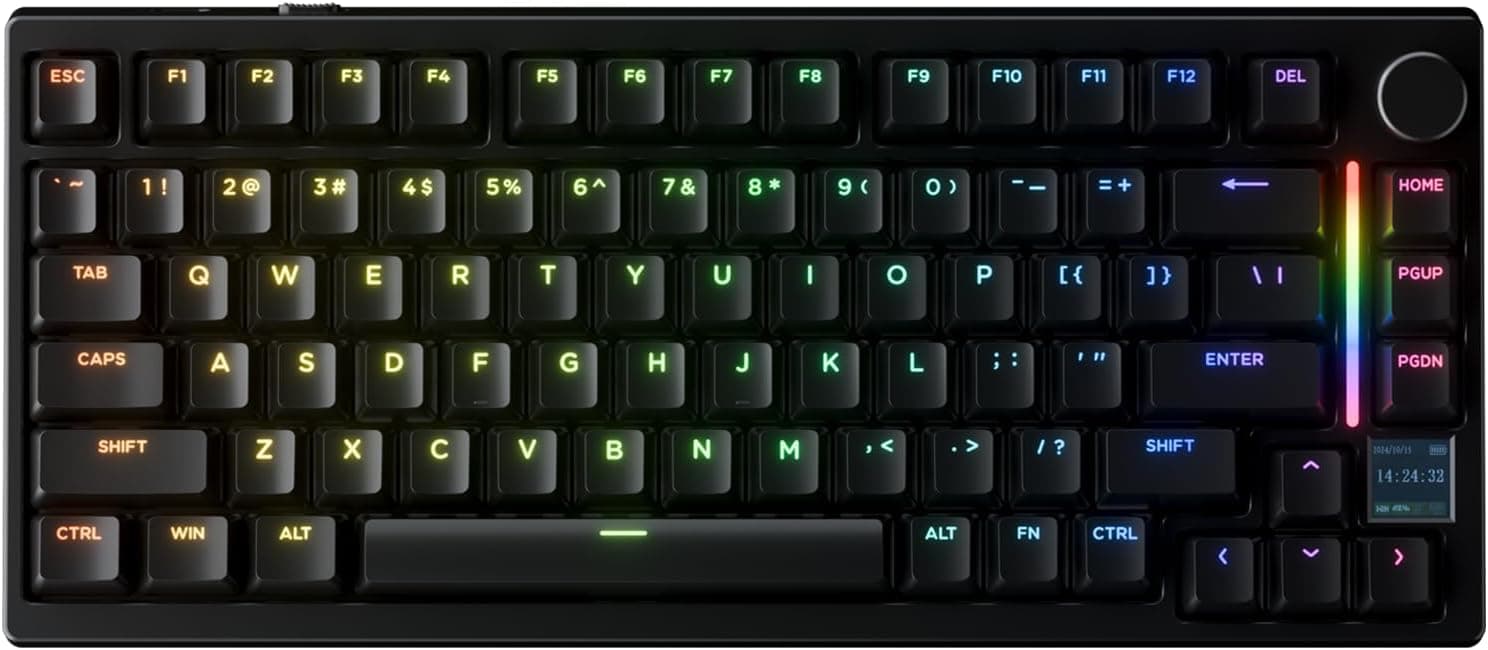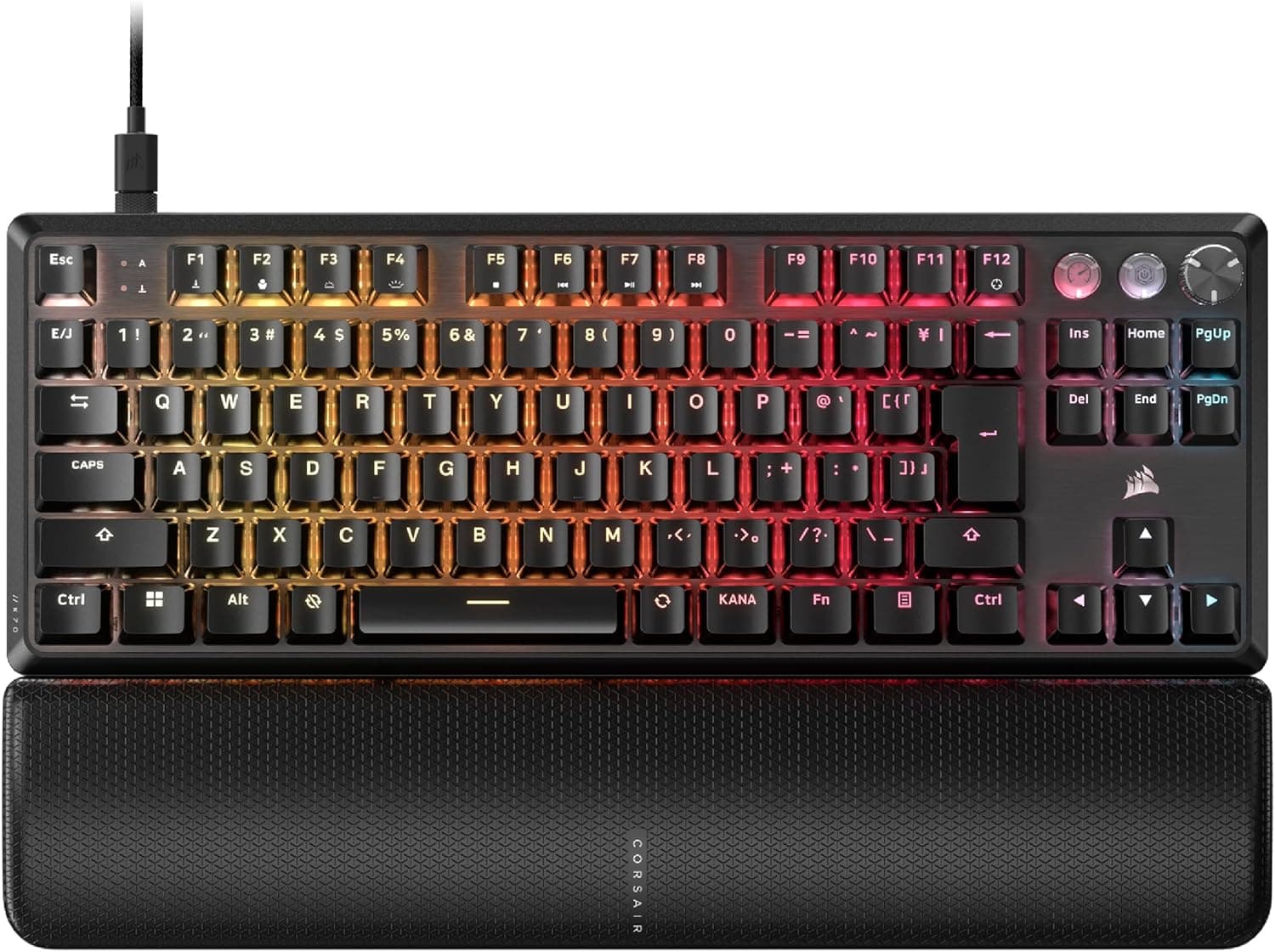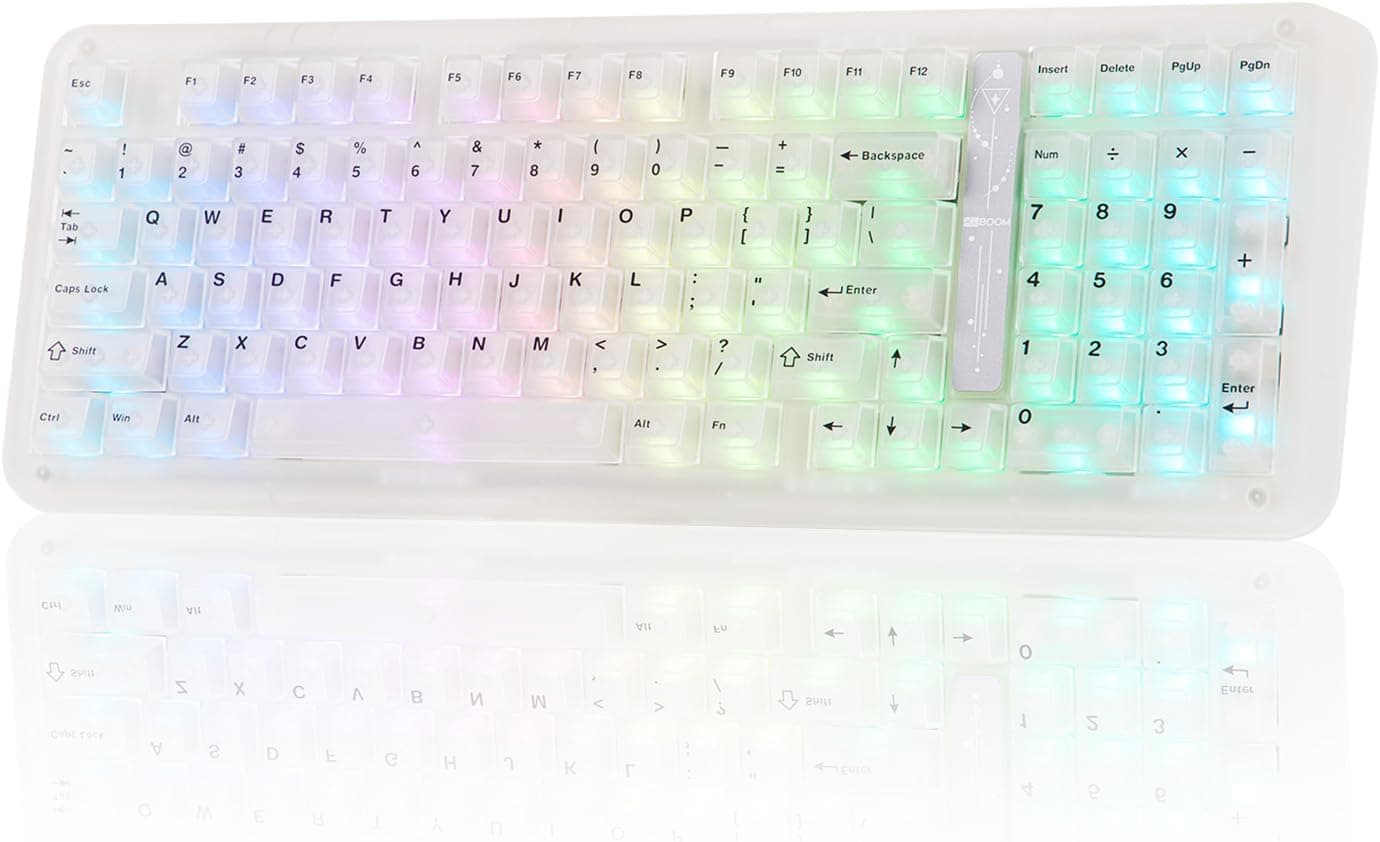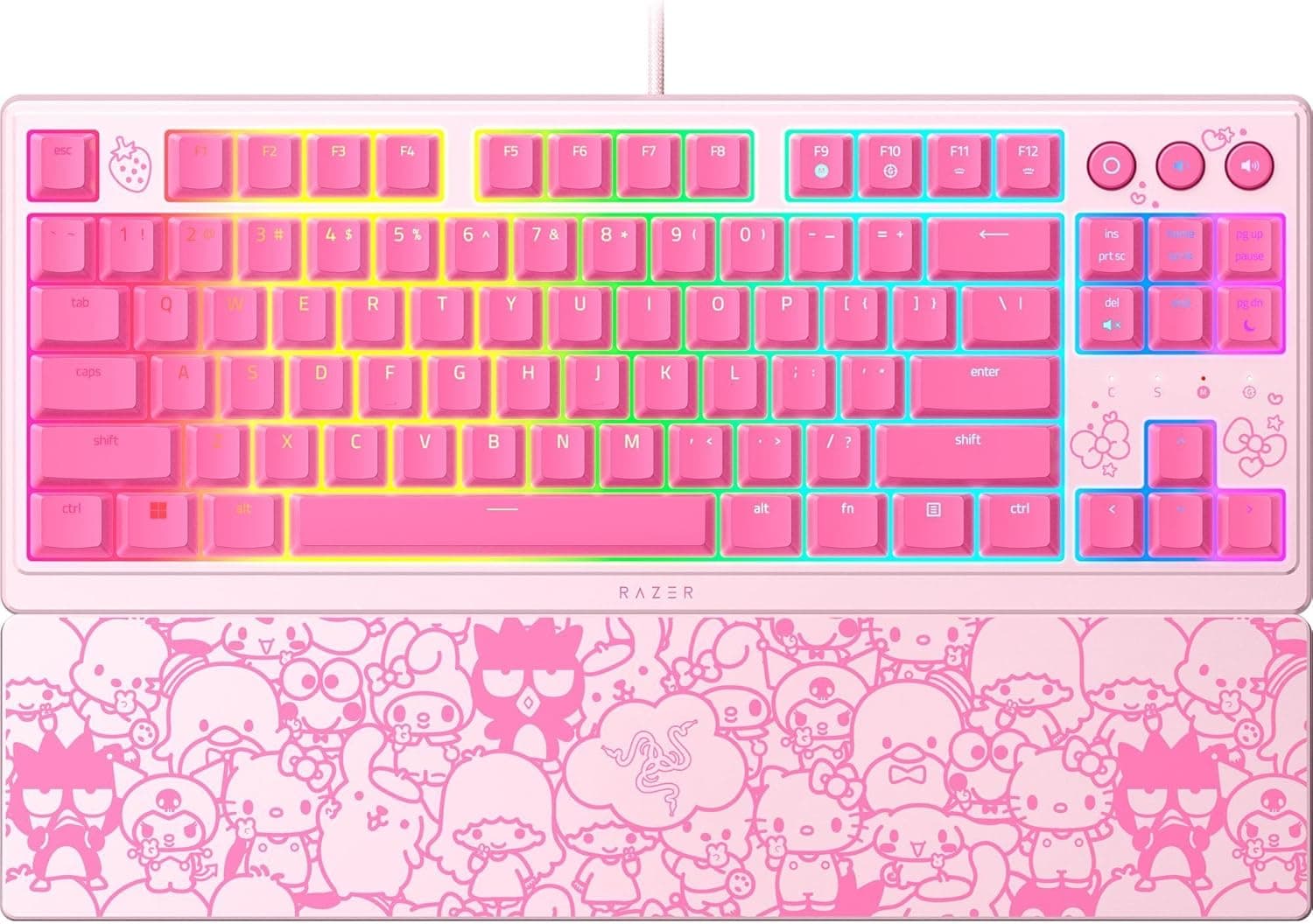
The Razer Ornata V3 TKL ゲーミングキーボード:ロープロファイルキー - メカメンブレンスイッチ - UVコーティングキーキャップ - バックライトメディアキー - 8ゾーンRGBライティング - マグネティックリストレスト - ハローキティ&フレンズエディション (Razer Ornata V3 TKL Hello Kitty & Friends Edition) is the rare collaboration keyboard you can buy for the looks without regretting it as a daily driver. This article covers what Mecha-Membrane actually feels like, who the low-profile TKL layout suits, and the pitfalls worth knowing before you order.
Overview
This is a special edition of Razer's entry-to-mid-range Ornata V3 TKL, themed around Sanrio's Hello Kitty & Friends. The short verdict: it fits people who put design first but still want a keyboard that games properly.
It does not fit enthusiasts chasing switch feel for its own sake.
The core is the Mecha-Membrane switch, which pairs a tactile click at the top of the press with the cushioned bottom-out of a membrane board — the approach Razer has used across the Ornata line for years. Around that sit low-profile keycaps, UV-coated legends for wear resistance, 8-zone Razer Chroma RGB, backlit media keys, and a magnetic wrist rest.
That is a generous feature list for the price bracket.
As captured on 8 September 2026, the Amazon.co.jp rating stands at 4.8 out of 5 from 262 reviews — roughly a 96% favourable score.
A 262-review sample is not huge, but it is solid for a licensed edition, and 4.8 sits near the top of this price class.
Read it with one caveat: character collaborations attract buyers who already love the character, which nudges scores upward.
Compatibility Guide
Connection is a fixed USB-A cable. It cannot be detached, so you cannot split the run at a connector or swap only the cable if it fails — covered again under cautions below.
Supported form factors are both desktop and laptop. Any free USB-A port works, no driver install is needed, and on Windows 10/11 typing works the moment you plug it in.
Razer Synapse is only required for RGB effects, key remapping, and macros. Synapse runs resident in the background, so if you avoid background apps, leaving the lighting and layout at defaults is a perfectly workable compromise.
| Item | Detail |
|---|---|
| Connection | Wired USB-A (cable not detachable) |
| Platforms | Desktop / laptop |
| Recommended OS | Windows 10 / 11 |
| Software | Razer Synapse (optional, for RGB and remapping) |
| Power | USB bus power only |
On laptops short of USB-A ports you will go through a hub. Bus power is modest, so hubs generally work, but an underpowered hub can cause odd behaviour once the RGB is running.
If you must use one, pick a self-powered hub with its own adapter.
On consoles: it may enumerate as a standard USB keyboard, but Synapse configuration and lighting control are outside what the manufacturer supports there. If console use is your main purpose, confirm compatibility on the product page first.
Product Info
As captured on 8 September 2026, the price on Amazon.co.jp is ¥22,853.
Keyboard pricing moves constantly with sales and point campaigns, so always check the listing for the current figure. Note also that the entry recorded for the overseas storefront carries the same yen price and the same Japanese listing, so only the domestic price was actually captured — overseas or import pricing needs separate checking.
| Spec | Detail |
|---|---|
| Switch Type | Mecha-Membrane |
| Layout | Tenkeyless (TKL) |
| Backlight | 8-zone Razer Chroma RGB |
| Wrist Rest | Magnetic, soft-touch |
The word to notice is "8-zone". This is not per-key RGB; the board is divided into eight regions that each take a colour.
Waves and block colour schemes look fine, but effects that depend on individual keys — lighting one key to show a cooldown, for instance — are not possible. Worth internalising before you buy.
The UV coating on the keycaps is a genuinely practical feature. Cheap boards go shiny and lose their legends within months because fingers abrade the printed surface directly; the coating slows that down.
It is not permanent, though — expect some gloss over long use.
The wrist rest attaches magnetically rather than by screws, so it comes on and off in seconds. Because a TKL body is light, removing the rest meaningfully changes how much desk the keyboard occupies.
On a cramped desk, that detachability matters more than it sounds.
Best Use Cases
1. Sanrio fans who game. This is the primary audience.
The custom keycaps and pink palette read instantly on a stream overlay or a desk photo, and unlike a pure collectible it has media keys and a wrist rest, so it earns its place as a daily board.
2. FPS and TPS players who want desk space. A TKL is roughly 20–30% narrower than full-size, and that width goes straight to mouse travel.
The lower your sensitivity — the more you swing from the elbow — the more you gain.
3. Anyone who needs to keep noise down. The membrane cushion means it does not ring the way clicky blue-style switches do.
Good for shared rooms, voice chat, and offices.
4. First-time gaming keyboard buyers. RGB, media keys, and a wrist rest in one package let you learn what you actually care about, then choose your next board around the gaps you find.
How It Compares
Around ¥22,000 is a brutally contested bracket in 2026. Rivals at this price offer hot-swap sockets, magnetic Hall-effect switches with rapid trigger, and tri-mode wired/2.4GHz/Bluetooth connectivity.
On a pure spec sheet, then, this board loses: no hot-swap, wired only, membrane-based switches, zone lighting rather than per-key. If you are optimising performance per yen, better options exist.
What it has that they do not is the design itself. Licensed products have no cheaper lookalike — you can find similar features for less, never a similar appearance.
Buy it knowing that and you will be happy; buy it believing you bought performance and you will not. The test is simple: is the styling worth the premium to you?
Before You Buy
The cable is fixed. Long term this is the real constraint.
A damaged cable means dealing with the whole keyboard rather than a replacement lead, and it is awkward if you move the board around. For a desk-bound setup it rarely matters.
This is not a mechanical keyboard. Mecha-Membrane is a membrane board with a tactile click added, not a discrete mechanical switch.
You get a defined click on the way down, but the bottom-out is soft, and it will not give you linear smoothness or the crisp acoustics of a good mechanical board. Switches cannot be swapped, so there is no tuning path if the feel does not suit you.
Try one in a store if you get the chance.
Zone lighting limits. As above, per-key effects are off the table.
If you have seen Chroma demos where individual keys ripple, expect a gap between that and this board.
No numpad. Great for gaming, plainly inconvenient for spreadsheets, accounting, or address entry.
If one machine does both jobs, budget for a separate numpad or buy full-size.
Watch the edition. Ornata V3 ships as standard, TKL, and X variants, and the Hello Kitty & Friends edition sells alongside the regular version.
Listings and used posts often abbreviate the name, so confirm both "TKL" and the Hello Kitty branding in the product image and title before ordering.
Check the listing details themselves. Amazon pages sometimes carry manufacturer, model, or category data that does not match the physical product.
Here the manufacturer field reads Razer and matches, but the seller is a marketplace merchant rather than Amazon direct. Warranty handling, support contact, and return terms vary by seller, so read the sold-by and shipped-by fields before you order; prices differ between sellers too.
Is the price fair? Measured on features alone, ¥22,853 is expensive.
The question is whether the licensed design justifies it for you. If you are not in a hurry, waiting for a sale is a reasonable call.
What to Look For in Real-World Use
A 4.8 average across 262 reviews is strong, but collaboration products skew high because satisfaction with the design leaks into the score.
When reading them, skip the stars and hunt for sentences about typing feel, noise, and cable routing — that is where the usable information lives.
Low-profile keys transition easily if you already type on a laptop. Coming from deep-travel mechanical boards, the shallow bottom-out can feel odd for the first few days.
That usually passes, but if you already know you prefer long travel, buy something else.
FAQ
Q. How is Mecha-Membrane different from ordinary membrane? A.
It adds a mechanism that produces a click at the start of the press. It feels more defined than a typical mushy budget membrane, but it is not a discrete mechanical switch.
Q. Do I need Razer Synapse? A.
No. Typing and lighting work on plug-in.
Synapse is only for changing RGB effects, remapping keys, and recording macros.
Q. Can I fit third-party keycaps? A.
Not advisable. The Mecha-Membrane structure is not built around standard MX-compatible stems, and the caps are low profile, so do not count on aftermarket compatibility.
The design is the point of this board anyway.
Q. Does it support rapid trigger? A.
No. Rapid trigger requires analog input such as magnetic Hall-effect switches; this switch type cannot do it.
If that feature is your goal, buy a Hall-effect board.
Q. Is there a wireless mode?
A. No. It is wired USB-A only, and the cable does not detach.
Q. What about warranty? A.
Razer keyboards generally carry a manufacturer warranty, but the term and conditions depend on whether you buy through an authorised channel or a marketplace seller. Check both the seller's listing and Razer's guidance before purchase.
Product Disclosure (Amazon)
- Manufacturer: Razer(レイザー)
- Seller: スケチヨ商店(適格請求書発行事業者)
- Fulfilled by: Amazon
- ASIN: B0D7Z4HJPN
- Note: This article covers a manufacturer-made product based on Amazon listing details.