The Razer BlackWidow V4 75% is unusual for Razer: it is built on the assumption that you will change it after you buy it. This article works through the published specifications and the Amazon.co.jp rating data to show where the board is strong and where you have to compromise.
Overview
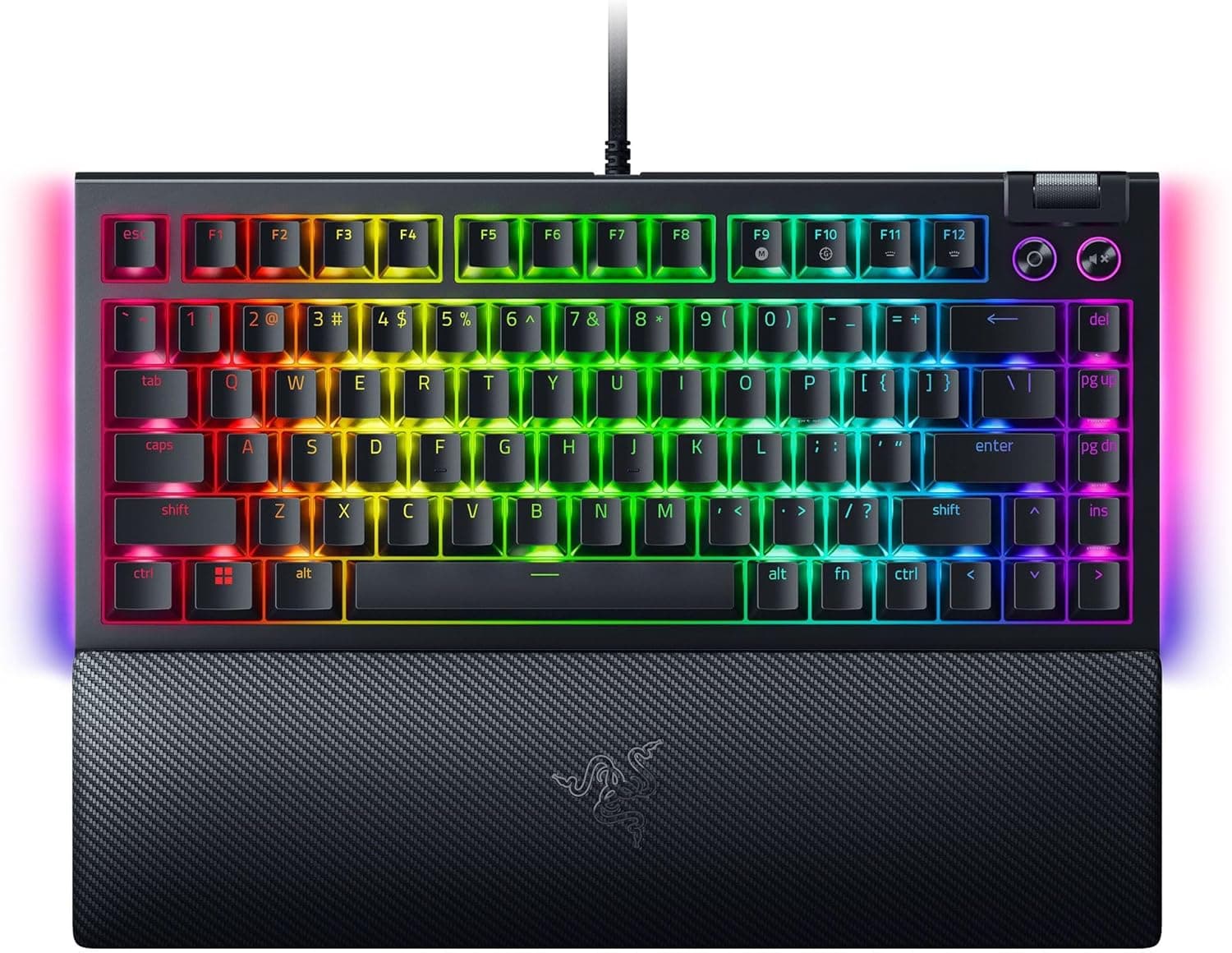
The BlackWidow V4 75% pairs an aluminium case with a 75% layout of roughly 84 keys, connected over a wired USB-A cable. In short, it sits between a finished product and a custom build: it types well out of the box, and it lets you retune the feel later without soldering.
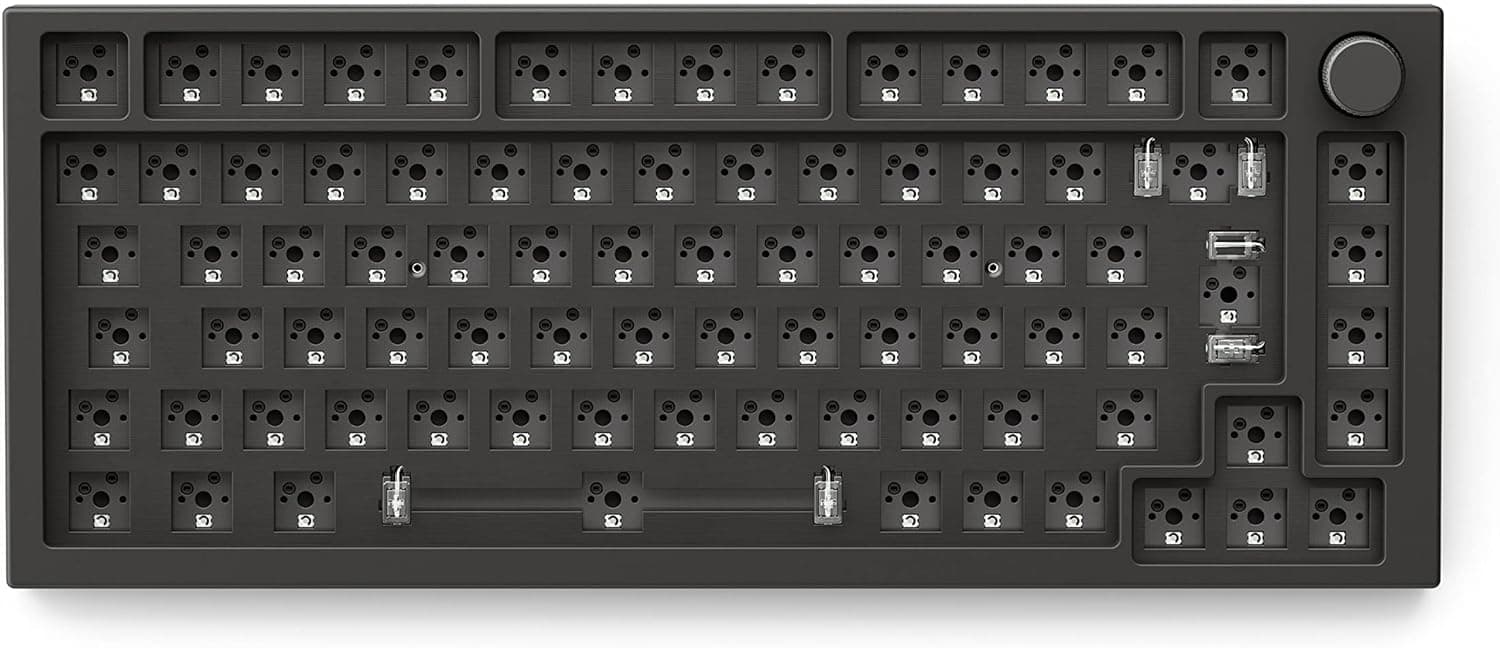
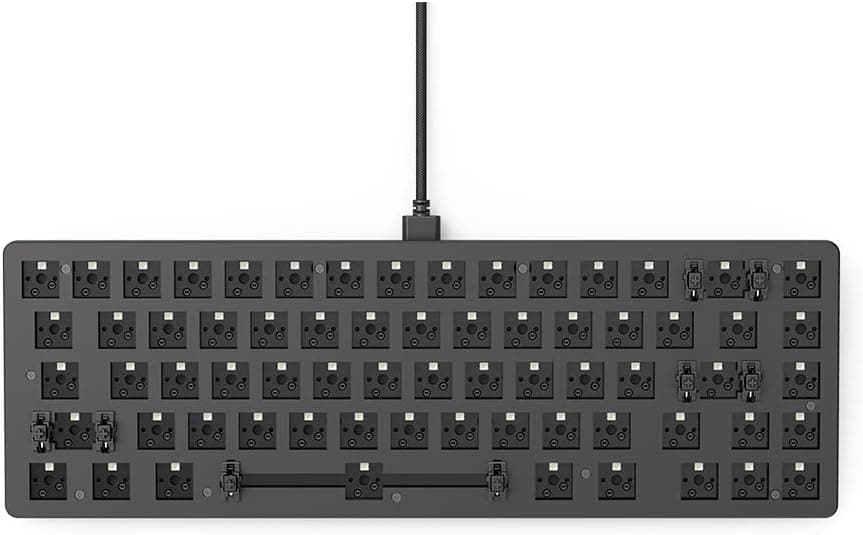
The headline feature is the hot-swappable PCB, which accepts both 3-pin and 5-pin switches. From the factory it ships with Razer Orange Tactile switches, which give a light bump partway through the press without any click.
That is easy to live with late at night or on calls, but people who want an audible click will find it flat.
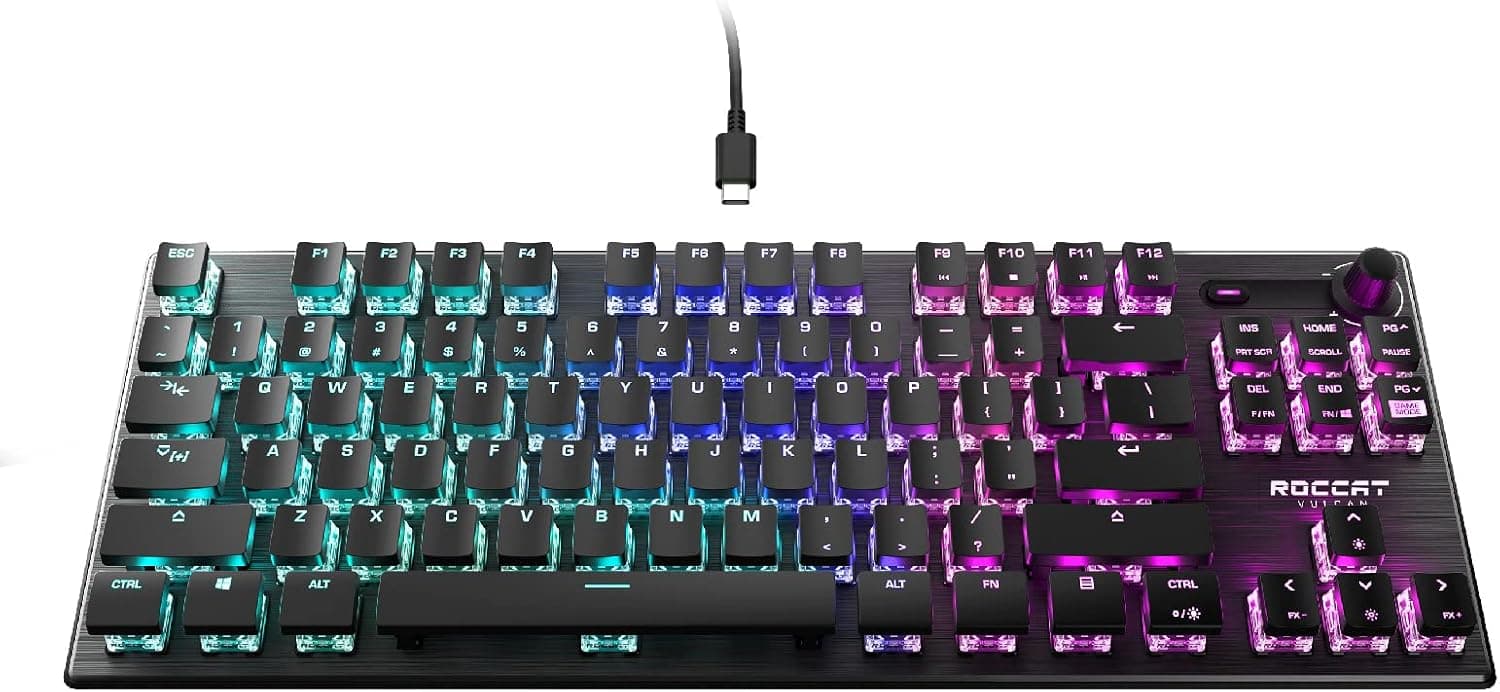
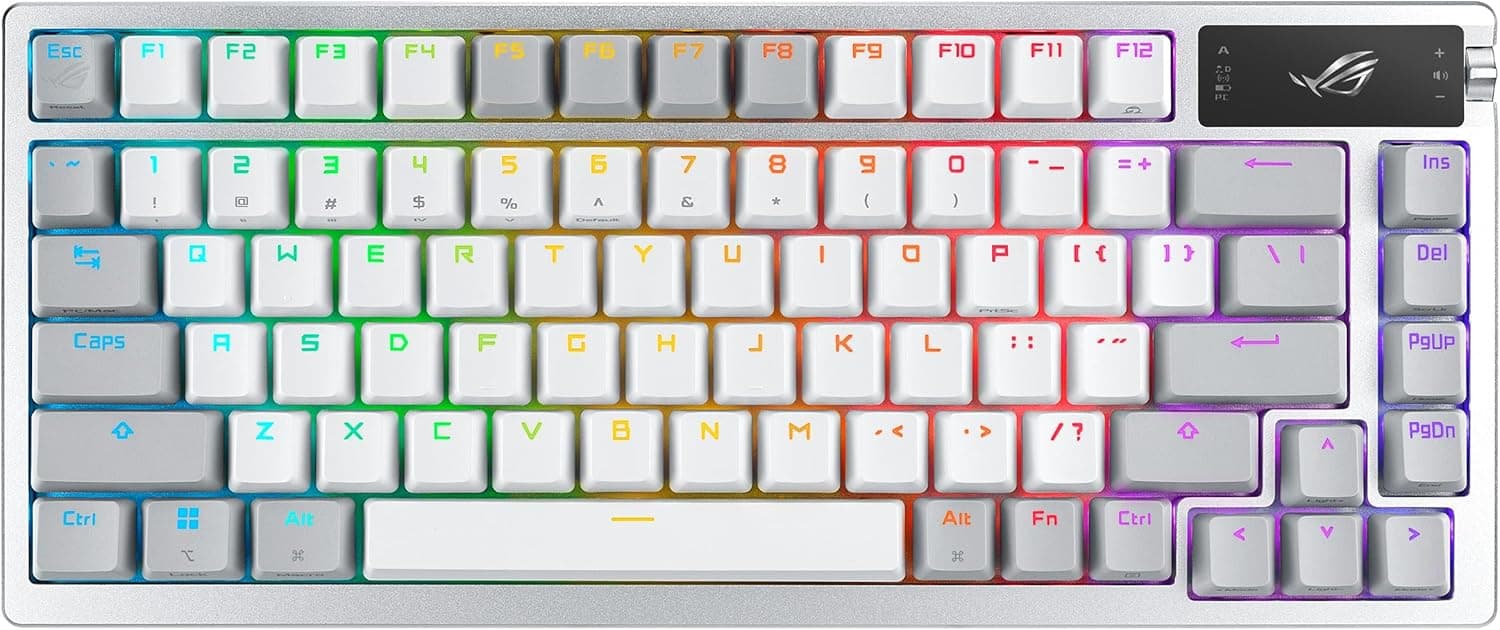
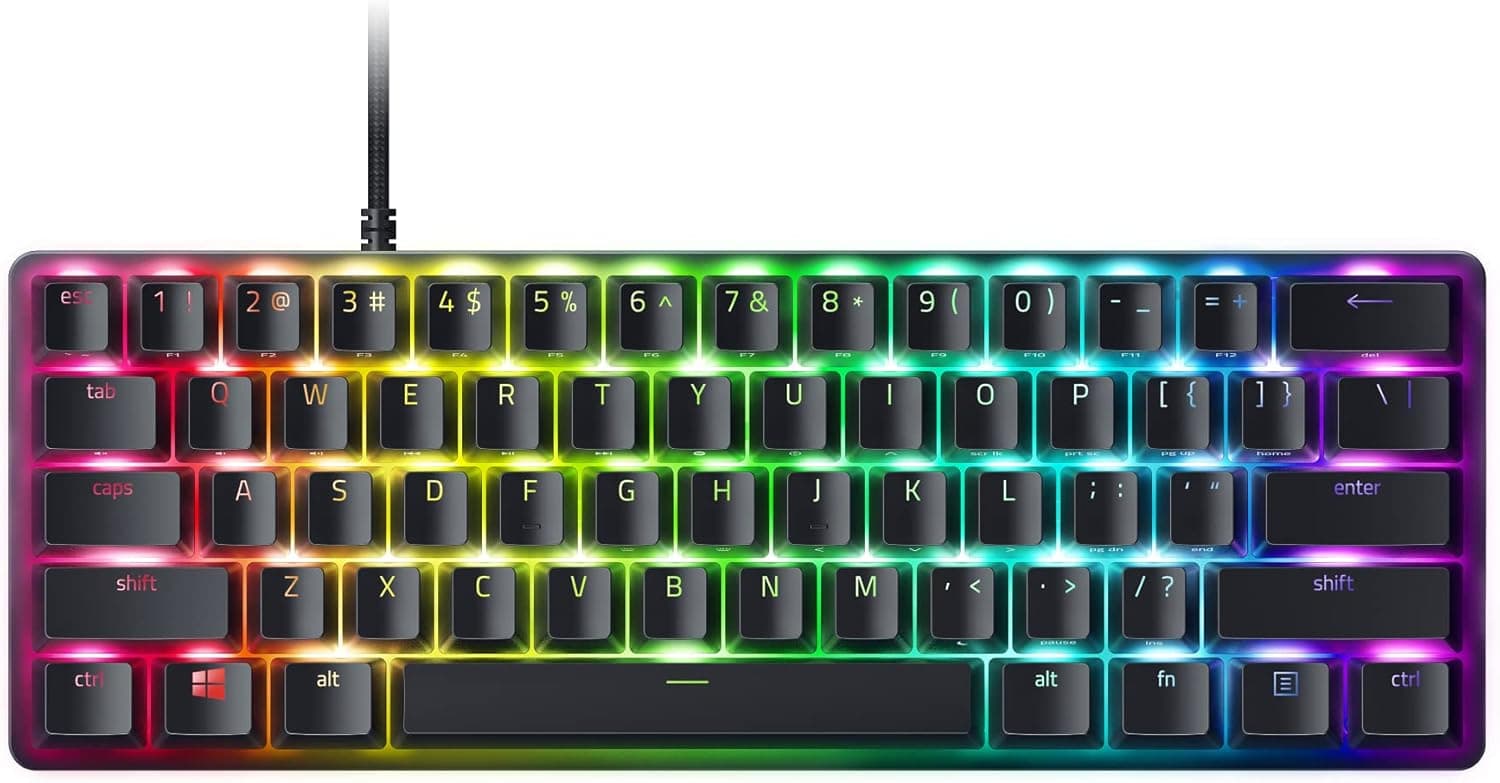
A 75% layout keeps the function row while compressing the arrow keys, Delete, Page Up and Page Down into a single right-hand column. Unlike a tenkeyless board, the gaps between key blocks disappear, so the space saving is real but so is the relearning curve.
Keeping a dedicated media roller and media keys at this size is genuinely uncommon.
Compatibility Guide
Windows 10/11 and macOS are supported. Basic typing works without software, but per-key RGB, the underglow, macros and remapping all depend on Razer Synapse.
Synapse is strongest on Windows, so if a Mac is your main machine, plan on configuring profiles from a Windows PC and saving them to the board.
Connection is wired USB-A only. On a laptop or Mac with USB-C ports only, you will need an adapter or hub.
Plug into a port that supplies stable power; a weakly powered monitor hub can misbehave once the RGB draw is added.
Switch compatibility means MX-style stems in 3-pin or 5-pin form. Most common linear, tactile and clicky switches fit; optical and electro-capacitive switches do not, physically or electrically.
The optical switches Razer uses in other product lines are not compatible here, which is an easy mistake to make. Keycaps must be MX-compatible, and because 75% boards often use a non-standard bottom row, a full-size keycap set may leave the right Shift or space area unfilled.
Check the set's compatibility chart first.
On the desk, the board is a few centimetres narrower than a tenkeyless, which suits low-sensitivity mouse users. The magnetic leather wrist rest snaps on securely, but it does add noticeable depth.
On a shallow desk, plan to use the board without it.
Product Info
Pricing varies sharply by capture date. On Amazon.co.jp it was ¥24,902 as captured on 27 August 2026, while the Amazon US listing showed ¥34,037 as captured on 2 June 2026.
On eBay US the figure was $113.99 as captured on 15 July 2026.
All are snapshots and move with sales, exchange rates and sellers. A gap of roughly ¥9,000 is not trivial, so check the current price on the product page before ordering.
The Amazon rating is 4.3 out of 5, about 86% positive, across 60 reviews.
That is a small sample, so the average can still shift on a handful of posts. Read the review text from people whose use case matches yours rather than trusting the star figure alone.
Core specifications: 75% layout (about 84 keys), Razer Orange Tactile switches (tactile, quiet), wired USB-A, hot-swap support for 3-pin and 5-pin switches, per-key RGB plus underglow, and an aluminium case. The box includes a magnetic leather wrist rest and a USB cable.
The aluminium case resists flex but weighs more than a plastic body in the same class, so treat this as a desk-bound board rather than a travel one.
Compared With Alternatives
The 75% hot-swap segment increasingly includes wireless boards. If Bluetooth or multi-device switching matters, a rival will fit your requirements better.
This board's advantages are case rigidity, the media roller, and Chroma integration. If your mouse, headset and mousepad are already Razer, unified lighting is a concrete reason to choose it.
If you want to chase typing feel to the limit, a barebones kit at the same budget gives you more freedom over switches, keycaps and dampening. This is the middle path: usable immediately, adjustable later.
Living With It
The hardest part of a 75% layout is the compressed right-hand column and the symbol keys that sit above the arrow cluster. Coming from a tenkeyless board, expect a few days of mis-presses near Backspace.
Heavy writing and spreadsheet work feel this most; FPS play, where your right hand rarely leaves the mouse, barely notices.
Swapping switches takes minutes with a puller, but bending a pin is the classic failure. Pull straight up, and check visually that both pins enter the socket when you seat a new switch.
Best Use Cases
This board suits gamers who want to save desk width without losing the function row or media controls; people who want to retune the typing feel later but will not solder; existing Razer owners who want unified Chroma lighting; and anyone who dislikes the flex and hollow echo of plastic cases. Streamers and anyone who adjusts volume constantly will get more from the dedicated roller than the spec sheet suggests.
Before You Buy
No wireless. It is wired USB-A only, with no Bluetooth and no 2.4GHz dongle.
The cable is not detachable either, so you cannot swap in a custom cable. If you plan to share the board across devices, look elsewhere.
Do not overestimate hot-swap. Only MX-compatible 3-pin and 5-pin mechanical switches fit.
Razer's own optical switches and electro-capacitive switches do not. Assuming "it is a Razer board, so any Razer switch works" is the most common misunderstanding here.
No number pad. If you also do numeric data entry, budget for an external numpad — at which point your total desk footprint may exceed what the 75% layout saved.
Prices swing. As noted, captures range from ¥24,902 to ¥34,037.
If you are not in a hurry, watching the price for a while is likely to pay off. Parallel-import or overseas marketplace units may fall outside domestic warranty coverage, so confirm warranty and repair terms with the store you buy from.
Check the listing details. Retail listings are often generated and updated automatically, and colour variants or different key layouts (ANSI versus JIS) can be grouped on one page with metadata drawn from another variant.
Before ordering, confirm from the product images, title and selected variant that you are buying the exact specification you want.
Aluminium is heavy and cold. The flip side of rigidity is weight, so this is not a board to carry around, and the metal surface feels cold in winter.
FAQ
Q. Can I fit any switch?
A. Any MX-compatible 3-pin or 5-pin mechanical switch. Optical and electro-capacitive switches will not work.
Q. Is there a wireless mode?
A. No. It is wired USB-A only, and USB-C-only machines need an adapter.
Q. Does it work on a Mac? A.
macOS is supported, but detailed RGB and macro configuration depends on Razer Synapse, so configuring from a Windows PC is the reliable route.
Q. Is it quiet? A.
The stock Orange Tactile switches are on the quiet side and produce no click, but the aluminium case still gives the sound some body. For near-silence, swap in silent linear switches.
Q. Can I use standard keycap sets? A.
MX-compatible caps fit, but 75% boards often use a non-standard bottom row. Confirm the set explicitly supports 75%/compact layouts.
Q. How much should I trust the rating? A.
It is 4.3 out of 5 from 60 reviews on Amazon.co.jp.
With that sample size the average moves easily, so read the review text rather than the score.
Product Disclosure (Amazon)
- Manufacturer: Razer(レイザー)
- Seller: Amazon US
- Fulfilled by: Amazon US
- ASIN: B0DD5DVGZZ
- Note: This article covers a manufacturer-made product based on Amazon listing details.