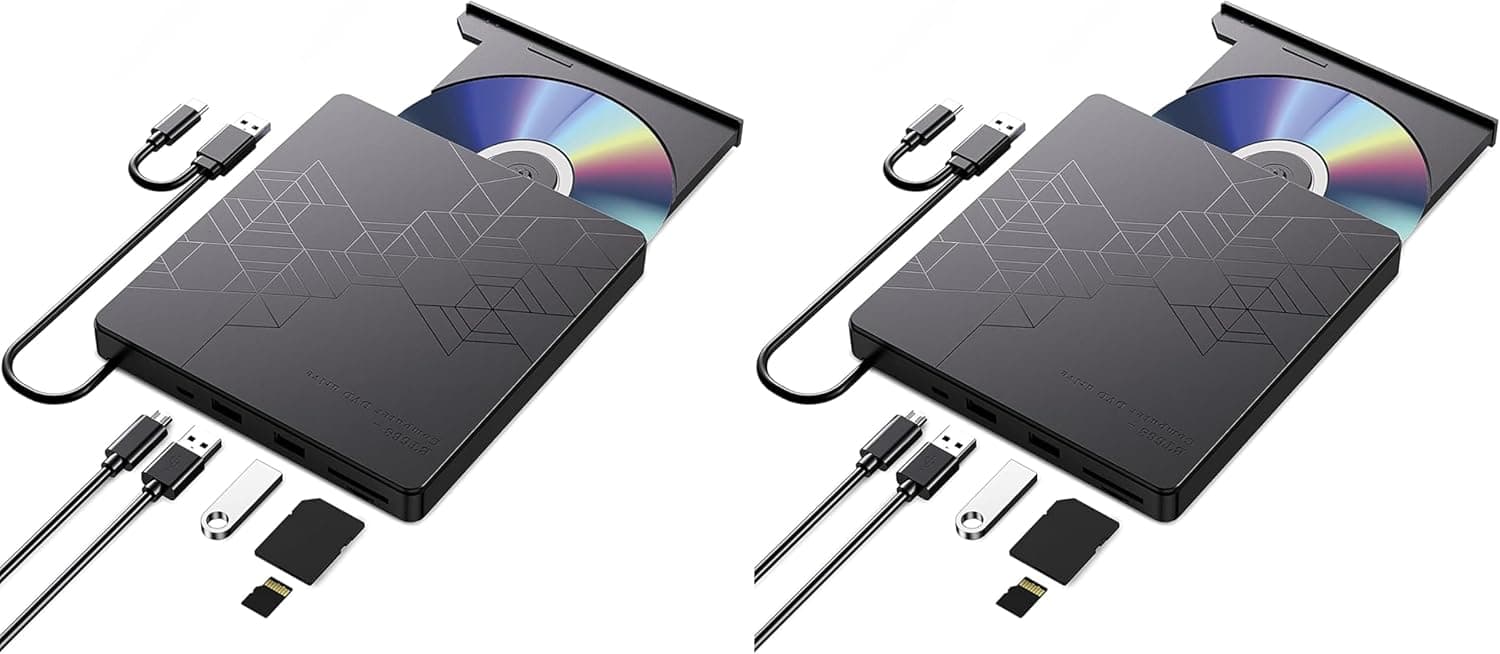
The Panasonic uj240 6 x Blu - ray BD - RE is a 12.7mm slim SATA internal Blu-ray burner built to drop into a laptop optical bay.
It writes BD-R at 6x and BD-RE at 4x, and handles the full DVD and CD range. It fits one narrow purpose well: replacing an aging DVD drive in an existing machine without changing how that machine looks or travels.
Overview
The Panasonic UJ240 arrived around 2010 as a slim (12.7mm) SATA optical drive with a black bezel that blends into most laptop chassis.
On Amazon.co.jp it holds 4.3 out of 5 stars across 278 reviews — roughly an 86% positive score, which is solid for a drive of this vintage.
Treat it as a service part rather than a current product. If your bay standard doesn't match, there is very little reason to consider it over a modern external unit.
Compatibility Guide
Check bay height first. This is a 12.7mm slim drive and will not physically fit a 9.5mm bay, which became the norm on thin laptops from roughly 2013 onward.
Pull your existing drive and measure it rather than trusting a spec sheet — a wrong guess here has no fix but a return.
The interface is SATA 3.0 Gb/s, but slim drives use a slim SATA connector (combined 7-pin data plus 6-pin power), not the desktop-style connectors.
Mounting one in a desktop 5.25-inch bay therefore needs both an adapter bracket and a slim-SATA-to-standard-SATA converter.
Bandwidth is never the limit: 6x Blu-ray writing moves only about 27MB/s.
| Check | This drive | Pitfall |
|---|---|---|
| Bay height | 12.7mm slim | 9.5mm bays won't fit |
| Interface | SATA 3.0 Gb/s (slim SATA) | Desktop use needs adapters |
| Power | SATA power (slim connector) | No direct standard SATA plug |
| In the box | Bare drive only | No screws, bezel or software |
Most laptop swaps require transplanting the mounting bracket and front bezel from the old drive, so keep the drive you remove as a parts donor.
Write Speeds and Real Timings
Rated speeds are 6x BD-R, 4x BD-RE, 8x DVD-R and DVD+R, 4x DVD-RW, DVD+RW and DVD±R DL, and 5x DVD-RAM, with a 2MB buffer — typical for slim drives of this generation.
As a rough guide, burning a 25GB BD-R at 6x takes a little over 15 minutes in theory, and around 20 minutes in practice once spin-up and verification are counted. A 4.7GB DVD-R at 8x lands under 10 minutes.
This generation does not cover BDXL or 4K UHD Blu-ray playback, so look elsewhere if UHD discs matter to you.
With only 2MB of buffer, heavy background load during a burn raises the risk of underruns. Modern burn software compensates, but closing browser tabs mid-burn still saves coasters.
Product Info
The listing referenced here is Amazon.co.jp (ASIN B003AXW2YQ), captured at ¥31,332 in September 2026.
That is steep for a slim drive; it reflects thin supply of a discontinued OEM part meeting ongoing repair demand rather than current performance value. Prices swing hard with stock, so check the product page before ordering.
The same model number also circulates on eBay.
Key specs: SATA 3.0 Gb/s, 2MB buffer, 6x BD-R, 4x BD-RE, 8x DVD-R/+R, 4x DVD-RW/+RW/±R DL, 5x DVD-RAM.
The drive ships bare — no cables, screws, or authoring software. Playing commercial Blu-ray video needs separate BD playback software; Windows alone will not do it.
Warranty depends on the seller and is typically about a year, subject to marketplace terms.
How It Compares
For the same goal — burning Blu-ray discs — an external USB burner ignores bay height and connector shape entirely, works across laptops and desktops, and often bundles burning software for less total cost.
The case for this drive is narrow but real: keeping everything internal so the laptop's look and portability stay unchanged, with no extra box in your bag. If that doesn't matter to you, buy external.
If DVD is enough, a cheap internal DVD writer is cheaper still.
Best Use Cases
- Owners of 12.7mm-bay laptops who want a near-OEM replacement that keeps the machine intact.
- Builders committed to an internal drive who can source a 5.25-inch bracket and slim SATA adapter.
- Archivists burning 25GB BD-R sets, with rewritable BD-RE at 4x for rotating backups.
- Buyers who value Panasonic drive quality — 4.3/5 from 278 reviews is strong for the era.
Before You Buy
1. The price is hard to justify. ¥31,332 as captured in September 2026 buys several external Blu-ray burners.
Unless "12.7mm internal" is a hard requirement, this is poor value and we'd say so plainly.
2. It will not fit a 9.5mm bay. This is the single most common mistake. Measure the drive you already have.
3. Bare drive means bare. No screws, no mounting bracket, no bezel, no burning or playback software.
4. No 4K UHD Blu-ray playback. UHD requires certified drives and software this generation predates.
5. Verify the listing yourself. This ASIN is sold and shipped by a marketplace seller (MG-1A), and Amazon listing metadata — manufacturer, model number, fulfilment — does not always match the physical item.
Confirm the photos, title, and the UJ240 marking on the bezel before ordering, and be alert to used or bulk stock presented as new.
FAQ
Q. Can I shim it into a 9.5mm bay?
A. No. The height simply won't clear. Use a 9.5mm drive or an external unit.
Q. Can it go in a desktop? A.
Yes, with a 5.25-inch bracket plus a slim-SATA-to-standard-SATA and power adapter.
Cost and effort usually favour an external or full-size drive.
Q. Will it play retail Blu-ray movies?
A. The drive reads them, but you must supply BD playback software separately.
Q. How long is a 25GB BD-R burn?
A. Just over 15 minutes at 6x in theory, around 20 minutes with verification, depending on media.
Q. Does it support BDXL or 4K UHD?
A. Not listed in the specs; assume no for a drive of this generation.
Product Disclosure (Amazon)
- Manufacturer: パナソニック(Panasonic)
- Seller: MG-1A
- Fulfilled by: MG-1A
- ASIN: B003AXW2YQ
- Note: This article covers a manufacturer-made product based on Amazon listing details.