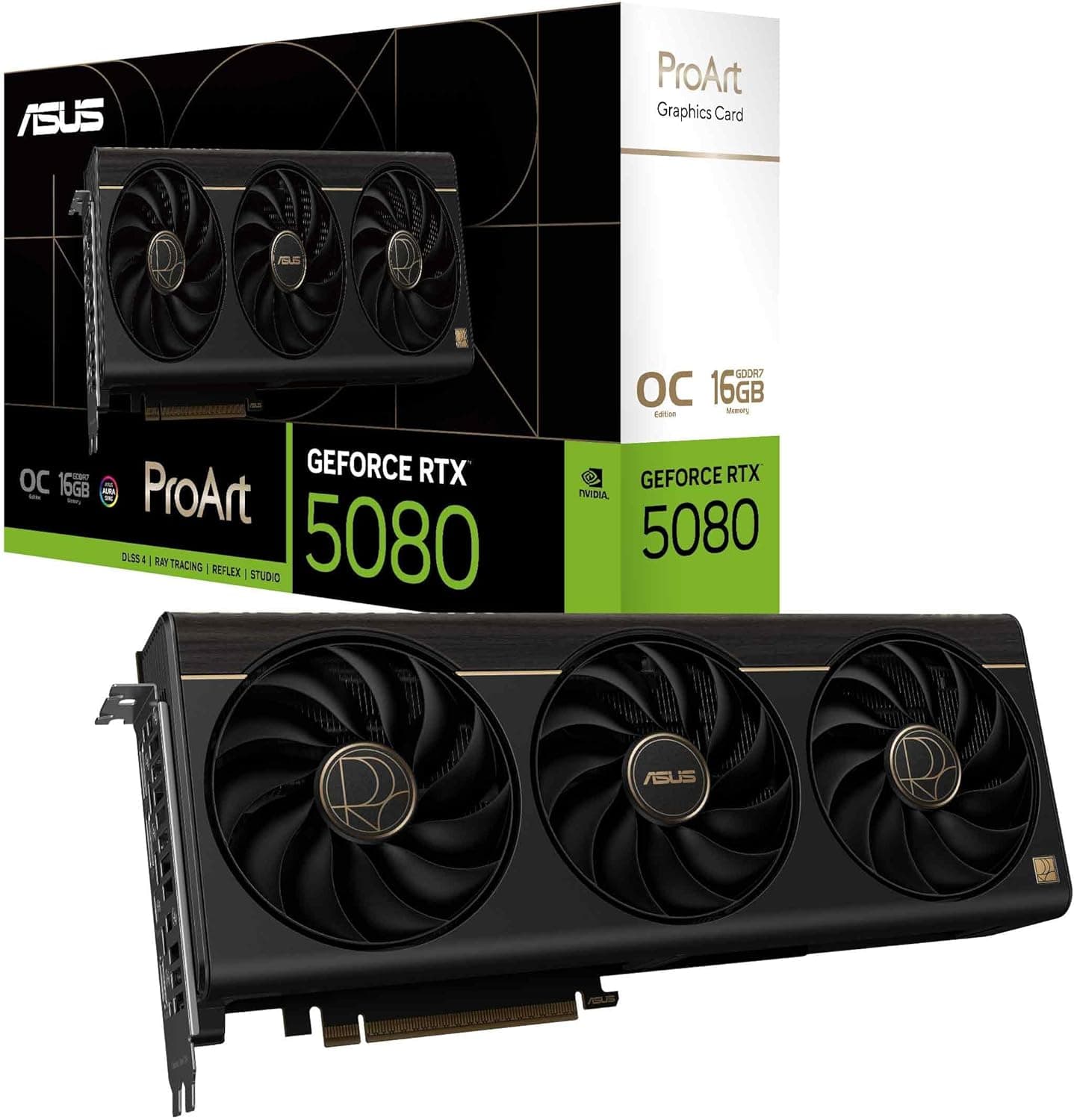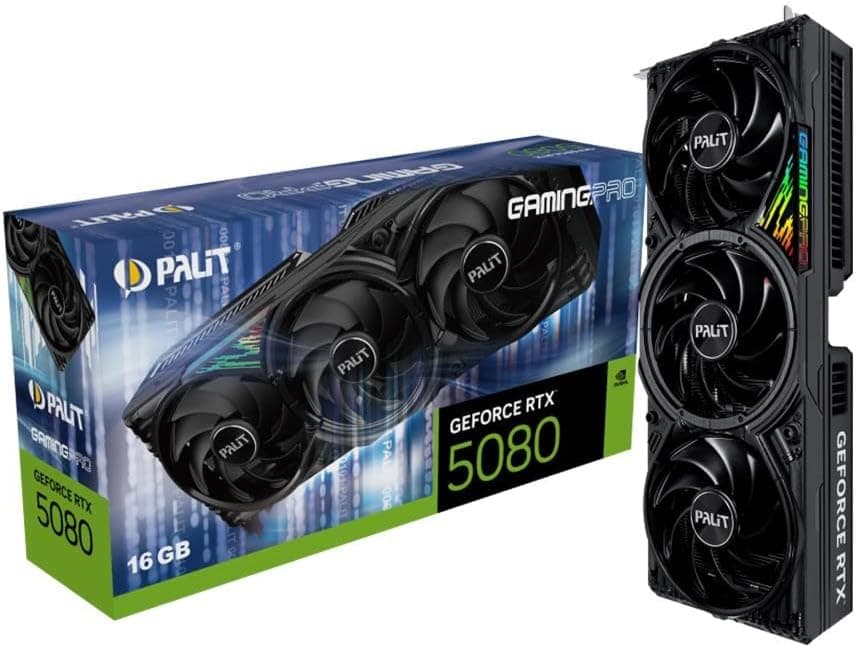
This article covers Palit(パリット) GeForce RTX5080 GamingPro.
Overview
The Palit GeForce RTX5080 GamingPro (NE75080019T2-GB2031A) is a high-end graphics card built on NVIDIA's Blackwell architecture. Featuring 10,752 CUDA cores and 16GB of GDDR7 memory on a 256-bit bus, it delivers exceptional performance for 4K gaming and creative workloads. The card supports PCI Express 5.0, ensuring full bandwidth compatibility with the latest motherboards. Its GamingPro series design emphasizes a balance of efficient cooling and quiet operation.
Compatibility Guide
This card requires a PCIe 5.0 x16 slot, though it is backward compatible with PCIe 4.0/3.0. It uses a 12VHPWR 16-pin power connector, and a minimum 850W power supply is recommended for a full system. The physical dimensions are approximately 330mm (length) x 137mm (width) x 56mm (height), so case clearance must be verified. Video outputs include three DisplayPort 2.1b and one HDMI 2.1b, supporting multi-monitor setups up to 4K at high refresh rates.
Product Info
Released in early 2025, the Palit GeForce RTX5080 GamingPro is priced around ¥200,000 in the Japanese market. It features a triple-fan cooler with a large heatsink for effective thermal management. The GPU runs at a base clock of 2,295 MHz and boosts up to 2,617 MHz, with memory clocked at 30,000 MHz effective. The standard warranty period is three years from the manufacturer.
Best Use Cases
Ideal for gamers aiming for high-fidelity 4K gaming at 144Hz or higher in demanding titles. Creative professionals using CUDA-accelerated applications such as 3D rendering, video editing, and AI workloads will benefit from the compute power. It also suits multi-monitor setups for productivity or immersive simulation gaming.
Things to Consider
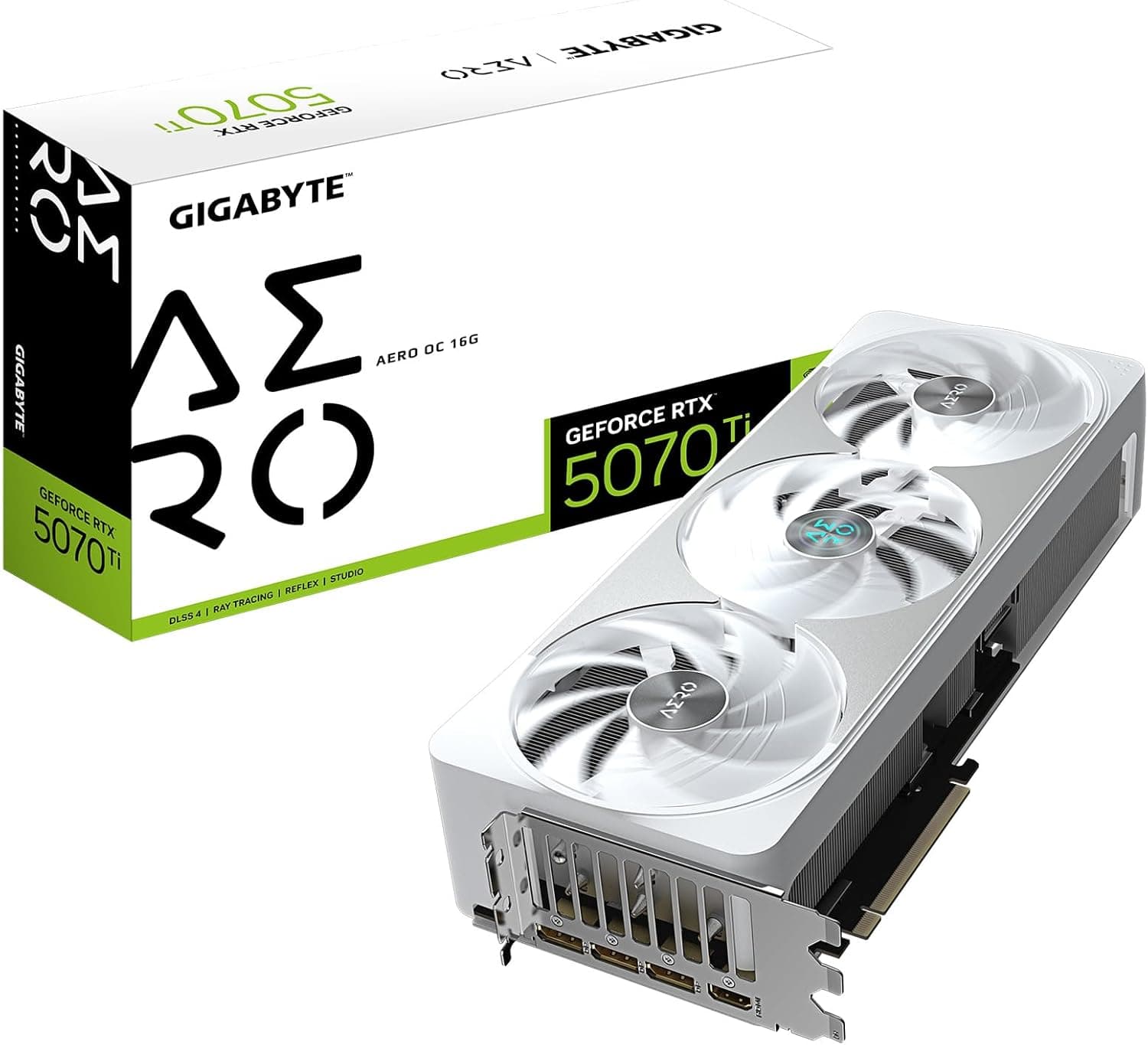
The high power draw (around 360W) necessitates a robust PSU and proper case airflow. The card's large size may not fit smaller cases, so measure available space beforehand. Compared to alternatives like the RTX 5070 Ti or RTX 5090, the 5080 offers a compelling price-to-performance ratio for high-end builds, but may be overkill for 1080p or entry-level 1440p gaming. Also check motherboard PCIe slot clearance for thick dual-slot designs.