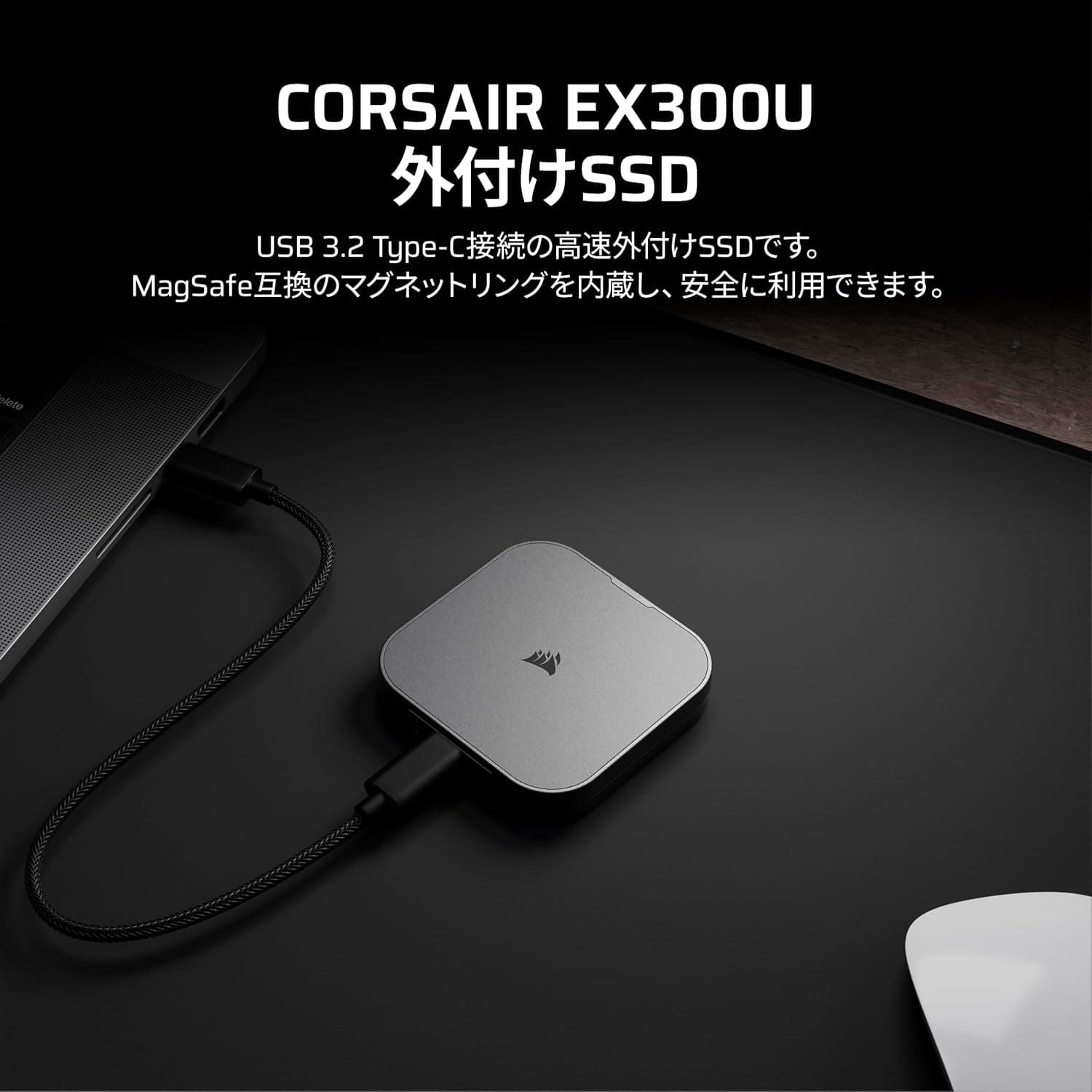
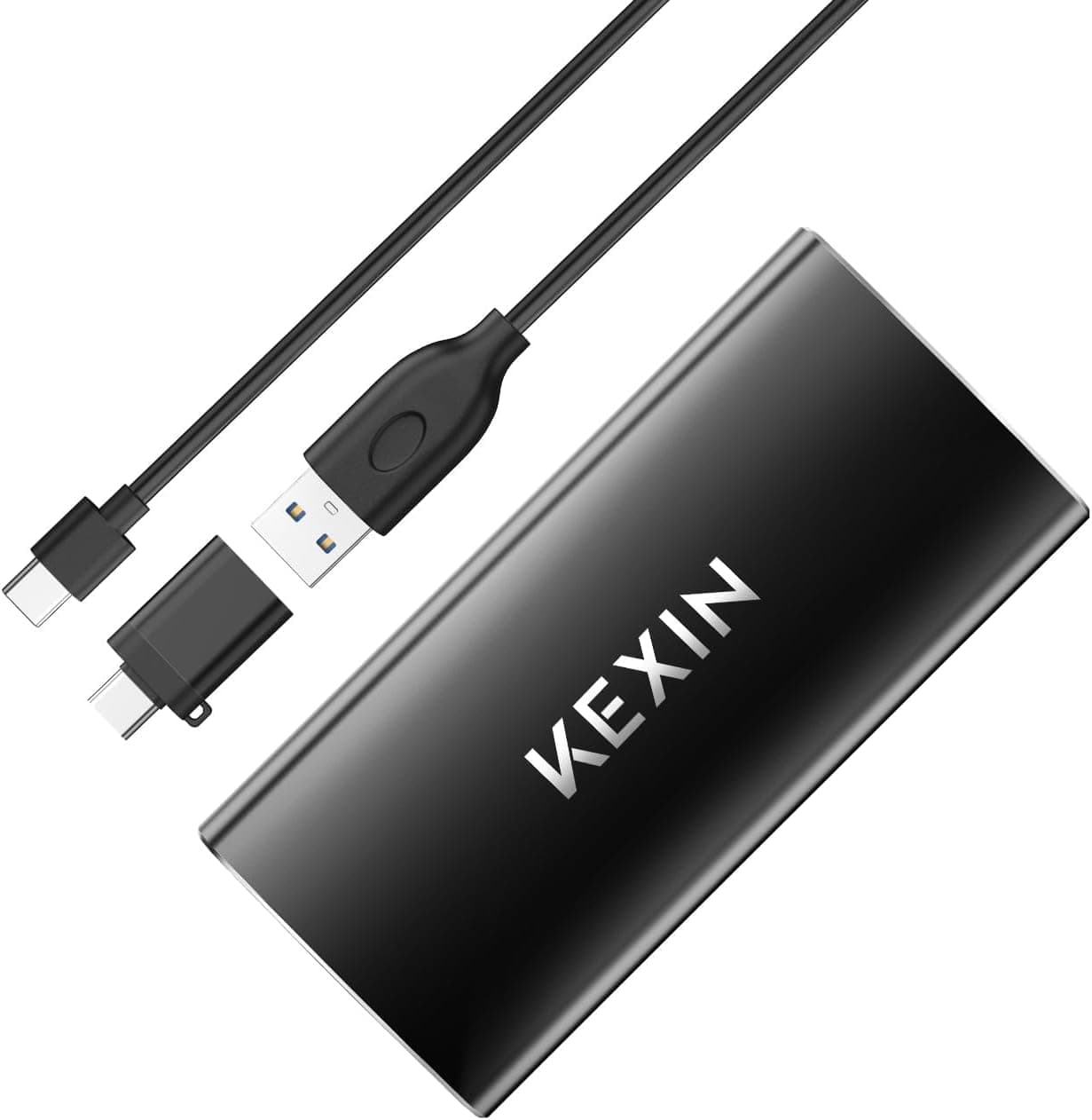
This article covers OSCOO 4TB マグネット式外付けSSD.
Overview
The OSCOO 4TB Magnetic External SSD is a portable drive that leverages USB 3.2 Gen 2x2 to deliver up to 2000 MB/s transfer speeds. Its standout feature is the magnetic attachment system, which allows direct mounting on MagSafe-compatible iPhones for external Apple ProRes 4K recording. The aluminum-alloy chassis is waterproof, dustproof, and shockproof, making it suitable for both studio and field use. With 4TB of capacity in a compact form factor, this drive targets mobile creators, photographers, and gamers who need fast, large-capacity storage on the go.
Positioned in the mid-range portable SSD market, the OSCOO drive differentiates itself with its magnetic functionality and MagSafe support. While it competes with drives like the Samsung T7 and SanDisk Extreme, the unique magnetic attachment gives it a clear edge for iPhone videographers. However, achieving the full 2000 MB/s speed requires a USB 3.2 Gen 2x2 port on the host device, which is still relatively uncommon.
Compatibility Guide
The drive uses a USB 3.2 Gen 2x2 interface and is backward compatible with USB 3.0 and 2.0 ports. It works with Windows, macOS, and iPhone 15/16/17 Pro models with MagSafe. Game consoles like PS5 and Xbox Series X/S recognize it as external USB storage. To reach the maximum 2000 MB/s speed, you need a USB 3.2 Gen 2x2 port and cable. On a USB 3.0 port, speeds will be limited to around 5 Gbps (effective ~500 MB/s). The magnetic attachment only works on metal surfaces; for non-magnetic devices, an included adhesive magnetic ring is provided.
Product Info
The OSCOO 4TB Magnetic External SSD was released in late 2024 and is available on Japanese online retailers for approximately ¥196,440. Warranty details are not publicly specified, but typical portable SSDs carry 1-3 years of coverage. Market positioning is mid-range, with the magnetic feature and MagSafe support as key differentiators. Competitors include the Samsung T7 and SanDisk Extreme, but none offer native magnetic attachment for iPhones.
Best Use Cases
- Video creators recording ProRes 4K directly to iPhone: The MagSafe attachment lets you mount the SSD on the back of an iPhone 15/16/17 Pro and record ProRes 4K via apps like Blackmagic Camera. This streamlines the editing workflow. Not suitable for non-iPhone users.
- Photographers handling large RAW files: 4TB capacity and 2000 MB/s speeds enable fast backups and editing on location. The aluminum body dissipates heat well during long transfers. However, if you only need archival storage, a cheaper HDD might suffice.
- Gamers needing external game storage: Works as external storage for PS5, Xbox Series X/S, and PC. Note that PS5 games cannot be played directly from the drive; they must be moved to internal storage. PC gamers can use it for Steam libraries.
- Mobile workstation users: The built-in stand and magnetic attachment allow hands-free placement on a desk. Ideal as a secondary always-connected drive for notebooks.
Things to Consider
The most important caveat is that the 2000 MB/s speed is only achievable with a USB 3.2 Gen 2x2 port. Most current PCs and Macs still use USB 3.0/3.1 Gen1 ports, which will cap speeds at around 500 MB/s. Check your device's port specifications before purchasing. Also, the 4TB capacity appears as approximately 3.72TB on Windows due to formatting differences (macOS shows full capacity). The magnetic attachment only works on metal surfaces; for plastic devices, you must use the included adhesive ring. Compared to competitors like the Samsung T7 and SanDisk Extreme, the OSCOO drive is priced at a premium. If you don't need the magnetic feature, more affordable options are available.
FAQ
Q: How do I record ProRes 4K on iPhone with this SSD?
A: Use an iPhone 15/16/17 Pro or later with MagSafe. Attach the SSD magnetically to the back of the phone, connect via USB-C, and use a compatible app (e.g., Blackmagic Camera) to record ProRes 4K directly to the drive.
Q: Is it compatible with PS5?
A: Yes, it works as external USB storage. You can store PS5 games on it, but you must move them to the internal SSD to play. PS4 games can be played directly from the drive.
Q: Why is my transfer speed slower than advertised?
A: Ensure your computer has a USB 3.2 Gen 2x2 port. If connected to a USB 3.0 port, speeds will be limited to about 500 MB/s. Also, use the included cable; third-party cables may not support the full speed.
Product Disclosure (Amazon)
- Manufacturer: OSCOO
- Seller: JoLeap
- Fulfilled by: JoLeap
- ASIN: B0GL72WJBW
- Note: This article covers a manufacturer-made product based on Amazon listing details.