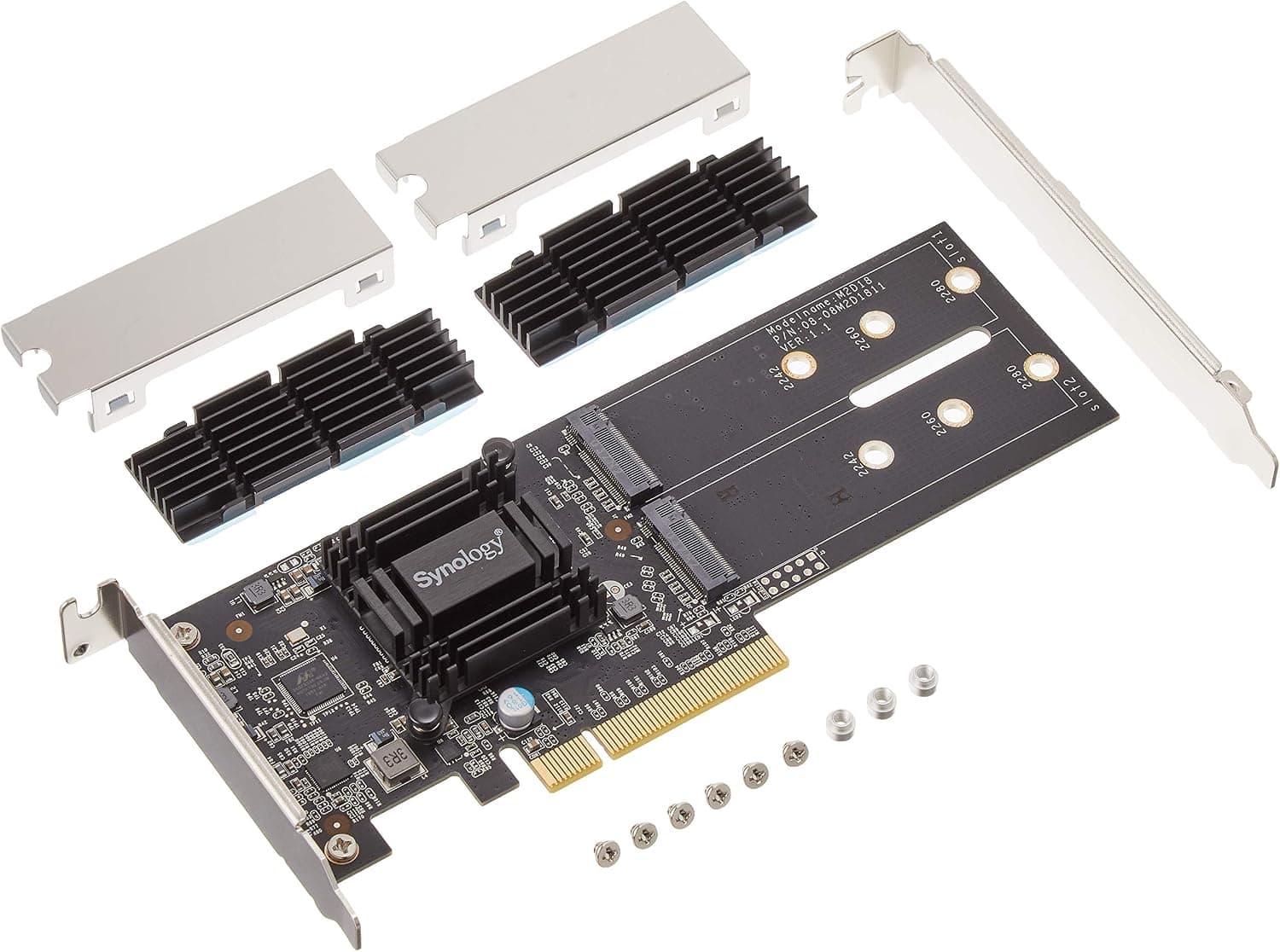
This article covers 【拡張NVMe SSDアダプタ】Synology M2D18 [M.2-SSD.
Overview
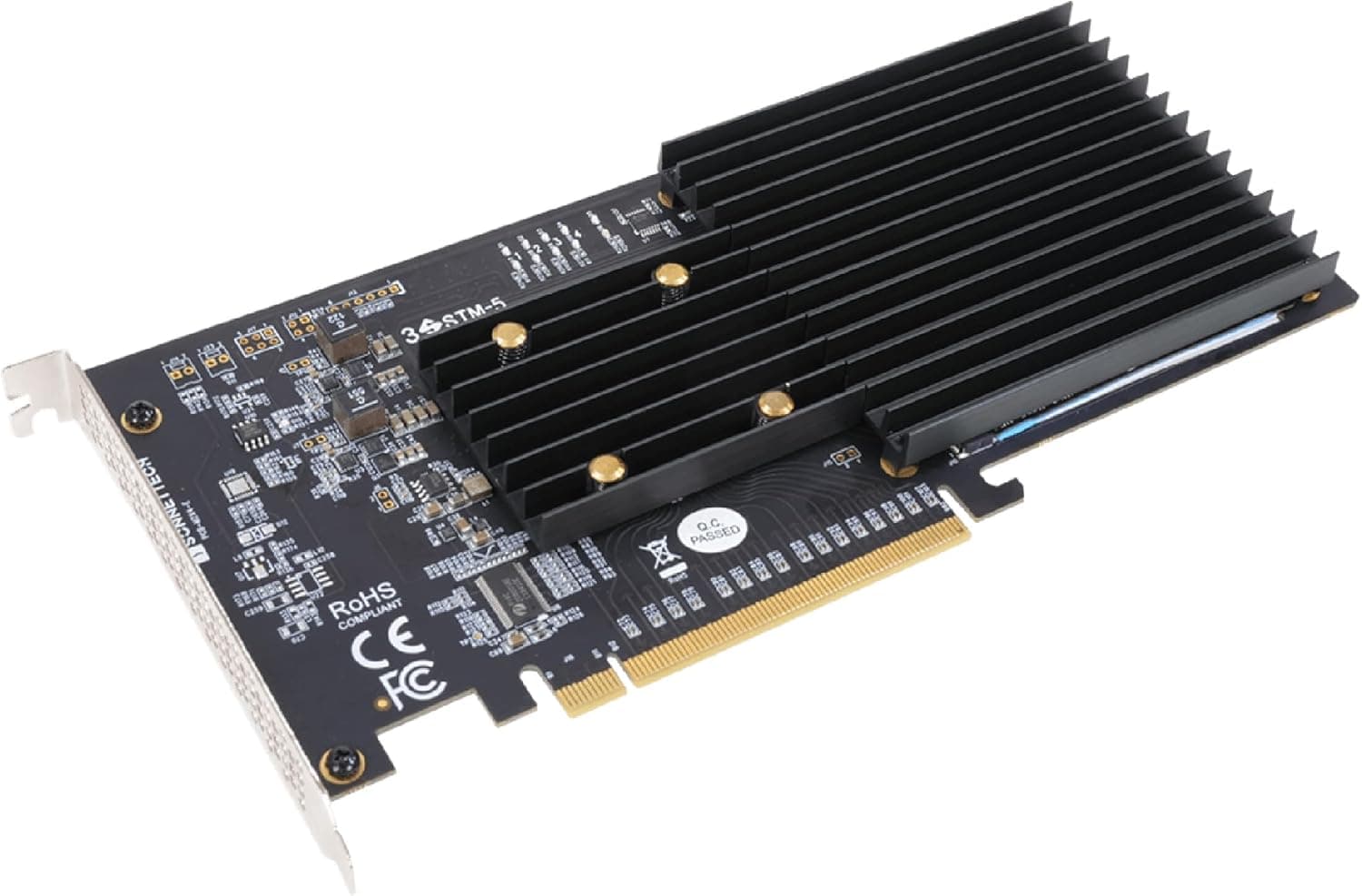
The Synology M2D18 is a dual M.2 SSD adapter designed to dramatically improve I/O performance on compatible Synology NAS units. By installing this card into a PCIe slot, you can add NVMe or SATA M.2 SSDs as cache drives, significantly reducing random access latency. It supports 2280, 2260, and 2242 form factors, giving you flexibility in SSD selection without vendor lock-in. This adapter shines in workloads where random I/O latency is a bottleneck, such as photo indexing, file search, and virtualized environments. A bundled heatsink helps keep M.2 SSDs cool under sustained load, which is a thoughtful touch for reliability.
Connectivity & Compatibility
The M2D18 connects via a PCIe 3.0 x4 interface. Compatible NAS models include: NVMe & SATA support: FS1018, RS2818RP+, RS2418(RP)+, DS3018xs, DS1819+, DS1618+ SATA only: FS2017, RS18017xs+, RS4017xs+, RS3618xs, RS3617xs+, RS3617RPxs, RS1219+, RS818(RP)+, DS3617xs, DS1817+, DS1517+ Always verify your NAS model is on the compatibility list before purchasing. Unsupported models will not recognize the card.
Product Info
The Synology M2D18 is a first-party expansion card targeting mid-range to high-end Synology NAS users. It sits in the mid-to-high tier of the market, offering stable operation and a 3-year manufacturer warranty. Release: ~2018 Price: Around ¥20,000 (varies by retailer) Warranty: 3 years Accessories: Card, low-profile bracket, screws * Availability: Japan, Yodobashi Camera, Bic Camera, Synology official store
Best Use Cases
NAS users wanting faster random I/O: If you run Synology Photos or frequently search files on a large HDD pool, adding SSD cache via the M2D18 can dramatically reduce latency and improve responsiveness. Virtualization enthusiasts: Running Docker containers or Virtual Machine Manager on your NAS? Random storage performance directly impacts VM responsiveness. NVMe cache through the M2D18 makes a noticeable difference. * Large HDD pool owners: If you have a multi-drive RAID array but find random access sluggish, this card lets you add read/write cache to accelerate everyday operations. On the flip side, if your NAS already has onboard M.2 slots (e.g., DS920+) or you don't experience storage bottlenecks, the M2D18 may be unnecessary.
Things to Consider
Double-check your NAS model is on the compatibility list. Physical installation is possible on unsupported models, but the card won't be recognized. This adapter is for cache only — you cannot use it as a direct storage pool. Mixing NVMe and SATA SSDs is possible, but performance may vary depending on the cache mode. While a heatsink is included, high-performance NVMe SSDs can still run hot; ensure adequate airflow inside your NAS. * As a 2018-era product, newer NAS models may not be supported. Always consult Synology's official compatibility list before buying. ## FAQ
Q: Does the M2D18 support PCIe 4.0? A: No, it is limited to PCIe 3.0 x4. If you need PCIe 4.0 bandwidth, consider the newer M2D20 model. Q: What kind of SSD should I use for caching? A: NVMe SSDs are recommended for the best latency reduction. SATA SSDs work but offer less improvement. Choose a model with high endurance (high TBW) for long-term stability. Q: Can I use this card in a standard Windows PC? A: No, the M2D18 is designed exclusively for Synology NAS. It will not be recognized in a regular desktop or server PC.
Product Disclosure (Amazon)
- Manufacturer: Synology
- Seller: Amazon.co.jp
- Fulfilled by: Amazon.co.jp
- ASIN: B07G9S674X
- Note: This article covers a manufacturer-made product based on Amazon listing details.