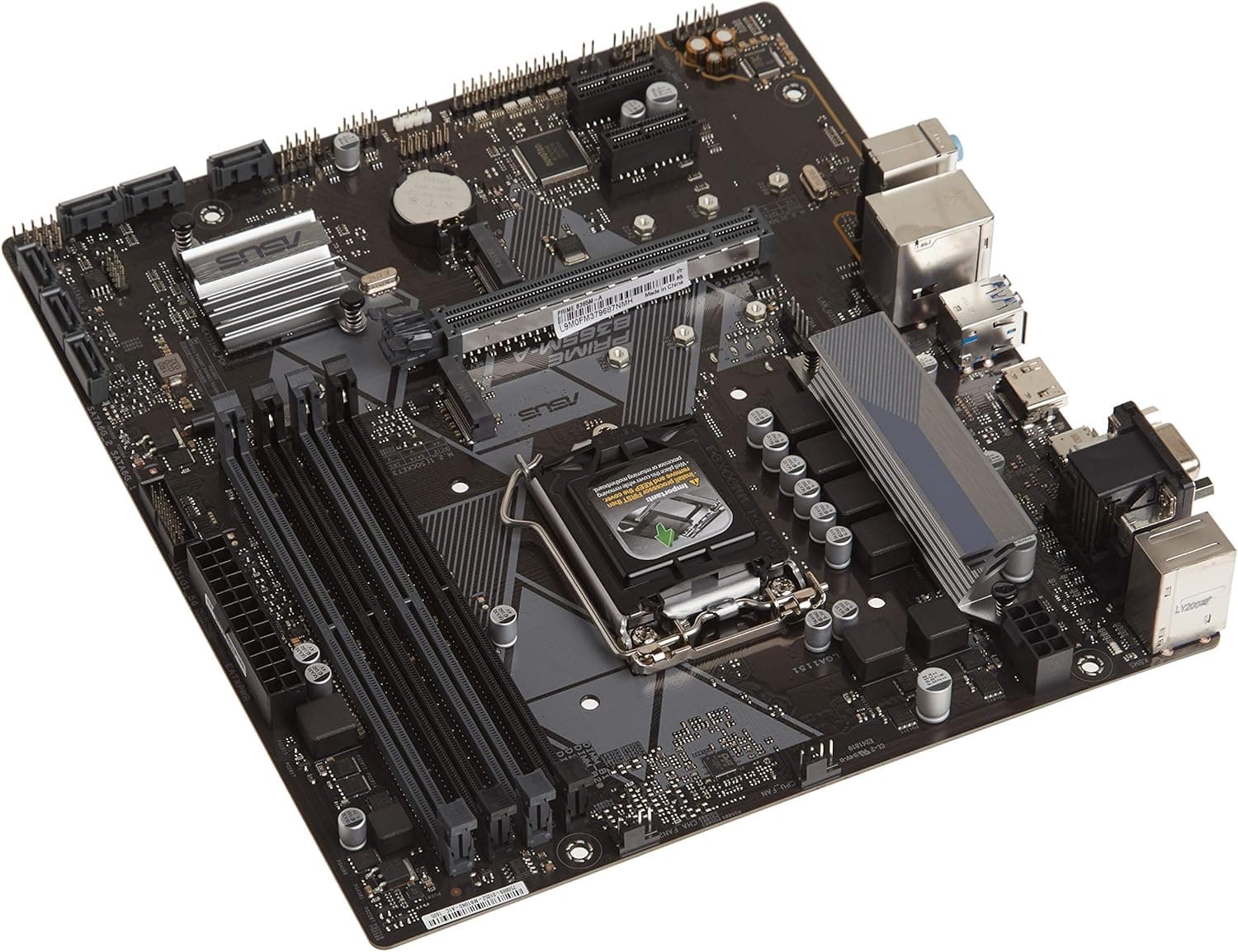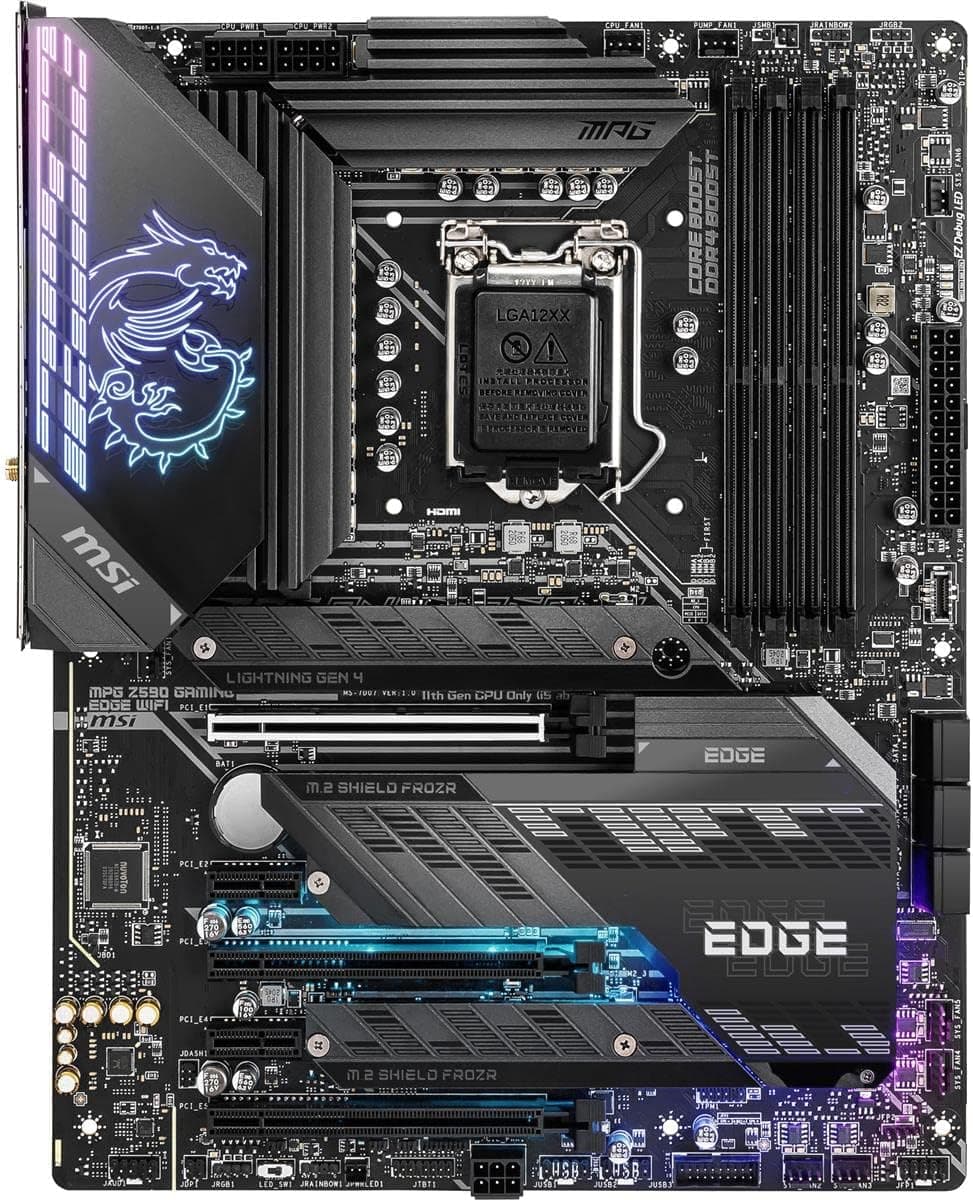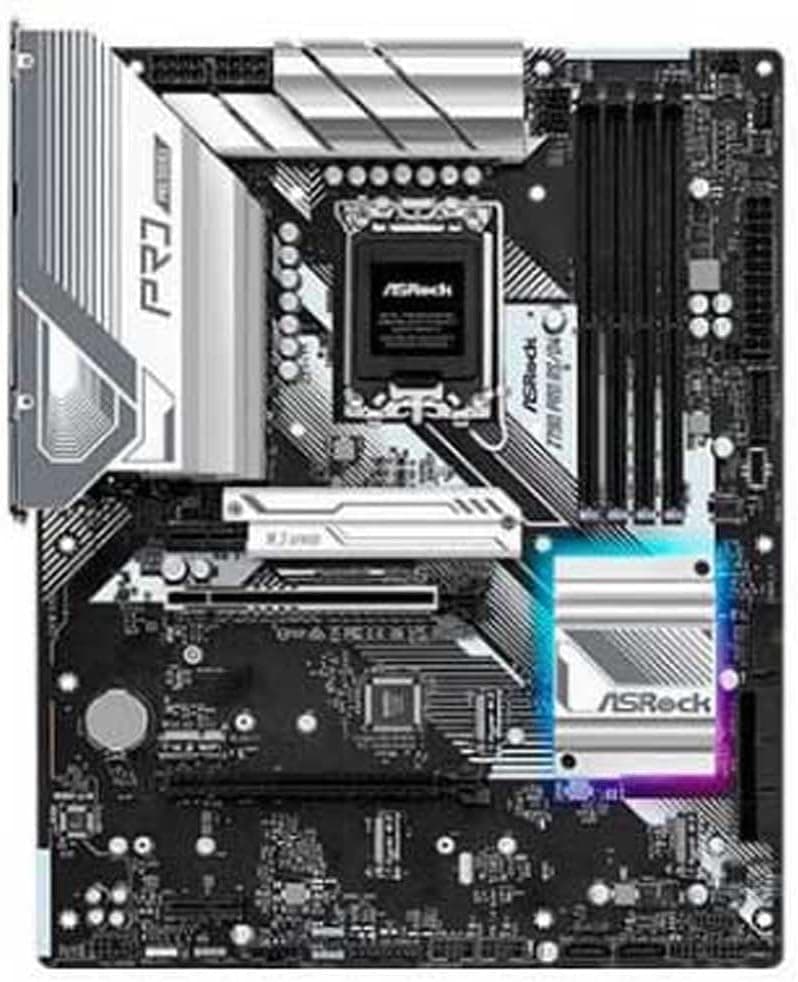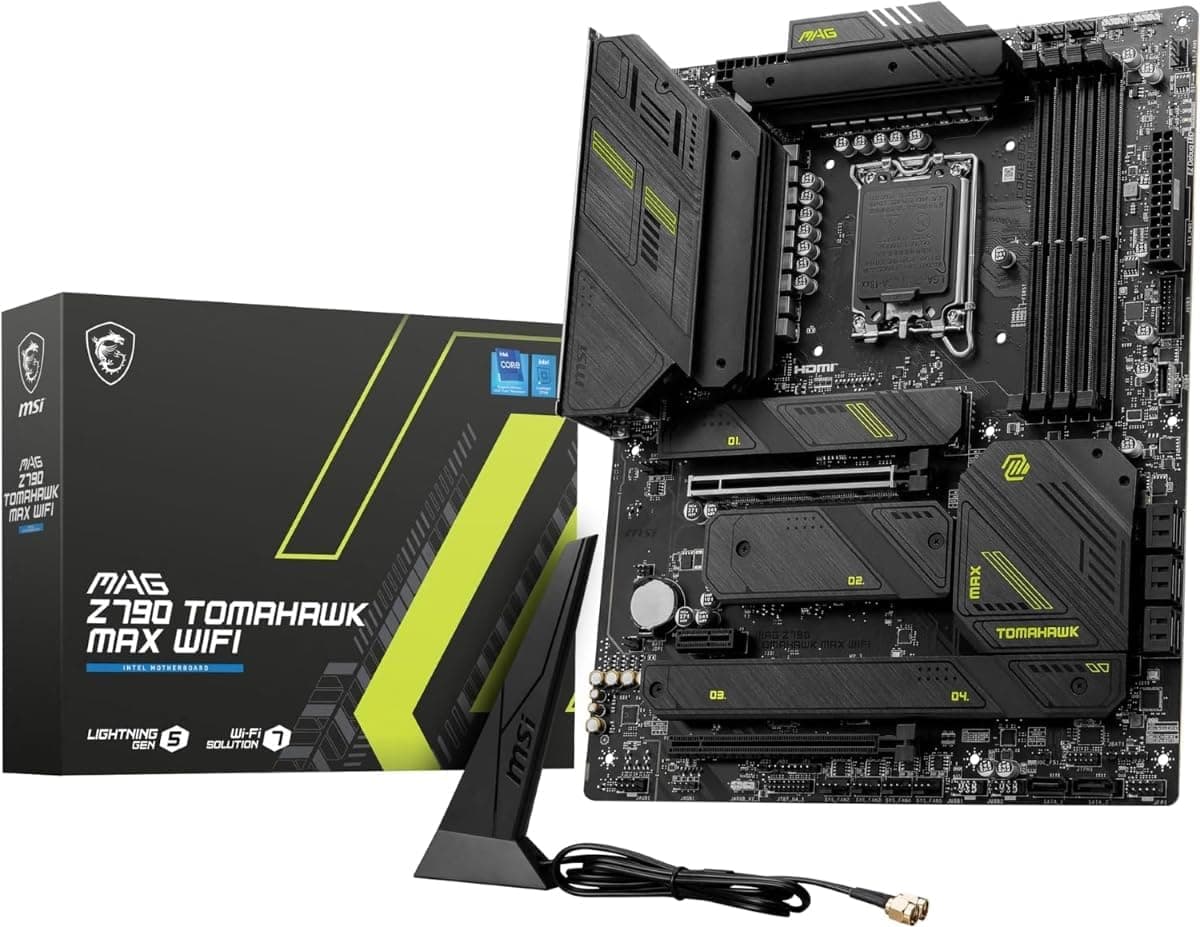
This article covers MSI MAG Z790 TOMAHAWK MAX WIFI intel 第14世代Coreプロセッサ対応 LGA1700 DDR5 ATX マザーボード MB6304.
Overview
The MSI MAG Z790 TOMAHAWK MAX WIFI is a mid-to-high-end ATX motherboard built for Intel's 14th Gen Core processors (LGA1700). It sits in the MAG series, which emphasizes military-grade durability and stable performance under load. Key features include DDR5 memory support up to 192GB, PCIe 5.0 for both graphics and storage, and a robust 16+1+1 phase VRM with 90A SPS MOSFETs.
Connectivity is a strong point: 2.5GbE LAN, Wi-Fi 7 (currently limited to 6E in Japan), Bluetooth 5.4, and a rich selection of USB ports including dual USB-C 3.2 Gen2 and Gen2x2. The board is aimed at gamers and enthusiasts who want a balanced feature set without paying flagship prices.
Compatibility Guide
Socket: LGA1700 – compatible with Intel 12th, 13th, and 14th Gen Core CPUs. Memory: 4x DDR5 DIMM slots, dual-channel, up to 192GB, speeds up to DDR5-7800+ (OC). Form factor: standard ATX (304.8mm x 243.84mm) fits most ATX cases.
Power connectors: 24-pin main, 1x 8-pin EPS, and 1x 4-pin EPS. For a Core i9-14900K build, a PSU of at least 850W is recommended; for Core i7 or i5, 650W may suffice depending on the GPU. Storage interface: 4x M.2 slots (1x PCIe 5.0 x4 from CPU, 3x PCIe 4.0 x4 from chipset) and 8x SATA 3.0 ports.
Clearance note: the primary PCIe 5.0 M.2 slot sits very close to the CPU socket, so a large air cooler may overhang and block easy access. The first PCIe x16 slot is also PCIe 5.0 and can handle large graphics cards, but double-check GPU length against your case.
Product Info
Released in October 2023, the MAG Z790 TOMAHAWK MAX WIFI currently retails around ¥37,800 (~$250 USD). It positions itself in the upper-midrange segment of Intel's LGA1700 motherboard lineup. Warranty is typically 3 years from MSI.
Chipset: Intel Z790. VRM: 16+1+1 phase, 90A SPS, with 7W/mK thermal pads. Audio: Realtek ALC4080 codec with 7.1-channel HD output. Networking: Realtek 2.5GbE LAN, Intel Wi-Fi 7 BE200 (6E in Japan), Bluetooth 5.4. Expansion slots: 1x PCIe 5.0 x16 (CPU), 1x PCIe 4.0 x4 (x16 slot), 1x PCIe 3.0 x1.
Rear I/O: 1x USB-C 3.2 Gen2x2 (20 Gbps), 1x USB-C 3.2 Gen2 (10 Gbps), 4x USB-A 3.2 Gen2, 4x USB-A 3.2 Gen1, HDMI 2.1 + DisplayPort 1.4 outputs (for integrated graphics). Front panel: 1x USB-C 3.2 Gen2, 2x USB-A 3.2 Gen1, 4x USB 2.0.
Best Use Cases
- Gaming PC builder: The PCIe 5.0 GPU slot and fast M.2 slots make it ideal for pairing with an RTX 4090 or future GPUs. The strong VRM can handle an overclocked Core i9-14900K without throttling.
- Content creation workstation: The ability to run 128GB or more of DDR5 RAM and multiple fast NVMe SSDs suits video editing, 3D rendering, and AI workloads. Dual USB-C ports speed up external drive transfers.
- First-time PC builder (intermediate): While lacking BIOS Flashback, the board is built with clear labeling and a straightforward BIOS interface. Beginners comfortable with reading manuals will find it manageable.
- Overclocking enthusiast: The 16+1+1 phase VRM and high-quality thermal solution provide headroom for CPU and memory overclocking. DDR5 kits with XMP 3.0 profiles are well supported.
Things to Consider
No board is perfect. The MAG Z790 TOMAHAWK MAX WIFI lacks BIOS Flashback, meaning you need a compatible CPU installed to update the BIOS. This could be an issue if you buy a used board with an outdated BIOS that doesn't support 14th Gen CPUs out of the box.
Also, only one M.2 slot runs at PCIe 5.0; the other three are PCIe 4.0. If you plan to install two or more PCIe 5.0 SSDs, consider a higher-end board with more lanes.
The placement of the top M.2 slot (closest to the CPU) can be blocked by large air coolers or thick graphics cards. Always plan your component layout in advance.
Wi-Fi 7 is essentially limited to Wi-Fi 6E performance in Japan due to regulatory restrictions, so don't buy this board solely for the future Wi-Fi 7 standard in Japan.
FAQ
Q: Can I use DDR4 memory on this motherboard?\nA: No, the MAG Z790 TOMAHAWK MAX WIFI supports DDR5 only. DDR4 modules will not fit or work.
Q: Does the board support Intel Core i5-12400 (12th Gen)?\nA: Yes, any LGA1700 CPU from the 12th, 13th, or 14th Gen is compatible. However, for optimal PCIe lane allocation, 13th/14th Gen CPUs are recommended.
Q: How many SATA devices can I connect?\nA: There are 8 SATA 3.0 ports, but note that using certain M.2 slots may disable some SATA ports (check manual). Typically, with all M.2 slots populated, all SATA ports remain active on this model.
Product Disclosure (Amazon)
- Manufacturer: MSI
- ASIN: B0CM37RYH8
- Note: This article covers a manufacturer-made product based on Amazon listing details.