In short, it suits people whose PCs can run competitive games at very high frame rates and who want sharp motion plus OLED blacks. It makes little sense for 60Hz-class play or for anyone who needs 4K.
Overview
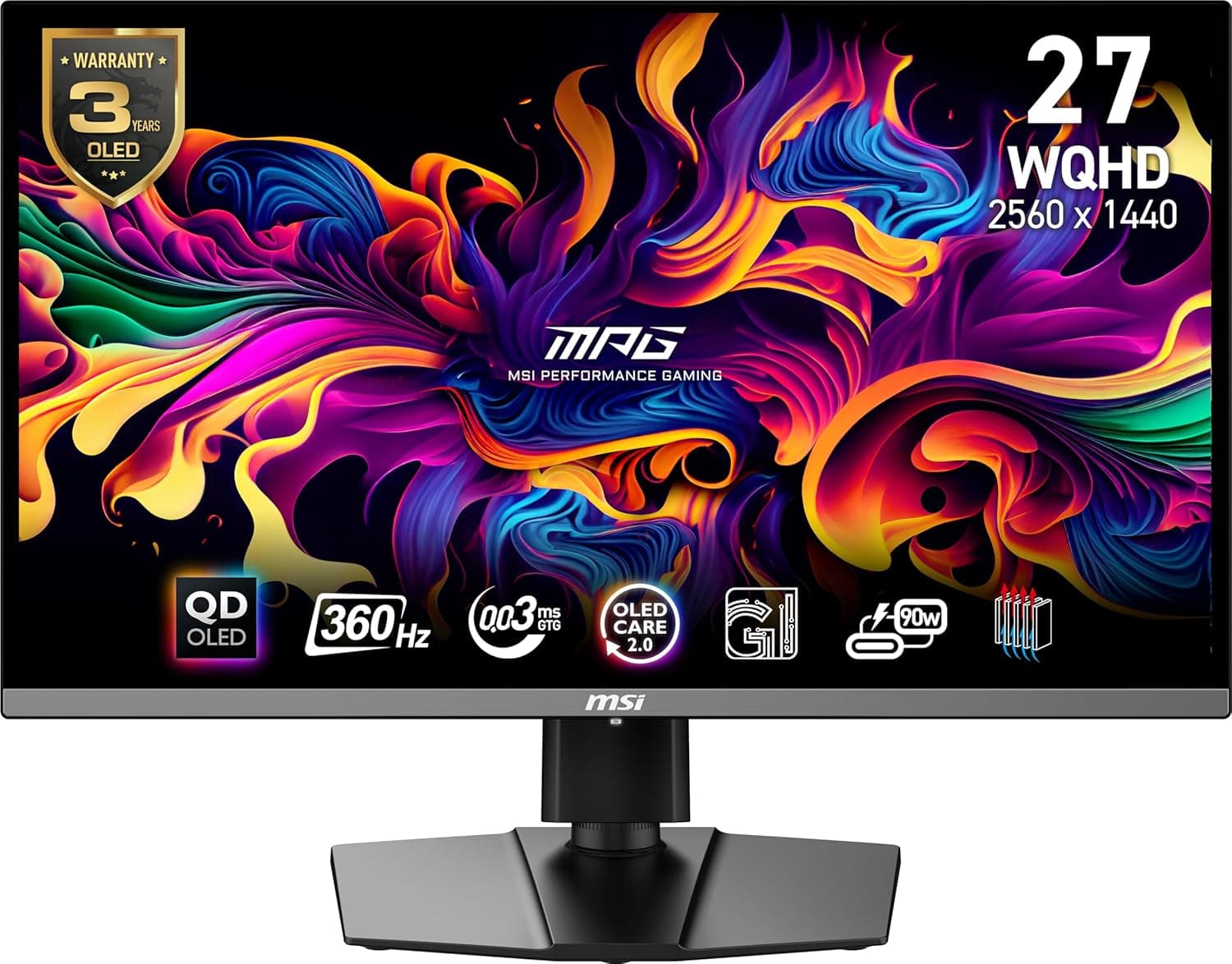
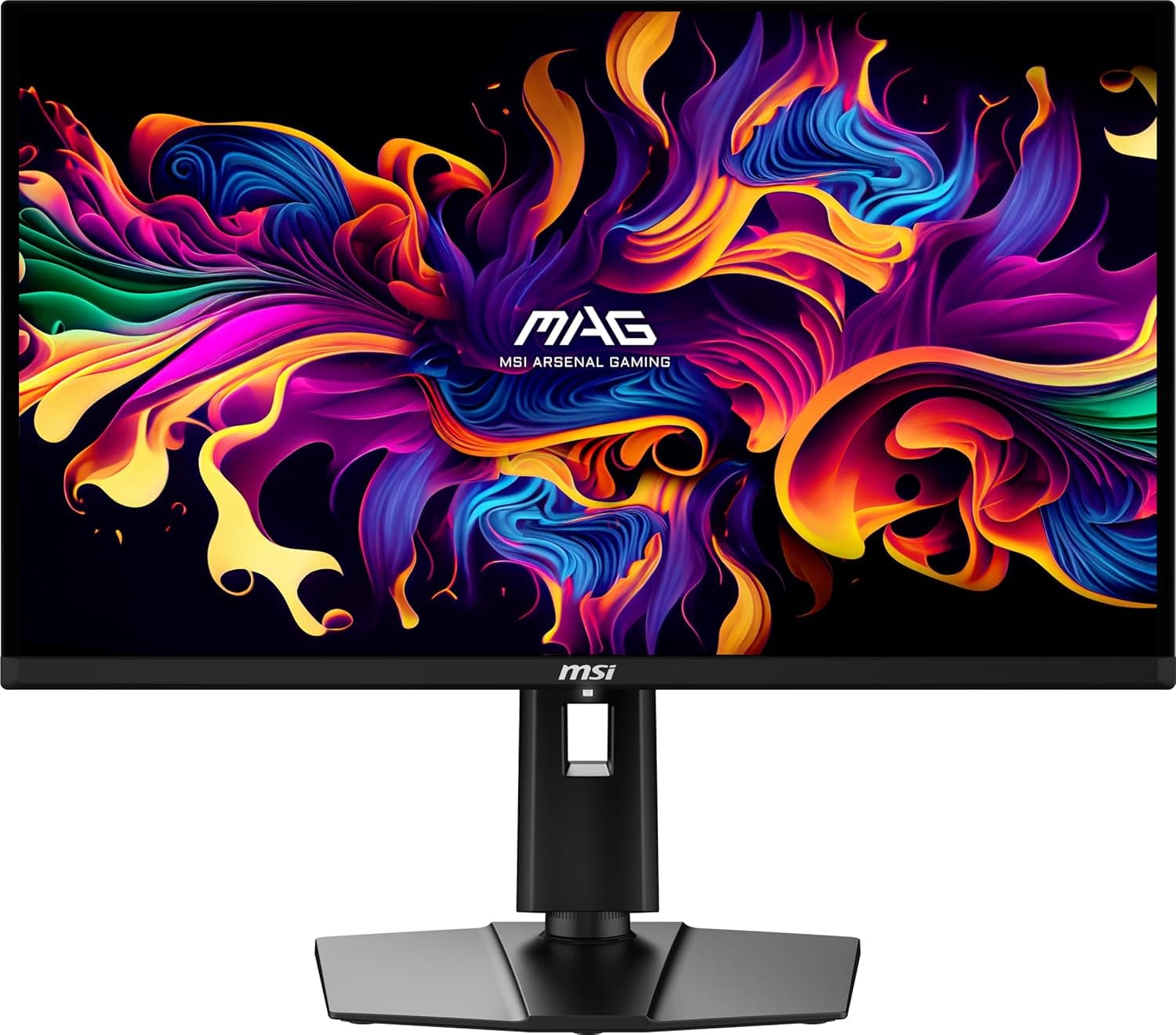
The MAG 272QP QD-OLED X50 is a 27-inch WQHD (2560×1440) gaming monitor built on a QD-OLED panel. The spec sheet lists a 500Hz refresh rate, 0.03ms (GtG) response time, and VESA DisplayHDR True Black 500 certification. It supports AMD FreeSync Premium Pro and is listed as G-Sync Compatible.
The panel size is listed as 27 inches with a 26.5-inch actual size.
The 27 is the nominal figure, so keep that in mind when comparing against other 27-inch monitors.
QD-OLED lights each pixel individually, so black areas stay unlit, which helps dark-scene contrast compared with LCD. Response is also very fast on OLED, and paired with 500Hz, moving objects leave less trailing blur.
That is the main reason it appeals to competitive players.
The trade-off is resolution. WQHD at 27 inches is a practical pixel density, but if you expect 4K sharpness you will be disappointed.
Think of it as choosing smoothness and black depth over resolution.
Compatibility Guide
The USB hub provides two USB-A ports and one USB-C data port (data only, not power). The KVM function is supported, but sharing a keyboard and mouse between two PCs requires a USB cable from each PC to the monitor; video cables alone will not switch them.
Since this is a WQHD panel, check the console's output settings for resolution support.
The most common failure is reaching 500Hz. The maximum refresh rate you get can depend on the input port, cable, and graphics card output.
For 500Hz, start with DisplayPort and confirm which input delivers the maximum in the manual and the manufacturer's product page. An old cable can also cap the output.
The VESA mount is 100×100mm. If you plan to use a monitor arm, confirm its weight rating and mounting standard on its product page first.
Product Info
Check the retailer's page for the latest price. That is a snapshot and can change with sales and stock, so check the product page for the current price.
Overseas marketplace listings vary widely in condition, exchange rate, and warranty, so they are not compared here.
Check the retailer's page for the latest user reviews. With so few reviews, treat that as a rough indication only.
Best For
Competitive FPS and fighting-game players: 500Hz and 0.03ms response are most useful when tracking fast-moving targets. You need a PC that can hold very high frame rates consistently to benefit.
Creators who also game: OLED blacks and a wide color range are useful for checking photos and video. USB-C charging and KVM make it easy to switch between a laptop and a desktop.
For color-critical work, consider hardware calibration and compare against professional-grade displays.
If you only want deep blacks, it works, but weigh the price carefully.
Who should skip it: budget buyers, anyone who needs 4K, and players who are fine at 60Hz-class. Many players will be well served by a lower-refresh WQHD monitor, so compare those options first.
Before You Buy
First, check for listing mismatches. The Amazon data we collected names the manufacturer as "WD" and a different company as the seller, which clearly does not fit an MSI monitor. The listed ASIN also did not match the product page we referenced. Product page registration data can contain errors, so confirm the product by its photos and title before buying. We have left the mismatched product-disclosure fields out of this article.
Second, a general OLED caution: leaving static elements (taskbar, game HUD) on screen for long periods can cause burn-in. Check the manufacturer's warranty coverage and any protective features on the product page, and reduce risk with auto-hiding taskbars and screen blanking.
Third, reaching 500Hz depends on your whole setup: graphics card output, cables, and in-game settings. Before buying, consider whether your PC can reach your target frame rate in the games you play.
We do not give FPS numbers here, so verify on your own machine.
Finally, prices change. The figure above is a snapshot; confirm the latest price at purchase.
FAQ
Q. Can I really feel 500Hz?
A. In fast games, when the PC delivers very high frame rates, the difference is easier to notice. If the PC cannot keep up, the benefit is limited.
Q. Does it work with PS5 or Xbox Series X?
A. However, the consoles cannot use 500Hz, and the resolution is WQHD.
Q. Can I use one cable with a laptop?
A. Check your laptop's support first.
Q. I'm torn between this and a 4K monitor. A.
Choose 4K for text and image sharpness; choose this class for motion smoothness and response speed.
Q. Should I worry about burn-in? A.
It is a characteristic of OLED, so avoid long static images. Check the manufacturer's warranty terms.