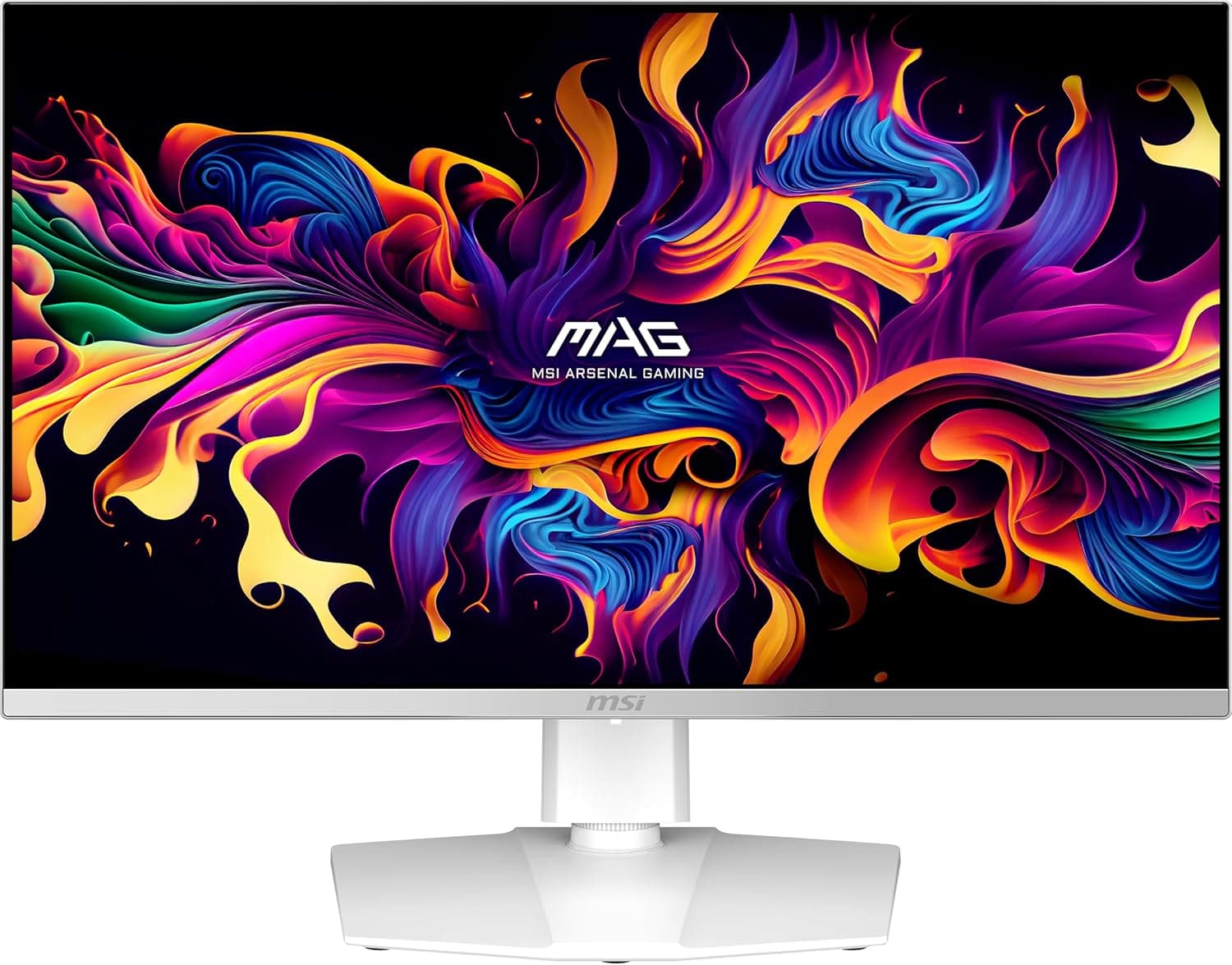
This article covers msi MAG 272QPW QD-OLED X28 27インチ 2560 x 1440 (QHD) ゲーミングモニター 280Hz アダプティブ同期 HDR対応 HDMI VGAポート VESAマウント可能 チルト 4面スリムベゼル 0.03ms ホワイト.
Overview
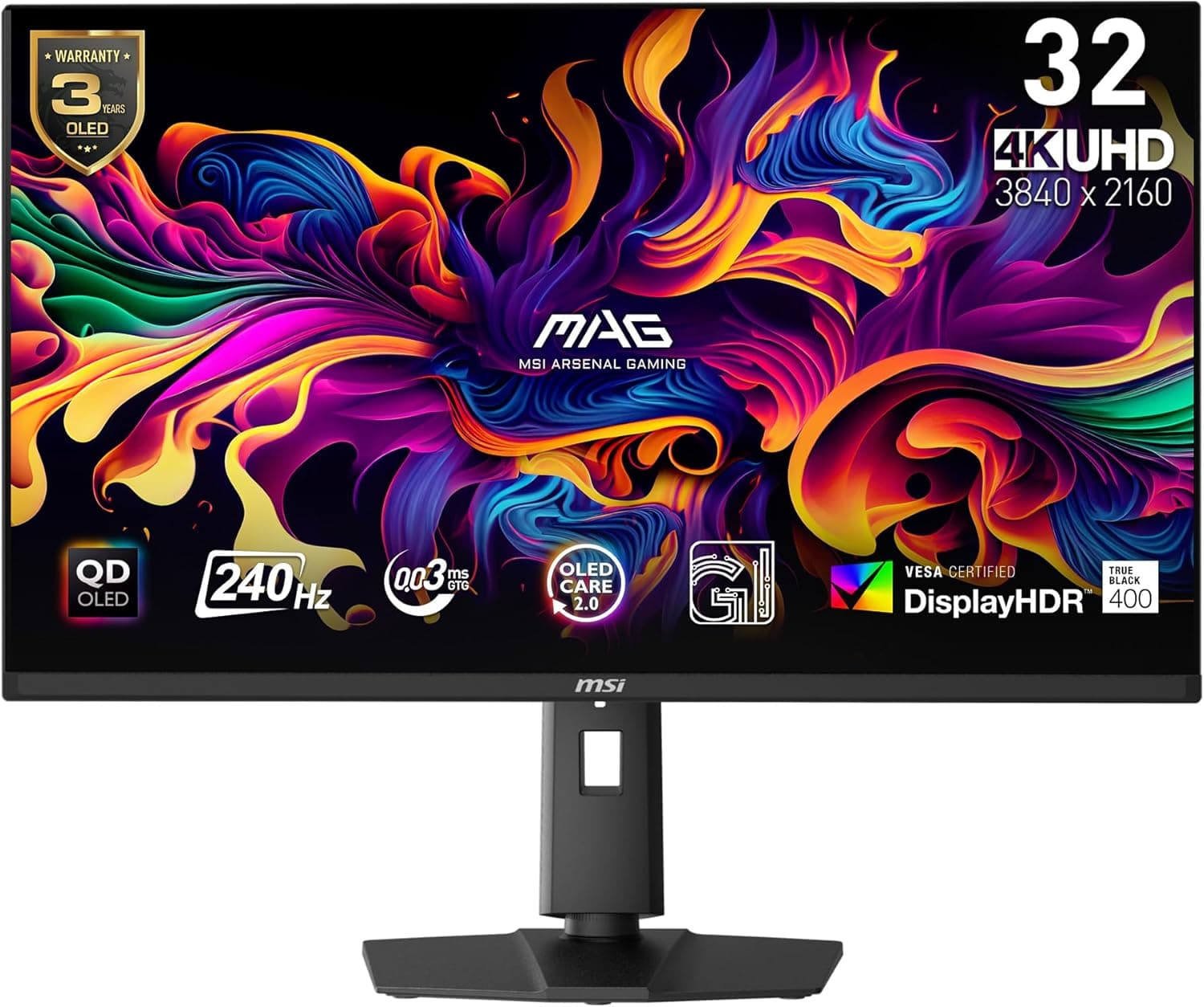
The MSI MAG 272QPW QD-OLED X28 is a 27-inch gaming monitor featuring a 3rd-generation QD-OLED panel. With a 2560×1440 (QHD) resolution, 280Hz refresh rate, and 0.03ms GtG response time, it caters to both competitive players and immersive single-player enthusiasts. It carries VESA DisplayHDR True Black 400 and ClearMR 15000 certifications, ensuring excellent HDR performance and motion clarity. The white chassis and slim bezel design give it a clean, modern aesthetic that fits well on any desk. Positioned as a mid-to-high-tier offering in MSI's 2025 lineup, the MAG 272QPW competes directly with other 27-inch QD-OLED monitors. Its combination of high refresh rate, comprehensive certification, and HDMI 2.1 support makes it a strong value proposition for gamers who want both PC and console compatibility.
Compatibility Guide
The monitor provides two HDMI 2.1 ports (48Gbps bandwidth) and one DisplayPort 1.4a input. HDMI 2.1 supports VRR and ALLM, enabling 120Hz output on PS5 and Xbox Series X|S. When connected via DisplayPort 1.4a, DSC (Display Stream Compression) allows the full 280Hz refresh rate. It also includes a 3.5mm audio jack for headphones or speakers. VESA 100×100mm mounting is supported, so you can attach it to a monitor arm or third-party stand. The included stand offers tilt adjustment but lacks height, swivel, and pivot functions. The screen has a glossy finish, which enhances color saturation but may reflect ambient light.
Product Info
Released in early 2025, the MSI MAG 272QPW QD-OLED X28 typically retails around ¥95,000–¥100,000 in Japan. MSI offers a standard 3-year warranty, though OLED burn-in may not be covered—check the terms at purchase. Power consumption is typical for a 27-inch QD-OLED, estimated at around 45W during normal use. Market positioning: mid-to-high tier. The 3rd-gen QD-OLED panel delivers superb color accuracy (Delta E ≤2) and deep blacks, while the 280Hz refresh rate satisfies competitive gaming needs. OLED Care 2.0 helps mitigate burn-in risks with pixel shift and panel refresh features.
Best Use Cases
Competitive FPS Gamers: The 280Hz refresh rate and 0.03ms response time minimize motion blur, giving an edge in fast-paced titles like Valorant and Overwatch 2. If you're content with 240Hz, this might be overkill. HDR Enthusiasts: DisplayHDR True Black 400 certification ensures true blacks and high contrast. Games like Cyberpunk 2077 and Alan Wake 2 look stunning. For casual HDR users, an IPS panel could suffice. Aesthetic-Focused Builders: The white finish and slim bezels create a clean, modern setup. Note the glossy screen may reflect light; consider your room's lighting. Hybrid PC/Console Gamers: HDMI 2.1 with 120Hz and VRR support makes it a great match for PlayStation 5 and Xbox Series X|S. ## Alternatives
Key competitors include the ASUS ROG Swift PG27AQDM (27-inch QHD OLED, 240Hz) and the Dell Alienware AW2725DF (27-inch QHD OLED, 360Hz). The ASUS model has a lower refresh rate but a more robust heatsink design for longevity. The Alienware offers 360Hz but lacks HDMI 2.1 and typically costs more. The MSI strikes a balance with 280Hz, HDMI 2.1, and a unique white design, making it versatile for both PC and console gamers.
Things to Consider
QD-OLED panels are susceptible to burn-in if static images are displayed for long periods. MSI's OLED Care 2.0 includes pixel shift and panel refresh, but it's still advisable to avoid leaving the taskbar or fixed windows on screen for extended sessions. The glossy screen can cause reflections in brightly lit rooms. The stock stand lacks height adjustment, so you may want to invest in a monitor arm for ergonomic comfort. Also, ensure your GPU supports DSC for 280Hz over DisplayPort, or use HDMI 2.1 for the full refresh rate. ## FAQ Q: Can I get 120Hz on PS5? A: Yes, using the HDMI 2.1 port (48Gbps) you can achieve 120Hz output with VRR and ALLM support. Q: How do I prevent burn-in? A: Enable OLED Care 2.0 in the OSD menu. It includes features like pixel shift, screen cleaning, and panel refresh that run automatically. Q: Is this G-Sync Compatible? A: Yes, the monitor supports Adaptive-Sync over both HDMI and DisplayPort, and is certified as G-Sync Compatible by NVIDIA.
Product Disclosure (Amazon)
- Manufacturer: MSI
- Seller: Amazon US
- Fulfilled by: Amazon US
- ASIN: B0FKV4GHBL
- Note: This article covers a manufacturer-made product based on Amazon listing details.