![Miuphro iPhone SD カードリーダー [lighting - SD ] カードカメラリーダー 最新版iOS13に対応 写真](/_next/image?url=https%3A%2F%2Fm.media-amazon.com%2Fimages%2FI%2F61udtyUkxxL._AC_SL1000_.jpg&w=1920&q=75)
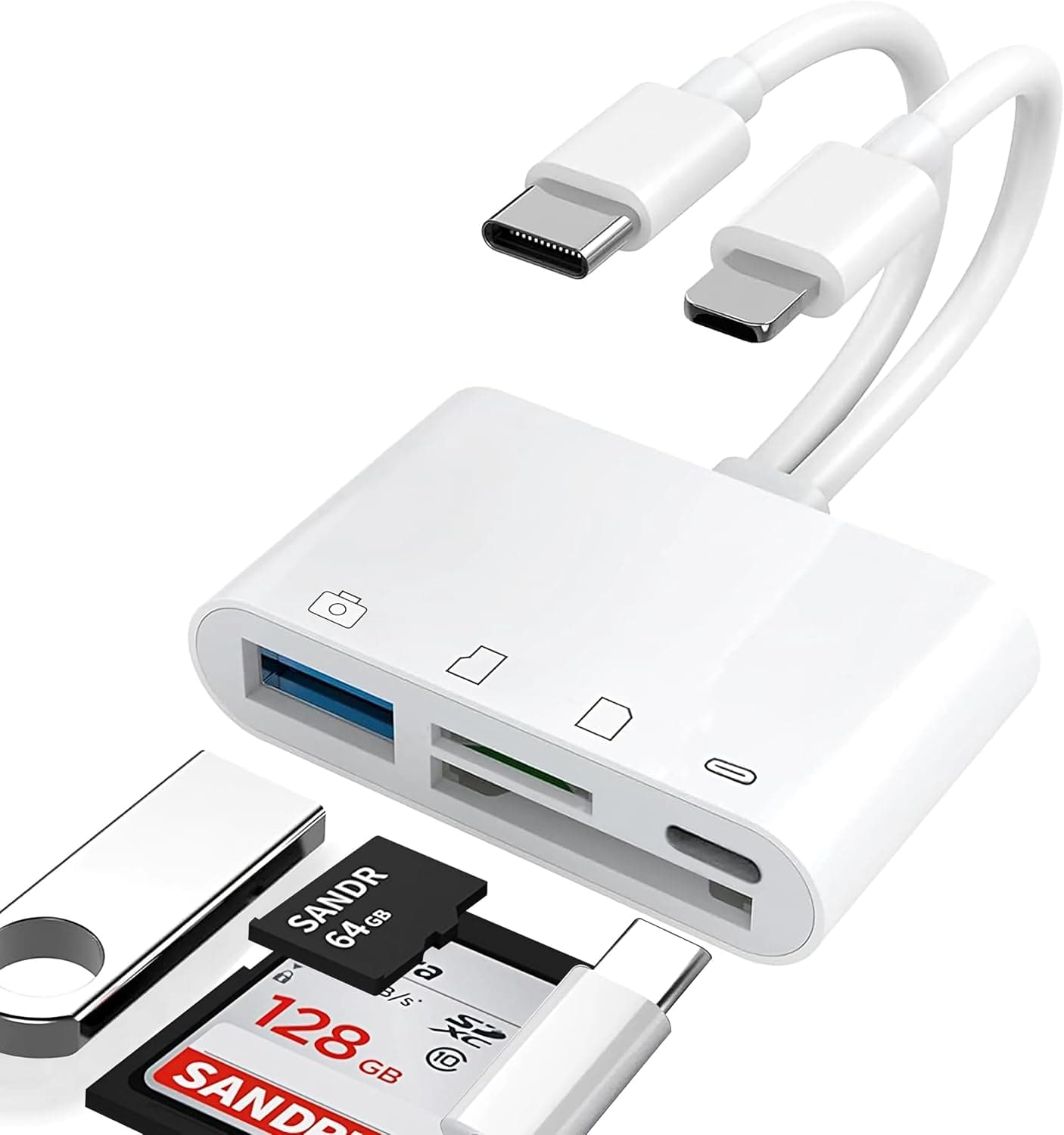
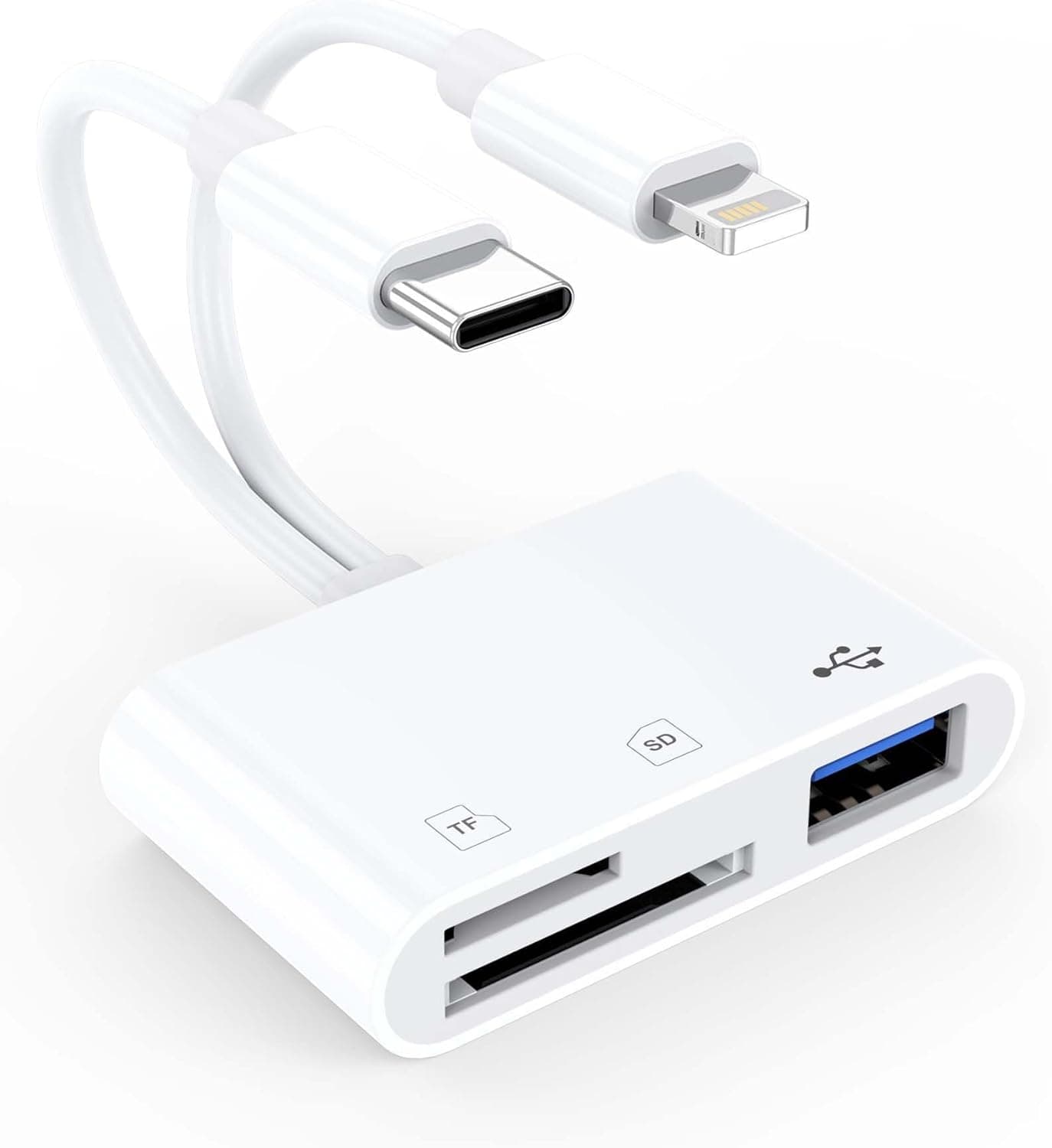
This article covers the Miuphro iPhone SD カードリーダー [lighting - SD ] カードカメラリーダー 最新版iOS13に対応 写真, a Lightning-to-SD card reader that pulls photos and video straight into an iPhone or iPad. Below we look at which devices actually work with it, where its transfer speed tops out, and the clearly incorrect data sitting on its product listing.
Short version: it makes sense if you still use a Lightning device and mostly move JPEGs.
Overview
The reader (model 3907FRWJ) plugs directly into the Lightning port of an iPhone or iPad, so camera files can be imported on location without a computer or cloud service. The target user is someone who shoots, then wants to check or post images immediately while travelling or covering an event.
On iOS 13 or later no dedicated app is required: the Photos import screen opens automatically, or the card appears as an external drive in the Files app.
iOS 13 is the release where the Files app gained proper external storage support, which is why the product lists it as the minimum. Supported formats on the spec sheet are broad, covering SDSC, SDHC, miniSD, microSD, MMC and SDXC, which makes it useful for pulling data off older camera cards.
As of the 19 September 2026 capture, the Amazon.co.jp listing showed 4.6 out of 5 stars from 124 reviews, a 92 percent positive rate.
That is a solid score, but 124 reviews is a small sample compared with mainstream accessories, so treat it as indicative rather than settled.
Compatibility Guide
| Device | Works? | Note |
|---|---|---|
| Lightning iPhone (iPhone 14 and earlier) | Yes | Requires iOS 13 or later |
| Lightning iPad (e.g. iPad 9th gen) | Yes | Same requirement |
| iPhone 15 and newer | No | USB-C port |
| USB-C iPads (iPad Pro 2018+, Air 4th gen+, mini 6th gen+, iPad 10th gen) | No | USB-C port |
| iOS 12 or earlier | Effectively no | Predates Files app external storage support |
| Android / Windows / Mac | No | Lightning only |
Three things trip people up. First, the connector generation: iPhone 15 and later, plus every USB-C iPad, simply will not accept the plug.
Adding a USB-C adapter is not a reliable workaround, because power delivery and accessory authentication often block it. Check the port on your own device before ordering.
Second, the physical card size. The spec sheet lists miniSD and microSD, but a standard SD slot cannot physically accept a bare microSD card.
If your cards are microSD, plan on using the SD adapter that ships with the card or camera. Read the format list as which data formats it can read, not as a promise that every card shape fits.
Third, speed. Lightning is limited to USB 2.0 class bandwidth, so the UHS-I or UHS-II rating on your card cannot be exploited.
Dozens of JPEGs import quickly enough, but batches of 30-50MB RAW files or 4K clips will keep you waiting.
Whether imported files show up in Photos also depends on the folder layout. Images inside the camera-generated DCIM folder appear in the Photos import screen, while files you placed in custom folders on a PC have to be found through the Files app.
If the card seems unrecognised, check both apps before assuming a fault.
Product Info
rmation
| Item | Value |
|---|---|
| Model number | 3907FRWJ |
| Interface | Lightning |
| Supported formats | SDSC, SDHC, miniSD, microSD, MMC, SDXC |
| Compatible OS | iOS 13 or later |
| Dimensions (as listed) | 71.12 x 45.72 x 7.62 cm - clearly a listing error |
| Weight (as listed) | 1.36 kg - clearly a listing error |
The package contains the reader only; no cable, power supply or driver is needed.
Do not take the listed dimensions and weight at face value. A footprint of 71.12 by 45.72 cm is close to A2 paper size and 1.36 kg is laptop territory, neither of which is possible for a palm-sized Lightning accessory.
A data entry mistake, most likely a unit mix-up, is the realistic explanation, so we treat both figures as unusable.
The same caution applies to price. The figure shown at capture time is an order of magnitude away from what a Lightning SD reader costs, which suggests the listing may have picked up another product's value, so this article does not quote it.
Prices also move constantly, so check the current figure on the product page yourself before buying.
The review data above was captured on 19 September 2026. Note that when several sellers share one listing, reviews do not necessarily describe the exact unit you will receive.
How It Compares
Three axes matter: connector, certification and speed.
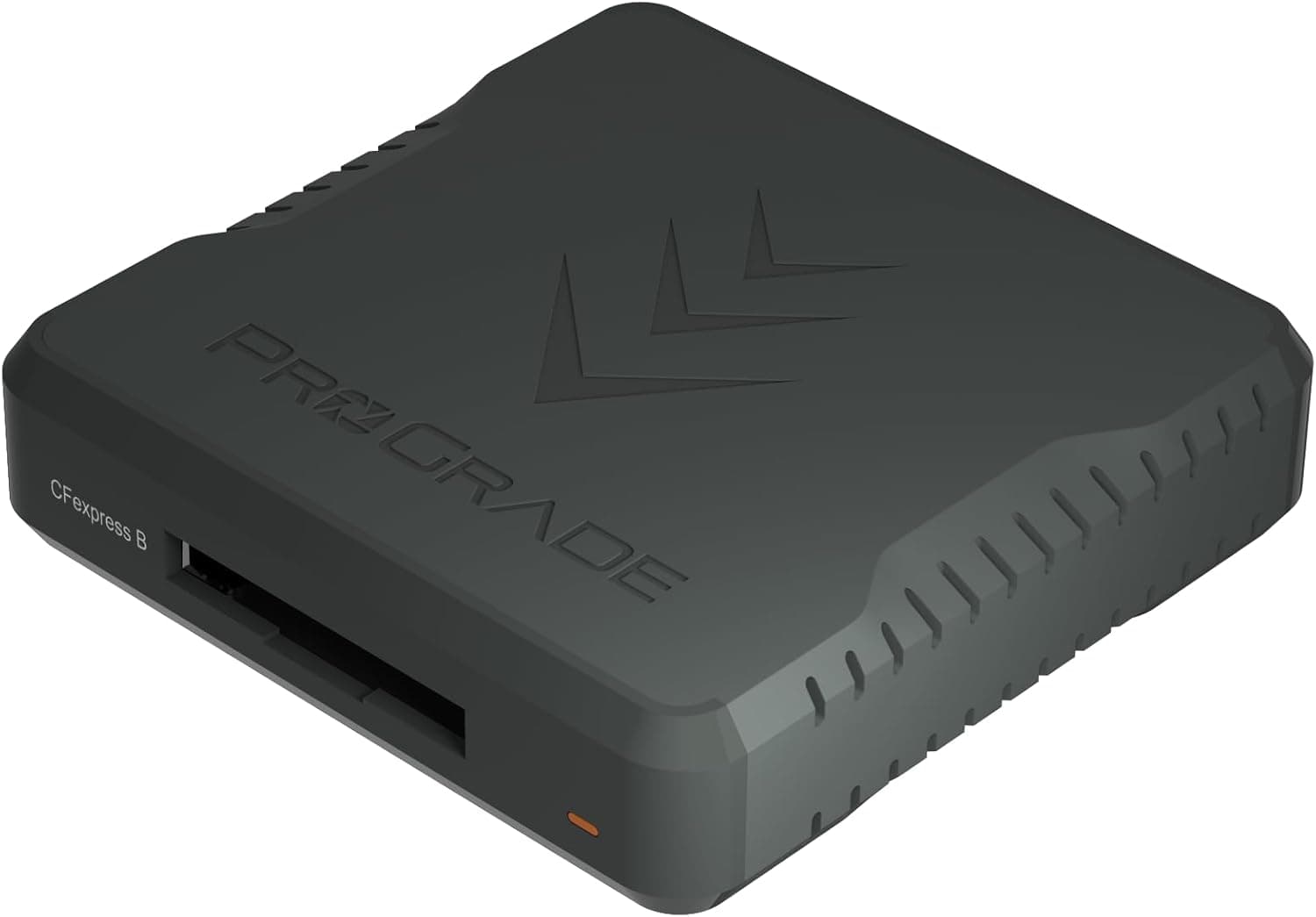
- If your device is USB-C, this reader is out of the running. USB-C models such as the SanDisk Professional PRO-Reader or ProGrade Digital USB 3.1 Gen 2 readers are the relevant options.
- If you plan to keep it for years, MFi certification matters. Readers that advertise certification are more likely to survive iOS updates. No certification is listed in this product's data, so assume it is not guaranteed.
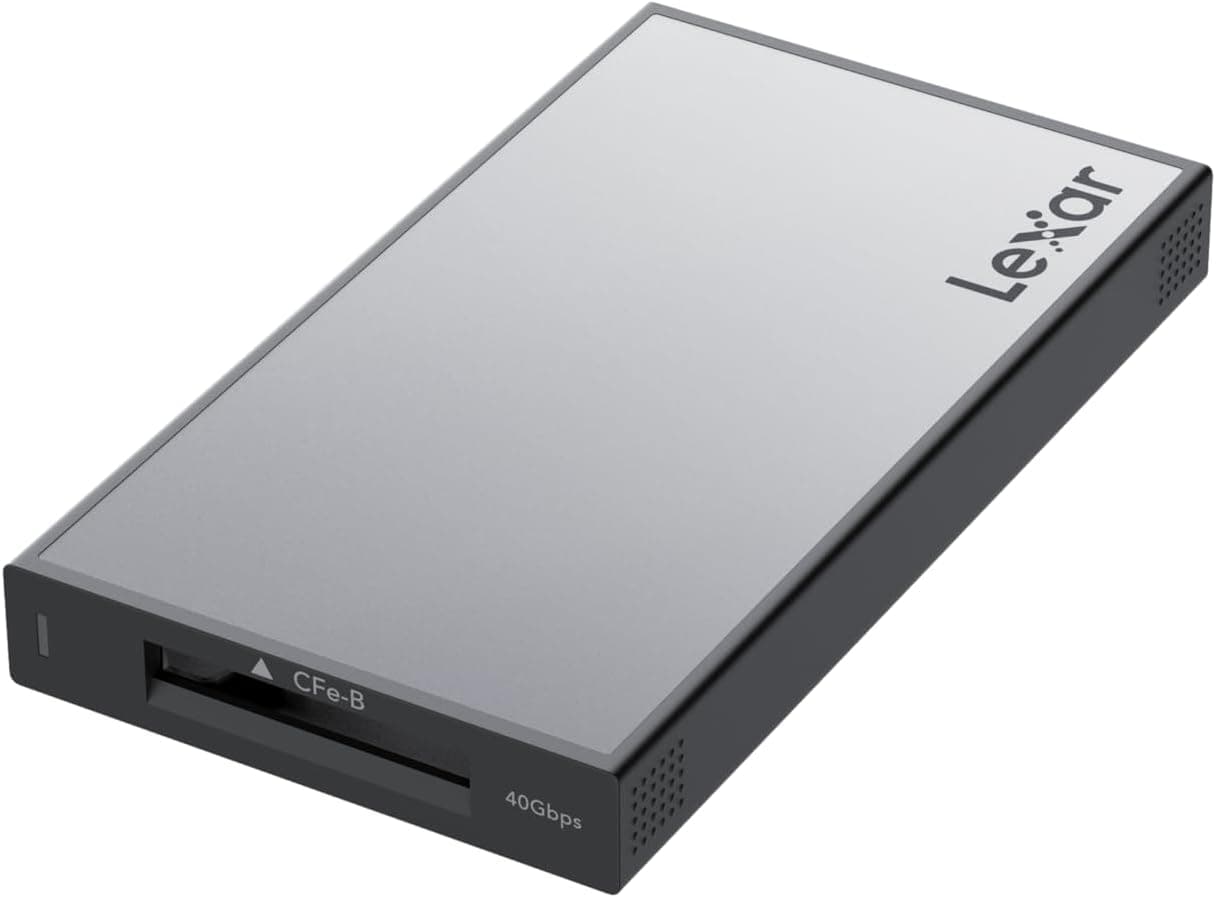
- If you want speed, Lightning caps you regardless of the card. To use UHS-II or CFexpress rates, pair a desktop-class reader with a computer instead.
Conversely, if you only own Lightning devices and only handle JPEGs and short clips, a more expensive reader will not feel any faster.
Recommended Users
- People still using a Lightning iPhone or iPad - ideal for importing shots on a trip without carrying a laptop. With JPEG workflows the speed ceiling is barely noticeable.
- Anyone keeping an older iPhone as a secondary viewer - a retired handset becomes a convenient card-checking device, and accessories for Lightning devices are getting scarcer.
- Users reading legacy miniSD or MMC cards - the format list is wide, though physically smaller cards still need an SD adapter.
- Shooters who share on the spot - it suits a workflow where editing happens on a computer and only a few images travel to the phone.
It is a poor fit for iPhone 15 or USB-C iPad owners, for anyone moving large volumes of RAW or 4K footage, and for professionals clearing many cards daily.
Before You Buy
The listing data contradicts reality. The stated 71.12 x 45.72 x 7.62 cm size and 1.36 kg weight cannot describe a palm-sized reader, and the displayed price was implausible for this product class.
You will see the same information on the page, so confirm the actual product from the images and title, and verify price and seller before ordering. Listings left with obvious errors often correlate with uneven after-sales support.
MFi certification cannot be confirmed. iOS updates sometimes reject uncertified accessories with a warning that the accessory may not be supported.
For long-term use, prefer a reader that states its certification.
Skip it if an upgrade is coming. Your next iPhone will have USB-C and this reader will become useless.
If you expect to upgrade within a year or two, buy a USB-C reader instead.
Watch heat and battery drain. Reading a large card for a long stretch warms the unit and drains the phone.
Start big imports with plenty of battery left.
Some video will not play. Files can transfer yet remain unplayable if iOS does not support the codec.
Test a few files first if your camera records in an unusual format.
The release date is unknown. The listing does not support a reliable release year, so do not base your decision on how long the product has been on sale.
FAQ
Q. Does it work with iPhone 15 or 16?
A. No. Those models use USB-C and the Lightning plug will not fit. Choose a USB-C reader instead.
Q. Do I need to install an app? A.
Not on iOS 13 or later. The Photos import screen opens on connection, or the card appears in the Files app.
Q. Can I insert a microSD card directly?
A. The slot is SD-sized, so use the SD adapter supplied with the card.
Q. Can it import video? A.
Yes, for formats iOS supports. Because Lightning is limited to USB 2.0 class speeds, large 4K files take a while.
Q. Will it work with a PC or Android phone?
A. No. It is a Lightning-only accessory.
Q. Does importing move or copy the files? A.
The standard import copies them and then asks whether to delete the originals. Keep the card intact until you have verified the results.