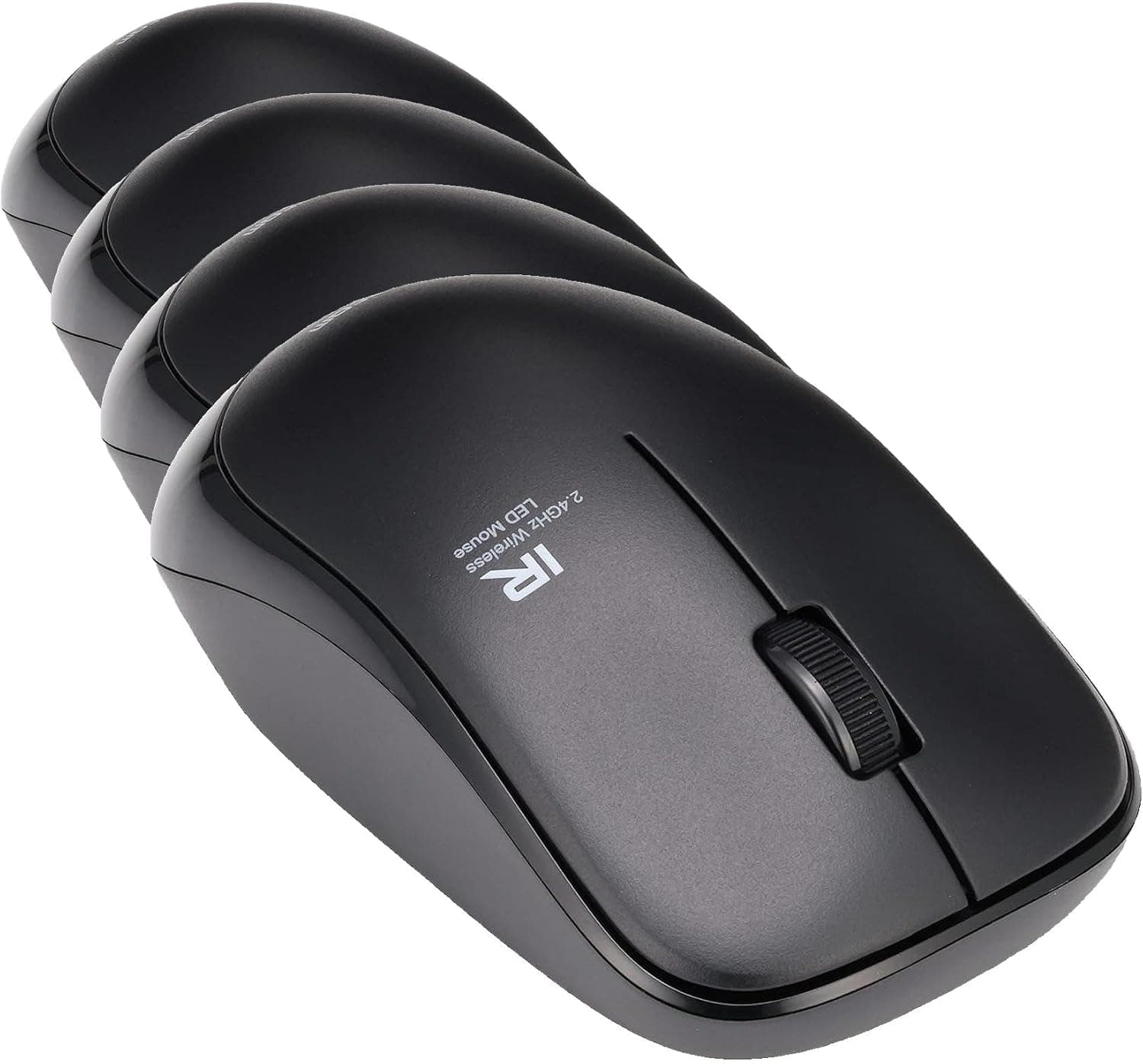
This article covers エレコム マウス ワイヤレス (レシーバー付属) Mサイズ 3ボタン 約2.5年電池交換不要 省電力 ブラック M-FIR08DRBK (× 4).
Overview
The ELECOM M-FIR08DRBK is an entry-level wireless mouse built around an infrared LED (IR LED) sensor, and this listing is a four-unit bundle of that same model. The short version: this is not a product you agonize over for a single desk.
It is a product for equipping several machines at once — a household with four PCs, a small office with shared seating, classroom or reception terminals, or spares kept in a drawer. The more units you need, the more sense it makes.
Its headline feature is power efficiency: approximately 2.5 years of use from a single AAA alkaline cell.
IR LED tracking draws far less current than blue LED or laser sensors, which is how that figure is reached. Across four units, that translates into not opening the battery drawer several times a year.
Amazon.co.jp reviews stood at 3,622 ratings and 4.2 out of 5 stars (roughly an 84% positive score) as of the July 2026 capture.
For a commodity office mouse, a 4.2 average over 3,000-plus reviews is a solidly stable result — not exceptional, and the sources of the complaints are predictable, as covered below.
Reading the Spec Sheet
| Item | Value | What it means in practice |
|---|---|---|
| Interface | 2.4GHz USB receiver | Permanently occupies one USB Type-A port. Not Bluetooth |
| Resolution | 1200 CPI | Fine for Full HD to WQHD office work; broader hand sweeps on 4K |
| Power source | 1× AAA battery | AAA, not AA — easy to buy the wrong spares |
| Battery life | Approx. 2.5 years | A manufacturer estimate; varies with usage and cell quality |
| Range (non-magnetic) | Approx. 10 m | Wooden desks; more than enough in practice |
| Range (on steel desk) | Approx. 3 m | Metal desktops cut range to about a third |
| Buttons | 3 | Left, right, wheel click. No back/forward buttons |
| Size | M | Symmetrical, ambidextrous shell |
| Weight | Approx. 0.4 kg (4-pack) | That is the figure for all four units combined |
Laid out this way, the character of the product is obvious. 1200 CPI, three buttons, battery power — that is the standard office-mouse formula that has barely changed in a decade.
The single point of differentiation is battery life. If long battery life is not worth anything to you, there is very little reason to choose this mouse.
The ambidextrous shell matters for more than left-handed users. It makes the mouse a safe choice for a shared terminal where you do not know who will sit down.
Drop a right-handed ergonomic mouse on a hot desk and every left-handed user suffers. A four-pack and a symmetrical shape fit that use case neatly.
Connectivity & Compatibility
Connection is 2.4GHz wireless through the bundled USB receiver — plug and play, with no pairing step and no driver install.
It works with Windows, macOS, Chrome OS, and most environments with a USB port. Receiver-based mice are generally handled as standard HID devices, so basic operation usually works even where vendor software cannot run; check the product page's OS list if you need certainty.
The key constraint is that a USB Type-A port is required. As the compatibility note states, USB-C-only devices need a separate adapter.
If you are handing out all four units, confirm in advance that every target machine has a USB-A port — otherwise one recipient is stuck. Hubs and docks work, but flaky hub power can cause dropouts, so a direct port on the machine is safer.
Range is about 10 m on non-magnetic surfaces and about 3 m on steel desks. That gap is not trivial.
On a metal-topped office desk, or with the receiver plugged into a rear port behind a steel PC case, you may see the cursor stutter or freeze briefly. On a desktop, simply moving the receiver to a front-panel or monitor-side port fixes this most of the time.
The 2.4GHz band is shared with Wi-Fi and wireless keyboards.
In a dense radio environment, leave a little space between receivers and the router if you are running all four units in the same room.
Product Info
Prices differ by capture date. It was ¥4,444 as captured on 12 July 2026 and ¥3,560 as captured on 24 August 2026.
Those are prices for the four-unit bundle, so the later figure works out to roughly ¥890 per mouse and the earlier one to about ¥1,111. That is clearly budget territory for a wireless office mouse.
Note, though, that the price moved by around ¥900 in under two months, and sales move it further — always check the current price on the product page.
The marketplace entry (eBay search) returned no figure, only "See listing." Since this product circulates normally in Japan, there is little reason to route a purchase through an overseas marketplace.
Warranty length and exact box contents (such as whether a test battery is included) should be confirmed on the listing. ELECOM products generally carry a manufacturer warranty from the purchase date, but the term varies by model and sales channel, so this article will not state a figure.
This is a no-frills, budget-oriented product. It is not built for gaming or precision work, but it delivers the basics well: reliable wireless, very long battery life, and zero-effort setup.
How It Compares
Its price bracket is crowded with receiver-based classics such as Logitech's M-series (M185, M325, M317) and USB-C rechargeable Bluetooth mice. The decision usually comes down to three questions.
- Want to change batteries as rarely as possible? This one. Roughly 2.5 years from one AAA is strong for the price.
- Need the USB-A port free, or want to use a tablet too? Get a Bluetooth mouse. A receiver-based design simply cannot serve that requirement.
- Want back/forward buttons or silent switches? Look at multi-button or quiet-click models. This has three buttons and ordinary tactile clicks.
Against a rechargeable Bluetooth mouse, the advantage here is that there is essentially no "dead because I forgot to charge it" day. The flip side: when the cell finally dies and you have no AAA on hand, the mouse stops, whereas a rechargeable recovers after a few minutes on a cable.
Which suits you depends on whether you keep spare batteries around.
Practical Tips
IR LED tracking dislikes reflective surfaces. On glass tabletops or high-gloss white desks it can behave erratically, and a simple cloth mouse pad transforms the experience.
If you are deploying four units, budget for four pads.
The receiver is tiny and, unless stored in the mouse body, easy to lose. Either leave it plugged in permanently or keep all receivers in one designated place. With a four-pack it is especially easy to lose track of which receiver belongs to which mouse — a numbered sticker on each underside saves a lot of trouble later.
If a unit will sit unused for months, pull the battery. The ~2.5-year figure describes use, and leak risk is a separate matter from whether the mouse is switched on.
Best Use Cases
Anyone equipping several machines at once — family PCs, a small office, classroom or shop terminals. At roughly ¥1,000 per unit based on the August 2026 capture, and with no battery swaps for years, the savings in effort scale with the number of units you manage.
Office and remote workers — if you are at a desk all day, not touching batteries for about 2.5 years is a genuine convenience, and the desk stays tidy.
But if you travel with your mouse, the risk of losing that tiny receiver is real, and a Bluetooth mouse is the safer choice.
Seniors and PC beginners — no setup, no drivers, just insert the receiver. The ambidextrous shape means anyone in the household can use it.
If you need precise cursor control for photo editing or gaming, however, the fixed 1200 CPI will feel limiting.
Eco-conscious users — low draw means fewer disposable cells in the bin. If you prefer built-in rechargeable batteries, the AAA design will feel dated.
Things to Consider
It takes an AAA cell, not AA. Get this wrong and your spares are useless on the day the box arrives.
For four units, stock at least four AAA cells plus spares.
It is poor value if you only need one mouse. This is a four-pack; a single-unit model may well be cheaper if three of them will sit in a drawer forever.
Decide first whether you actually have four places to put them.
Lose the receiver and that mouse is effectively dead. Receiver-based mice of this type are generally paired to their dongle at the factory, and a spare or third-party receiver will not necessarily substitute.
Obtaining a replacement receiver alone is difficult in practice.
The feature set really is minimal. Three buttons only — no back/forward.
No DPI switch, no polling-rate setting, no configuration software. Beyond gaming, anyone who uses a side button for browser "back" will feel the loss on day one.
The 2.5-year figure is a manufacturer estimate under assumed conditions. Heavy all-day use, or a poor-quality cell, will shorten it.
Treat it as an order of magnitude, not a guarantee.
Accuracy drops on glossy and glass surfaces. That is structural to IR LED sensing, so plan on using a mouse pad.
Check the listing details with your own eyes. In the pricing data used for this article, one entry was labelled "Amazon US" while pointing at Amazon.co.jp with prices in yen.
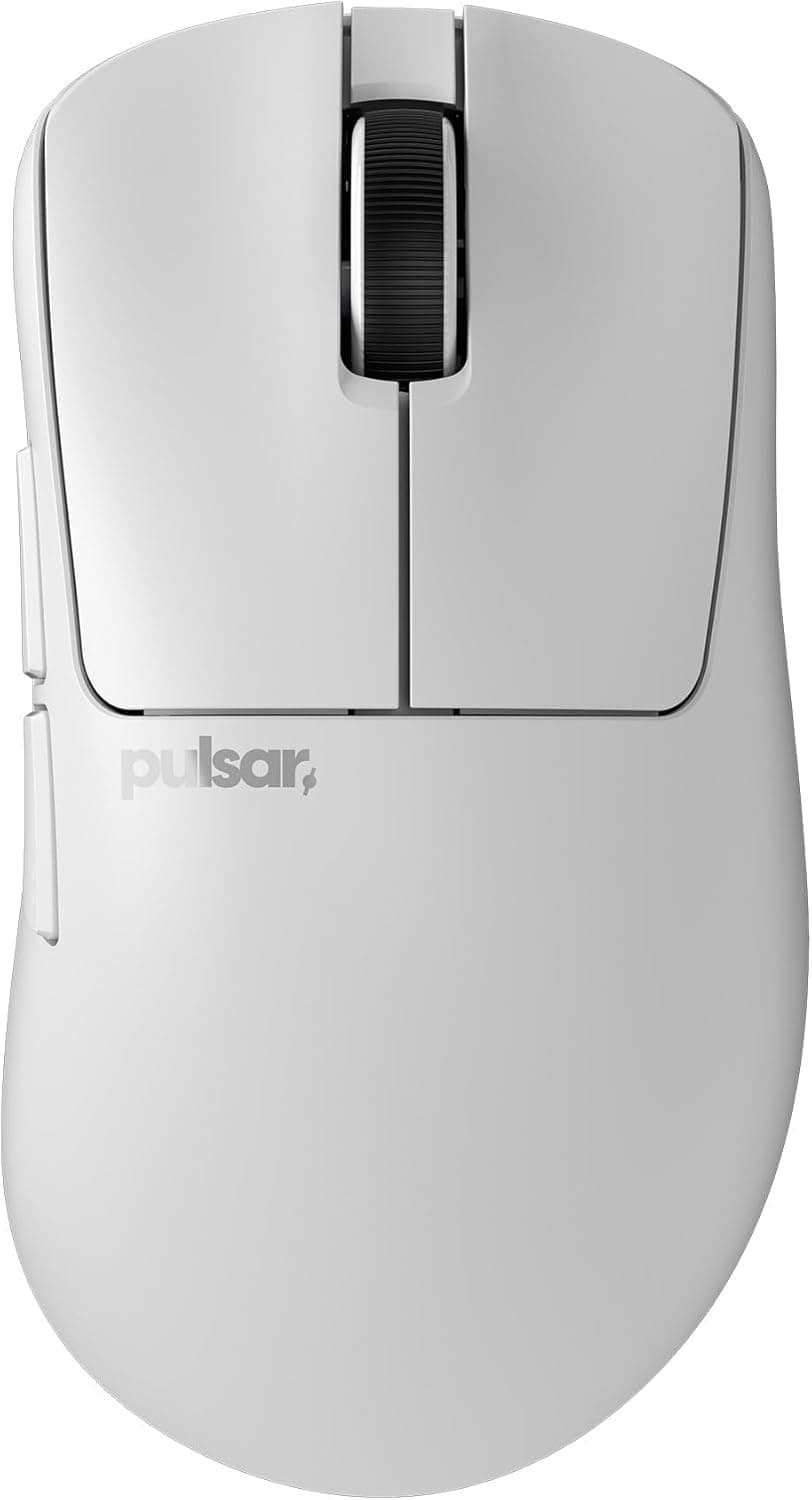
Harmless in itself, but listing metadata on shopping sites does drift, and occasionally another product's details slip in. Confirm three things before buying: the model number (M-FIR08DRBK), that it is the four-unit bundle, and the product photo.
FAQ
Q. Will it really run 2.5 years without a battery change? A.
About 2.5 years is the manufacturer's estimate.
It varies with usage hours and cell quality, but because IR LED sensing draws less power than typical optical sensors, a multi-year interval is a reasonable expectation.
Q. Can it connect over Bluetooth? A.
No. It is 2.4GHz via the bundled USB receiver only, so it cannot be used with tablets or phones that have no USB host port.
Q. Will it work on a USB-C-only laptop?
A. Yes, with a USB-C to USB-A adapter or a hub. You will need to supply that separately.
Q. Can I swap receivers between the units? A.
Assume not — these mice are generally paired to their own dongle. With a four-pack it is easy to mix them up, so label each mouse and its receiver.
Q. Is a steel desk a problem? A.
It works, but range falls from about 10 m to about 3 m. That is rarely an issue at desk distance; if tracking stutters, move the receiver to a front-panel or monitor-side port.
Q. Is it usable for gaming? A.
Not recommended. Fixed 1200 CPI, three buttons, and no DPI adjustment make it unsuitable for fast-paced titles such as FPS games.
Product Disclosure (Amazon)
- Manufacturer: エレコム(ELECOM)
- Seller: Amazon.co.jp
- Fulfilled by: Amazon.co.jp
- ASIN: B0H8F25Q7X
- Note: This article covers a manufacturer-made product based on Amazon listing details.