Overview
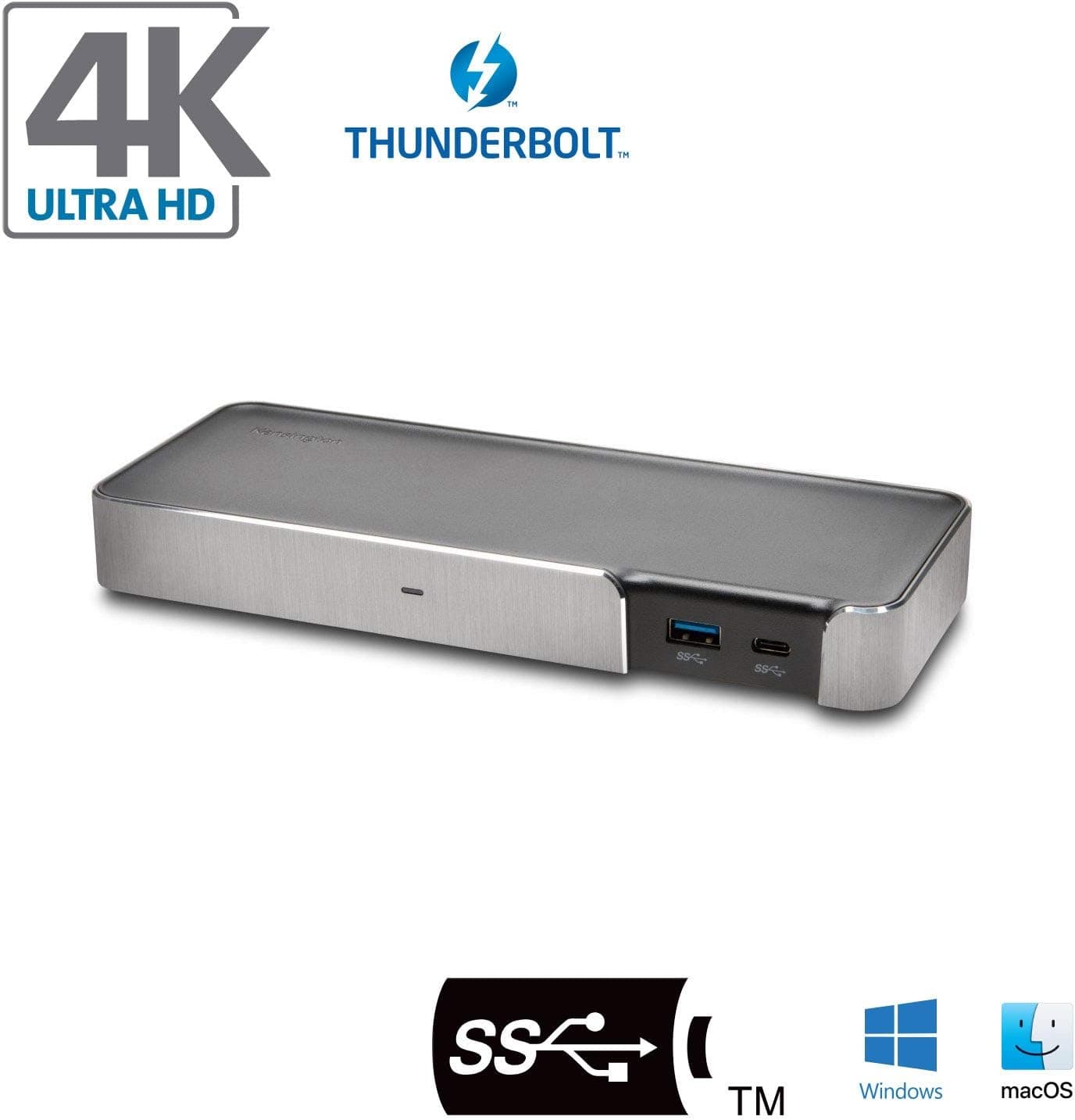
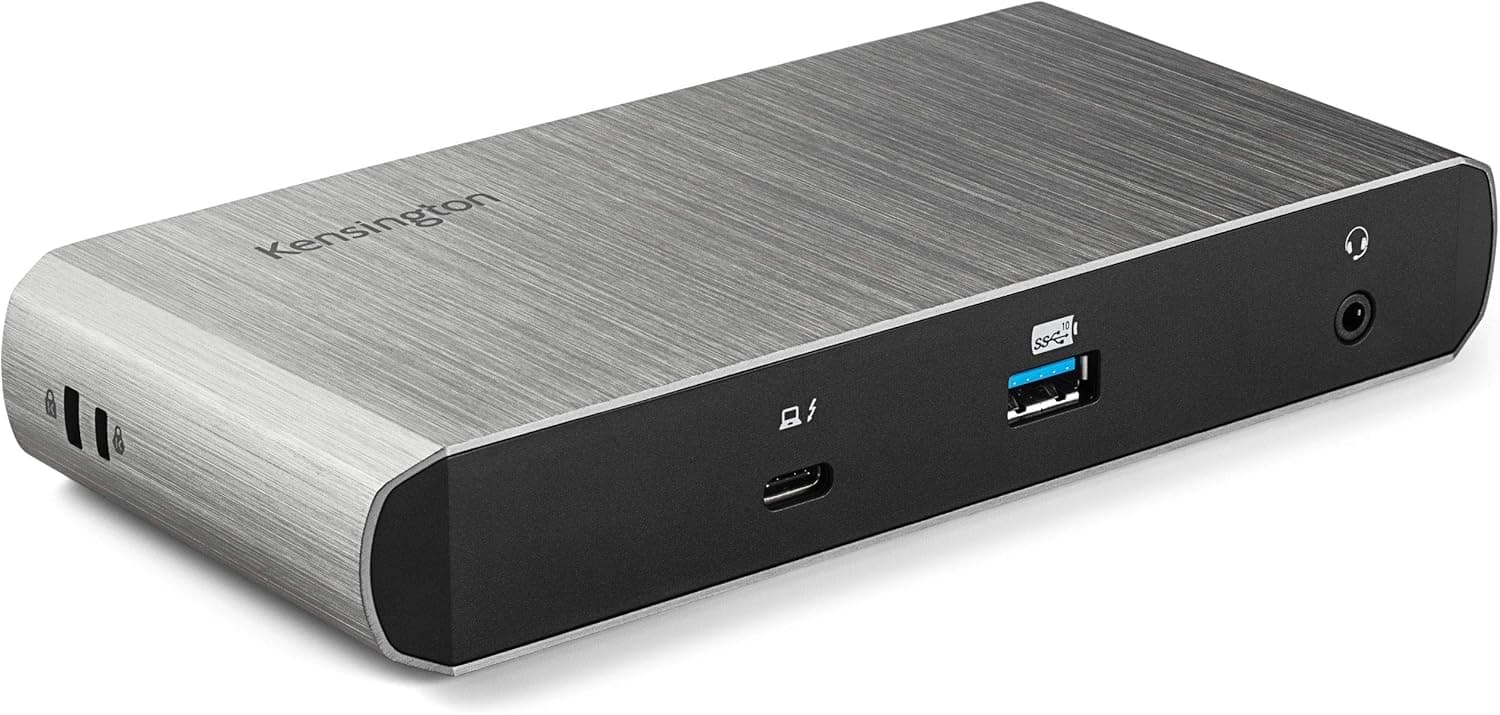
The Kensington SD5500T Thunderbolt 3 & USB-C Docking Station (dual 4K DisplayPort) is listed on the manufacturer's official page as part of the "The Innovator" docking station family. Its MPN is K38131NA_1, and the connection technology is given as Thunderbolt 3 and USB-C (cross-platform compatibility).
Video output is 2 x DisplayPort v1.2, with 2 additional screen outputs.
The official "Best For" entry names Thunderbolt 3, Thunderbolt 4 and USB-C laptops and monitors that support up to 4K.
It is listed as driverless, and the official page says installation needs no drivers or downloads.
Compatibility Guide
According to the official page, supported operating systems are macOS 10.14 or above and Windows 10 or above.
The system requirement is a laptop with Thunderbolt 3 or Thunderbolt 4, or a USB-C port that supports Alt Mode. The page states that it is not backwards compatible with Thunderbolt or Thunderbolt 2.
The maximum resolution depends on how the dock is connected. The official page lists the following.
| Connection | Monitors | Maximum resolution |
|---|---|---|
| Thunderbolt 3 | Single or dual | 4K (4096x2160@60Hz) |
| USB-C Alt Mode | Single | 4096x2160@30Hz |
| USB-C Alt Mode | Dual | 1920x1080@30Hz |
In practice, using two monitors at 4K assumes a Thunderbolt 3 or higher port on the laptop. Over USB-C Alt Mode, the dual-monitor entry stops at 1920x1080.
The official DockWorks entry reads "Yes (for Windows only)".
Product Info
rmation
Every value below follows the manufacturer's official page.
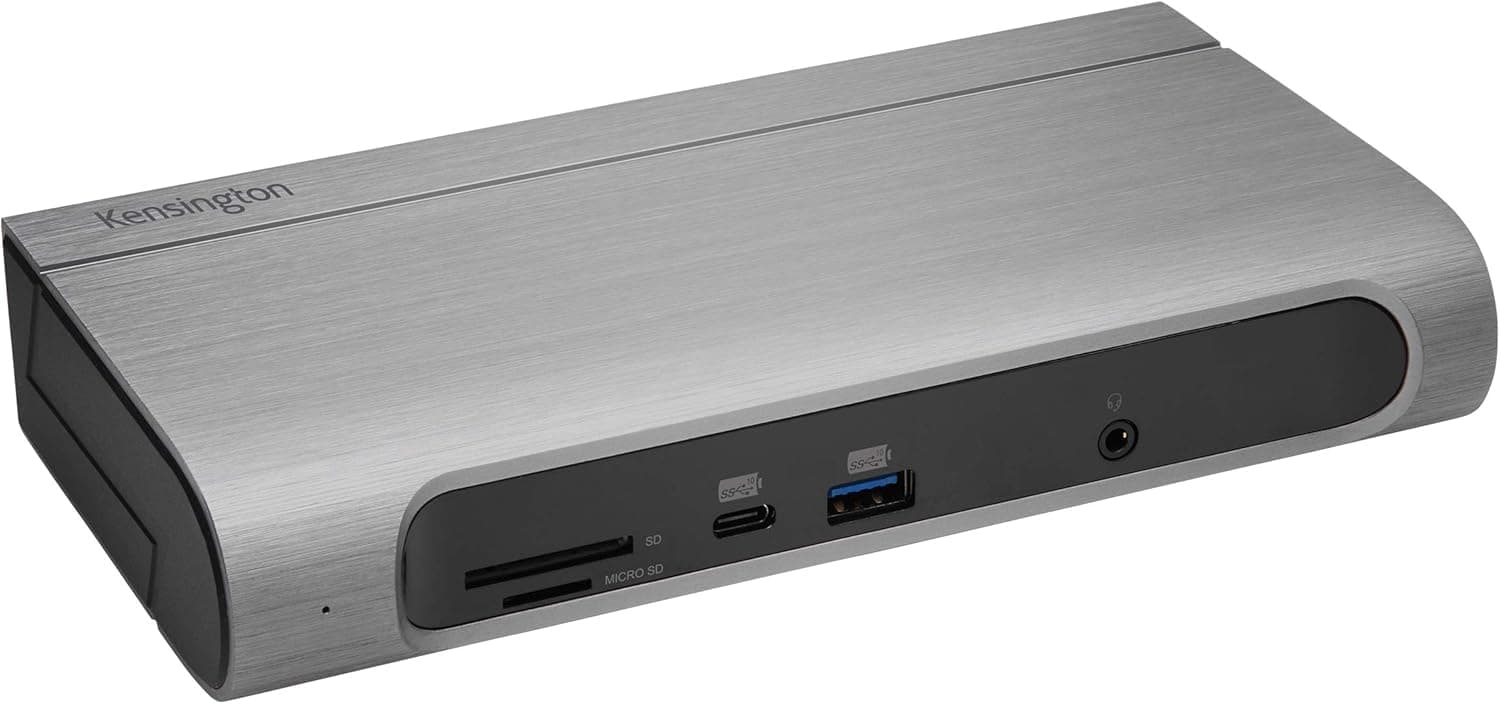
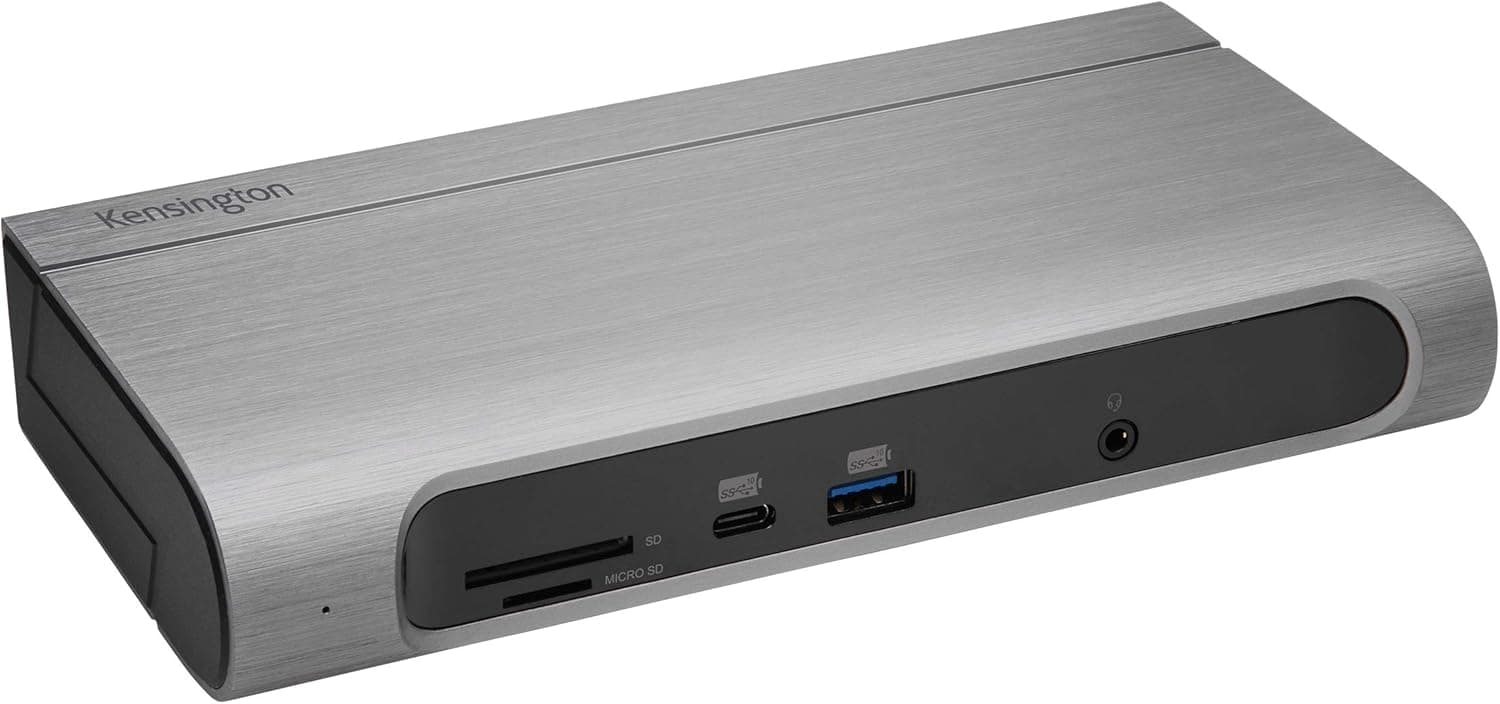
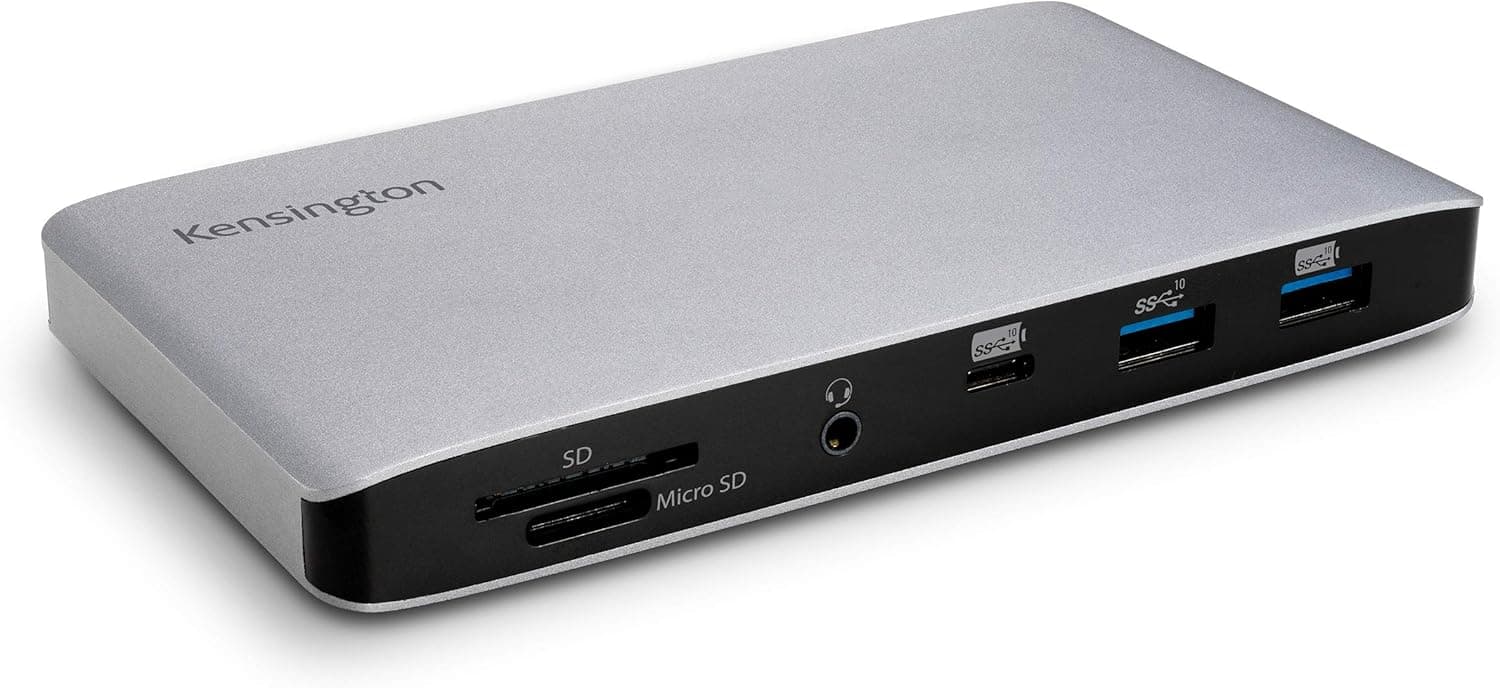
- Number of USB ports: 5
- USB-A: a USB-A 3.2 Gen2 on the front (5V/1.5A fast charging) and a USB-A 3.2 Gen1 on the back (5V/0.9A)
- USB-C: two USB-C 3.2 Gen2 ports on the back, each charging at 5V/1.5A
- Audio: one 3.5mm combo microphone and headphone port on the front
- Ethernet: 10, 100 and 1000 Mbps. The page notes that actual speeds depend on internet bandwidth, Ethernet cables, network switches, and the host computer's hardware and firmware
- Data transfer: up to 40Gbps
- Power delivery: USB-C PD 3.0, 60W of laptop charging
- Security slots: Kensington Nano Security Slot and Kensington Security Slot
- Warranty: limited 3-year warranty
- Packaging type: Business
An optional Docking Station Mounting Bracket (K34050WW), sold separately, is described on the official page as a way to save desktop space and reduce cable clutter.
Who It Suits
- People with a Thunderbolt 3 or newer laptop who want two monitors at 4K. In the official maximum resolution entry, dual 4K (4096x2160@60Hz) is listed under Thunderbolt 3.
- People who move one dock between macOS and Windows machines. The official page lists macOS 10.14 or above and Windows 10 or above, with no drivers needed.
- People who also care about theft deterrence and a tidy desk. The dock supports Kensington security slots, and the optional bracket K34050WW is offered.
Before You Buy
First check the port on your laptop. The official page requires Thunderbolt 3 or Thunderbolt 4, or a USB-C port with Alt Mode, and says it is not compatible with Thunderbolt or Thunderbolt 2.
Next, check your monitor plan. With two monitors over USB-C Alt Mode, the official entry is 1920x1080@30Hz.
If you intend to run two 4K screens, confirm the connection type on your laptop first.
Laptop charging is 60W. If your laptop needs more power than that, check your own model's specification to see whether this dock can supply enough.
DockWorks is for Windows only, so macOS users should keep that in mind.
Check price and stock on the sales page.
FAQ
Q. Do I need to install drivers?
The official page says installation needs no drivers or downloads.
Q. Which operating systems are supported?
The official page lists macOS 10.14 or above and Windows 10 or above.
Q. How much power can it send to the laptop?
The official page says USB-C PD 3.0 with 60W of laptop charging.