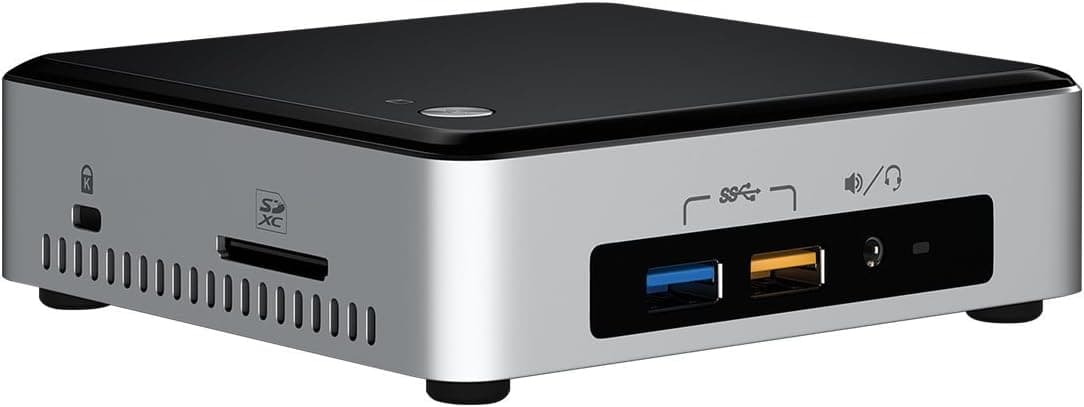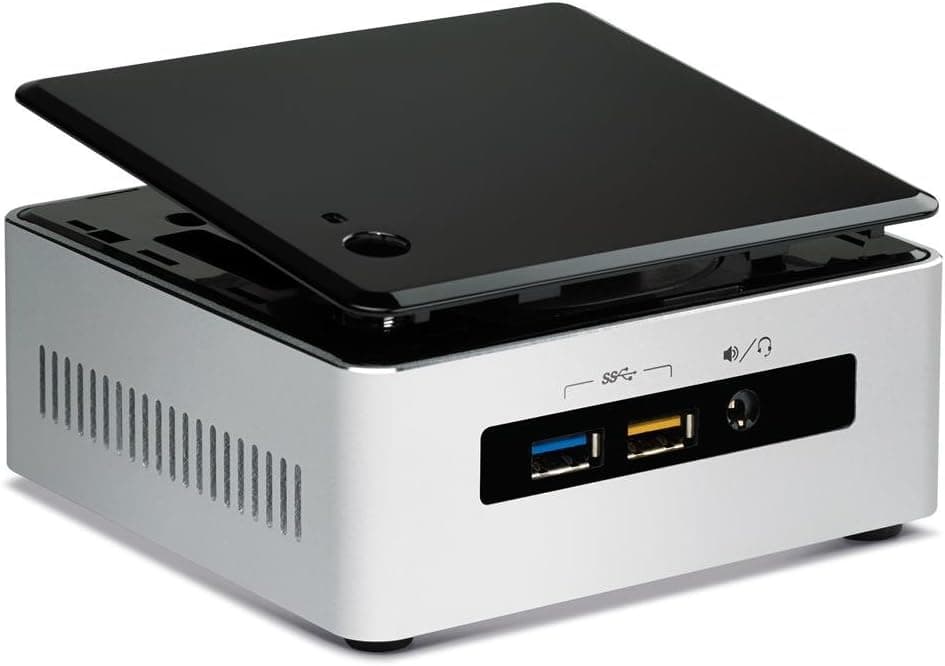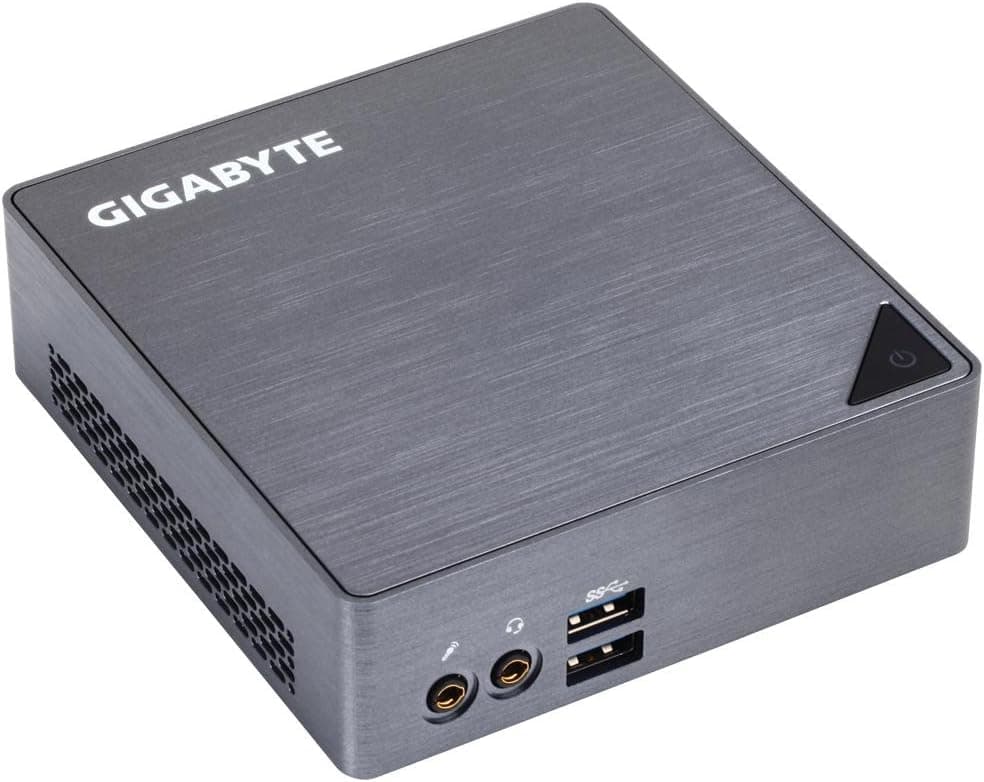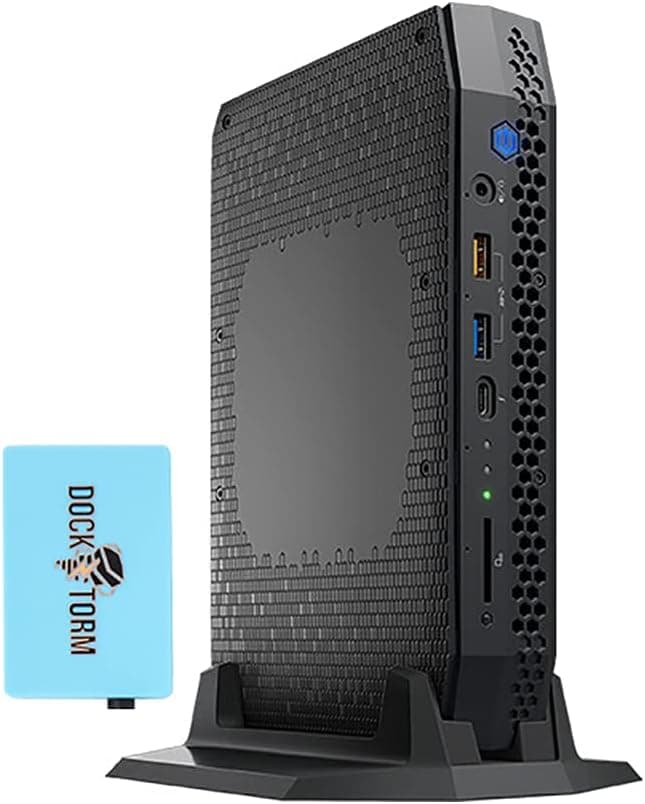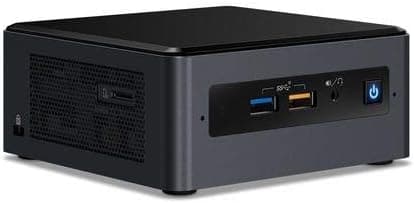
This article takes a close look at the Intel NUC 8 NUC8i3BEH Core i3 Tall Barebone Kit (Intel NUC 8 Mainstream Kit). Because it was released in 2018, we focus on compatibility and buying caveats to answer whether it still makes sense in 2026.
Overview
In short, the Intel NUC 8 NUC8i3BEH suits people who want a small, quiet box for office work, video playback, or a home server, and who are happy to choose their own memory and storage. If you need gaming performance, a long manufacturer warranty, or a PC that works straight out of the box, look at other options first.
It uses an 8th-gen Core i3-8109U (2 cores / 4 threads, 3.0GHz base, 3.6GHz boost, 4MB L3 cache) with integrated Intel Iris Plus Graphics 655.
The chassis measures 117 x 112 x 51mm and weighs about 0.6kg.
The tall version has room for a 2.5-inch drive, so you can run an M.2 SSD and a 2.5-inch drive together.
It supports VESA mounting, so it can sit behind a monitor or TV. On Amazon.co.Check the retailer's page for the latest user reviews.
Keep in mind that those reviews built up over several years and say nothing about current pricing or stock.
Compatibility Guide
The most common mistakes with barebone kits involve memory and storage formats. Check the table below against the parts you own or plan to buy.
| Item | Supported | Notes |
|---|---|---|
| CPU | Core i3-8109U (BGA) | Soldered; not replaceable |
| Memory | DDR4-2400 SO-DIMM x2, up to 32GB | Desktop DIMMs will not fit |
| M.2 | 22x42 / 22x80 (NVMe / SATA) | 2230 and 2260 lengths are not listed |
| 2.5-inch | SATA x1 | Add an HDD or SATA SSD |
| Interface | PCIe 3.0 | PCIe 4.0 SSDs run at 3.0 speed |
| Power | 19V DC adapter | Match voltage and plug if replacing |
| Wireless | Intel Wireless-AC 9560 | Wi-Fi 5 / Bluetooth 5.0 |
Memory is laptop-style SO-DIMM. DDR4-2666 or DDR4-3200 modules generally run at DDR4-2400, but buying DDR4-2400 modules is the safest way to avoid compatibility issues.
The integrated graphics depend heavily on memory bandwidth, so for 16GB use two 8GB modules in dual channel rather than a single 16GB stick. The maximum is 32GB, meaning two 16GB modules.
The M.2 slot accepts 42mm and 80mm drives.
Most M.2 SSDs on the market are 2280, so this is rarely a problem, but short 2230 or 2260 drives cannot be secured as-is.
Both NVMe and SATA M.2 SSDs work; choose NVMe for speed.
A PCIe 4.0 SSD will work but is limited to PCIe 3.0 speed here.
The 2.5-inch bay takes a SATA SSD or HDD.
A common setup is to install the OS on an NVMe M.2 SSD and use the 2.5-inch drive for media storage.
An HDD adds spinning noise, so pick a SATA SSD if quiet operation matters.
Display output is via HDMI 2.0a and Thunderbolt 3 (USB-C).
Multiple monitors are supported, but the number of simultaneous displays and the resolution/refresh combinations also depend on cables and adapters. If you plan on three or more screens, check Intel's specifications before buying adapters.
On the OS side, Windows 10 support ended in October 2025. 8th-gen Core processors are generally within Windows 11's supported range, but confirm against Microsoft's official CPU list.
If you plan to run Linux as a home server, this matters much less.
Product Info
| Item | Details |
|---|---|
| CPU | Intel Core i3-8109U (2C/4T, 3.0GHz base, 3.6GHz boost) |
| Cache | 4MB L3 |
| Graphics | Intel Iris Plus Graphics 655 |
| Memory | DDR4-2400 SO-DIMM x2, up to 32GB |
| Storage | M.2 22x42/80 (NVMe/SATA) + 2.5-inch SATA |
| Dimensions | 117 x 112 x 51mm (tall) |
| Weight | About 0.6kg |
| Wireless | Intel Wireless-AC 9560 (Wi-Fi 5, Bluetooth 5.0) |
The kit was released in 2018. On Amazon.co.jp it was listed at ¥85,651 (captured August 30, 2026, sold by keiayuストア).
On eBay there was a listing at $110.00 on the same date, though condition (new or used) varies by listing.
These are snapshot prices that change with sales and stock, so check the product page for the latest price before buying.
Frankly, the captured Amazon price is high for a 2018 Core i3 barebone. If you also need to buy memory, storage, and an OS, the total goes up further.
At that budget, newer mini PCs come into range, so this model makes most sense when you have a specific reason to want it, such as matching an existing NUC setup.
Intel's standard warranty at launch was three years, but any warranty on a 2026 purchase depends on the seller's terms. Included items are listed as the power adapter, VESA mount bracket, power cord, and quick-start guide, but some listings may be missing parts, so check.
Real-World Use and Performance
With 2 cores and 4 threads, the Core i3-8109U handles everyday work such as Office, web browsing, video calls, and document creation. When you keep many tabs open during a video call, memory tends to run out before the CPU does, so install at least 8GB and preferably 16GB.
Iris Plus Graphics 655 was on the stronger side for integrated graphics at the time and can handle 4K video playback and light photo editing. However, it has no hardware decoding for AV1, which streaming services increasingly use.
AV1 video falls back to the CPU, which at high resolutions can cause dropped frames, more heat, and louder fan noise.
For gaming, browser games and older 2D titles are realistic. This is not a machine for comfortable 3D gaming.
Heavy tasks such as video editing or 3D CAD will also mean long waits on a dual-core CPU with integrated graphics.
Comparison with Alternatives
Small barebone kits vary a lot depending on generation and design.
| Model | Key trait | Versus NUC8i3BEH |
|---|---|---|
| Intel NUC 13 Pro NUC13ANHi3 | Core i3-1315U (6 cores) | Newer, with more multi-threaded headroom |
| Intel NUC BOXNUC6i3SYK | Core i3, M.2 SSD support | At least a generation older; a cheap used option |
| Intel NUC BOXNUC5i5RYH | Core i5, 2.5-inch / M.2 support | Even older; for tight budgets |
| ASRock DESKMINI 310W | Socketed CPU | Choose and later upgrade the CPU |
| ASRock DeskMini H470 | LGA1200, up to 65W TDP | Desktop CPUs for more performance |
The NUC8i3BEH's strengths are its tiny size and Thunderbolt 3. Because the CPU cannot be upgraded, a socketed DeskMini will last longer if you expect to need more performance.
If you are buying new in 2026, compare prices with newer generations like the NUC 13 Pro first.
Best Use Cases
Remote workers and office users: It takes minimal desk space and easily handles Office and browser work. Fan noise is low at idle and under light load, which suits late-night work.
It is fine for video calls and documents but not for gaming.
Home theater PC (HTPC): With HDMI 2.0a and Thunderbolt 3, it plays local video and typical streaming services.
It fits behind a TV or in an AV rack. Since it lacks AV1 hardware decoding, it is a poor fit for high-quality AV1-heavy streaming.
Digital signage or a home server: VESA mounting lets it sit behind a monitor, and it works well as a file server, media server, or always-on display terminal. Power draw under light load is roughly 20-30W as a guideline.
With a 32GB memory cap, running many virtual machines will hit the ceiling first.
People trying a DIY small PC: A barebone kit only needs memory, an SSD, and an OS, so there are few steps for a first build. Removing the bottom cover gives direct access to memory and storage with just a screwdriver.
Before You Buy
Confirm whether the OS, memory, and storage are included. The spec sheet lists Windows 10 as pre-installed, but NUC kits (barebones) normally ship without memory, storage, or an OS.
Configurations may differ by listing, so check the product page. Even if Windows 10 is installed, its support ended in October 2025, so plan on moving to Windows 11 or another OS.
Pricing tends to be high. As noted above, the captured Amazon price is steep for an older Core i3 machine.
Compare the total cost including memory, SSD, and OS against newer mini PCs before deciding.
The support situation has changed. Intel exited the NUC business in 2023, and newer models and support moved to ASUS (mainly for recent generations).
For this 2018 model, check in advance who handles BIOS updates and repairs.
The CPU cannot be replaced and stays dual-core. If you might take on heavier work later, choose a model with a stronger CPU from the start or a socketed barebone.
Check the condition of used or long-stocked units. Small chassis collect dust in the fan and vents, and reduced cooling leads to more noise and lower performance.
Also check whether the power adapter is missing or has been replaced with a third-party unit.
Setup Steps
Loosen the screws on the bottom and remove the cover.
Install two DDR4 SO-DIMM modules (dual channel recommended).
Insert an M.2 SSD and secure it with the screw (2242 or 2280).
If needed, mount a 2.5-inch SSD or HDD in the bay on the cover side.
Replace the cover and install the OS from a USB drive.
If it does not boot, check the boot order and whether memory and SSD are detected in the BIOS.
FAQ
Q. Are memory and an SSD included? A.
Barebone kits normally do not include them, but configurations may vary by listing, so check the product page.
Q. Can it run Windows 11? A.
8th-gen Core CPUs are generally within Windows 11's supported range, but confirm on Microsoft's official CPU list.
Q. Can I install 64GB of RAM?
A. The specified maximum is 32GB (two 16GB modules). Larger configurations are not supported.
Q. Can it play games?
A. Light browser games and older 2D titles are realistic. For 3D gaming, choose a system with dedicated graphics.
Q. What does the tall version mean? A.
The tall version is 51mm high and fits one 2.5-inch drive in addition to M.2.
Choose it if you want two storage drives.
Product Disclosure (Amazon)
- Manufacturer: インテル
- Seller: keiayuストア
- Fulfilled by: keiayuストア
- ASIN: B07GX4X4PW
- Note: This article covers a manufacturer-made product based on Amazon listing details.