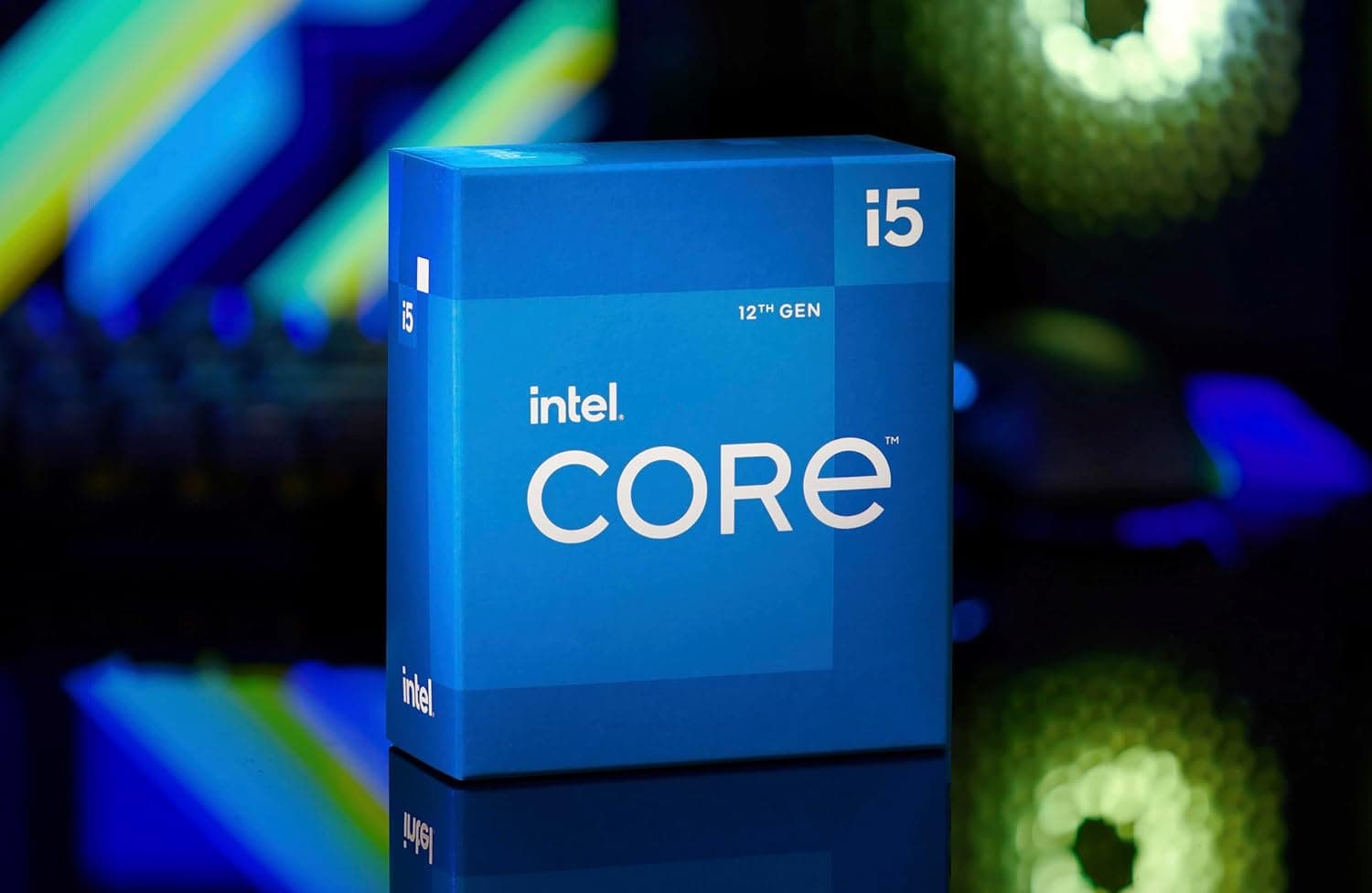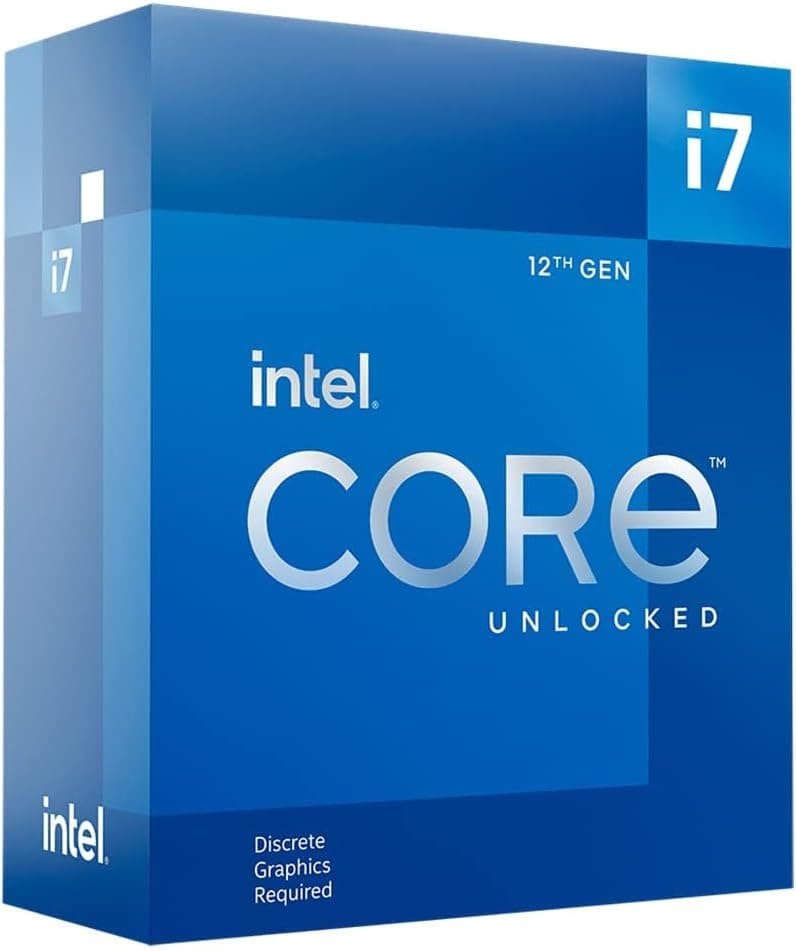
This article covers Intel Core i7 プロセッサー 12700KF 第12世代 (the Intel Core i7-12700KF). It explains how to read the specs, the compatibility traps that catch people out, and whether the chip still makes sense in 2026.
Overview
The Core i7-12700KF is a desktop CPU built on Intel's 12th Gen Alder Lake architecture. It uses a hybrid design that pairs 8 Performance-cores (Golden Cove) with 4 Efficient-cores (Gracemont).
In total it has 12 cores and 20 threads, a 3.6 GHz base clock, a 5.0 GHz max turbo, and 25 MB of Smart Cache.
P-cores run two threads each via Hyper-Threading and E-cores run one each, which is how 8×2 + 4×1 adds up to 20 threads.
The short answer: this CPU makes the most sense for people who already own an LGA1700 motherboard, or who want to build a gaming PC that reuses DDR4 memory. The K means the multiplier is unlocked for overclocking, and the F means there are no integrated graphics.
That makes a discrete graphics card mandatory, and it also means Intel Quick Sync video acceleration is unavailable.
The chip sits in the upper mid-range, between the Core i5-12600K and the Core i9-12900K. It targets users who want more than a Core i5 but don't need a Core i9's core count.
Keep in mind that 13th and 14th Gen successors use the same LGA1700 socket, so a new build should compare prices across generations.
12700KF vs 12700K vs 12700F
These model numbers look alike, so here are the differences.
| Model | Integrated graphics | Unlocked multiplier (OC) |
|---|---|---|
| Core i7-12700K | Yes (Intel UHD Graphics 770) | Yes |
| Core i7-12700KF | No | Yes |
| Core i7-12700F | No | No |
The K and KF share the same CPU configuration (cores, clocks and cache), so the only difference is integrated graphics. If you will always run a graphics card and handle hardware video encoding on the GPU (for example NVIDIA NVENC), the KF rarely holds you back.
The F is a separate, multiplier-locked model with more conservative stock power settings. Don't assume every i7-12700 variant performs the same.
Compatibility Guide
| Item | This CPU | Watch out for |
|---|---|---|
| Socket | LGA1700 | Not compatible with 10th/11th Gen LGA1200 |
| Chipsets | Intel 600 series (Z690 / H670 / B660 / H610) and 700 series (Z790 / H770 / B760) | CPU overclocking only on Z690 / Z790 |
| Memory | DDR4 / DDR5 | Each motherboard supports only one type |
| PCIe | PCIe 5.0 x16, PCIe 4.0 x4 | PCIe 5.0 slots depend on the motherboard |
| Graphics | None | Display output only through a graphics card |
| TDP | 125W | Draws more than 125W under heavy load |
Socket and chipset. LGA1700 is shared by 12th, 13th and 14th Gen, and this CPU works on both 600-series and 700-series boards.
Only Z690 and Z790 allow CPU multiplier overclocking, though. On a B660 or B760 board, the unlocked K multiplier goes unused.
Memory. The CPU supports both DDR4 and DDR5, but your motherboard decides which one you can use.
No single board accepts both. If you want to reuse DDR4, pick a motherboard that explicitly lists DDR4 in its name or specs.
Getting this wrong means the memory physically won't fit.
PCIe. The CPU provides PCIe 5.0 x16 and PCIe 4.0 x4 lanes, but whether a board actually has a PCIe 5.0 slot varies by model.
Most graphics cards run at nearly full performance on PCIe 4.0, so PCIe 5.0 doesn't need to be your top priority.
CPU cooler. The KF does not include a cooler.
LGA1700 uses different mounting-hole spacing from LGA1200, so if you reuse an older cooler, check with the cooler's maker for an LGA1700 bracket.
**Power supply. That is a generous figure assuming a high-end graphics card, not what the CPU draws on its own. Size your PSU based on your graphics card's recommendation.
Product Info
Key specs: 12 cores (8 P + 4 E), 20 threads, 3.6 GHz base clock, 5.0 GHz max turbo, 25 MB Smart Cache, 125W TDP and the LGA1700 socket.
It supports DDR4 and DDR5 memory, plus PCIe 5.0 x16 and PCIe 4.0 x4.
On Amazon.co.jp it was ¥53,980 as of May 27, 2026.
On eBay there was a listing at $245 as of July 2026. eBay listings differ in condition (new or used) and shipping terms, so the two prices can't be compared directly.
CPU prices move with sales and stock, so check the listing for the current price before buying.
Check the retailer's page for the latest user reviews.co.
That is a large, consistently positive review base for a CPU this far past launch, and it shows the chip is still a trusted, mainstream choice.
Performance in Practice
Gaming. Most games lean on a handful of fast cores.
With 8 P-cores boosting up to 5.0 GHz, the Core i7-12700KF is unlikely to run short of cores for gaming.
At high resolutions such as 1440p or 4K, the graphics card mostly sets the frame rate. CPU differences show up more at 1080p with high refresh rates, for example in esports titles.
Streaming and multitasking. The E-cores are well suited to background work during a game, such as streaming software, voice chat and browser tabs.
With 20 threads, it also has more headroom than a Core i5 for software video encoding, 3D rendering and code compilation.
Power draw. The TDP is 125W, but the chip draws more under heavy load (Intel rates its Maximum Turbo Power at 190W).
Some motherboards also relax power limits by default, and heat rises sharply under an all-core load. Don't treat 125W as a sign of low heat output.
Leave headroom in your cooling.
Operating system. Thread Director, which assigns work to P-cores and E-cores, works best on Windows 11.
Windows 10 runs fine, but thread placement may not always be optimal.
Compared with Alternatives
- AMD Ryzen 7 5800X — An AM4 chip with 8 cores, 16 threads and DDR4-only support. The Core i7-12700KF is generally regarded as stronger in single-threaded work, has more threads, and sits on a newer platform with DDR5 and PCIe 5.0 options. If you already own an AM4 board, there is less reason to switch.
- 13th/14th Gen on the same LGA1700 socket — Chips such as the Core i7-13700KF and 14th Gen Core i7 add more E-cores and lead in multi-threaded work. If the price gap is small, choosing a successor makes sense. On 600-series boards, though, they may need a BIOS update.
- Core i5 class (12600K, 14400, etc.) — For a gaming-only build on a budget, a Core i5 is often enough. Spending the savings on the graphics card usually improves the gaming experience more.
- Older Core i7-10700K — An LGA1200 chip with 8 cores and 16 threads. Upgrading from it requires a new motherboard. To reuse DDR4, choose a DDR4 LGA1700 board.
Best Use Cases
- LGA1700 owners who want a CPU-only upgrade. Moving up from a 12th Gen Core i3 or i5 keeps your motherboard and memory.
- Builders reusing DDR4. Pairing it with a DDR4 board avoids the cost of new memory.
- Gamers and streamers who always use a graphics card. The lack of integrated graphics barely matters here.
- Creators who want 20 threads without Core i9 pricing. If you edit video with Quick Sync, read the next section first.
Things to Consider
No Quick Sync. With no integrated graphics, the F model cannot use Intel Quick Sync.
If your video editor relies on Quick Sync for previews or exports, choose the Core i7-12700K instead. Whether an NVIDIA or AMD GPU encoder can replace it depends on your editing software, so check its support.
No display if the graphics card fails. Without integrated graphics, you can't plug into the motherboard's video outputs to diagnose a dead or faulty graphics card.
First-time builders should consider whether they can borrow a spare card.
Don't mix up DDR4 and DDR5. The CPU supports both, but each motherboard supports only one.
Check the motherboard and memory specs together before ordering.
The cooler is sold separately. No cooler is included.
Because the chip exceeds 125W under heavy load, a small budget cooler will let temperatures climb and clocks drop. Budget for the cooler as part of the total cost.
Check the BIOS before a 13th/14th Gen upgrade. Running 13th or 14th Gen CPUs on a 600-series board may require a BIOS update.
You need to update before swapping the CPU, so doing it while this chip is installed saves trouble later. Intel has identified 13th and 14th Gen as the generations affected by the reported instability issue.
Check Intel's official guidance for the latest information.
Check the seller and warranty. The Amazon listing shows New-idea Shop as the seller, with shipping handled by Amazon.
The manufacturer is listed as Intel, which matches the product. Because Amazon is not the seller, check whether the listing includes an official domestic warranty or is a parallel import.
The price data has a labeling mismatch. In the collected price data, an entry labeled Amazon US actually pointed to a yen price on Amazon.co.jp.
This article does not treat it as a US price. When comparing overseas prices, verify the store and currency yourself.
Who should skip it. It is not a good fit for office PCs that should run on integrated graphics, video workflows that require Quick Sync, or fresh builds chasing the latest performance and efficiency.
For those, look at the K model, a chip with integrated graphics, or a newer generation or platform.
FAQ
Q. Does it come with a CPU cooler?
A. No. You need a separate LGA1700-compatible cooler.
Q. Should I buy DDR4 or DDR5? A.
Your motherboard decides. Choose a DDR4 board to reuse existing memory, or a DDR5 board for a longer-term build.
Assume no board supports both.
Q. Can I use it on a B660 or B760 board? A.
Yes, but CPU multiplier overclocking requires a Z690 or Z790 board. If you won't overclock, a B-series board is a sensible way to save money.
Q. Can I upgrade to a 14th Gen CPU later? A.
It fits physically, since both use LGA1700. On 600-series boards, check the motherboard's CPU support list, because a BIOS update may be required.
Q. Is it good for video editing? A.
Its 20 threads help a lot in software-based work. It has no Quick Sync, though, so choose the Core i7-12700K if your workflow depends on it.
Product Disclosure (Amazon)
- Manufacturer: インテル
- Seller: New-idea Shop
- Fulfilled by: Amazon
- ASIN: B09FXKHN7M
- Note: This article covers a manufacturer-made product based on Amazon listing details.