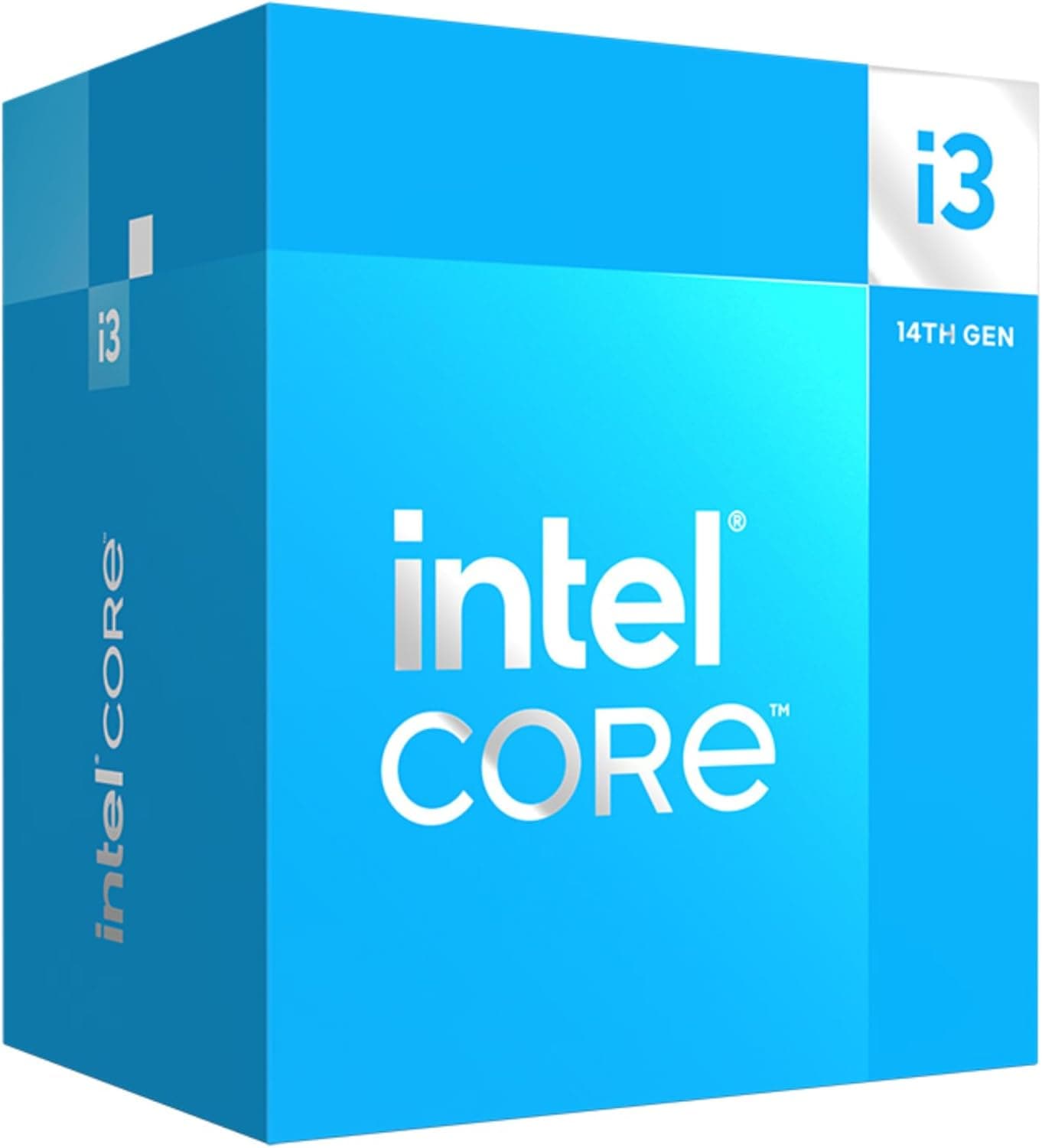
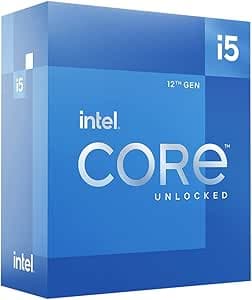
This article covers 【限定】 インテル(intel) CPU 第14世代 Core i5 14400 国内正規代理店保証1年付.
Overview
The Intel Core i5 14400 is a mid-range desktop processor from the 14th generation Core family, built on the Raptor Lake Refresh architecture. It combines six performance cores (P-cores) with four efficient cores (E-cores) for a total of 10 cores and 16 threads. With a maximum boost clock of 4.7 GHz and a base clock of 2.5 GHz, this CPU strikes a solid balance between performance and power efficiency, featuring a 65W TDP (up to 148W max).
This processor uses the LGA1700 socket and supports both DDR5-4800 and DDR4 memory, giving builders flexibility when choosing a motherboard and RAM. It also supports PCIe Gen 5.0, making it compatible with the latest graphics cards and NVMe SSDs. Optimized for Windows 11, the Core i5 14400 is well-suited for gaming, productivity, and creative workloads.
In the broader market, the Core i5 14400 occupies the mid-range tier, positioned between entry-level and high-end processors. It offers a compelling mix of price and performance, making it a popular choice for budget-conscious gamers and professionals who need dependable multi-threaded performance without breaking the bank.
Compatibility Guide
The Core i5 14400 uses the LGA1700 socket and is compatible with Intel 600-series and 700-series chipsets. A common pairing is a B760 motherboard, which supports memory overclocking and offers good value for mid-range builds. For those seeking more expansion options, a Z790 board is also a viable choice.
Memory support includes both DDR5-4800 and DDR4, depending on the motherboard you select. DDR5 boards allow you to use the latest memory technology, while DDR4 boards offer a more budget-friendly path. Choose based on your performance needs and budget constraints.
Regarding power, the 65W TDP of the Core i5 14400 is modest, but you should account for the entire system's power draw, especially if you pair it with a discrete GPU. For a mid-range graphics card, a 650W power supply is recommended. If you plan to use a high-end GPU, consider a more powerful PSU to ensure stable operation.
Product Info
The Core i5 14400 was released in January 2024 as part of Intel's 14th generation lineup. In Japan, online retailers exclusive version includes a 3-year manufacturer warranty plus an additional 1-year warranty from the domestic authorized distributor, Techwind. This variant provides extra peace of mind for buyers.
In terms of market positioning, the Core i5 14400 sits firmly in the mid-range segment. Its 10-core, 16-thread configuration delivers strong multi-threaded performance for applications like video encoding and rendering. For gaming, it pairs well with mid-range GPUs to deliver high frame rates at 1080p resolution.
The 65W TDP means the included stock cooler is sufficient for most users. However, under heavy loads, power consumption can rise to 148W, so upgrading to an aftermarket cooler may be beneficial for those prioritizing lower noise levels or better thermal performance.
Best Use Cases
The Core i5 14400 is an excellent choice for several specific user profiles:
- Gamers targeting 1080p high-refresh-rate gaming. Paired with a mid-range GPU, this CPU handles popular titles smoothly. It's ideal for beginners and intermediate users who want solid performance without overspending.
- Creative professionals working with video editing or image processing. The 10-core, 16-thread setup accelerates encoding and rendering tasks, making it a cost-effective option for those who need decent creative performance on a budget.
- Users building a quiet, power-efficient PC. With a 65W TDP, the Core i5 14400 generates less heat and can be adequately cooled by the stock cooler. It's well-suited for office work, web browsing, and other light tasks where silent operation is valued.
However, if you're aiming for 4K gaming at maximum settings or professional-grade 3D rendering, you may want to consider higher-tier options like the Core i7 or Core i9 for additional headroom.
Things to Consider
Before purchasing the Core i5 14400, there are a few caveats to keep in mind. First, while the LGA1700 socket supports 12th through 14th generation CPUs, some motherboards may require a BIOS update to recognize 14th generation processors. Always check and update your motherboard's BIOS before installation.
Second, the choice between DDR5 and DDR4 memory depends on your motherboard. DDR5 boards offer better performance but come with higher memory costs. If you're on a tight budget, a DDR4 setup can save money while still providing adequate performance for most tasks.
Finally, as a mid-range CPU, the Core i5 14400 may become a bottleneck when paired with high-end graphics cards, particularly at 4K resolution or in CPU-intensive games. If you plan to use a flagship GPU, investing in a higher-tier CPU might be a better long-term strategy.
FAQ
Q: Which motherboard should I pair with the Core i5 14400?
A: Any LGA1700 mothe
Product Disclosure (Amazon)
- Manufacturer: インテル(Intel)
- Seller: Amazon.co.jp
- Fulfilled by: Amazon.co.jp
- ASIN: B0CQ3WP67C
- Note: This article covers a manufacturer-made product based on Amazon listing details.