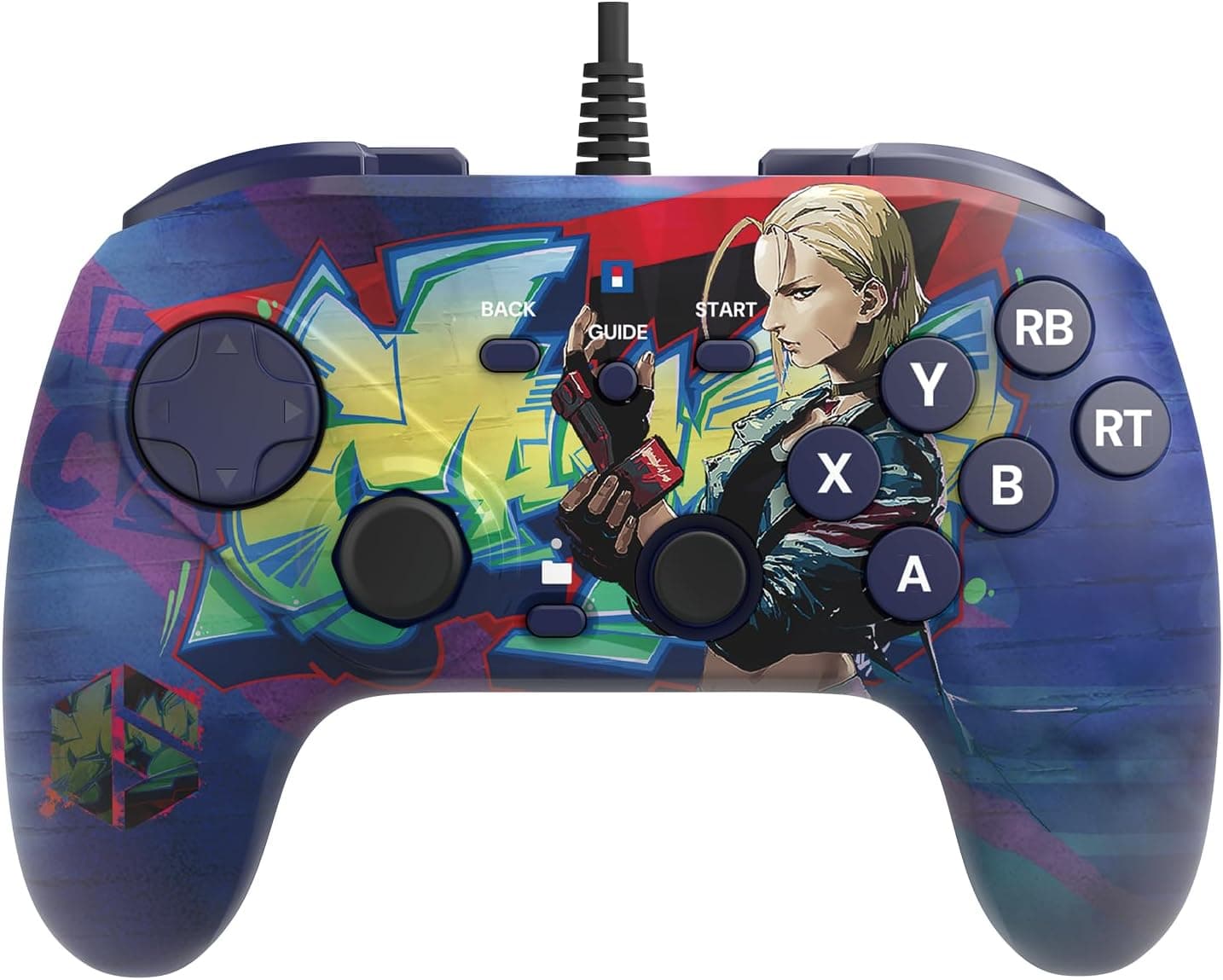
The HORI Fighting Commander OCTA (Street Fighter 6 Cammy Edition) for Windows PC is a Capcom-licensed, Windows-only wired fightpad. This article goes past the spec sheet to answer the questions that actually decide a purchase: how it differs from an arcade stick, whether it will work in your setup, and where you have to compromise.
Overview
Short answer: this is a pad for people who play fighting games seriously on a Windows PC. The combination of six face buttons and an octagonal-gate D-pad targets players who want more consistent command input without giving up desk space to a full arcade stick.
It is a limited Cammy-themed design built on the same design philosophy as the standard Fighting Commander OCTA line. At roughly 8×18×15 cm and about 370 g, it handles like a normal console gamepad — usable on your lap or braced on a desk, and light enough that long sessions do not lock you into one posture.
The trade-offs are equally clear. It is USB-A wired only and supports Windows 10 / 11 only, with no PS4, PS5, Xbox or Switch support.
This is not a one-controller-for-everything product, and it helps to accept that up front.
Key Spec Table
| Item | Value |
|---|---|
| Model Number | HPC-070E |
| Connection | USB wired (USB-A) |
| Compatible OS | Windows 10 / 11 |
| Buttons | 6 action buttons + 4 shoulder buttons |
| D-Pad | Octagonal gate D-pad |
| Dimensions | Approx. 8×18×15 cm |
| Weight | Approx. 370 g |
| Cable Length | Approx. 3 m |
| Additional Features | Turbo function, button remapping |
The number that matters most is the 6 + 4 button split. A standard pad gives you four face buttons, so a six-button fighter forces two attacks onto the shoulders.
With six on the face, your fingers travel less during links and simultaneous presses, and the four shoulder buttons stay free for macros such as throw, parry or a drive-impact style input.
The roughly 3 m cable is generous for this class and usually reaches a desktop tucked under a desk without an extension. The 370 g weight is not "light" so much as "heavy enough not to shift" when the pad rests on your knees.
Connectivity & Compatibility
Supported platforms are Windows 10 and Windows 11 only. The controller is described as plug-and-play with no extra driver installation, so plugging into a USB-A port should be enough.
If your laptop or mini PC only has USB-C, a plain USB-A-to-USB-C adapter or a hub with USB-A ports will work. The adapter itself is rarely the problem; an underpowered bus-powered hub is, so avoid the cheapest ones if you see dropouts.
On Steam, the usual stumbling block is Steam Input. Steam inserts its own mapping layer when it detects a controller, which can leave a game showing the wrong button prompts or reading the wrong assignments.
If inputs feel off, toggle Steam Input for that specific game first. This is a general PC-gamepad issue, not a fault of this particular pad.
What it will not do is equally clear: no consoles. If you might play the same fighting game on PS5 or Xbox later, that single line should drive your decision, because cross-platform players end up buying twice.
For Windows handhelds, check the USB-A port situation and power delivery before ordering.
Physical clearance is a non-issue — not occupying desk space is one of the main reasons to choose this over a stick.
Product Info
Prices are captured snapshots, not fixed values. As captured on 19 May 2026 the Amazon listing showed ¥19,291, and as captured on 6 September 2026 it showed ¥18,059.
Limited-design editions have unpredictable restocks and tend to swing more than the standard model, so check the current price on the product page before buying. Overseas marketplace listings exist, but seller pricing plus import costs frequently ends up above the domestic figure.
Review data at capture time was 4.1 out of 5 (82% positive) from 10 reviews.
Be honest about that sample size: ten reviews is too few to establish a trend. Read what individual reviewers were doing and what specifically disappointed them rather than trusting the average.
Because limited editions accumulate reviews separately from the standard version, checking reviews of the regular Fighting Commander OCTA gives a better read on the hardware itself.
The package contains the controller and a manual; no carrying case is included. If you plan to bring it to locals or tournaments, budget for a padded pouch.
Standard manufacturer warranty terms apply.
How It Compares to Sticks and Standard Pads
There are three realistic options: a standard gamepad, an arcade stick (lever or leverless), and a fighting-focused pad like this one.
| Option | Strength | Weakness |
|---|---|---|
| Standard gamepad | Plays everything, one device | Six-button fighters lean on shoulder buttons |
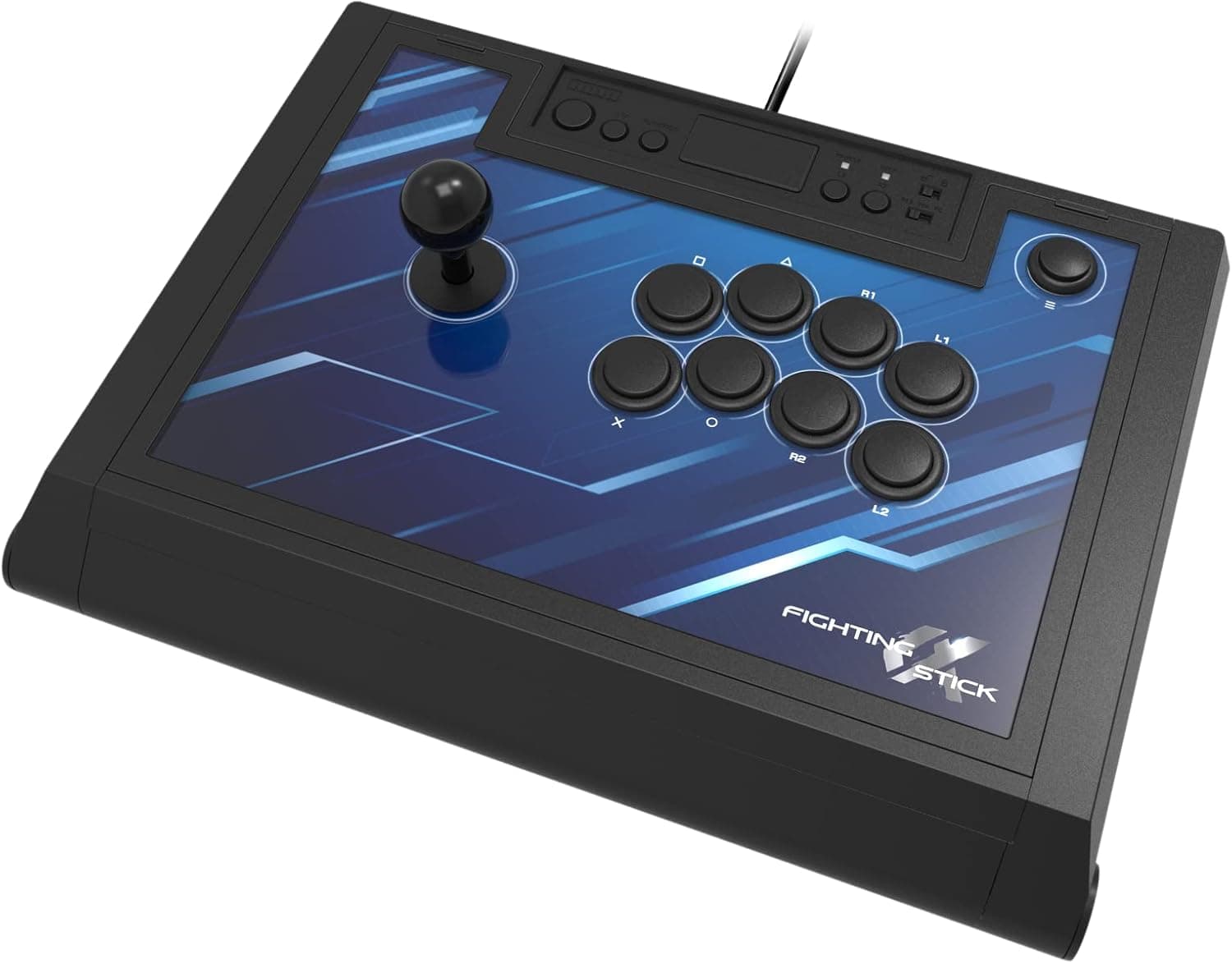
| Arcade stick / leverless | Best precision and part upgrades | Large, heavy, expensive, eats desk space |
| Fighting-focused pad | Six-button layout in a small body | Less compelling outside fighting games |
The octagonal gate physically separates the diagonals, which makes it easier to stop deliberately on down-forward — the transit point for crouch blocking and dragon-punch motions. Players used to a round gate need an adjustment period, but the defined detents reduce accidental directions.
Conversely, in action games that want smooth analog-style sweeps, those detents can feel restrictive.
Setup and Break-In
The fast path is simple. Plug into a USB-A port, open the Windows game controller setup panel and confirm every button registers.
Then decide whether Steam Input should be on for the game you play. Finally, set your layout in the game's own key config.
Working in that order makes it obvious which layer is misbehaving when something feels wrong.
Button remapping is effectively a required feature for getting value from a six-button layout. Play a week or two on the default layout first, note which buttons are awkward to reach, and only then commit to a hardware remap.
Turbo is handy for mashing situations, but online modes and tournament rules sometimes ban rapid-fire, so confirm the ruleset before relying on it.
Best Use Cases
- Windows-only Street Fighter 6 players — the six-button layout and the Cammy design line up neatly, and the console limitation costs you nothing if your setup is PC-only.
- Players deciding whether to move to a stick — you get stick-like six-button habits without surrendering desk space, which makes the larger investment easier to judge later.
- Anyone who wants wireless variables gone — a USB cable removes battery level, pairing drops and interference from the equation, which matters when you are trying to work out whether a bad online session was your setup.
- Lap players — 370 g and a hand-sized body suit cramped desks and players who shift position often.
Notes Before You Buy
Windows-only is the headline limitation. No PS4, PS5, Xbox or Switch.
Fighting game communities often center on console versions, and locals or tournaments may put you on hardware this pad cannot drive. If there is any chance you will cross platforms, a wider-compatibility controller saves money overall.
Outside fighting games, expect compromise. Six face buttons are a fighting-game optimization.
For 3D action, racing or shooters that depend on analog sticks, a conventional gamepad is the better tool. Buying this as your only general-purpose pad is likely to disappoint.
D-pad preference is genuinely divided. The octagonal gate is decisive but feels stiff to players who like a smooth round gate.
Try one in person if you get the chance, because how you hit diagonals depends heavily on your own grip.
Weigh the 10-review sample. A 4.1 average is fine, but with that few reviews a single extreme opinion moves the number.
Limited editions rarely accumulate many, so cross-check the standard model's reviews and actual gameplay footage.
Limited-edition pricing moves. The figures above are snapshots only.
When stock thins out, premium-priced listings appear and the gap over the standard version can exceed anything justified by the hardware. If the artwork is not essential to you, compare against the standard model first.
One more practical point: retail listing metadata — manufacturer, model number, supported platforms — occasionally carries data from a different product. Do not trust the listed specs alone; confirm from the product images and title that you are buying the Cammy Edition Windows PC version.
The series includes models for other platforms, and mixing them up means a controller that will not work in your setup.
FAQ
Q. Does it work on PS5 or Switch?
A. No. Windows 10 / 11 only. For console play, choose a model with broader platform support.
Q. Do I need to install drivers? A.
It is described as plug-and-play on Windows 10 / 11, so a USB-A port should be enough. If it is not detected, try a different port and connect directly rather than through a hub.
Q. Steam does not recognize it properly. A.
Toggle Steam Input for that game first — this is the most common PC gamepad issue. If that fails, check button response in the Windows controller panel to separate hardware faults from software config.
Q. Can I use it on a laptop with only USB-C ports? A.
Yes, via a USB-A-to-USB-C adapter or a hub with USB-A ports. Weak bus-powered hubs can cause dropouts, so prefer the most direct connection available.
Q. Should I get this or an arcade stick? A.
Depends on your goal. Choose this to practice six-button play without dedicating desk space; choose a stick if precision and part-level upgrades come first.
Starting on a pad and moving later is rarely wasted effort.
Q. Is turbo allowed in matches? A.
It varies by title and tournament ruleset — rapid-fire is banned in some online modes and events, so check the rules first.