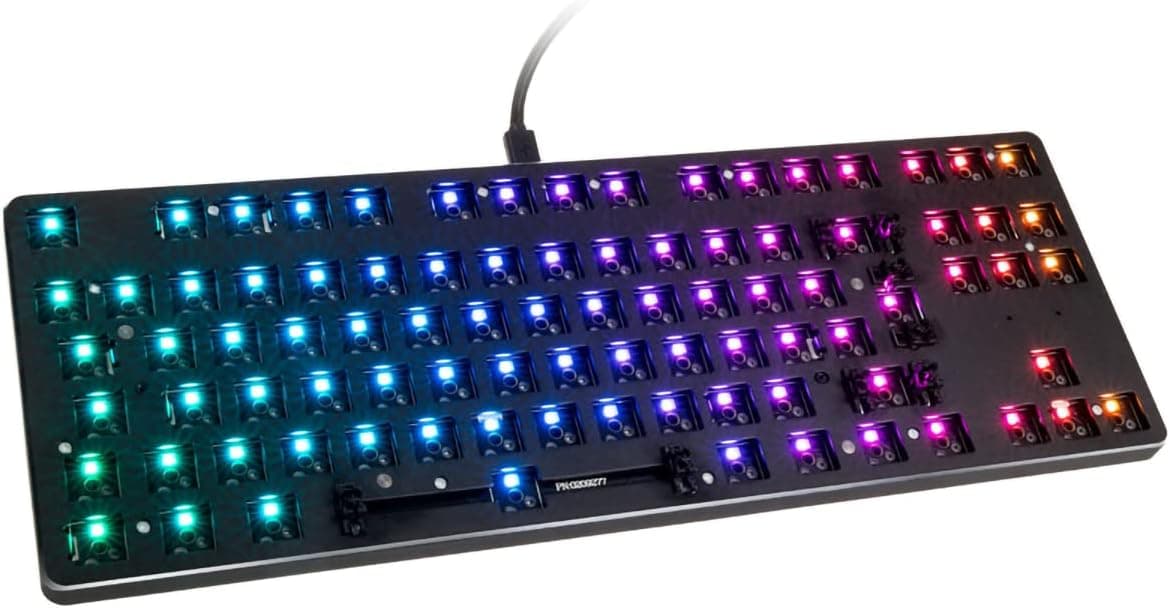
This article takes a close look at the Glorious PC Gaming Race Gmmk TKL barebones keyboard. It focuses on what you need to get it typing and what to check before buying.
Overview
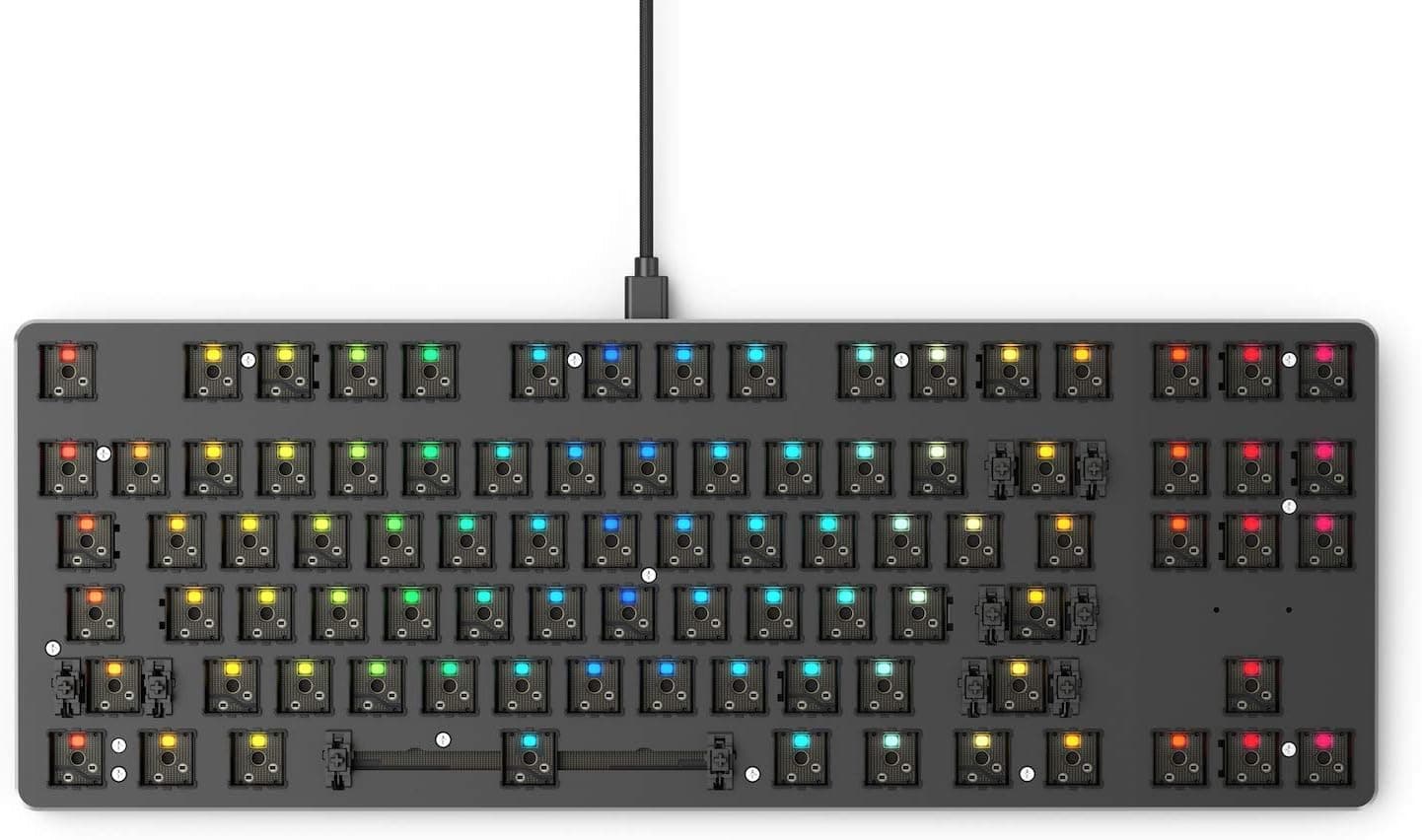
The Glorious PC Gaming Race Gmmk TKL is a tenkeyless (TKL) mechanical keyboard from Glorious PC Gaming Race. Barebones means it ships without switches or keycaps: you get the board only.
In short, it is an affordable entry point if you want to swap switches until you find a feel you like. It is a poor fit if you want to type on day one, or if you are used to the Japanese JIS layout.
Its main feature is a hot-swap PCB that takes 3-pin and 5-pin mechanical switches without soldering. It has per-key RGB lighting and connects to your PC over USB Type-A.
The original product description also mentions a 32-bit ARM Cortex processor that stores profiles and macros on the board.
On Amazon.co.Check the retailer's page for the latest user reviews.
That is not a large number of reviews, but the rating is consistently high. The board reportedly launched around 2019 and has stayed on sale for years as an entry-to-mid-tier custom keyboard.
Compatibility Guide
Most buying mistakes with this board involve the layout and the part standards, not the operating system. Here is what the listing says and what you should check.
| Item | Listed | What to check |
|---|---|---|
| OS | Windows / macOS / Linux | Works without a driver; detailed RGB setup uses the vendor software |
| Connection | USB Type-A | A free USB-A port, or an adapter for USB-C-only laptops |
| Switches | 3-pin / 5-pin mechanical | For 5-pin switches, look at the PCB for the extra mounting holes |
| Keycaps | MX stem | Whether the set includes ISO keys |
| Layout | ISO (European) | Whether it matches the layout you use |
| Dimensions | 356 x 129 x 36 mm | Desk width and wrist angle |
The layout is ISO, not ANSI or JIS
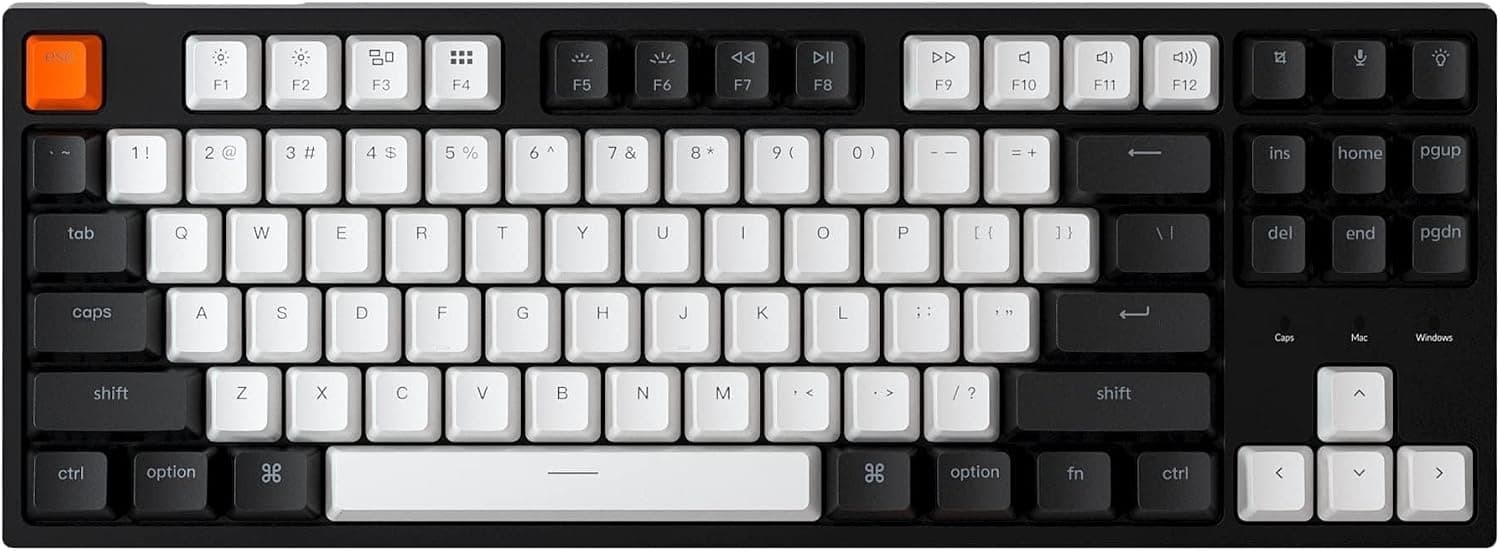
The listing gives the layout as ISO. ISO has a tall, inverted-L Enter key and a short left Shift with one extra key beside it.
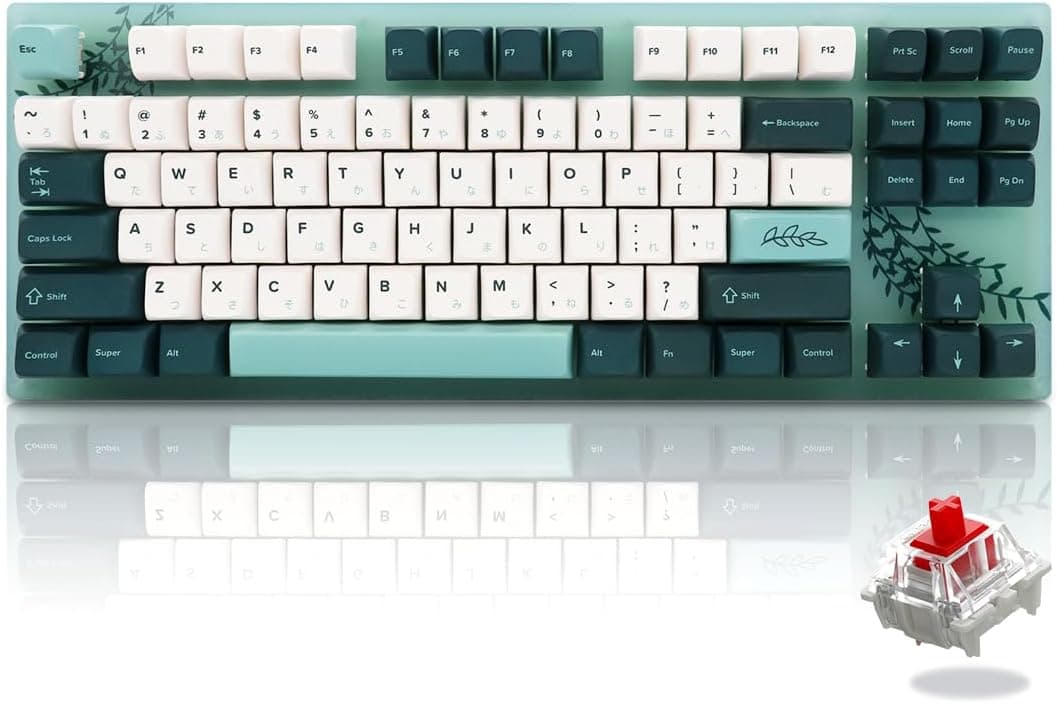
Compared with JIS, it has a different Enter shape and different symbol positions, and no Hankaku/Zenkaku, Henkan or Muhenkan keys.
The GMMK line was also sold in an ANSI (US) version. Check the product photos to confirm which layout you are buying.
Japanese input on Windows
Japanese Windows treats the keyboard as JIS by default, so the symbols you type will not match the printed legends. The usual fix is to change the hardware keyboard layout to the English (101/102-key) keyboard under Settings, Time and language, Language and region, Japanese options.
This removes the Hankaku/Zenkaku key, so you switch input modes with Alt + ` or a similar shortcut. Even then, ISO legends (UK, German, and so on) may not fully match the Windows English layout. That mismatch matters more the more symbols you type.
3-pin vs 5-pin switches
A 3-pin switch has two metal pins and a center post. A 5-pin switch adds two plastic alignment legs.
If the PCB has no holes for those legs, you must clip them before the switch will seat. Look at the PCB before you insert anything.
Total Build Cost
The most common mistake with barebones boards is treating the board price as the keyboard price. You need all of the following before you can type.
| Item | Quantity | Notes |
|---|---|---|
| Board (this product) | 1 | ¥14,846 on Amazon.co.jp (as of August 2026) |
| Switches | 88 (ISO TKL) / 87 (ANSI TKL) | A pack of about 90 leaves spares |
| Keycaps | 1 TKL set | Must include the ISO Enter and short left Shift |
| Tools | Keycap puller and switch puller | Included |
Switches often come in packs of 10, so you would need nine packs. A US-only keycap set will not include the ISO Enter.
Look for sets labeled with an ISO kit or ISO support. Switch and keycap prices vary widely, so work out the total cost before you buy.
Product Info
The listed specs are a TKL layout, USB Type-A connection, and per-key RGB backlighting. The board measures 356 x 129 x 36 mm and takes 3-pin and 5-pin mechanical switches.
Switches and keycaps are not included and must be bought separately. The box is described as containing the board, a USB cable, a keycap puller and a switch puller.
Prices at the time they were captured: on Amazon.co.jp the board was ¥20,645 in June 2026 and ¥14,846 in August 2026.Check the retailer's page for the latest price.
On eBay US, a listing was $42.59 as of August 2026.
It may be used or shipped from overseas, so check its condition and layout, plus shipping and import duties. All prices change with sales and stock, so check the product page for the current price before you buy.
The standard manufacturer warranty is reported as one year, but coverage can vary by retailer. For parallel imports, check whether warranty service is available in your country.
Assembly Notes
Assembly is not difficult, but doing things in the wrong order can damage parts.
Install one switch, plug in the board and test it. Finding a dead key after filling the board makes troubleshooting slow.
Check the switch pins before inserting. Forcing a bent pin in can break the pin or damage the socket.
Press switches straight down. Pressing at an angle bends the pins and can leave a key unresponsive.
Do the stabilized keys last. This means Space, Shift and the other long keys.
When the board arrives, check the stabilizers first. 5.
Test every key. If a key does not respond, pull the switch and inspect its pins.
To remove a switch, grip the top and bottom clips firmly with the included switch puller and pull straight up. Levering it out can scratch the plate.
Who It's For
- Switch testers: Hot-swap lets you compare linear, tactile and clicky switches on one board. Try a few of each, then fill the board with the one you like.
- First-time custom builders who don't want to solder: The included tools are all you need to swap switches.
- Desk-space savers: With no numpad, you can keep the mouse close to the keyboard. That suits FPS games with wide mouse movements and small desks.
- ISO and US-style typists: If you already type on a European layout, the layout will not slow you down.
- RGB tinkerers: Per-key lighting lets you, for example, light up only the keys you use most.
Before You Buy
It is not for people who want to type right away. You have to choose switches and keycaps, wait for them to arrive, and assemble the board.
If you want a finished keyboard, a model with switches and keycaps included usually costs less and takes less work.
JIS typists will struggle. Symbol positions, input switching and the Enter key all change.
If you type a lot of Japanese for work, this will slow you down. If you want to customize but keep your layout, look for a JIS model instead.
**The board price is not the total cost. ISO keycap sets also offer fewer choices than US-only sets.
No numpad. If you enter a lot of numbers, you will need a separate numpad.
It is an older design. It reportedly dates from around 2019 and lacks newer features such as gasket mounting and wireless connectivity.
If you want a premium sound and feel, expect to add your own mods.
Check the listing details. In our collected price data, a Japanese Amazon price was labeled Amazon US.
Listing details can be inconsistent, so confirm the layout (ISO or ANSI), color and included items from the product title and photos before buying.
FAQ
Q. Can I type on it out of the box? A.
No. It is a barebones board with no switches or keycaps.
You need 88 switches for an ISO TKL (87 for ANSI) and a keycap set that matches the layout.
Q. Can I use it for Japanese input? A.
Yes. You need to switch Windows to an English hardware layout and change input modes with Alt + ` or a similar shortcut. It will not feel like a JIS keyboard.
Q. Does it take 5-pin switches? A.
The listing says it supports 3-pin and 5-pin switches. Check the PCB for the side mounting holes first.
If there are none, clip the plastic legs and use the switches as 3-pin.
Q. Does it work with a Mac? A.
macOS is listed as supported. Command and Option follow the Windows key positions, so remapping them in macOS makes the board easier to use.
Q. How much does it cost? A.
On Amazon.co.jp it was ¥20,645 in June 2026 and ¥14,846 in August 2026.
The price moves a lot, so check the current price and add the cost of switches and keycaps.
Product Disclosure (Amazon)
- Manufacturer: GLORIOUS
- Seller: BluTrading
- Fulfilled by: BluTrading
- ASIN: B07L31V1K4
- Note: This article covers a manufacturer-made product based on Amazon listing details.