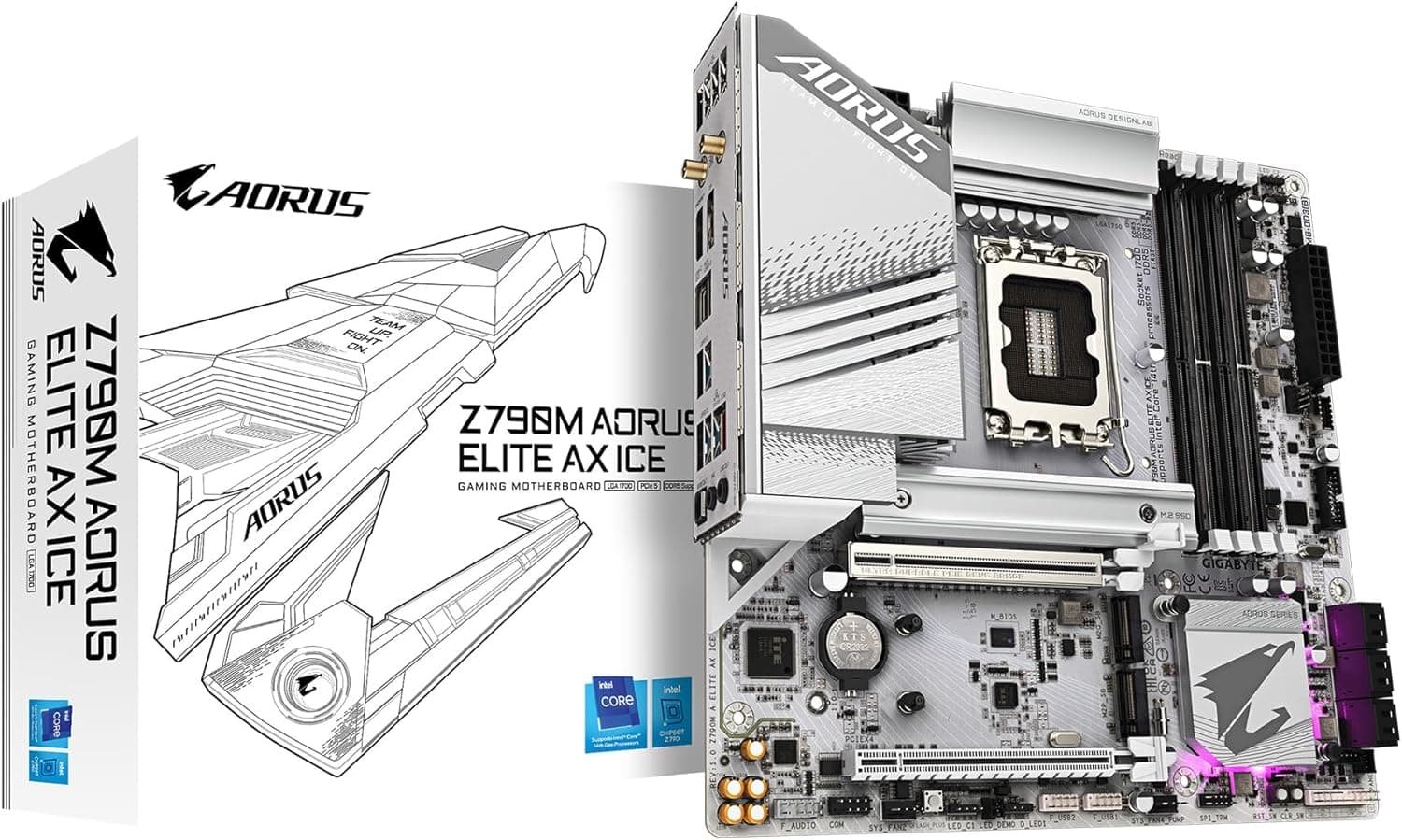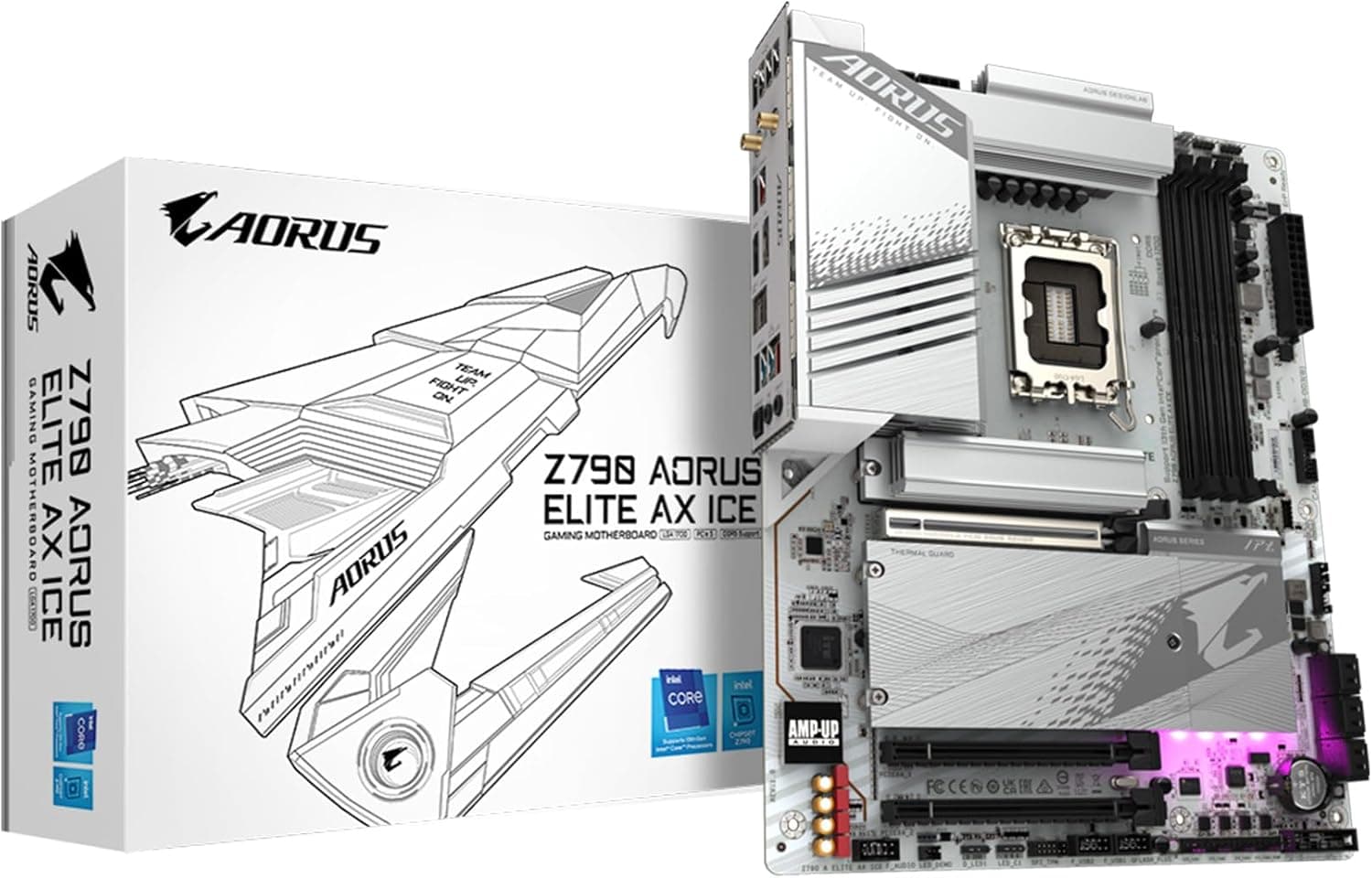
This article takes a close look at the GIGABYTE Z790 AORUS ELITE AX ICE — White ATX motherboard for Intel 14th/13th/12th Gen CPUs, from the viewpoint of someone planning an all-white PC build, including the things worth checking before you buy.
Overview
The short answer: the GIGABYTE Z790 AORUS ELITE AX ICE is a Z790 board for people who want a fully white build without paying flagship prices. Beyond the white PCB, the heatsinks and even the Wi-Fi antenna are white.
Visual consistency is its main selling point.
Under the hood you get the Intel Z790 chipset, the LGA1700 socket, four DDR5-only DIMM slots, a PCIe 5.0 x16 primary slot, four M.2 slots, Wi-Fi 6E and 2.5GbE.
That covers everything a current Intel build typically needs. The listing specifies a 16+1+2 phase VRM (90A SPS), which puts it in a class where Core i9 power delivery is not a concern.
On the other hand, all four M.2 slots are PCIe 4.0 x4, so it is not the right board for running a PCIe 5.0 SSD at full speed from an M.2 slot.
LGA1700 also ends with the 12th to 14th Gen parts, so there is little room for future CPU upgrades. It is a strong pick for a white main rig you plan to keep on this generation.
If you want to carry the same board into a future CPU generation, look elsewhere.
Compatibility Guide
CPU: The socket is LGA1700, supporting Intel 12th, 13th and 14th Gen Core i3/i5/i7/i9. LGA1851 CPUs such as the Core Ultra 200S series will not physically fit.
Newer Intel CPUs are not automatically compatible, so check the socket name if you have already picked a CPU. The BIOS version on retail stock depends on when the board was made, so check BIOS support on GIGABYTE's support page before installing a 14th Gen chip.
Memory: DDR5 only, with four slots and up to 192GB. DDR4 modules have a different notch position and will not physically fit.
XMP 3.0 is supported, so overclocked kits can be set up by picking a profile in the BIOS.
However, DDR5 generally has to run at lower speeds with four modules than with two. If speed matters, get the capacity you need from two modules.
192GB means 48GB x4, and you should not expect high memory clocks in that configuration.
Case: The board is ATX (305 x 244 mm) and fits typical ATX-compatible mid towers and larger. To show off the white board, pair it with a white case that has a glass side panel.
Power: The board needs a 24-pin ATX connector and two 8-pin CPU connectors. Some lower-wattage power supplies only have one CPU cable.
If you plan to push a Core i7 or i9 hard, choose a unit that can connect both 8-pin headers.
CPU cooler: LGA1700 uses a different mounting-hole spacing from LGA1200/115x. If you are reusing a cooler, confirm that it includes an LGA1700 bracket or that the maker offers one.
Storage: There are four M.2 slots (PCIe 4.0 x4) and six SATA 3.0 ports.
Check the block diagram in the manual to see whether any M.2, SATA or lower PCIe slots share bandwidth.
This matters more the more drives you install.
Product Info
rmation
Key specifications, based on the Amazon listing:
| Item | Detail |
|---|---|
| Chipset | Intel Z790 |
| CPU socket | LGA1700 (12th/13th/14th Gen Core) |
| Memory | DDR5 / 4 slots / up to 192GB |
| VRM | 16+1+2 phases (90A SPS) |
| Expansion slots | 1x PCIe 5.0 x16, 1x PCIe 4.0 x4, 1x PCIe 3.0 x4 |
| M.2 | 4 (all PCIe 4.0 x4) |
| SATA | 6 ports |
| Networking | 2.5GbE wired / Wi-Fi 6E |
| Rear USB Type-C | USB 3.2 Gen2x2 (20Gbps) |
| Form factor | ATX |
The table shows that only the graphics card slot uses PCIe 5.0, while storage stays on PCIe 4.0.
A PCIe 4.0 x4 SSD rarely feels slower in games or typical creative work, so this is an easy trade-off for most people.
The rear USB-C port is 20Gbps USB 3.2 Gen2x2, which helps with fast external SSDs.
It is a different standard from Thunderbolt or USB4, though, so devices built around those will not get every feature.
The board launched in 2023 and sits in the upper-mid range. As of June 5, 2026, Amazon.co.jp listed it at ¥25,125.
Prices move a lot with sales and stock, so check the product page for the current price before buying.Check the retailer's page for the latest user reviews.
That is not a large sample, but the ratings lean clearly positive. Units sold through the official Japanese distributor come with a warranty; check the seller page for the length and support contact.
Comparison with Alternatives
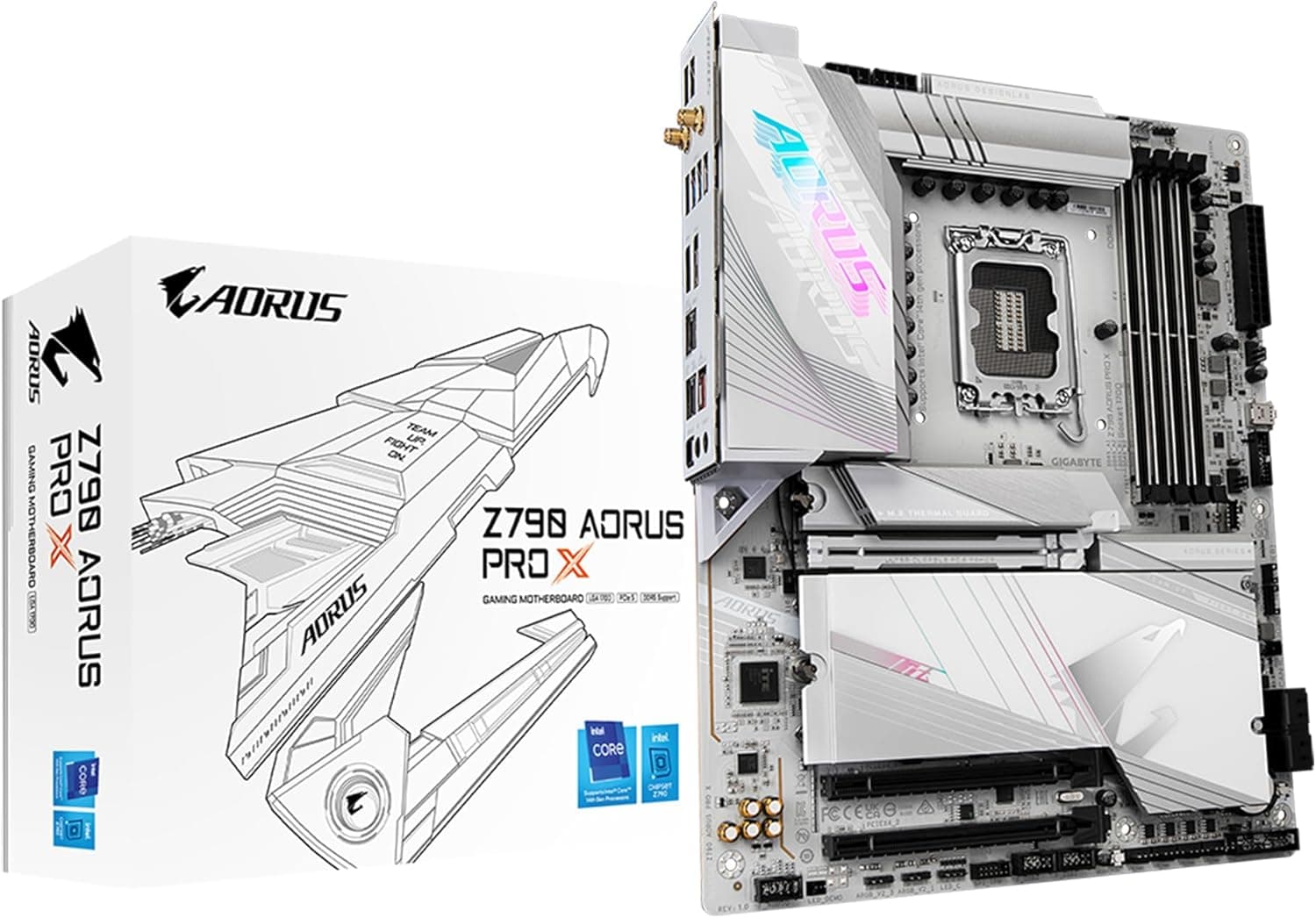
Among white-themed Z790 ATX boards, it is commonly compared with the MSI MPG Z790 EDGE WIFI and the ASUS ROG STRIX Z790-A GAMING WIFI. All three target white builds and have similar feature sets.
They differ in I/O count, audio circuitry and heatsink design, and which one is cheapest changes over time. The reliable approach is to compare prices on the same day and decide based on the ports you will actually use.
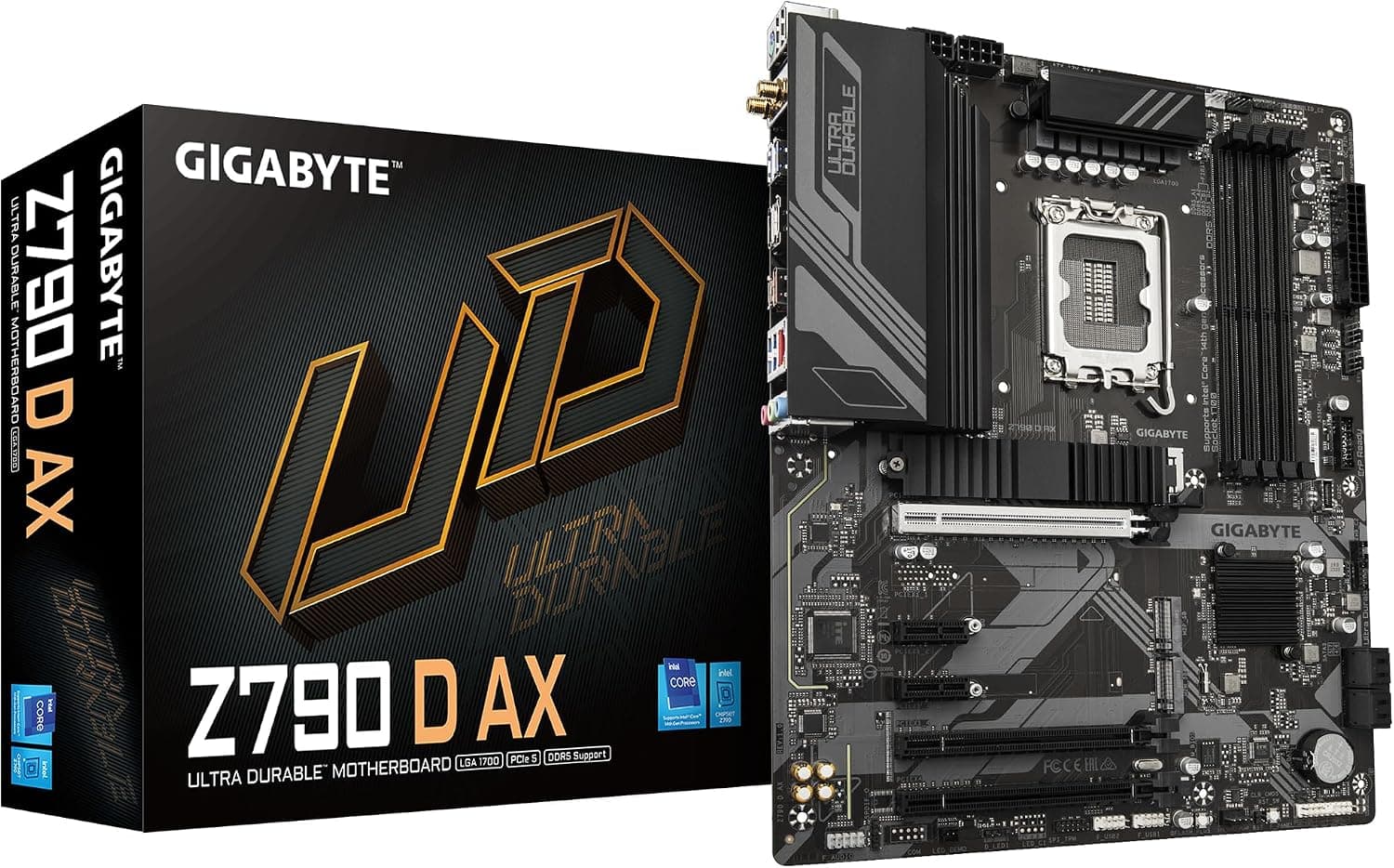
If color does not matter, plainer GIGABYTE boards such as the Z790 D or Z790 UD are worth a look. They use the same Z790 chipset, so CPU overclocking support stays the same.
If you will not overclock the CPU, you can widen the search to B760 boards (for example, the GIGABYTE B760 GAMING X GEN5). B760 does not allow multiplier overclocking on K-series CPUs, but that rarely matters at stock settings.
Z790 makes sense if you want to tune your CPU, need more M.2 and expansion slots, or value a fully white look.
Build Checklist
- Update the BIOS first: Intel has issued microcode updates to address instability on 13th and 14th Gen Core CPUs. Flash a BIOS that includes those fixes before installing the OS.
- Use the recommended memory slots: With two modules, you usually use the two specified slots farther from the CPU. The wrong slots can make XMP unstable.
- Remove the film from the M.2 heatsink pads: Leaving the protective film on the thermal pad keeps the SSD from cooling and causes it to throttle. It is a common build mistake.
- Wi-Fi 6E on 6GHz requires Windows 11: Windows 10 cannot use the 6GHz band, and your router must support it too.
- 2.5GbE needs a compatible router or switch: If the other end is 1GbE, you get 1GbE speeds.
Who Should Buy
- Builders matching a white case, GPU and cooler who do not want a black board standing out
- Users running a 13th or 14th Gen Core i7/i9 who want to tune CPU settings on Z790
- People who want several M.2 SSDs to keep games and data separate
- Anyone who wants built-in wireless plus both Wi-Fi 6E and 2.5GbE
It suits people who put a white look first but still want a board that is fully capable as a Z790. If you do not care about looks and just want to save money, you do not need a board at this level.
Things to Check Before Buying
No PCIe 5.0 SSDs on M.2. The listing shows all four M.2 slots as PCIe 4.0 x4. If you plan to buy a Gen5 SSD, this board is out.
The lower PCIe slots are x4. They run at PCIe 4.0 x4 and PCIe 3.0 x4, so dual graphics cards are not intended.
Treat them as slots for low-bandwidth cards such as capture cards or network cards.
Moving from DDR4 means buying new memory. DDR4 modules cannot be reused.
A separate Z790 model supports DDR4, so if you want to keep your DDR4, make sure you do not mix up the model names.
About 750W or more is a sensible PSU target. That figure assumes a Core i9-class CPU with a high-end graphics card.
The real requirement depends heavily on the GPU, so check the GPU maker's recommendation too.
LGA1700 will not get new CPUs. Moving to a future Intel generation means replacing the board.
Choose it on the assumption that you will keep your current CPU for a long time.
White boards show dust. Dust is easier to see than on a dark PCB, so plan on case filters and regular cleaning.
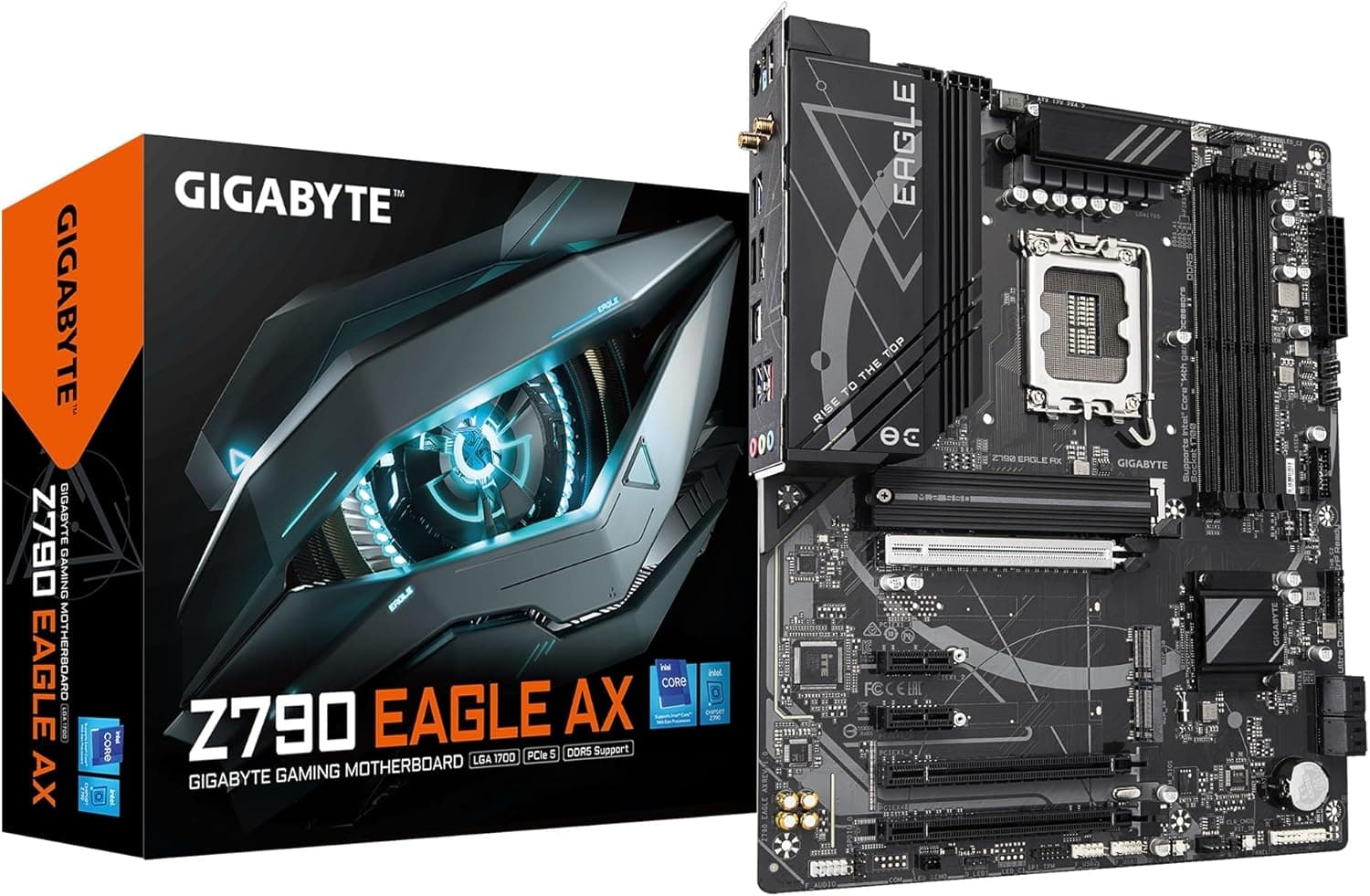
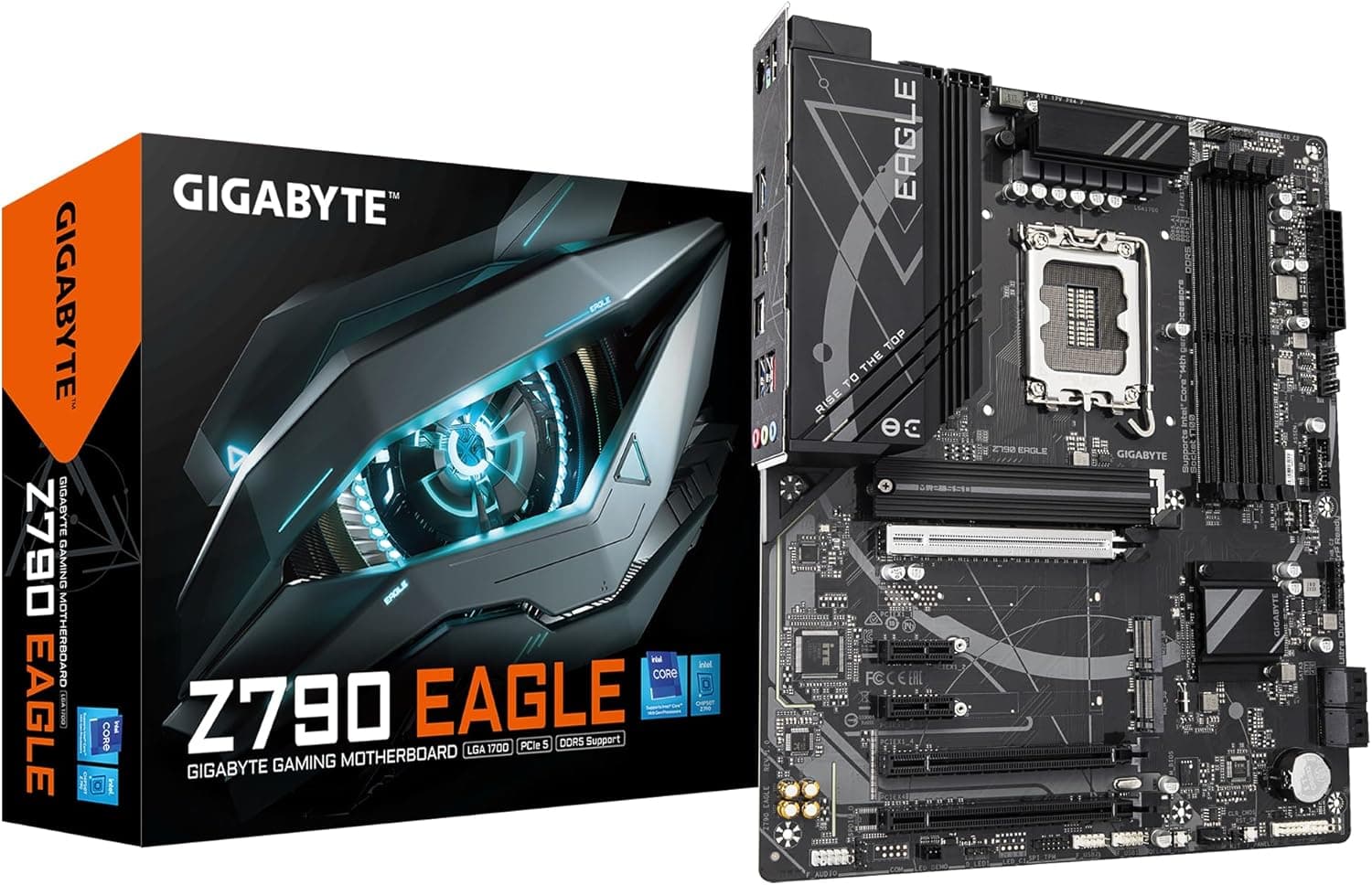
Watch out for similarly named models. Names are close, such as the standard black Z790 AORUS ELITE AX.
Make sure the product title includes ICE and the photos show a white PCB.
**A note on pricing data.Check the retailer's page for the latest price. A price labeled Amazon US also linked to Amazon.co.jp. Both probably came from a different product or listing, so this article does not use them. Store listings do sometimes contain errors. When you buy, confirm from the photos and product name that you have the right item.
FAQ
Q. Can it run a Core i9-14900K? A.
Yes, in terms of socket and generation. The 16+1+2 phase (90A SPS) VRM is also built with high-end CPUs in mind.
Update the BIOS first and make sure your CPU cooler is up to the job.
Q. Can I use DDR4 memory?
A. No. The board is DDR5 only. If you want to reuse DDR4, you need a different, DDR4-compatible model.
Q. Can I use a PCIe 5.0 SSD? A.
All M.2 slots are PCIe 4.0 x4.
A PCIe 5.0 SSD will run at PCIe 4.0 speed, so you will not get its full performance.
Q. Does it support Core Ultra (LGA1851) CPUs?
A. No. It supports LGA1700 12th, 13th and 14th Gen Core processors only.
Q. Do I need a separate wireless card?
A. No, Wi-Fi 6E is built in. To use the 6GHz band you need Windows 11 and a Wi-Fi 6E router.
Product Disclosure (Amazon)
- Manufacturer: GIGABYTE
- ASIN: B0CKS6BMH7
- Note: This article covers a manufacturer-made product based on Amazon listing details.