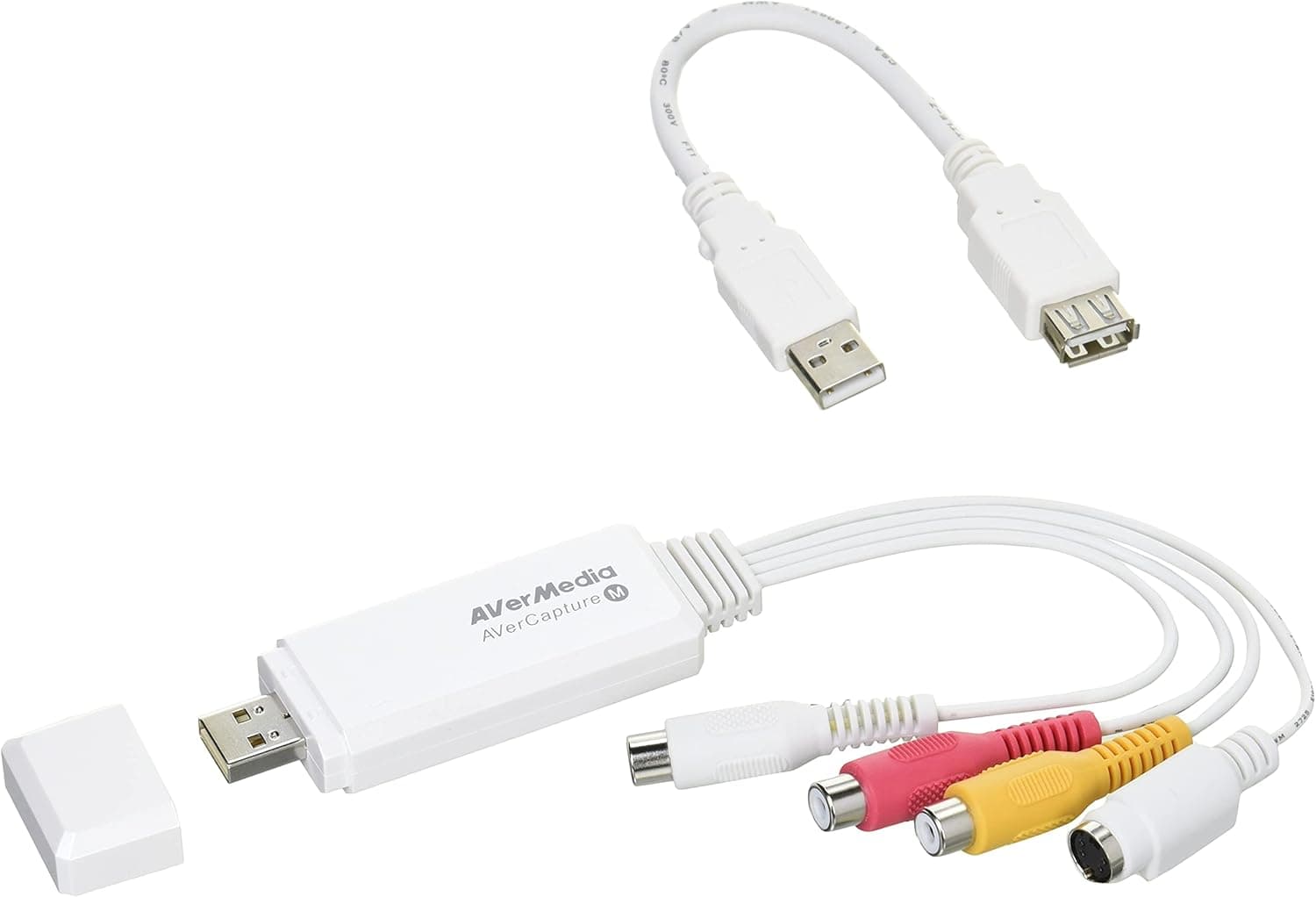
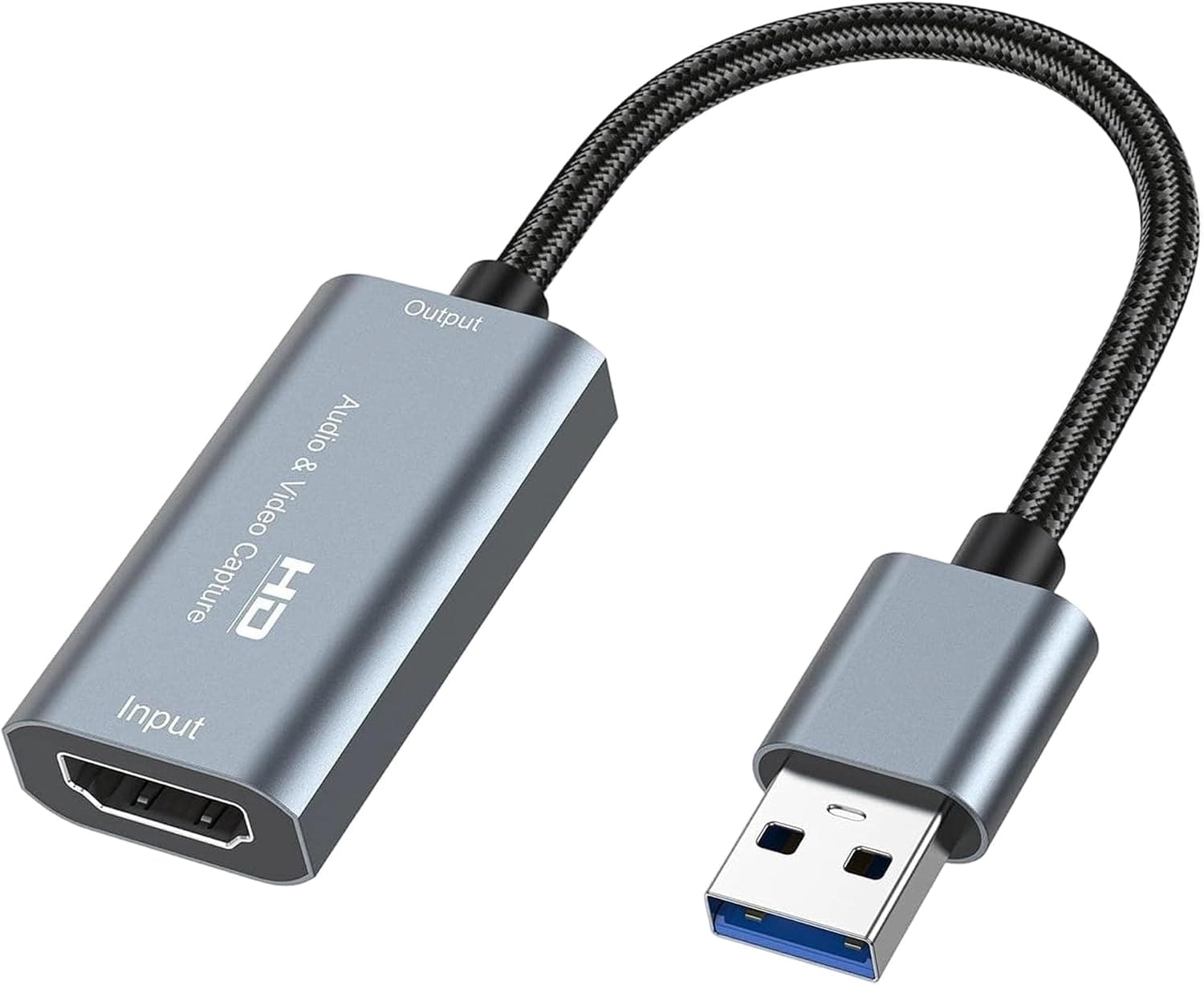
This article covers the 電波新聞社 FRAMEMEISTER DP3913515: what it connects to, who it suits, and the problems buyers often run into after purchase.
Overview
The short answer: the 電波新聞社 FRAMEMEISTER DP3913515 (Denpa Shimbun FRAMEMEISTER) is a scaler for people who want to play original retro consoles on a modern HDMI display with as little lag as possible. A scaler takes in a video signal, changes its resolution, and sends it out in another format.
This one takes analog NTSC video from consoles such as the Super Famicom and Mega Drive over composite or S-Video, converts it to digital, and outputs it over HDMI or DVI-D. The listed maximum output resolution is 480p.
The brand is Micomsoft, which belongs to Denpa Shimbun, and the unit came out around 2012. More than ten years later it is still sold new.
You can adjust the picture in detail: add scanlines, change the colors, and switch the aspect ratio. That is the main difference from the cheap adapters that cost a few thousand yen.
It is expensive for a video converter, though. On Amazon Japan it was ¥54,320 as of September 27, 2026.
Its Amazon rating is 4.9 out of 5, but that comes from only 18 reviews.
Most of those buyers are probably retro enthusiasts who knew exactly what they were getting. If you just want to see an old console on your TV, read the cautions later in this article before you buy.
Compatibility Guide
Inputs: which consoles you can connect
The listing shows two video inputs: composite (RCA) and S-Video (mini-DIN 4-pin). Stereo audio comes in through RCA jacks and goes out with the video over HDMI.
You use one video input at a time, not both.
| Item | Listed spec | What to check |
|---|---|---|
| Video input | Composite (RCA), S-Video (mini-DIN 4-pin) | Which of these your console can output |
| Video output | HDMI, DVI-D | Your display's input ports and 480p support |
| Supported format | NTSC | PAL consoles are not supported |
| Max output resolution | 480p | Whether your TV and capture card accept it |
| Audio input | Stereo RCA | How you will route audio on a DVI-D connection |
The input you use sets the ceiling on picture quality. On the same console, S-Video sends brightness and color separately, so text is sharper and colors bleed less than with composite.
A Super Famicom can output S-Video with the right cable. Some consoles, such as the Mega Drive, have no S-Video output.
Others, like the original PC Engine, have only an RF output on their own and need an extra accessory to get AV out. Check what your consoles can output before you buy cables.
Signal format: NTSC only
The unit supports only NTSC, the format used in Japan and North America. PAL consoles from Europe and other regions will not display without extra equipment.
Japanese and North American consoles are fine, but collectors of other regional versions should check first.
Outputs: HDMI and DVI-D
The outputs are HDMI and DVI-D, so you can connect straight to an older PC monitor that only has a DVI input. DVI does not carry audio, though.
On a DVI-D connection you need a separate path to get sound to your speakers. Check the product documentation for how to do that.
If you feed the 480p output into a 4K TV or a large Full HD TV, the TV does the final upscaling to fill the screen. Some TVs make 480p look soft when they stretch it, and some add lag while processing it.
Turn on your TV's game mode and play for a while to confirm it feels right.
Product Info
Key facts about the 電波新聞社 FRAMEMEISTER DP3913515:
- Maker: Denpa Shimbun (brand: Micomsoft)
- Released: around 2012
- Price: ¥54,320 on Amazon Japan as of September 27, 2026 (prices change, so check the product page for the current price)
- Rating: 4.9 out of 5 from 18 Amazon reviews (as of September 2026)
- Video input: composite (RCA), S-Video (mini-DIN 4-pin)
- Video output: HDMI, DVI-D
- Format: NTSC; maximum output: 480p
- Audio input: stereo RCA
Warranty terms depend on the store or seller, so confirm them when you buy. The box is said to include an AC adapter, video cables, and a manual, but contents can differ between listings.
Check the seller's page.
In the market, this is clearly a high-end niche product. Composite-to-HDMI adapters that cost a few thousand yen often cannot handle the 240p signal that retro consoles output.
The result is flicker, broken lines, and input lag. This unit was built specifically for retro game video.
The real question is whether that difference is worth about ¥54,000 to you. Eighteen reviews is a small sample, so read the 4.9 rating as the satisfaction of buyers who knew what they wanted.
Compared with Cheap Adapters
| Aspect | 電波新聞社 FRAMEMEISTER DP3913515 | Cheap adapters |
|---|---|---|
| Main use | Playing retro games on original consoles | Showing any video at all |
| Picture adjustment | Detailed control of scanlines, color, and aspect ratio | Almost none |
| Lag | Designed to keep lag low | Varies widely by product |
| Price (at capture) | ¥54,320 (September 2026) | Mostly a few thousand yen |
The table makes this unit look better on every line, but the deciding question is how seriously you play. If you play action or shooting games on original hardware, you will feel the lower lag and steadier picture.
If you only revisit a few RPGs now and then, a cheap adapter may be all you need.
Using It for Streaming and Recording
The 電波新聞社 FRAMEMEISTER DP3913515 is not a capture card. To record or stream, send its HDMI output into a separate capture card.
- Console → (composite or S-Video) → this unit 2.
This unit → (HDMI) → a capture card with passthrough (a port that sends the incoming video straight on to another screen) 3. Capture card passthrough → TV or monitor; capture card recording output → PC
The step people most often miss is the capture card's accepted input resolutions. This unit's listed maximum is 480p, so check that your capture card accepts 480p input.
Some cards only expect 720p or higher. When you play, watch the passthrough screen, not the preview window on your PC, so the delays don't add up.
To send the picture to a TV and a recorder at the same time, you can put an HDMI splitter in between. Each extra device, though, makes it harder to find the cause when something doesn't display.
Best Use Cases
Players who want to master games on original hardware: If you own a Super Famicom or Mega Drive and its games, and want them to feel as close to the original as possible on a modern TV, this unit fits. The reason to buy it is that it avoids the lag and picture problems common with cheap adapters.
Streamers and recorders of original-hardware play: Its stable HDMI output works well ahead of a capture card for streaming. It was not designed for streaming, though, so it suits people who can check which resolutions their capture card accepts.
People who care about how the picture looks: Scanlines and color controls can bring back the look of a CRT, or you can tune for a sharp, clean image.
Collectors of analog video: It can also show footage from videotapes and old camcorders. Videotape timing signals can be unstable, though, and a scaler tuned for game consoles may drop the picture.
If you need broad video conversion, compare it with devices made for that job.
Before You Buy
It is not for people who want something simple. Besides the ¥54,000-range price, you need the right cable for each console and some trial and error with your TV and capture card.
If you want plug-and-play, a cheap adapter or an official mini retro console will likely make you happier.
Check the input limits. The listing shows only composite and S-Video video inputs.
If your console cannot output S-Video, you will get composite-level quality. If you are aiming for the best picture through RGB, confirm this first.
The listed specs may not match the product. This article's specs come from the listing data: 480p maximum output, and composite and S-Video inputs.
The unit is also widely known as the XRGB-mini, and many sources say it supports RGB input and output resolutions above 480p. Check the maker's product information or manual for the actual ports and output resolution.
Also note that this article is filed under capture cards, but the unit is a video scaler with no recording function.
PAL consoles will not work. Only NTSC is supported. If you collect other regional versions, check each console's format first.
Check the price listing too. The collected data includes a price entry labeled Amazon US, but its link goes to Amazon Japan and the price is in yen.
If you are buying from abroad, check the price and shipping on each store's site. Prices change a lot, so look at the product page right before you buy.
FAQ
Q. Can I use it with a 4K TV? A.
Yes, over HDMI. But the listed maximum output is 480p, so your TV does the upscaling to 4K.
Turn on game mode and check for lag and softness.
Q. Can it stream or record on its own? A.
No. It converts and upscales video but has no recording function.
You need a capture card that accepts 480p input.
Q. Will PAL consoles work?
A. No. Only NTSC is supported, so PAL consoles will not display as they are.
Q. Should I use composite or S-Video? A.
Use S-Video if your console supports it. Text is sharper, colors bleed less, and the picture adjustments work better.
Q. Will I notice a difference from a cheap adapter? A.
You will notice it most in action and shooting games, where the timing of every button press matters. If you mostly play slow-paced RPGs, you may barely notice.
Product Disclosure (Amazon)
- Manufacturer: 電波新聞社
- Brand: Micomsoft
- ASIN: B006H39XJS
- Note: This article covers a manufacturer-made product based on Amazon listing details.