This article looks at the Ancable VHS Digital Converter (listed in Japan as 6フィートのVHSからデジタルコンバーター), based on its specs and listing details. In short, it is an entry-level capture device for people who want to move VHS or Hi8 tapes onto a computer.
If you need high-quality, high-frame-rate recording or HDMI capture, look at a different product.
Overview
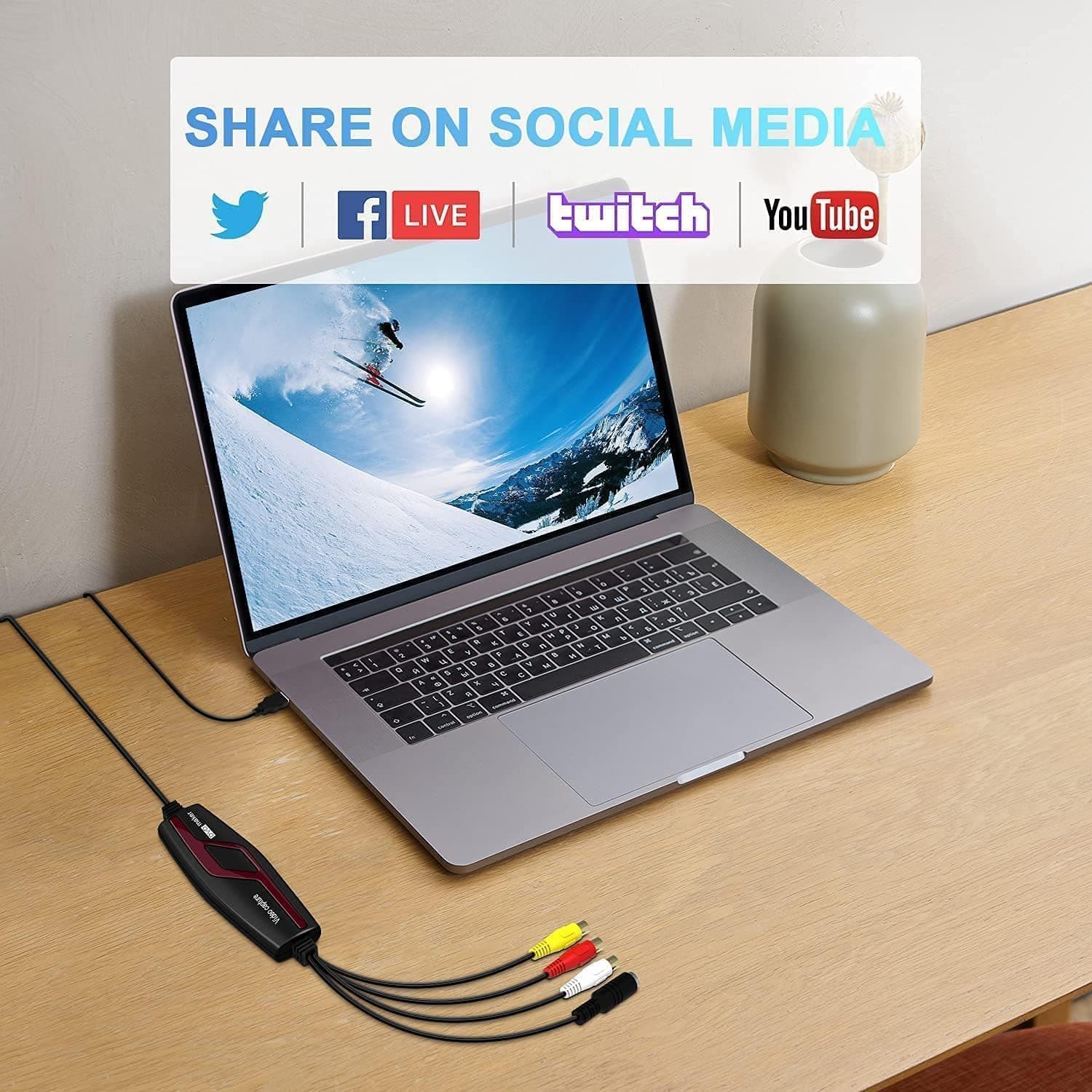
The Ancable VHS Digital Converter captures analog video and audio and sends them to a computer over USB. The listing gives a maximum output of 1080P and audio-video sync within 0.1 seconds. It runs on USB bus power, so no separate power adapter is needed.
It connects over USB 2.0, and the listing says no driver installation is required. The intended workflow is QuickTime Player on a Mac or OBS Studio on Windows. A bundled USB-C adapter lets it work with thin laptops that have no USB-A port.
On Amazon.co.Check the retailer's page for the latest user reviews. The sample is small, so treat it as a rough guide.
Compatibility Guide
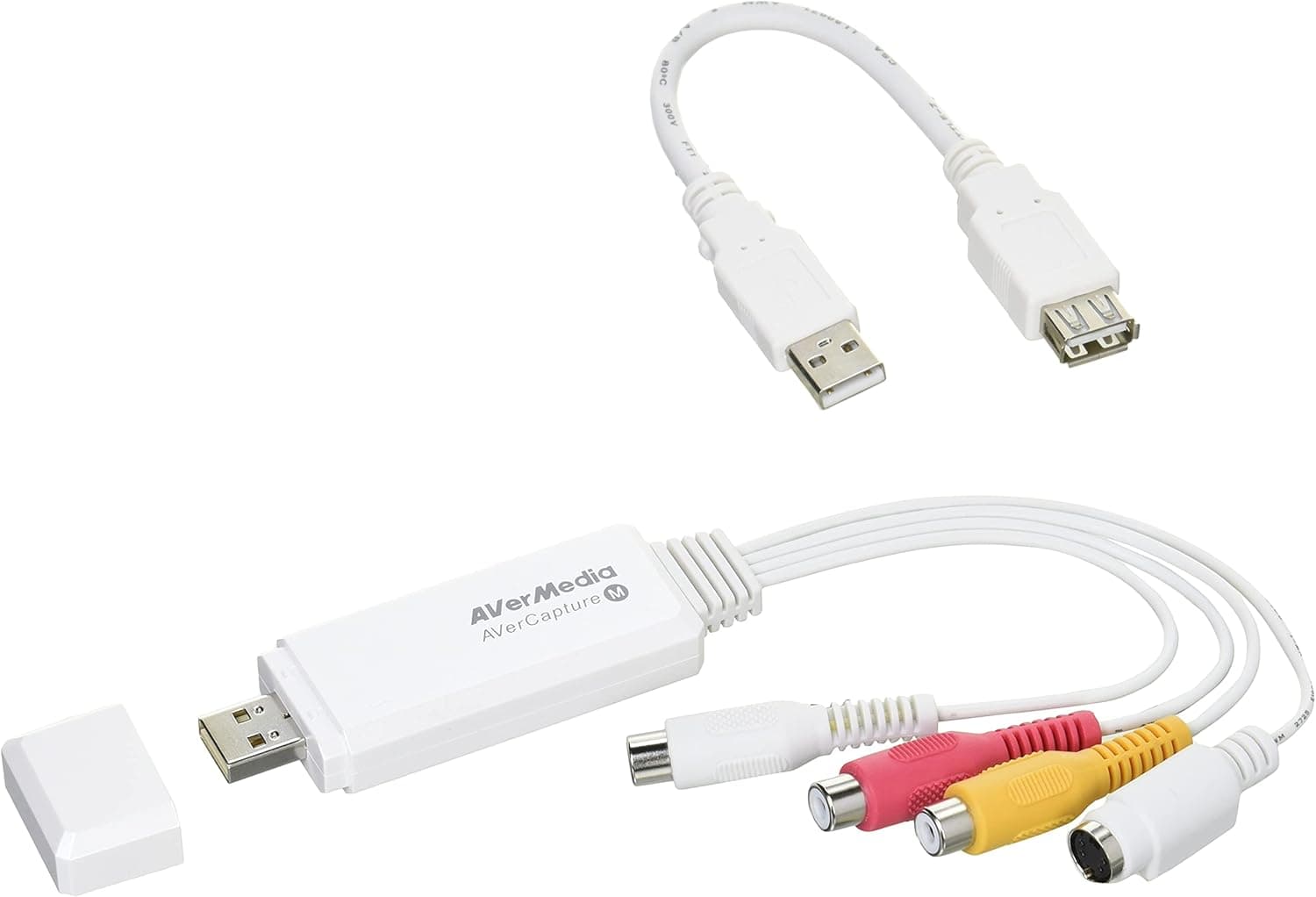
Inputs are RCA composite and S-Video. Typical sources are VCRs, Hi8 camcorders, MiniDV camcorders, and retro consoles such as the NES or PS2.
On the computer side it uses USB-A, or USB-C through the included adapter. Supported systems are macOS and Windows. The listing says nothing about Linux or Chromebook, so check user reports or ask the seller first if you need those.
Three points matter most:
- HDCP-protected sources cannot be captured. Commercial HDMI devices and streaming video are out of scope.
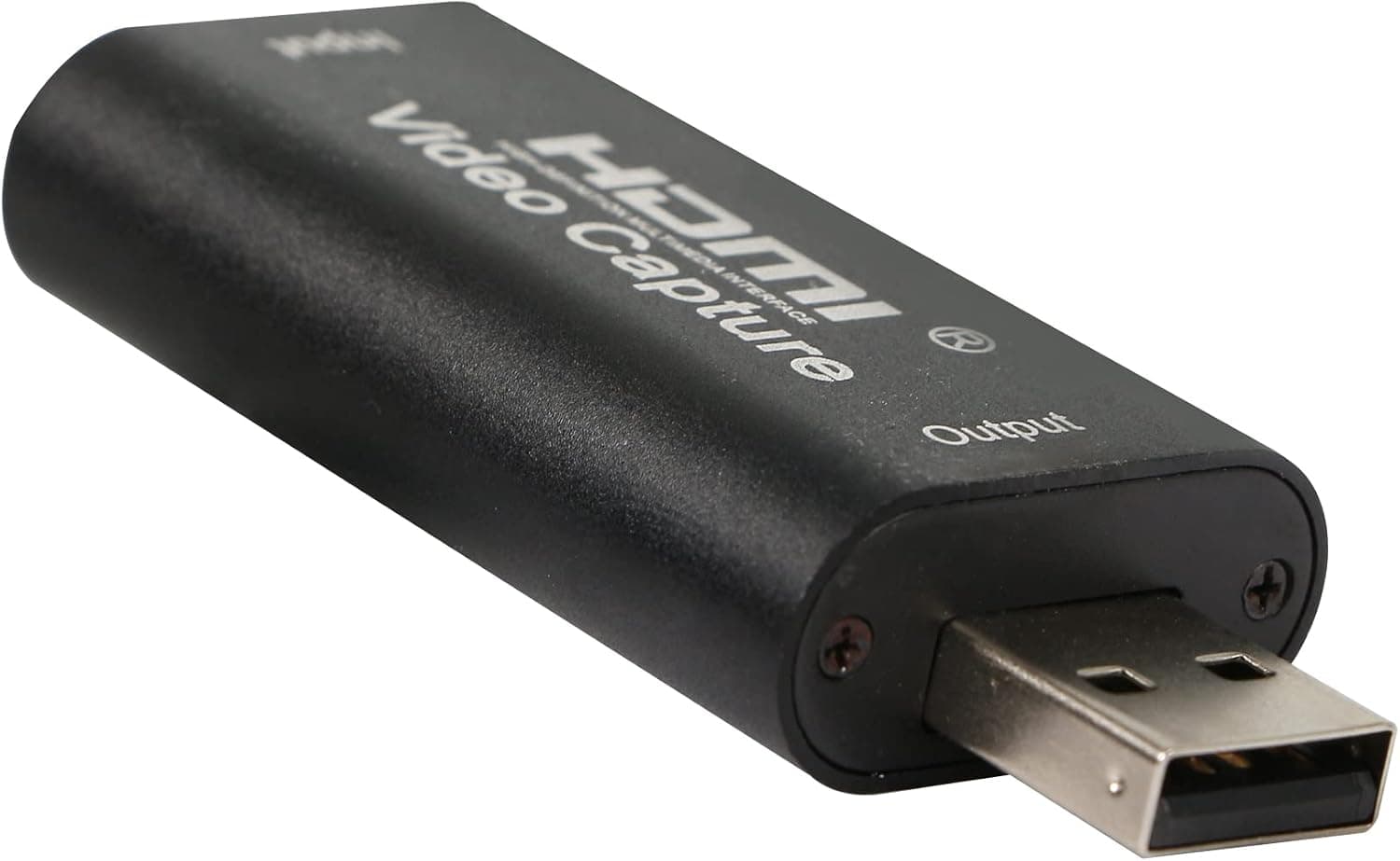
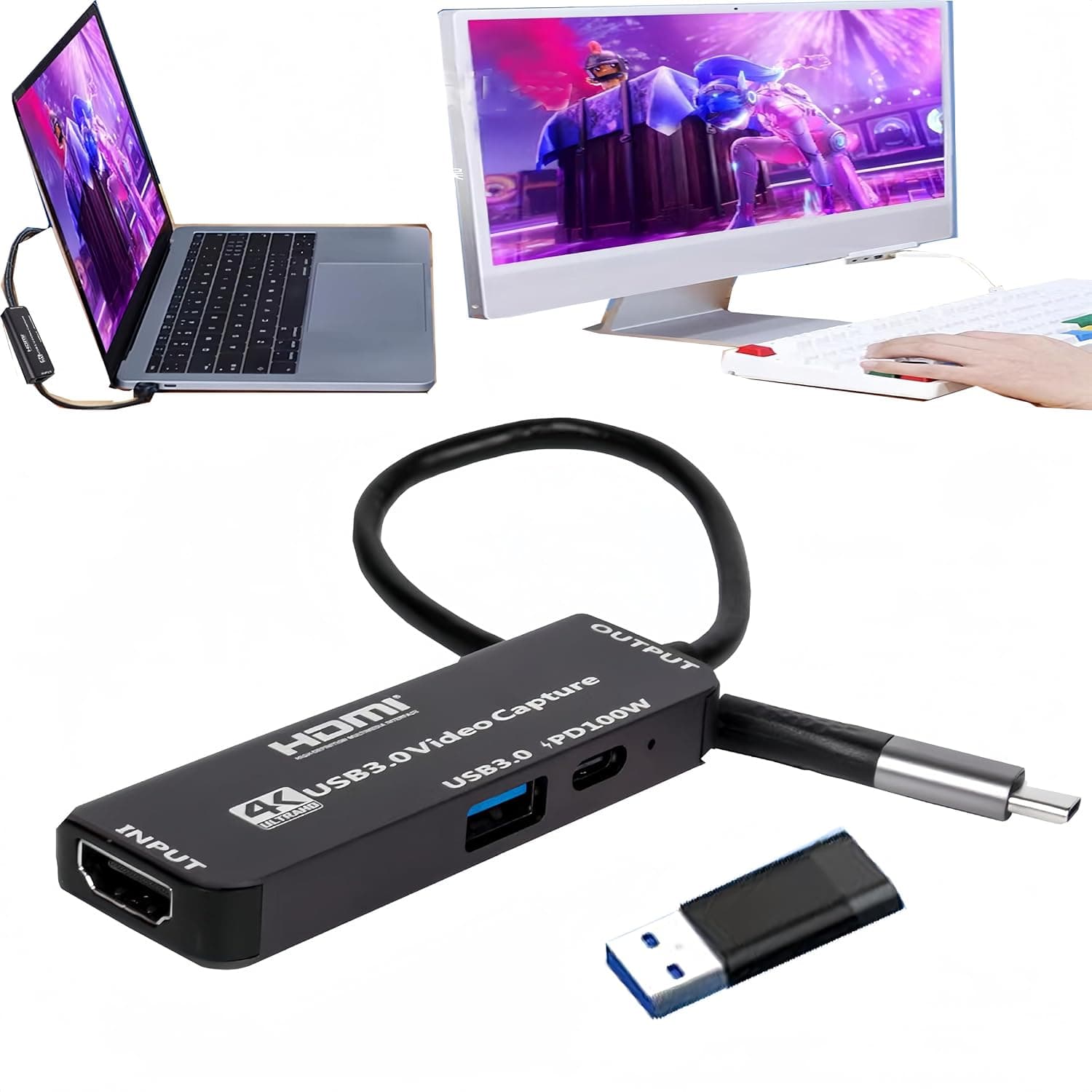
- There is no HDMI input. For modern consoles or Blu-ray players you need an HDMI capture card.
- USB 2.0 bandwidth is limited. Treat this as a tape-digitizing tool, not a high-resolution, high-frame-rate recorder.
VHS itself is far below 1080P in resolution. A 1080P output will not make a tape look better than the source.
Product Info
| Item | Detail |
|---|---|
| Output resolution | 1080P |
| Interface | USB 2.0 |
| Inputs | RCA composite, S-Video |
| Cable length | about 1.8 m |
| Audio sync accuracy | Within 0.1 s |
| Power | USB bus power |
| Supported OS | macOS, Windows |
| Check the retailer's page for the latest price.co.jp as of 8 October 2026. Prices change often and vary during sales, so check the product page for the current price before buying. | |
| The listing says the package contains the capture cable, a USB-C adapter, an S-Video cable, an RCA female-to-female adapter, and a manual. Warranty terms could not be confirmed from the listing, so check the period and contact point when you buy. | |
| It sits below the professional capture cards that cost much more. It lacks their image quality and expandability, but for digitizing home tapes this price class is often enough. |
Who It Is For
- People digitizing family VHS tapes. The parts needed to start come in the box, which suits non-experts.
- Retro gamers who want to record or stream. S-Video input gives more options when composite looks too soft.
- Mac users who want a simple tape workflow. QuickTime Player is the intended recorder, so little extra software is needed. On Windows, OBS Studio works the same way.
Before You Buy
It is not meant for professional production, or for recording fast-moving games smoothly. With USB 2.0 you should accept limits on resolution and frame rate.
Tape condition decides the result. Moldy or worn tapes will not improve with a different capture device, and a dirty VCR head will make the picture noisy. Check the deck before capturing tapes that matter.
Commercial tapes with copy protection may capture with distortion. The intended use is saving your own home recordings.
Captured files can also get large. Check free disk space before recording a long tape.
Product pages sometimes carry wrong registration details, so confirm from the photos and title that you are buying this Ancable product.
FAQ
Q. Do I need to install a driver?
A. The listing says no. Behavior can vary by OS and software, so a short test recording first is a good idea.
Q. Can I use it with a USB-C-only laptop? A.
Yes, through the included USB-C adapter. Plug into the laptop directly rather than a hub if you can, since hubs can be less stable.
Q. Can it record an HDMI console?
A. No. Inputs are only RCA composite and S-Video. Choose a capture card with HDMI input for those.
Q. Will audio drift from video? A.
The listing states sync within 0.1 seconds.
Real results vary, so use the offset setting in your recording software if needed.
Product Disclosure (Amazon)
- Manufacturer: Ancable
- Seller: Amazon Global Store
- ASIN: B0GQR83DT3
- Note: This article covers a manufacturer-made product based on Amazon listing details.