Overview
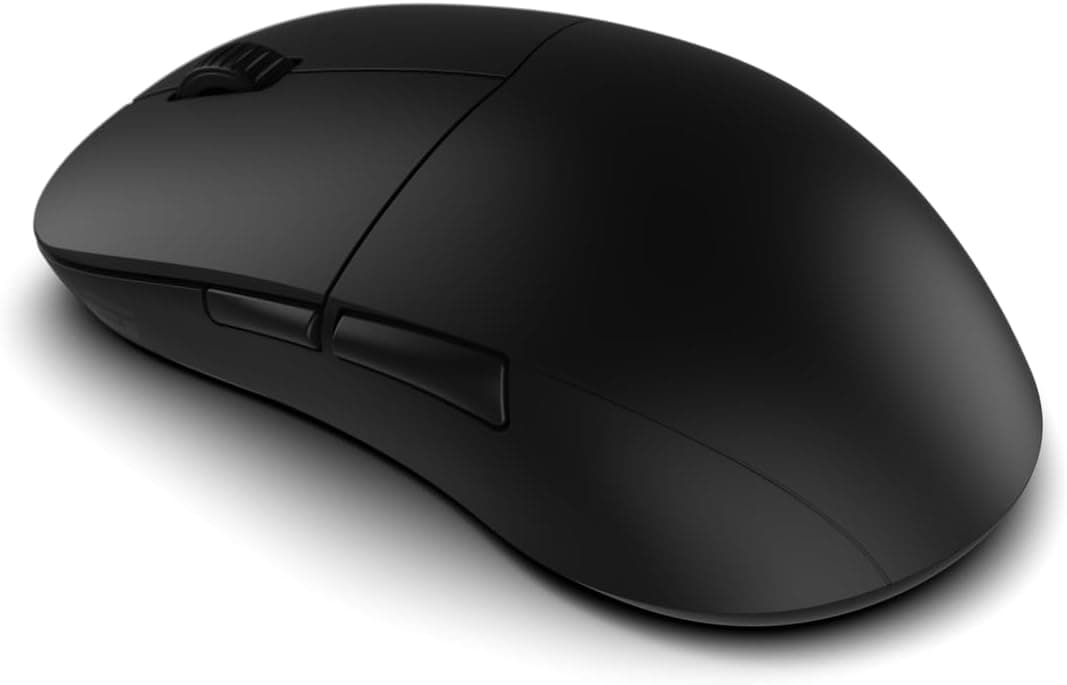
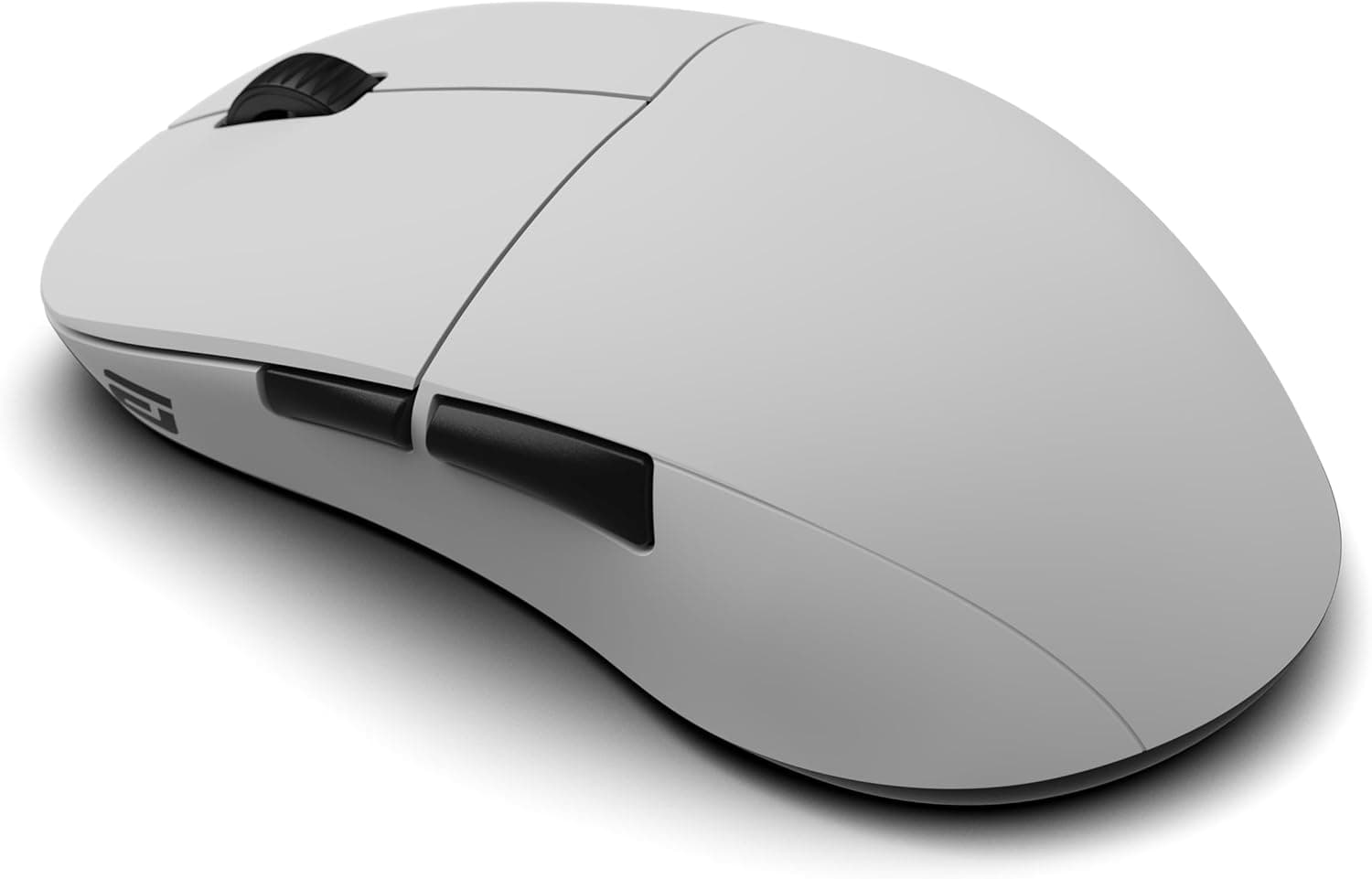
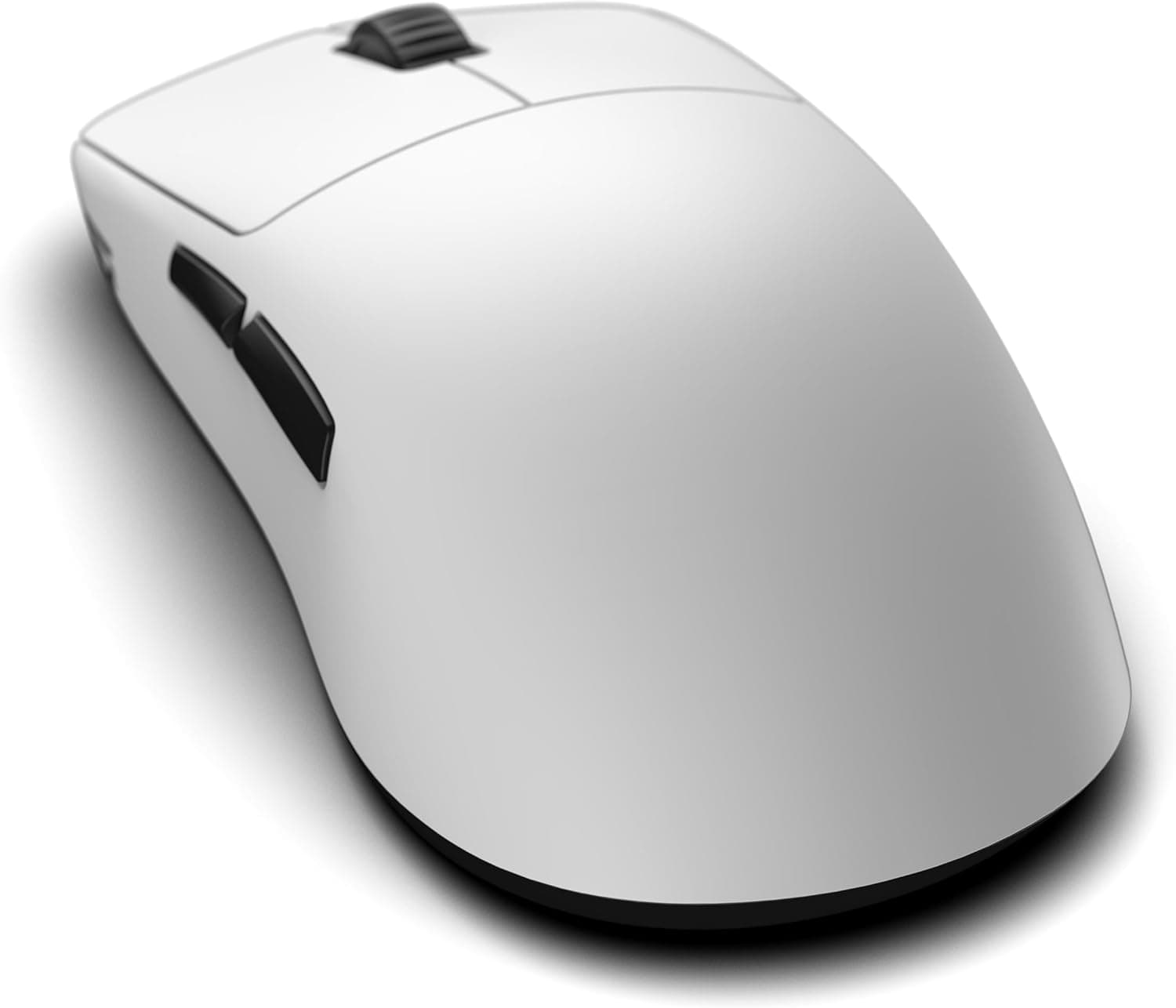
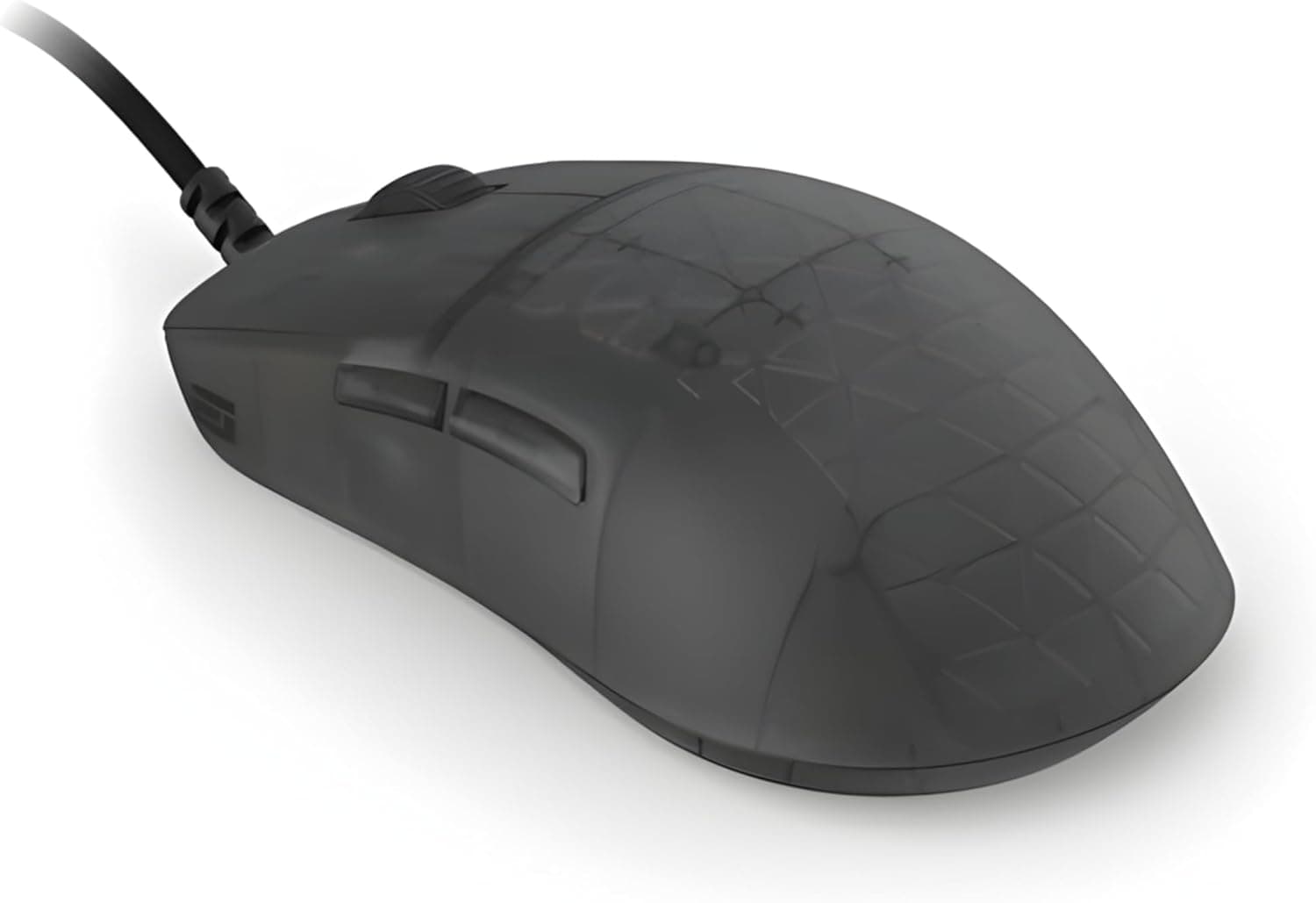
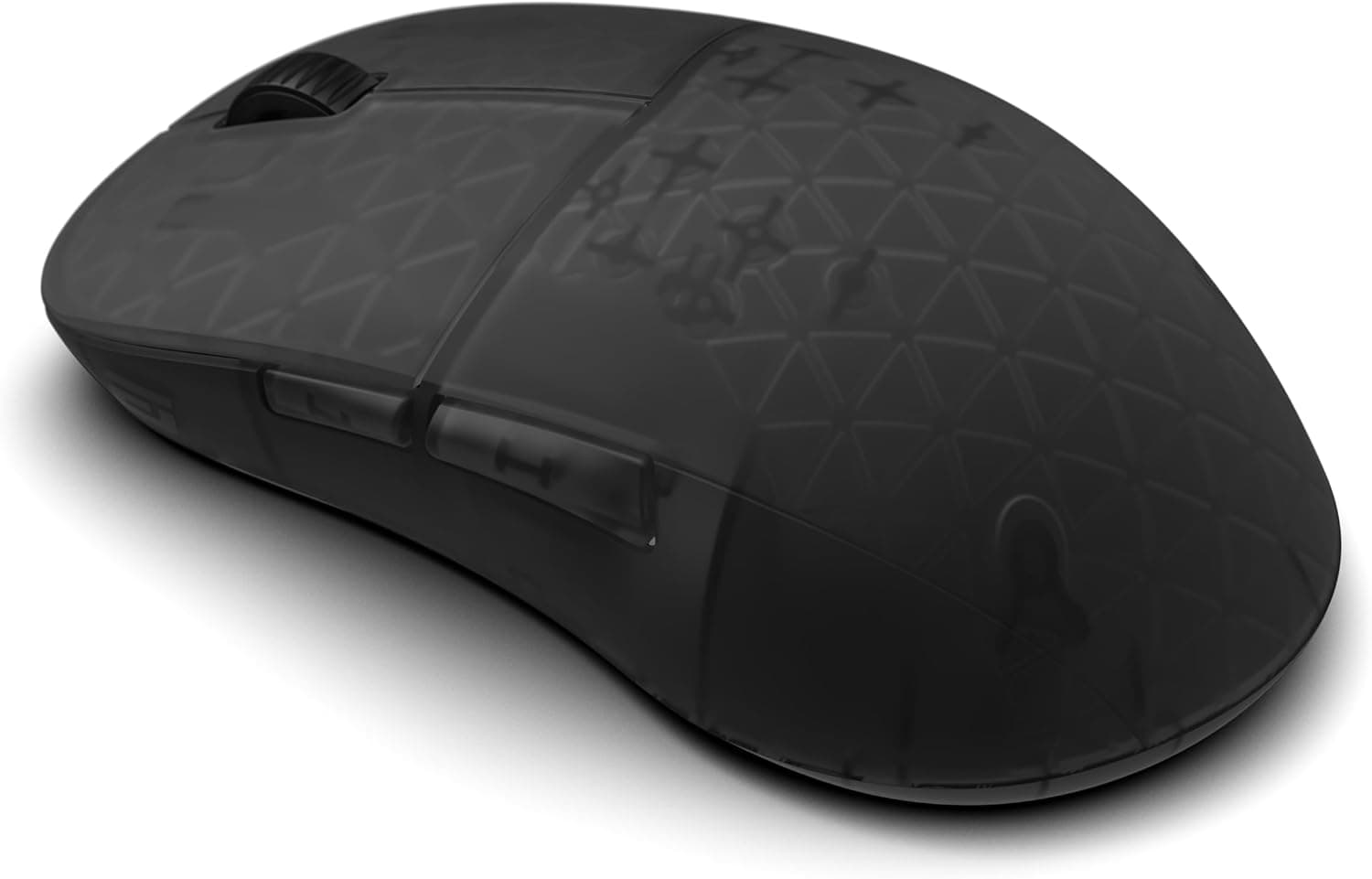
EGG-XM2W-4K-DF — Endgame Gear high-performance wireless gaming mouse (the Japanese listing is エンドゲームギア(Endgame Gear) ゲーミングマウス XM2w 4K ダークフロスト EGG-XM2W-4K-DF) is described on the manufacturer's official product page. That page lists a PixArt PAW3950 U+1F95A sensor, resolution up to 30,000 CPI, and polling rates of 4000 Hz, 2000 Hz and 1000 Hz (4000Hz by default).
The weight is given as ~61.5g.
This article uses only the items on the official page. It does not add impressions of use or comparisons that the page does not state.
The official SKU is EGG-XM2W-4K-DF, which matches the end of the product name. Use it to check the model code on the sales page.
Compatibility Guide
The official page material gives no information on supported operating systems or software. Check the manufacturer's specification page for OS support.
On connectivity, the official page lists the Connection Type as USB Type A and 2.4 Ghz Wireless, and the cable as Black Flex Cord 7.0 Type-C.
Use the USB Type A entry as the reference when checking the port on your PC.
The official page also lists a Nordic nRF52840 microcontroller.
Product Info
rmation
The table below follows the manufacturer's official product page, with values as written there.
| Item | Official page |
|---|---|
| SKU | EGG-XM2W-4K-DF |
| Sensor | PixArt PAW3950 U+1F95A |
| Resolution | up to 30,000 CPI |
| Polling Rate | 4000 Hz, 2000 Hz, 1000 Hz (4000Hz by default) |
| Weight | ~61.5g |
| Max Speed | 750 IPS |
| Acceleration | 50 G |
| Dimensions | ~122 x 66 x 38 mm (L x W x H) |
| Lift-Off Distance | 1mm (2mm via software) |
| Connection | USB Type A, 2.4 Ghz Wireless |
| Cable | Black Flex Cord 7.0 Type-C |
| Materials | Plastic (Chassis), PTFE (Glides), Dry Grip Coating (Surface) |
For the buttons, the official page lists pre-sorted Kailh GX switches for the right and left buttons, with a Lifetime of 80 Million Actuations. The side buttons and the middle button use Kailh GM 2.0 switches (pre-sorted, 20 million actuations).
The button count is 2 on top, 2 on the side, 1 mouse wheel, 1 CPI button on the bottom and 1 ON/OFF switch. The wheel encoder is Kailh Dustproof with 2-way scrolling.
Click detection is digital and adjustable via software, according to the official page.
The skates follow a Hybrid Skate Design: small skates are pre-installed and big skates are included in the box.
Recommended For
- Users who want to choose their own skate setup: the official page says small skates come pre-installed and big skates are in the box, so swapping is built into the package.
- Users who want to tune lift-off distance or click detection in settings: the LOD is 1mm (2mm via software), and click detection is adjustable via software.
- Users who judge fit from measurements: the official page gives ~122 x 66 x 38 mm (L x W x H), which you can set beside the size of the mouse you use now.
Before You Buy
- The official page gives dimensions of ~122 x 66 x 38 mm (L x W x H) and a weight of ~61.5g. Compare them with your current mouse.
- The default polling rate is 4000Hz; 2000 Hz and 1000 Hz are also listed. Check the official page for how to change it.
- The connection is listed as USB Type A and 2.4 Ghz Wireless. Confirm the port on your PC.
- The bottom carries a CPI button and an ON/OFF switch.
- Big skates are in the box, while the pre-installed ones are the small skates. Check this when you open the package.
- Check the sales page for price and stock.
FAQ
What is the default polling rate?
The manufacturer's official page lists 4000 Hz, 2000 Hz and 1000 Hz, with 4000Hz by default.
How does it connect?
The official Connection Type is USB Type A, 2.4 Ghz Wireless, and the cable is Black Flex Cord 7.0 Type-C.
Can the skates be changed?
The official page describes a Hybrid Skate Design with small skates pre-installed and big skates included in the box.