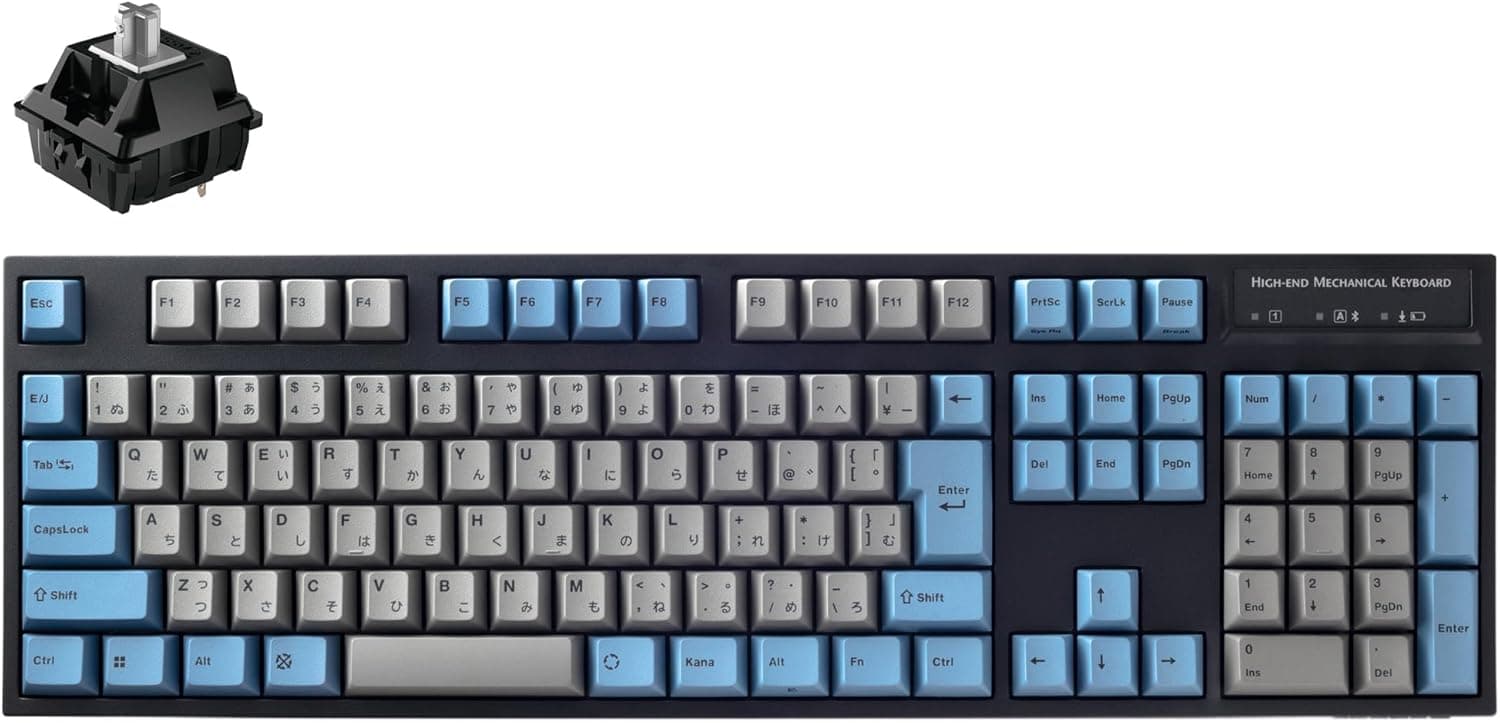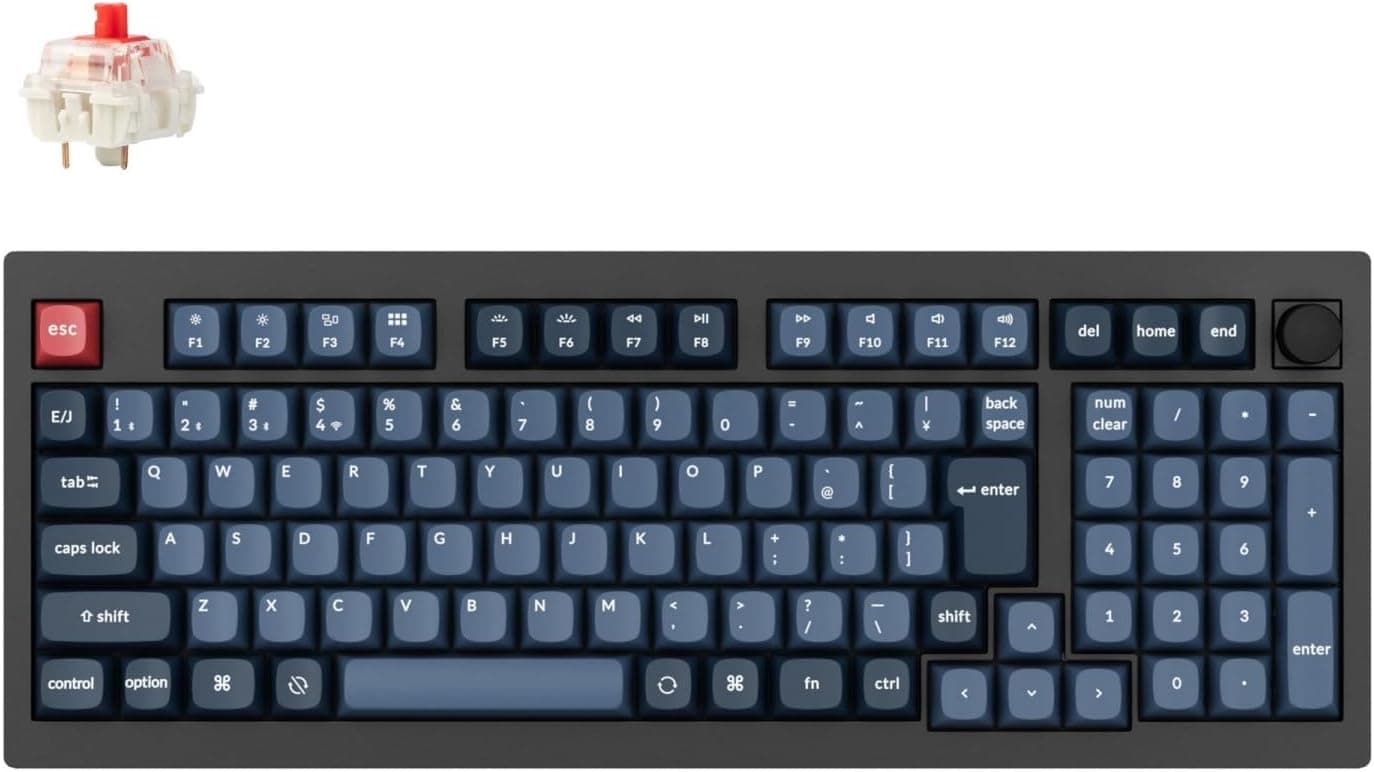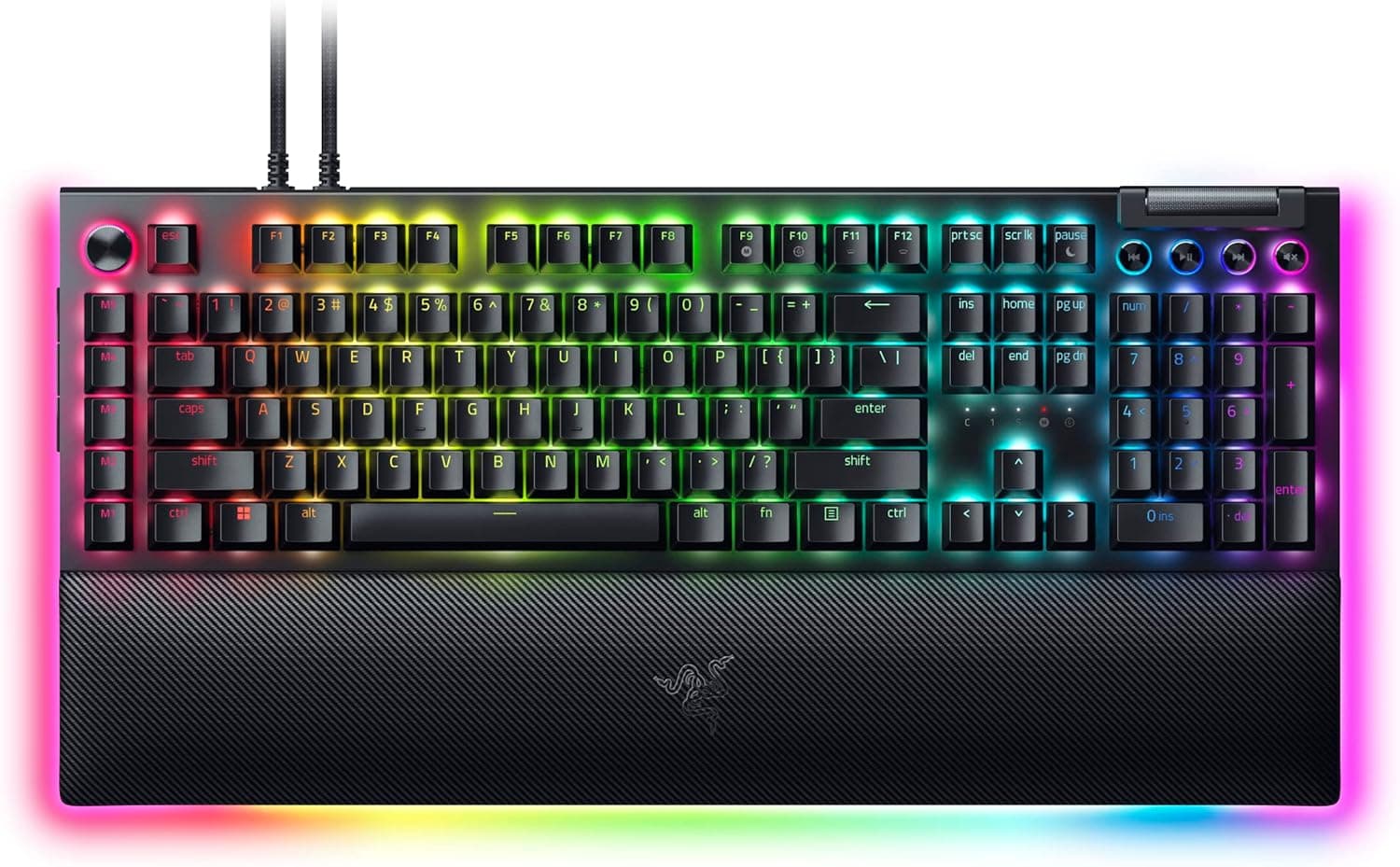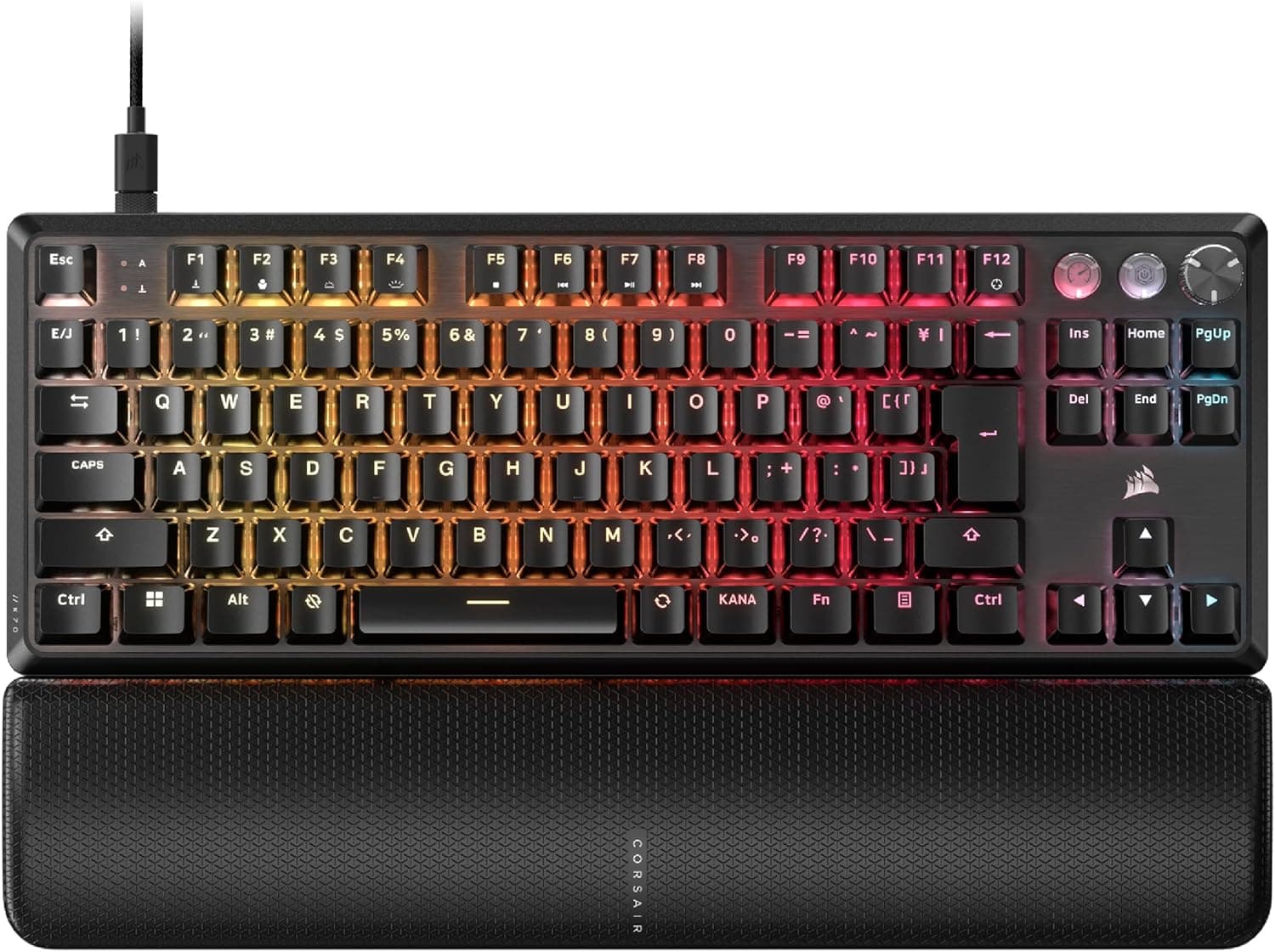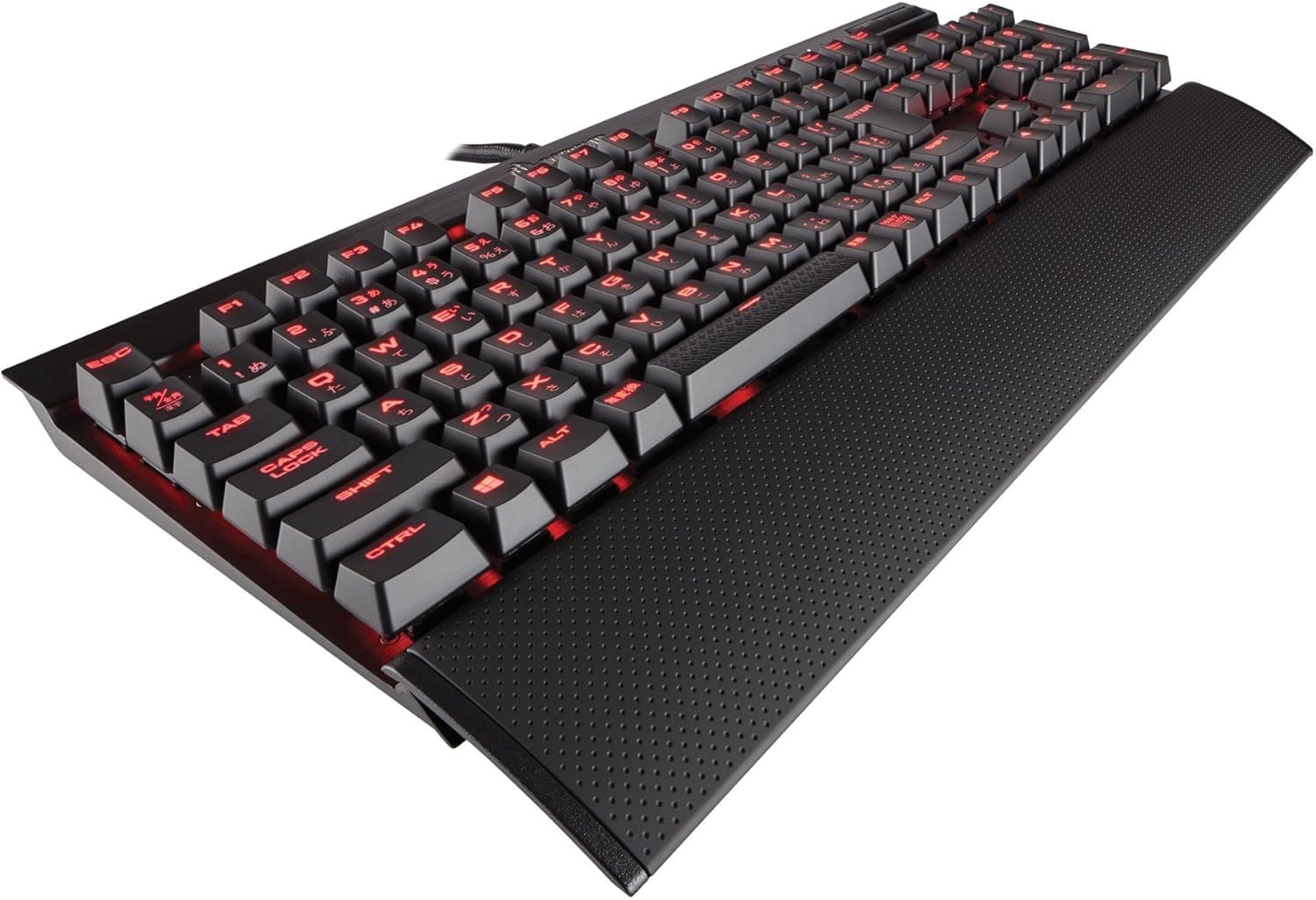
Corsair K70 LUX CherryMX Red -日本語 ゲーミングキーボード- KB361 CH-9101020-JP is a full-size, 109-key Japanese-layout board built around genuine Cherry MX Red switches. It is not RGB, not wireless, and not hot-swappable.
This article looks at who that trade-off still makes sense for, using only the figures that are actually published for this model.
Overview
The short version: buy this if you want genuine Cherry MX switches in a full-size Japanese layout for as little money as possible. Skip it if RGB lighting, a detachable cable, hot-swap sockets, wireless, or rapid trigger is on your must-have list.
Those two sentences decide it for most buyers.
The switches are Cherry MX Red — linear, with no tactile bump. The key travels straight down with nothing to catch on, which is exactly what you want when you are repeatedly tapping and micro-adjusting WASD in a shooter.
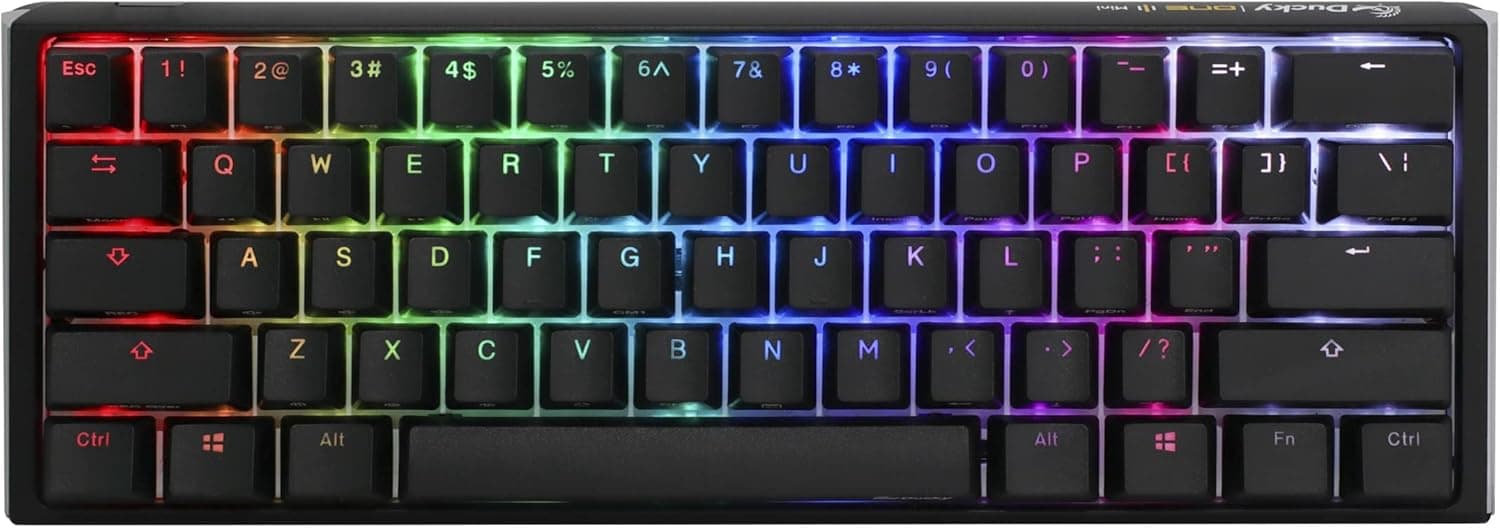
Backlighting is a single-color red LED behind every key. It does its practical job (finding keys in a dark room) and nothing more: you cannot color-code functions or set per-game profiles.
As of the July 7, 2026 capture, Amazon.co.jp lists 199 reviews at 4.4 out of 5 stars — roughly an 88% positive score.
That is a modest review count for a board this old, but the rating itself is consistently high. A detachable wrist rest and a keycap puller are in the box, so it is usable the moment you unpack it.
Compatibility Guide
Connection is wired USB-A only; there is no wireless mode. The cable is braided and permanently attached, which means it resists abrasion well but cannot be replaced if the strain relief eventually fails.
That is the single most practical long-term risk with this model.
| Platform | Works | Limitation |
|---|---|---|
| Windows | Yes (iCUE supported) | None of note |
| macOS | Yes (standard HID) | iCUE is Windows-only: no macros, no backlight control |
| PS4 / PS5 / Xbox | Yes (USB HID) | No iCUE config; only titles that accept keyboard input |
With Corsair iCUE installed you get key remapping, macro recording, and backlight brightness control. iCUE runs on Windows only.
On macOS or a console the board is simply a plug-and-play HID keyboard, and customization is off the table. If macOS is your primary machine, there is little reason to pick this particular model.
Physically, check your desk width before ordering: this is a full-size board with a numpad, and adding the wrist rest extends the depth further. Low-sensitivity shooter players who sweep the mouse widely sometimes find a full-size board plus wrist rest eats into their elbow room.
Measure first.
Product Info
Core specs: Cherry MX Red (linear) switches, Japanese 109-key layout with kana legends, single-color red LED backlighting, wired USB-A, a braided fixed cable, a bundled wrist rest and keycap puller, and a 2-year warranty on the Japanese authorized-distributor version.
The listed Amazon price was ¥9,780 as captured on July 7, 2026. Prices move often with sales and stock, so always confirm the current figure on the product page.
If a full-size board with genuine Cherry MX switches is available under ¥10,000, the value proposition is strong.
One caution about the pricing data: one marketplace entry showed ¥130,099, which is wildly out of line for a sub-¥10,000 keyboard. A 13x figure on a product of this class almost certainly reflects a data mix-up or an unusual listing, so this article does not treat it as the real market price.
If you see an extreme outlier price anywhere, check the seller name and product images before proceeding.
How It Compares
Against similarly priced boards, its position is clear:
- Want RGB and software lighting sync? Look elsewhere. The red LED lights up and that is all it does.
- Want to tune sound and feel over time? Look elsewhere. No hot-swap sockets means the switches you buy are the switches you keep — the sharpest difference versus modern custom boards.
- Want a smaller footprint? A TKL or 75% board is the better fit; this one is full-size only.
- Want layout certainty? Here it wins. The 109-key Japanese layout with kana legends serves anyone who relies on henkan/muhenkan keys for IME work. Buying a US-layout gaming keyboard and then discovering there is no hankaku/zenkaku key remains a common mistake.
What It Feels Like to Use
Cherry MX Red is light and linear, so finger fatigue stays low over long sessions. The flip side is that with no tactile feedback you tend to notice a keypress only after bottoming out, which some typists experience as more typos.
If more than half your time is writing rather than gaming, a tactile switch will likely satisfy you more.
On noise: it is quieter than a clicky blue switch, but it is not a silent switch. Bottom-out and key-return noise are clearly audible.
If you expect near-silence on voice chat, this will disappoint.
Best Use Cases
- FPS and action players: the light linear actuation suits rapid repeat presses and fine re-taps. A steady 4.4/5 from 199 reviews is reassuring for a tool you will use daily for years.
- First mechanical keyboard buyers: genuine Cherry MX, a wrist rest, and a 2-year warranty around the ¥9,780 mark (as captured July 2026) is a well-balanced entry point.
- Japanese-layout users: 109 keys with kana legends fit a Japanese input workflow with no adaptation period.
- People who avoid background software: it works plug-and-play, which suits shared or work machines where you would rather not install a resident utility.
Before You Buy
The fixed cable is the biggest long-term weakness. Modern boards use detachable USB Type-C, so a damaged cable costs a few hundred yen to replace.
Here, a broken cable means replacing the whole keyboard. Avoid routing it over a sharp desk edge, and do not plan on carrying it around regularly.
This is not an RGB board. Despite the "LUX" name, this SKU uses a single red LED per key.
Corsair has sold RGB and single-color K70 variants side by side across generations, which makes them easy to confuse in store listings. If you want RGB, this is not the model number (KB361 / CH-9101020-JP) you want.
No hot-swap. Switches are soldered, so you cannot move from linear to tactile later.
"I'll try red and swap if I don't like it" is not an option here — decide on the switch before you order.
Factor in the model's age. This is an older-generation product.
New stock is fine today, but replacement parts and matching keycaps may become harder to source over time. If long-term parts availability matters to you, a current-generation board is a reasonable alternative.
Watch for listing discrepancies. Retail product pages sometimes carry prices, specs, or accessory lists that do not match the physical item — the data behind this article included a price that was an order of magnitude off for this product class.
Before buying, verify that the product image, the title, and the model number (KB361, CH-9101020-JP) all agree. The three details most often mixed up are "Japanese layout," "red switches," and "authorized-distributor stock" versus parallel imports.
FAQ
Q. Does it work on a Mac? A.
Typing works fine as a standard USB keyboard, but Corsair iCUE is Windows-only, so macros and backlight settings are unavailable. If macOS is your main platform, you will not use much of what this board offers.
Q. Does it work on PS5 or Xbox?
A. Yes, as a USB HID device, in titles that accept keyboard input. iCUE settings do not carry over.
Q. Is Cherry MX Red loud? A.
Quieter than a clicky blue, but not silent — bottom-out noise is audible. For genuine quiet, look at a silent-linear variant instead.
Q. Is it good for typing? A.
Usable, but not ideal. The lack of tactile feedback tends to increase typos for heavy typists; a tactile switch is the safer pick if writing is half your usage or more.
Q. What about the warranty? A.
The Japanese authorized-distributor version carries a 2-year warranty. Parallel imports may be handled differently, so check the seller's stated coverage first.
Q. Can I change the keycaps? A.
Yes, the stems are Cherry MX compatible. Note that the Japanese 109-key layout uses different Enter and spacebar-area key widths than a US layout, so generic keycap sets often leave some keys unfilled.
Check for explicit Japanese-layout support before buying a set.
Product Disclosure (Amazon)
- Manufacturer: CORSAIR
- ASIN: B01J3CAKEQ
- Note: This article covers a manufacturer-made product based on Amazon listing details.